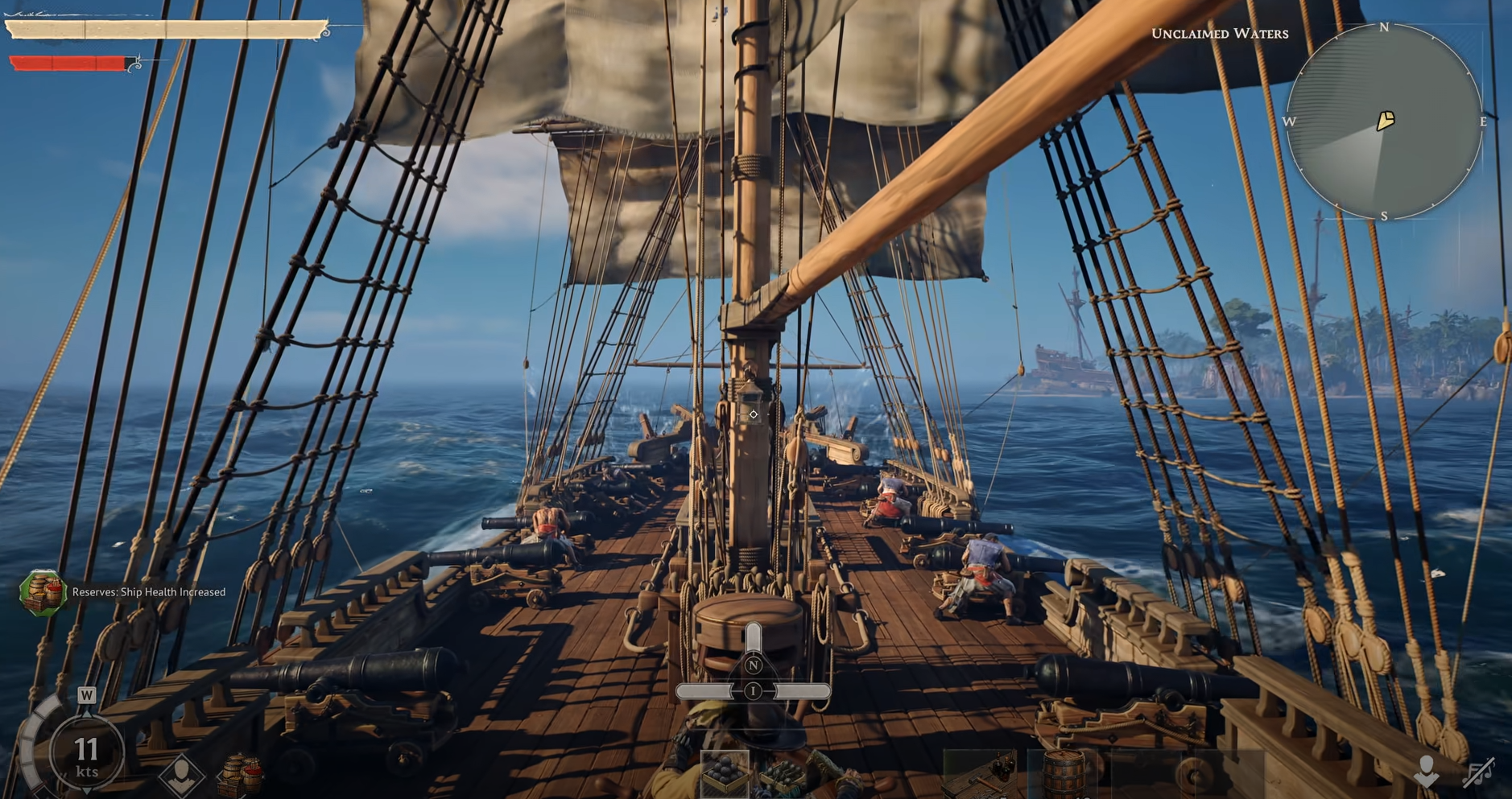
Windrose How To Team Up Explained

Teaming up with friends in Windrose is not automatic, and that is exactly why this search keeps coming up. The game uses a host and join system instead of a simple friend list, so once you understand how the invite flow works, grouping becomes quick and consistent.
How To Team Up With Friends In Windrose
To team up with friends in Windrose, one player must host a world and share the invite code, while others join using the Connect to Server option.
From the main Play menu, the host selects Host a Game, then either loads an existing world or creates a new one. The game generates an invite code tied to that world. Everyone else goes to Connect to Server, enters the code, and joins instantly.
The first time doing this, it can feel like something is missing because there is no direct “join friend” button or public server list. Everything revolves around that invite code. Once you connect once, the server is saved, so future sessions are much smoother and faster to rejoin.
You can also take an existing solo world and turn it into a co op session without restarting. Just host it instead of launching it offline, and your friends can drop into your current progress.
Why Teaming Up With Friends Doesn’t Work At First
This is the part that confuses almost everyone the first time. Windrose does not let you just click a friend and join their game, so it feels like something is missing when nothing shows up.
The game treats the world as the main thing, not the player. That means nothing exists to join until someone actually hosts and loads into their world. You can both be online, sitting in the menu, and still not see any way to connect because the session has not been created yet.
Once the host loads in and shares the invite code, everything suddenly works. You are not joining a person, you are joining their live world. That is why it feels broken at first, then completely smooth after you understand how it is set up.
Hosting A World To Play With Friends
The host controls the world, and that changes how sessions are planned.
When hosting, the world only exists while the host is online. If the host logs off, no one else can access that world unless it is running as a dedicated server. This is one of the biggest things groups notice after a few sessions.
Before starting, you can adjust:
• Difficulty
• Enemy scaling based on player count
• Shared quest progress settings
• Server name and password
The game allows up to 8 players, but performance starts to dip past 4. Larger groups can run into stuttering or slower loading, especially during combat or sailing segments.
Joining A Friend’s Game In Windrose
Joining is entirely code based.
After getting the invite code from the host, go to Connect to Server, enter the code, and connect. There is no browsing or searching for servers, so you always need that code the first time.
After joining once, the game remembers the server. That means the next time you play, you can jump back in without needing the code again, which makes repeat sessions feel much more seamless.
How Progress Works When You Team Up
Progress does not fully merge, and that is where co op can feel different from other games.
There is a Shared Quest Progress setting. When it is on, co op quests complete for everyone if one player finishes them while they are active. Early quests especially will complete instantly for the whole group.
If it is turned off, everyone progresses individually. That slows things down but keeps personal progression intact.
Your character itself is not locked to one world. Gear, inventory, and upgrades carry between sessions, so you can play solo and still jump into a friend’s world without losing anything.
Windrose Co Op Requirements To Play With Friends
There are a few rules that explain most failed attempts to team up:
• Online only, no local or split screen
• Everyone needs their own copy of the game
• No public server list
• Invite code required for first join
• Steam and Epic cannot play together
That last one is easy to miss. If friends are on different platforms, they will not be able to connect at all right now.
Fixing Issues When Teaming Up With Friends
Most problems come from small setup mistakes rather than anything major.
Make sure the host is fully loaded into the world before anyone tries to join. Trying to connect too early can fail or hang. It also helps if everyone has progressed past the early tutorial so the game is not trying to sync mismatched states.
If connections still fail, verifying game files can fix missing or corrupted data. There have also been some early server routing issues, which explains why some connections fail even when everything looks correct.
What It Feels Like Once You Are Teamed Up
Once the setup is done, playing together feels smooth and natural. You are sharing the same world, splitting up tasks, and moving through islands as a group without needing constant coordination.
Loot from chests is individual, so no one is fighting over rewards. At the same time, gathered resources like wood and stone are shared, which makes teamwork feel efficient without being forced.
Final Blurb
Teaming up with friends in Windrose comes down to understanding the host and invite code system. Once that part clicks, everything else falls into place.
You host or join, save the server, and from there it becomes a smooth loop of jumping back in together, progressing your characters, and building out your shared world without needing to restart or redo anything.