Witchspire: How To Equip Items
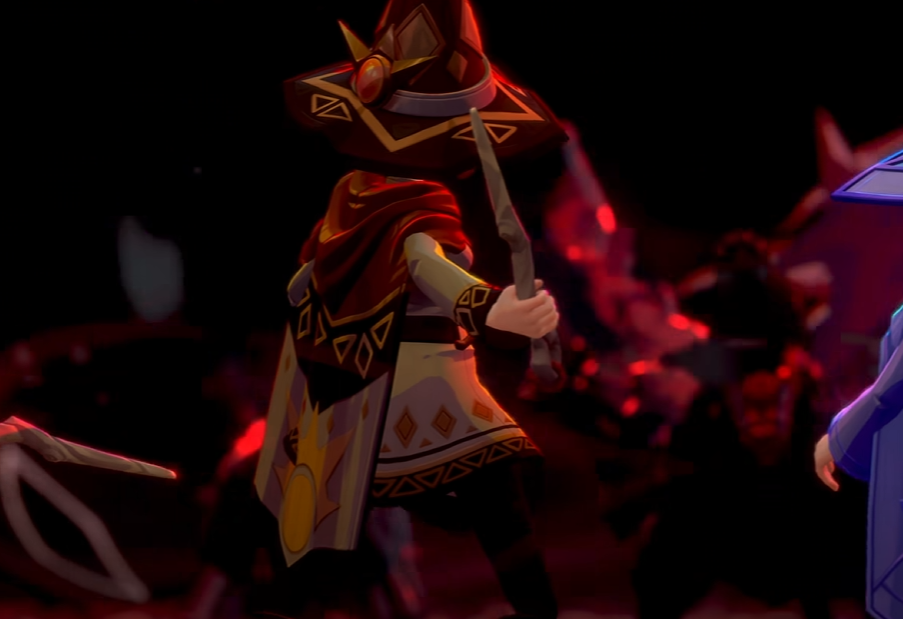
To equip items in Witchspire, first check what type of item you are trying to use. Normal usable items usually need to be moved onto your hotbar, selected, and then used from there. Familiars are equipped at a Hearth through the Familiar menu. Seeds must be placed on your hotbar and cast onto a Garden Plot. The Broom must be crafted and equipped before it becomes your flight tool.
Jump To
Why Items Equip Differently
How To Equip Hotbar Items
How To Equip Seeds
How To Equip Familiars
How To Equip The Broom
How Weapons And Wands Work
Why Items Will Not Equip
Quick Fixes
Witchspire Does Not Use One Equip System For Everything
The main reason equipping items feels confusing in Witchspire is that different item types use different rules. Some items work from the hotbar, some need a Hearth menu, some are crafting parts, and some are placed in the world instead of equipped.
That means an item not equipping does not always mean the game is broken. It may mean the item belongs to a different system than the one you are trying to use.
| Item Type | How It Usually Works |
|---|---|
| Usable items | Move them to the hotbar, select the slot, then use them. |
| Seeds | Equip them on the hotbar and cast them onto a Garden Plot. |
| Familiars | Assign them at a Hearth through the Familiar menu. |
| Broom | Craft it, equip it, then use the flight input. |
| Weapons and wands | Unlock and fully craft them before trying to use them. |
| Buildables | Place them through building instead of equipping them like gear. |
| Crafting materials | Use them at crafting stations instead of trying to equip them. |
The best first question is not “why won’t this equip?” It is “what kind of item is this?” Witchspire hides a lot of confusion behind that difference.
How To Equip Hotbar Items
To equip a normal usable item in Witchspire, open your inventory, move the item to an open hotbar slot, select that slot while playing, and then use the item with the normal use or casting command.
| Step | What To Do |
|---|---|
| 1 | Open your inventory. |
| 2 | Find the item you want to use. |
| 3 | Move it to an open hotbar slot. |
| 4 | Select that hotbar slot. |
| 5 | Use the item with the correct use or casting command. |
This is the first thing to try with items that look usable but do nothing from your inventory. If the game expects the item to be active in your hand or selected, leaving it in your bag will not help.
How To Equip Seeds
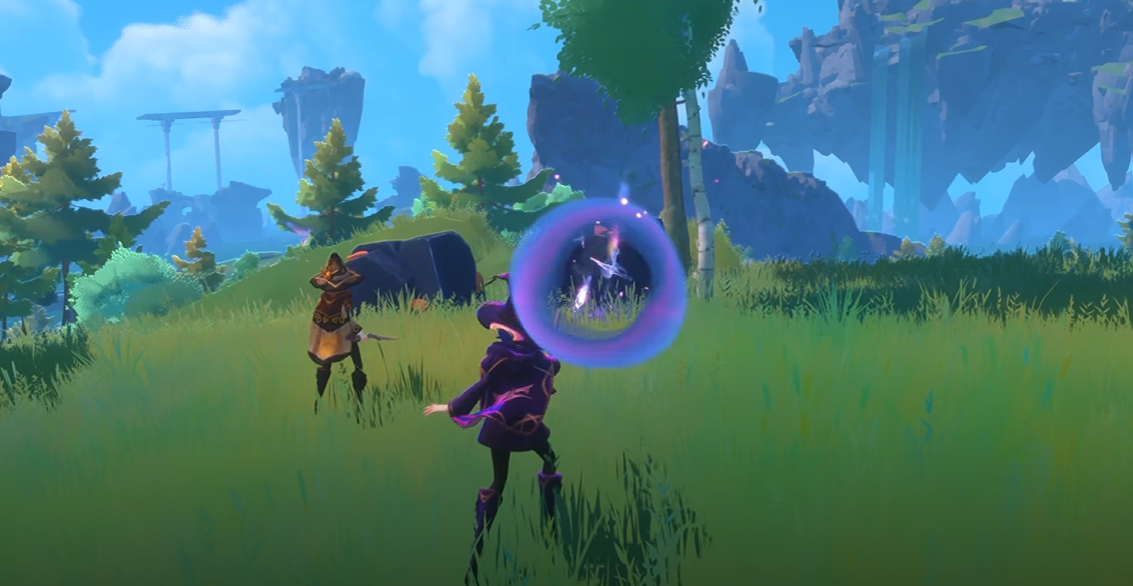
To equip seeds in Witchspire, move the seeds to your hotbar, select the seed slot, aim at the center of a Garden Plot, and use the casting command. Seeds are not planted by opening a menu on the Garden Plot itself.
This is one of the most common early item problems because the Garden Plot looks like it should be the thing you interact with. It is not. The seed is the item you actively use.
| Seed Step | What To Do |
|---|---|
| Equip | Move the seed onto your hotbar. |
| Select | Choose the seed's hotbar slot. |
| Aim | Point at the center of the Garden Plot. |
| Plant | Use the casting command when placement is valid. |
If you are stuck on this part specifically, use the Witchspire how to plant seeds guide. For the broader farming loop, the Witchspire farming guide covers Garden Plots, harvesting, seed prices, and farm setup.
How To Equip Familiars
To equip Familiars in Witchspire, go to a Hearth, press Tab to open the Familiar menu, then drag Familiars from your inventory into the dedicated Familiar slots. You can equip up to three Familiars, but only one is active in combat at a time.
| Step | What To Do |
|---|---|
| 1 | Go to a Hearth. |
| 2 | Press Tab to open the Familiar menu. |
| 3 | Drag Familiars from your inventory into the three Familiar slots. |
| 4 | Use the default C input to cycle between equipped Familiars while playing. |
The key detail is that Familiars are not equipped like normal hotbar items. They need to be assigned at the Hearth first. After that, you can cycle between your equipped Familiars during play, but only the active one joins the fight.
If you are still choosing which companion to use, the Witchspire best familiar guide can help you decide which Familiars are worth using early.
How To Equip The Broom
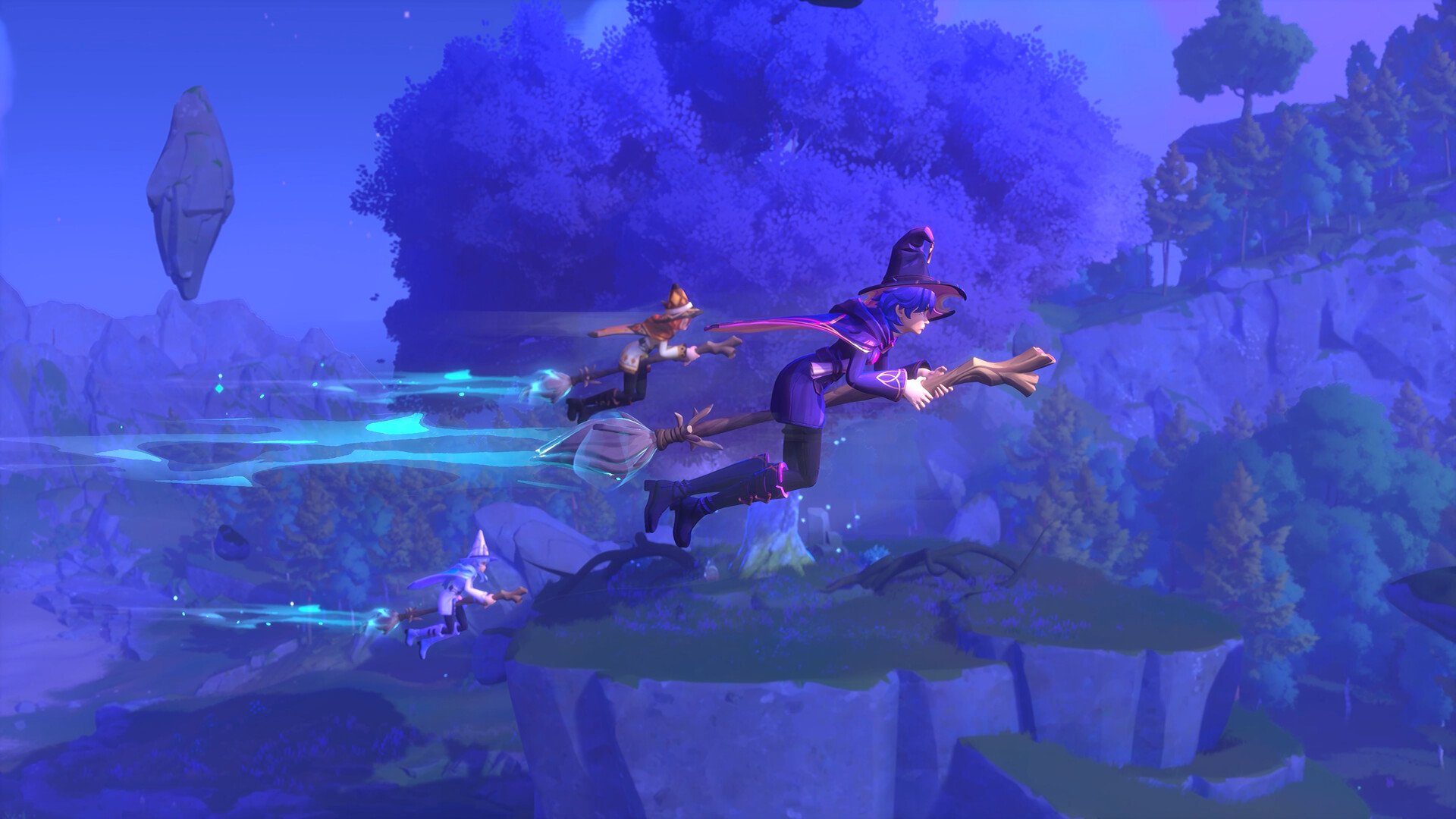
To equip the Broom in Witchspire, craft it first, then equip it from your inventory or item setup. Once equipped, the Broom may disappear from your inventory because it becomes tied to your flight input instead of staying as a normal carried item.
On controller, the Broom can be used with the left joystick button once it is equipped. On keyboard, the prompt may not always be obvious, so check your control settings if you crafted and equipped the Broom but still cannot find the flight input.
| Broom Step | What To Do |
|---|---|
| Craft the Broom | Make the Broom after unlocking the required crafting path. |
| Equip the Broom | Use it from your inventory or equipment setup. |
| Check inventory behavior | It may disappear from the inventory after being equipped. |
| Use the flight input | Use the assigned button, or check controls if the prompt is unclear. |
The important distinction is that crafting the Broom and equipping the Broom are not the same thing. If you only crafted it, you may still need to equip it before you can fly.
If Fine Wood is the material stopping you from crafting it, the Witchspire Fine Wood location guide explains where to get it.
How Weapons And Wands Work
Weapons and wands usually need to be unlocked and fully crafted before they become usable. If you crafted a part like a hilt and it will not equip, it may only be a component instead of the finished weapon.
Early progression can point you toward unlocking a wand or spellblade through the Luminary, then crafting the needed parts at the Workbench. Make sure you have completed the full craft before treating the item like a weapon.
| Problem | Likely Reason |
|---|---|
| You crafted a hilt but cannot equip it | The hilt may be a crafting component, not the finished weapon. |
| You unlocked a weapon but cannot use it | You may still need to craft the actual item. |
| Your wand setup feels weak | You may need better spells, mana support, or a better loadout. |
For magic builds, the Witchspire wands guide explains how wands, spell loadouts, mana, and Familiars fit together.
Why An Item Will Not Equip
If an item will not equip in Witchspire, it usually belongs to the wrong system for what you are trying to do. It may need to go on the hotbar, be assigned at a Hearth, be crafted into a finished item, placed as a buildable, or used at a crafting station.
| Problem | Likely Cause | Fix |
|---|---|---|
| Item does nothing from inventory | It may need to be selected from the hotbar. | Move it to a hotbar slot and select it. |
| Seeds will not plant | You are trying to use the plot instead of the seed. | Equip seeds on the hotbar and cast them onto the plot. |
| Familiar will not equip | You are not using the Hearth Familiar menu. | Go to a Hearth, press Tab, and assign it to a slot. |
| Broom is crafted but not usable | It may not be equipped yet, or the input is unclear. | Equip the Broom and check your control settings. |
| Weapon part will not equip | It may only be a component. | Finish crafting the full weapon first. |
| Object cannot be equipped | It may be a buildable or crafting material. | Use it through building, crafting, or storage. |
This is the part that matters most: being in your inventory does not mean an item is ready to use. Witchspire often wants the item in the correct slot, menu, station, or world context first.
Quick Fixes For Equip Problems
The fastest way to solve equip problems is to sort the item into a category. Do not keep clicking the same item in your inventory and hoping it becomes more cooperative.
| Quick Fix | Use It When |
|---|---|
| Move it to the hotbar | The item is a consumable, seed, or active-use item. |
| Go to a Hearth | You are trying to equip or swap Familiars. |
| Check if it is a component | The item is a hilt, part, material, or unfinished craft. |
| Check controls | The Broom or another tool is equipped but the input is unclear. |
| Use a crafting station | The item is a material instead of usable gear. |
| Use the build menu | The item is meant to be placed in the world. |
In co-op, be specific when helping someone. “Equip it” is vague. “Put it on your hotbar,” “go to the Hearth,” or “finish crafting the full weapon” actually solves the problem. Otherwise, four witches can spend ten minutes staring at a seed like it owes them rent.
Final Blurb
To equip items in Witchspire, use the system that matches the item type. Normal usable items usually go on your hotbar. Seeds must be selected from the hotbar and cast onto Garden Plots. Familiars are equipped at a Hearth by pressing Tab and dragging them into Familiar slots. The Broom must be equipped after crafting before it works as your flight tool.
If an item will not equip, it is probably not using the menu you think it is. Check whether it is a hotbar item, Familiar, Broom, weapon component, buildable object, or crafting material before assuming the item is broken.