WoW How to Start & Create Guild Neighborhood
© 2025 GamerBlurb.com | Published on 12/3/2025 at 1:59 AM CST
Creating a guild neighborhood in World of Warcraft is one of the best ways to bring your guildmates together under one roof. It’s simple once you know what NPC to talk to and what the game actually checks before letting you build.
Starting a Guild Neighborhood
To start a guild neighborhood, your guild must have at least 10 active accounts within the last 30 days. Alts on the same account don’t count, so make sure you have ten real players active. Once that’s met, a guild officer or guild master can set everything up.
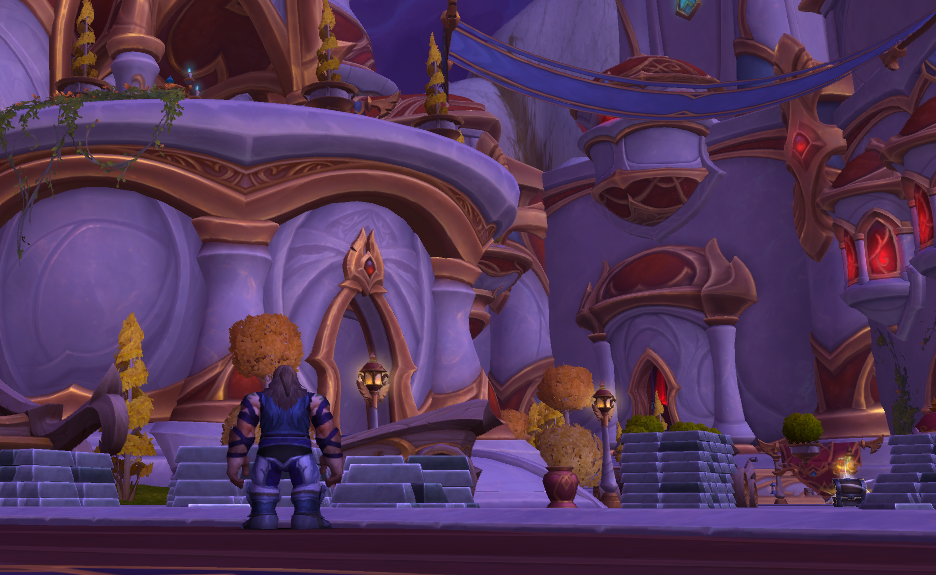
Head to your faction’s housing area. Alliance players go to the Founder's Point housing portal in Stormwind, and Horde players go to the Razorwind Shores portal in Orgrimmar. Near that portal, look for the Housing Steward NPC. Talk to them and select the option to create a guild neighborhood.
You’ll choose a name for the neighborhood, confirm creation, and your guild’s first private instance will appear. Every guild member immediately gains access to it, and if you have at least one toon in that guild, all your Warband alts can visit too.
Building Inside the Guild Neighborhood
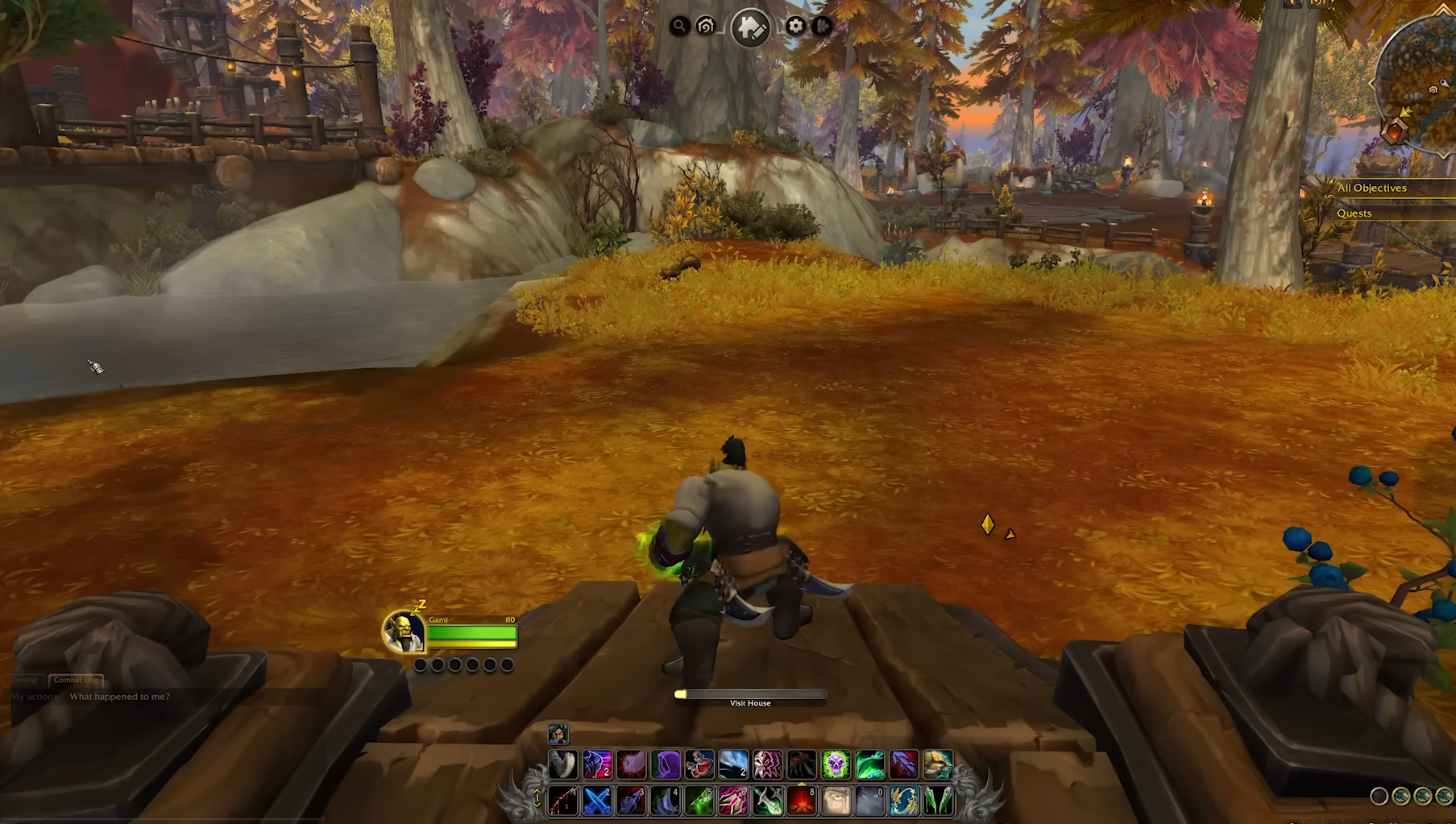
Once the guild neighborhood exists, members can claim plots like normal. Open the Housing Dashboard, select the guild neighborhood from the list, and click Visit to teleport there. Empty plots will be shown clearly. Walk up to a signpost and click Buy to claim your space.
Each instance holds 50 plots, and when your guild fills roughly 80 percent of them, a second subdivision automatically opens for more members. The guild neighborhood works the same as public housing in terms of building and decorating, but only guild members can live there.
Managing and Moving
You can move your existing house from a public neighborhood into the guild neighborhood at any time. Open your Housing Dashboard and use the Move House option. Your entire layout, furniture, and decorations move with you instantly.
If you leave the guild or get kicked, your house moves to a public neighborhood automatically. You keep all progress and items, just not the guild-only setting.
Guild leaders can’t directly reserve plots or remove members from them yet, but kicking a member from the guild will remove their house from the guild neighborhood.
Final Blurb
Starting a guild neighborhood in WoW gives your community a shared space to show off their creativity. Once your guild hits the 10-player mark, visit the Housing Steward and make it official. From there, every guild member can claim a plot, decorate, and build out your shared home base together.
FAQ
How many players do we need to start a guild neighborhood
At least 10 active accounts within the last 30 days.
Where do you create it
Talk to the Housing Steward near the housing portal in your faction’s capital city.
Can all members build houses there
Yes, every guild member can claim a plot inside the neighborhood.
What happens if someone leaves the guild
Their house moves to a public neighborhood automatically.
Can guild leaders manage plots directly
Not yet, but kicking a player removes their house from the guild instance.
© 2025 GamerBlurb. Linking is welcome with credit to GamerBlurb.com. Copying or reproduction without permission is prohibited.
More World of Warcraft