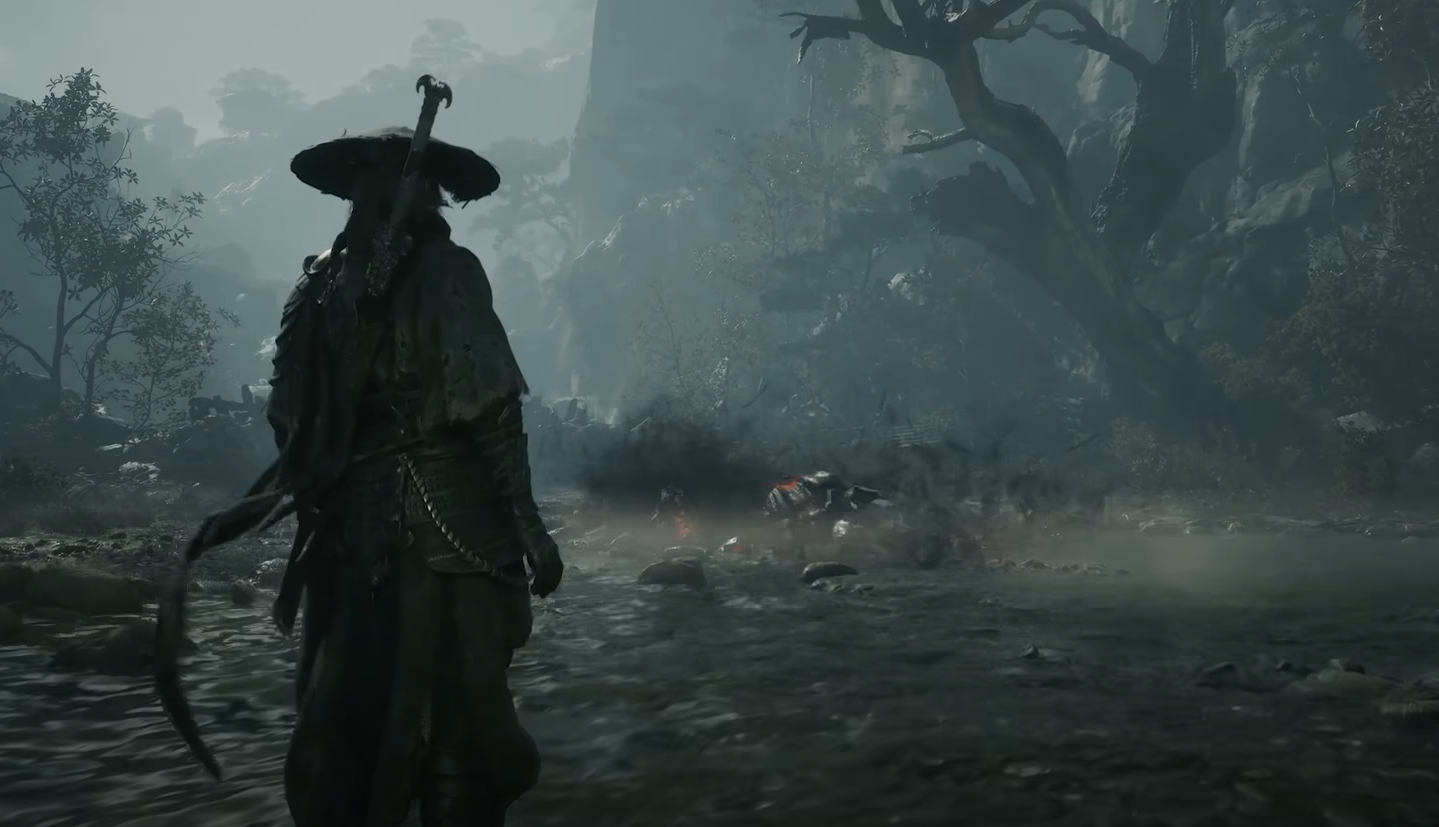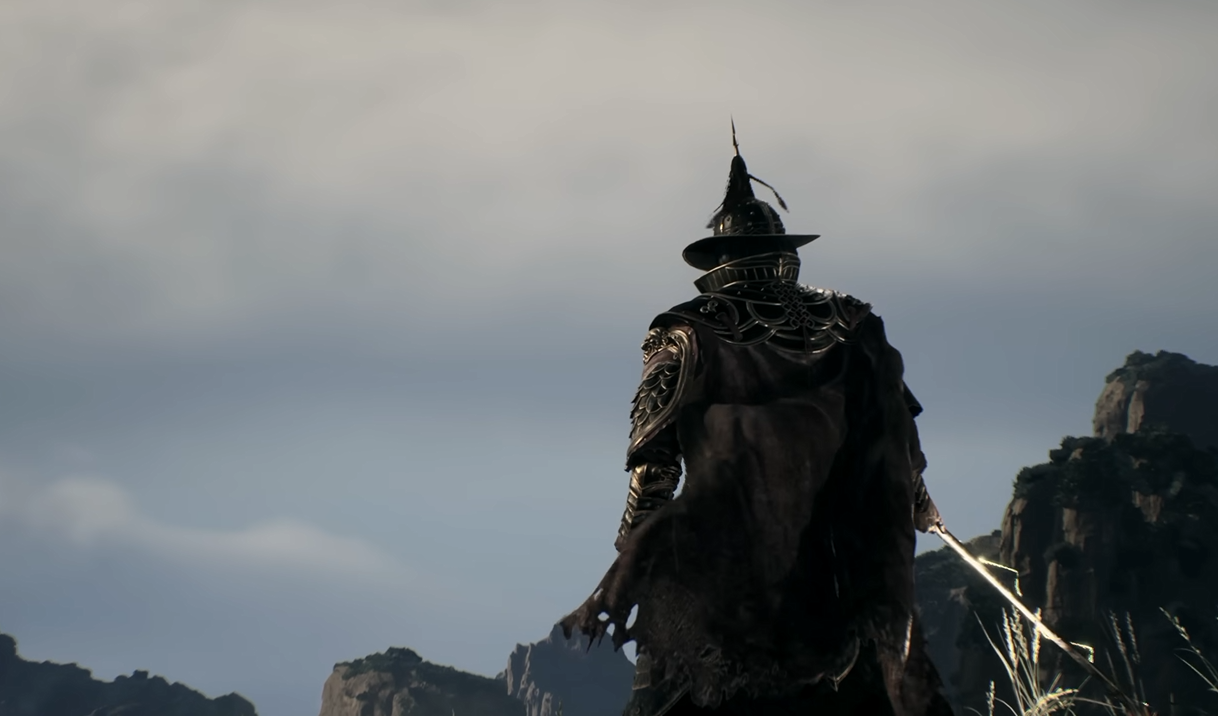
Changing your outfit in Phantom Blade Zero lets you customize Soul's appearance without affecting his combat abilities. The option is separate from your weapons and other equipment, and it's easy to overlook if you haven't explored the character customization menus.
Jump To Section:
How to Change Your Outfit
Why Some Outfits Are Locked
How to Hide Your Hat
How to Change Outfit in Phantom Blade Zero
To change your outfit, open the Map screen, select the Character tab, and navigate to Appearance. From there, you can choose any outfit you've already unlocked.
- Open your Map menu.
- Switch to the Character tab.
- Select Appearance.
- Choose an unlocked outfit to change Soul's appearance.
You can switch between available outfits whenever you want, without visiting a merchant or completing an additional customization quest.
Outfits are entirely cosmetic, meaning your choice won't increase defense, change weapon damage, or provide additional combat bonuses. You can wear whichever appearance you prefer without sacrificing your build.
Why Can't You Change to Certain Outfits?
If you can access the Appearance menu but can't select a particular outfit, it likely hasn't been unlocked yet.
You begin with two available appearances: Black Scarf (Fugitive) and Sanguine. These can be switched between without completing any special requirements.
Additional outfits become available through certain game endings or special edition bonuses. For example, The Hunt and Kindred unlock after completing any ending, while Blood-Steel Form and Wulin Legend are included with the Deluxe Edition.
Other appearances have more specific requirements, so simply reaching the Appearance menu doesn't make every outfit immediately usable.
If you're trying to change your look early in the game, I'd start by switching between the two default options rather than searching for an additional outfit unlock.
How to Hide Your Hat in Phantom Blade Zero
You can also customize Soul's appearance without switching his entire outfit.
Open the Character menu and use the headgear visibility option to show or hide his hat. This setting works across all outfits, allowing you to keep your preferred clothing while changing whether the headgear appears.
Like outfit changes, hiding headgear has no effect on your character's combat performance.
If you only want to remove Soul's hat, there's no need to unlock or equip another outfit. Simply adjust the visibility setting in the character customization menu.