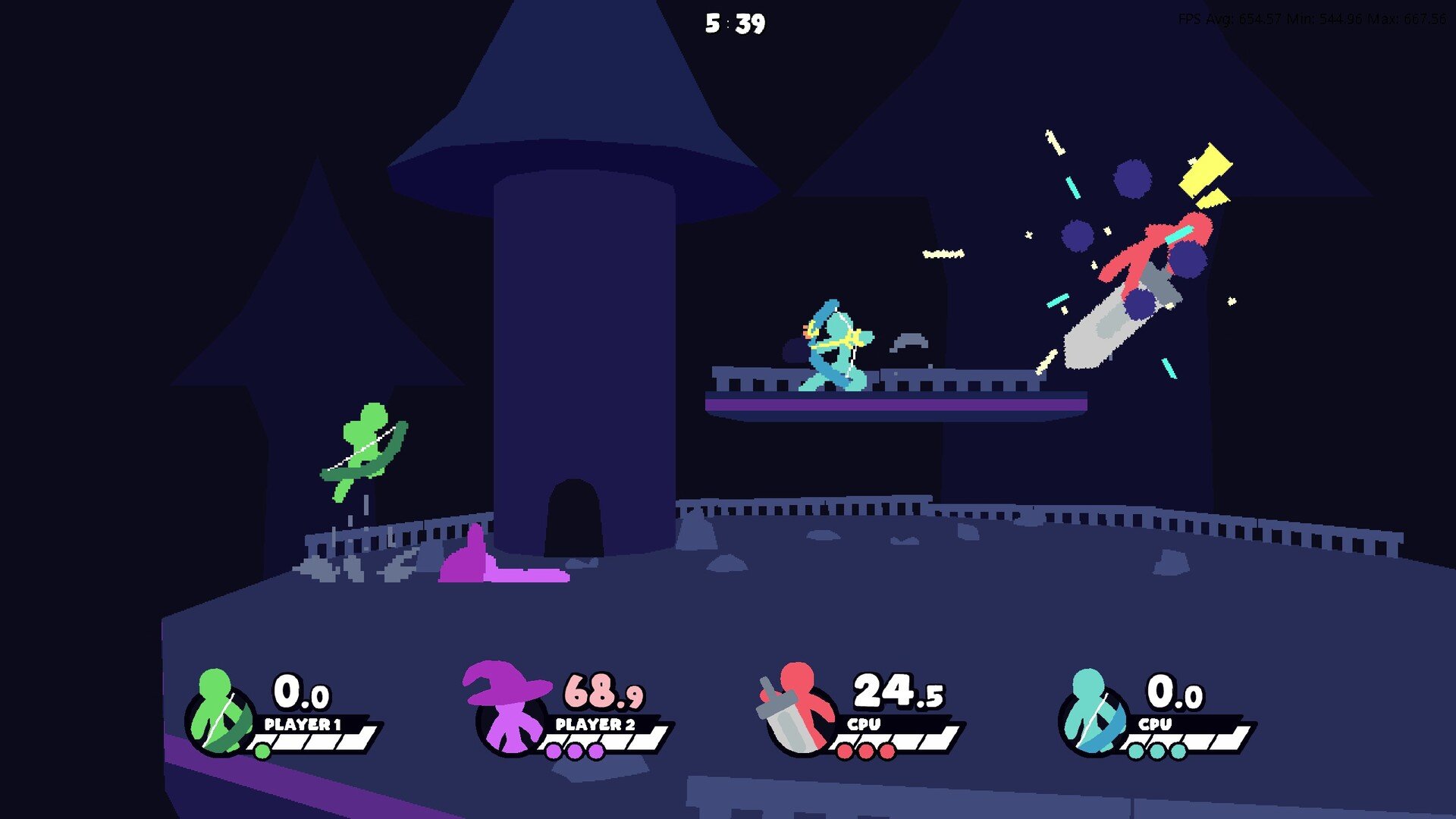
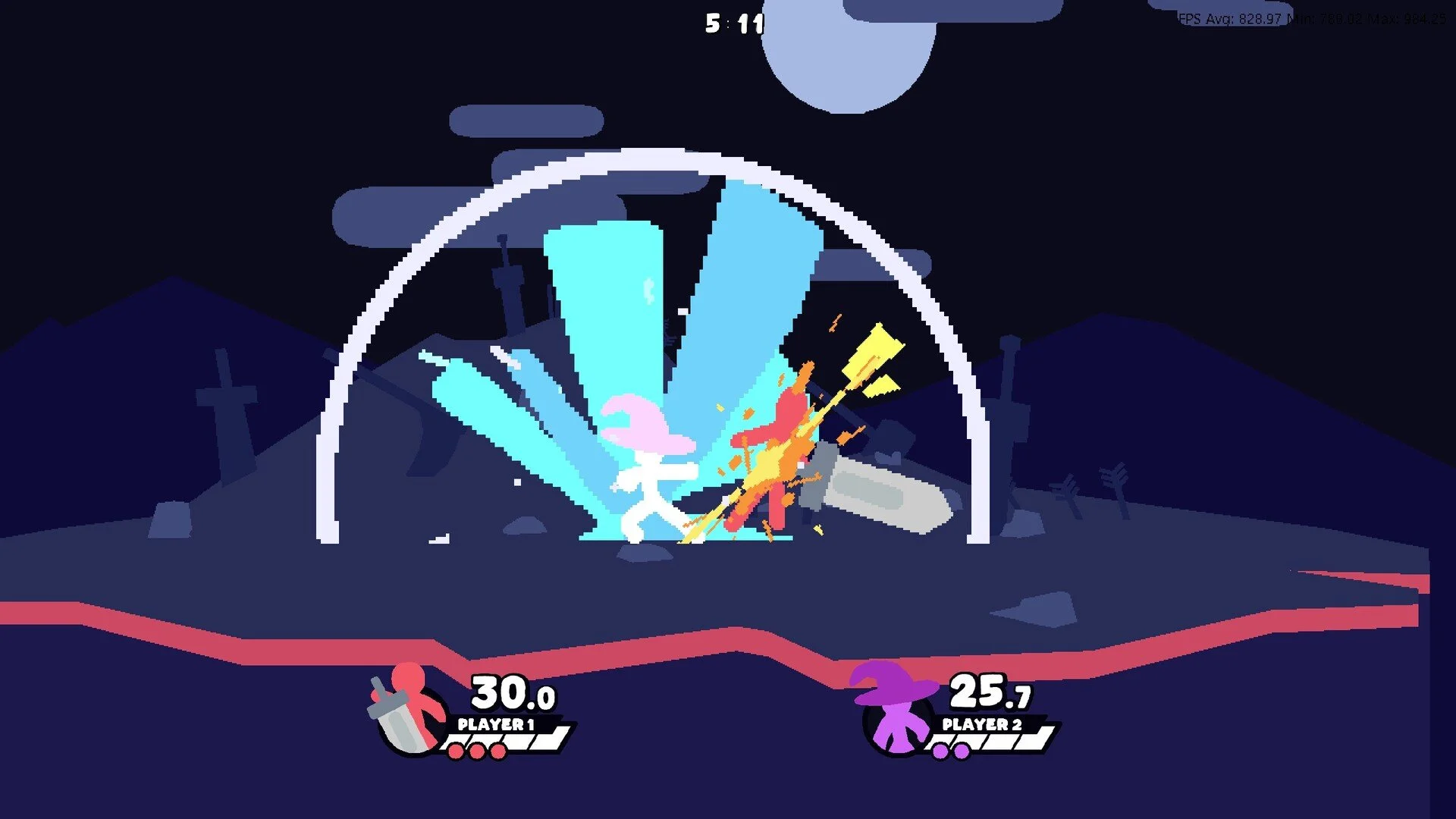
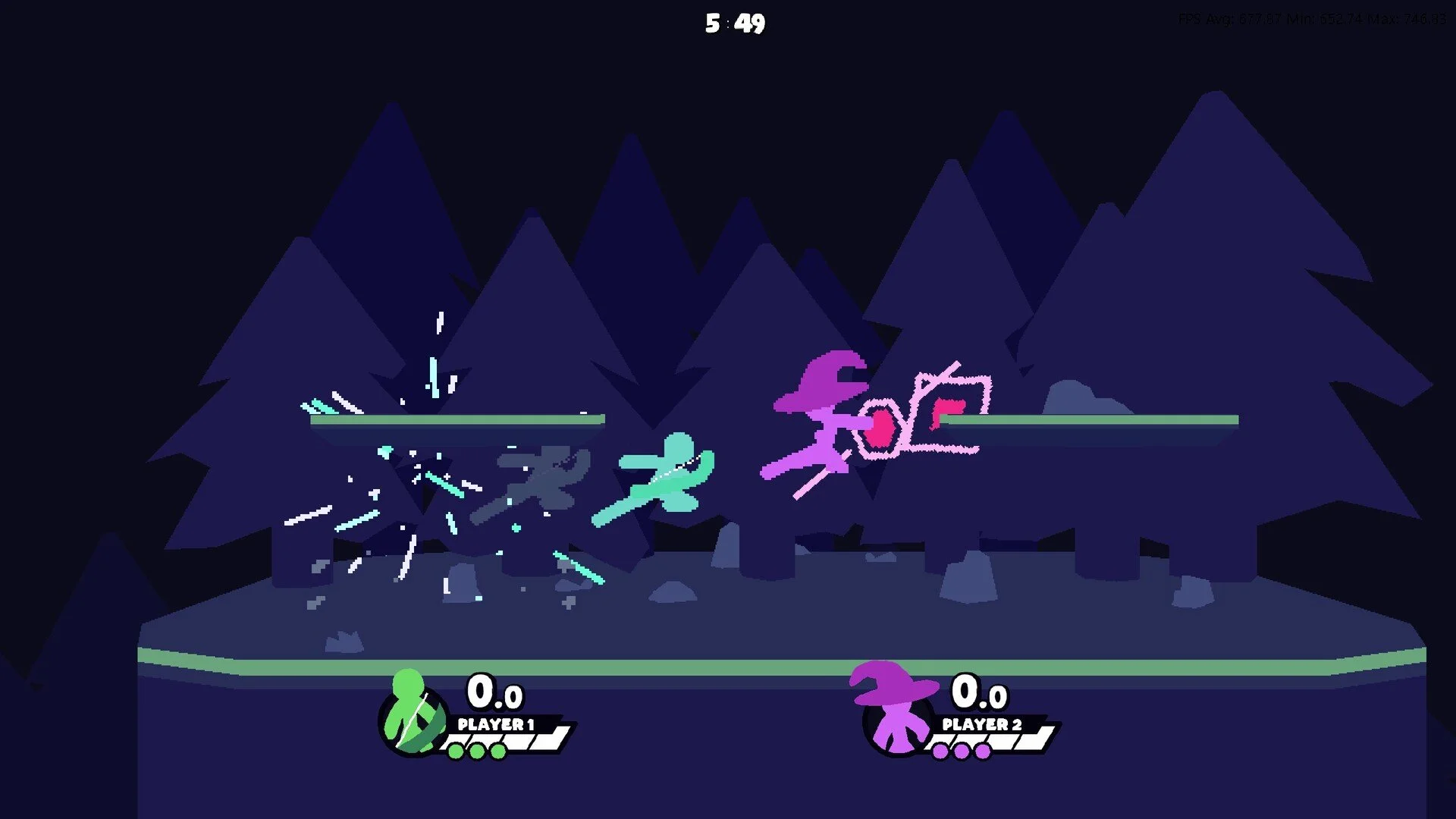
A Few Quick Matches Keyboard vs Controller: Which to Use?
A Few Quick Matches supports both keyboard and controller, and both work well depending on your play style. A controller feels more natural for movement and combos, while a keyboard gives fast access to inputs and may feel quicker for some players.
Why Use a Controller
Natural Movement and Comfort
Controllers have analog sticks, making movement feel smoother for players who are used to platform fighters. The layout is also more comfortable for longer sessions, reducing finger strain during extended quickplay matches.
Easier Combo Flow
The game allows attacks to cancel into air dashes, and doing these inputs on a controller can feel more fluid. Players coming from similar fighting games often find it easier to chain attacks together with a familiar stick-and-button layout.
Why Use a Keyboard
Quick Input Access
Keyboards map every action to a separate key, so inputs can be quick and precise. Players who enjoy sharp movement changes or custom key setups might prefer this approach.
Built-In Familiarity
If you play a lot of PC games with a keyboard, switching to a controller is not required to perform well. The game is designed to support both equally, so learning one setup fully is often more important than switching hardware.
Which Should You Choose
If you already have experience with controllers from other fighters, using one feels natural and may make combos easier. If you are more comfortable with a keyboard and like dedicated keys for every action, staying on keyboard works just fine.
Final Blurb
Both keyboard and controller work well in A Few Quick Matches. Controllers give smooth movement and natural combo flow, while keyboards offer quick input access and a familiar layout for PC players.
Choose whichever setup feels better and stick with it for the best results.
FAQ
Is one option faster than the other?
No, both inputs are supported equally. Performance comes from player skill, not input type.
Do I need a special controller?
No, any standard controller, including a GameCube controller, works once set up in the game settings.
Can I switch between keyboard and controller?
Yes, you can switch at any time, but you may need to reselect your input profile before joining quickplay.
Which input is better for combos?
Controllers often feel more natural for chaining air dash cancels, but keyboards can do them just as well with proper practice.
More A Few Quick Matches