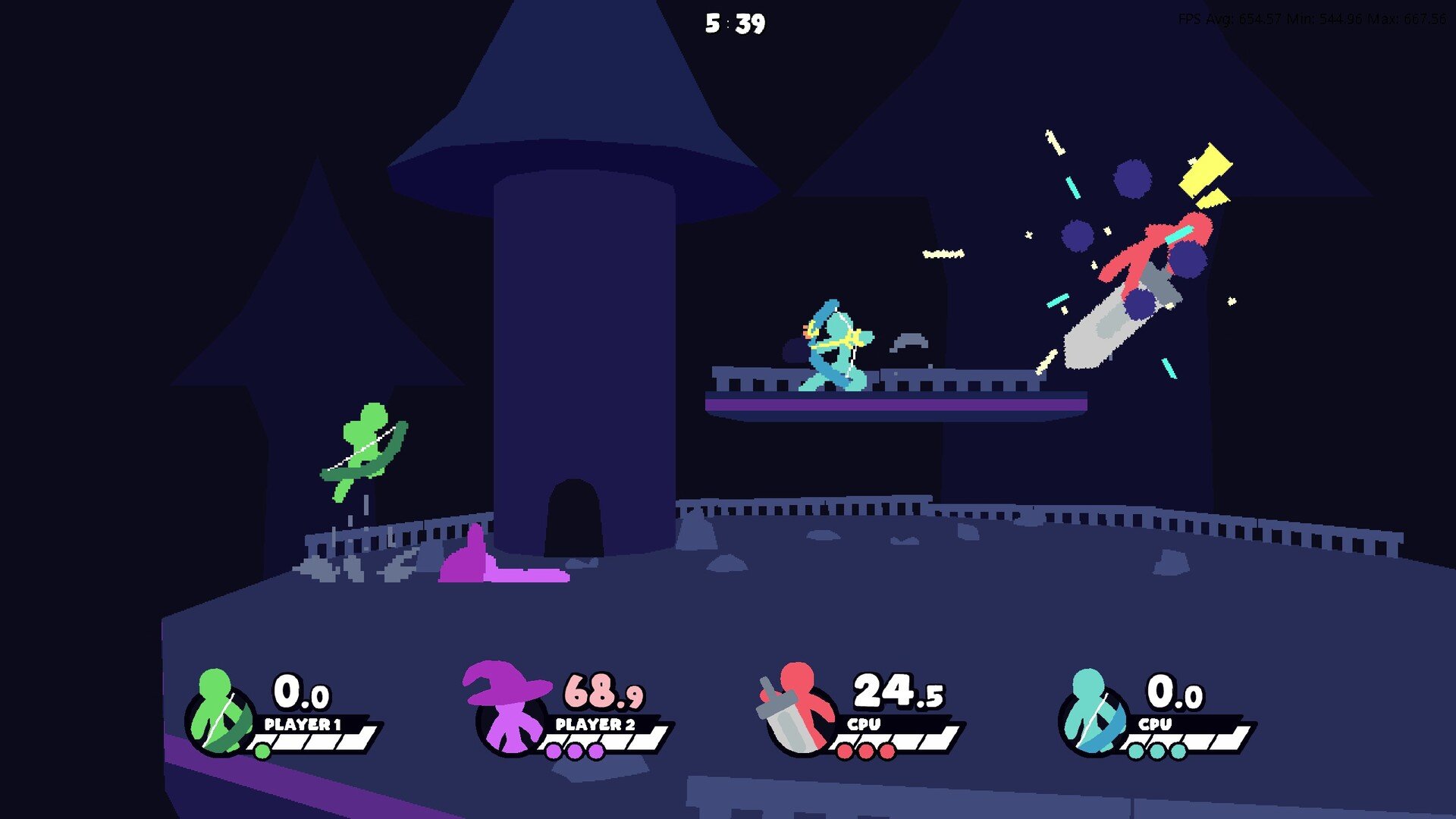
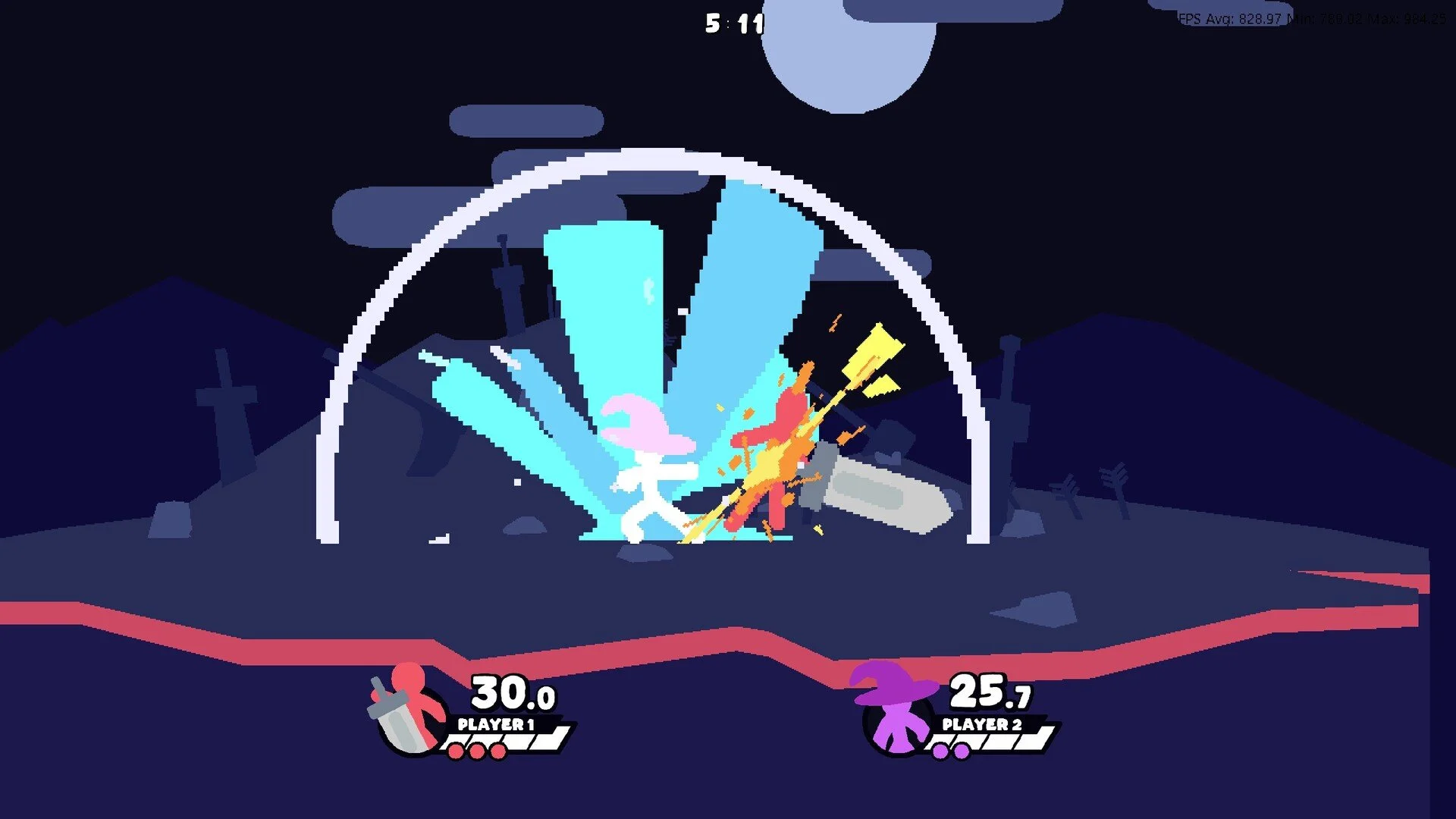
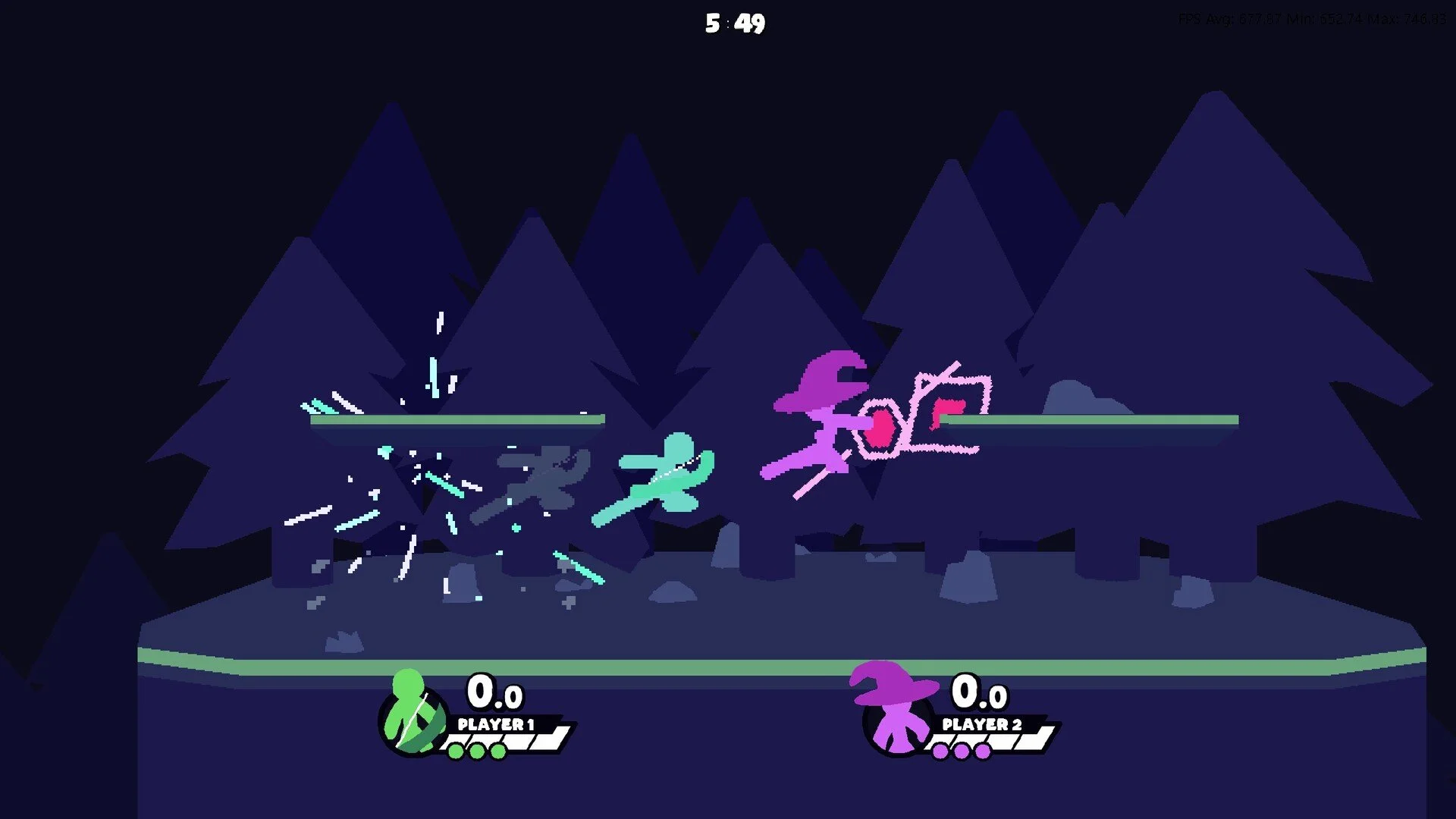
A Few Quick Matches GameCube Controller Setup & Fix
Using a GameCube controller in A Few Quick Matches works in menus and training but often defaults to keyboard during quickplay. The fix is to keep only your GameCube controller profile active and remove all extra control presets before joining quickplay.
How to Set Up a GameCube Controller Profile
Connect Your Controller
Plug in the GameCube controller before starting A Few Quick Matches.
Go to the control settings and create or select your GameCube controller profile.
Save and Confirm
Save this profile as your main input.
Confirm the profile before starting any mode to prevent defaulting to keyboard.
How to Fix Quickplay Defaulting to Keyboard
Remove Extra Profiles
Open the control settings and delete any duplicate or unused presets.
Keep only your GameCube controller profile active.
Confirm Before Playing
Select the GameCube controller profile again before entering quickplay.
This prevents the game from locking input to keyboard.
Extra Tips
If the game still resets to keyboard, return to the main menu and reselect your GameCube controller profile.
Most players find this problem permanently fixed after removing extra profiles.
Final Blurb
The GameCube controller works well in A Few Quick Matches but quickplay can default to keyboard controls. Deleting extra presets and confirming your GameCube controller profile before playing solves this and keeps controls consistent online.
FAQ
Why does my GameCube controller work in training but not quickplay?
Quickplay locks to the first input preset detected. Removing extra profiles ensures it stays on your controller.
Do I need special drivers for the GameCube controller?
No extra drivers are needed if the system detects it normally.
Will deleting profiles change other control settings?
Only unused profiles are removed. Your GameCube controller profile remains saved.
Do I have to set the controller every session?
Some players confirm it once each session, but after removing other presets it usually stays selected.
More A Few Quick Matches