

Battlefield 6 Aim Assist Settings Guide
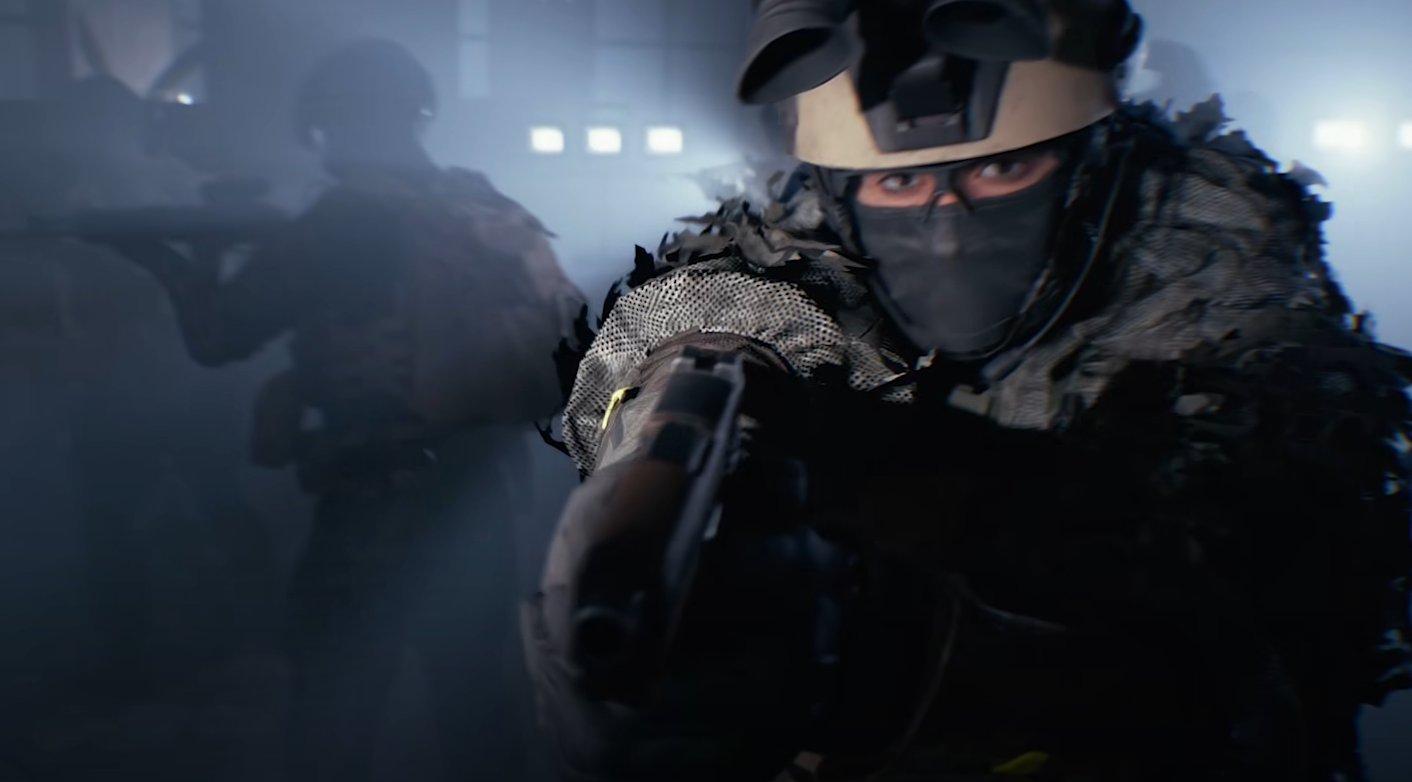
Getting the right aim assist setup in Battlefield 6 can completely change how you perform in matches. Controller users especially benefit from tweaking these options to make aiming feel tighter, smoother, and more natural during chaotic firefights.
Best Aim Assist Settings for Battlefield 6
These settings give the perfect balance of magnetism and control, tested across PlayStation, Xbox, and PC controllers.
Infantry Aim Assist: 100
Infantry Aim Assist Slowdown: 100
Infantry Aim Assist Zoom Snap: 100
Infantry Aim Input Curve: BF1 or BF4
Infantry Zoom Aim Input Curve: Standard
This configuration keeps your crosshair steady around targets without over-correcting your aim. Slowdown smooths your tracking, Zoom Snap helps initial lock-ons, and the BF1 or BF4 input curves make aiming feel natural across all weapons.
How Aim Assist Works in Battlefield 6
Aim assist helps your aim stick slightly to targets while maintaining full manual control. It’s strongest when aiming down sights but still active during hip-fire.
Slowdown reduces reticle speed near enemies, giving you fine precision for headshots. Zoom Snap briefly pulls your aim toward the nearest target when you ADS, great for quick fights. Combined, they help mimic the mouse-like precision PC players enjoy.
Settings That Improve Aim Assist Feel
You can make aim assist even smoother by pairing it with a few controller and visual tweaks.
Uniform Soldier Aiming: On
Zoom Sensitivity Coefficient: 175–180
Infantry Aim Sensitivity: 35–40
Field of View: 105–110
Uniform Soldier Aiming keeps movement consistent between scopes. The higher coefficient keeps aiming responsive at long range, while a slightly lower sensitivity improves control during tracking.
Final Blurb
Battlefield 6’s aim assist is one of the most important tools for controller players who want consistent accuracy without feeling like the game is doing everything for them. Keep Slowdown and Zoom Snap at 100, tweak your sensitivity to comfort, and you’ll feel the difference within a few matches.
FAQ
How strong is aim assist in Battlefield 6?
It’s powerful enough to help during close and mid-range fights but subtle enough that you still need to aim manually. It feels similar to Battlefield 4’s tuning, just smoother.
Should I lower aim assist values below 100?
No. Anything lower makes your aim feel loose and inconsistent. Keeping all three main values at 100 gives the best magnetism and tracking balance.
Does aim assist work the same on PC with a controller?
Yes. As long as you’re using a controller, aim assist behaves the same across platforms. Keyboard and mouse players don’t get any assist at all.
Is Uniform Soldier Aiming required for aim assist?
It isn’t mandatory, but it keeps your aim consistent across scopes. Turning it on prevents different zoom levels from throwing off your muscle memory.
© 2025 GamerBlurb. Linking is welcome with credit to GamerBlurb.com. Copying or reproduction without permission is not allowed.
More Battlefield 6 Articles


