

Battlefield 6 How to Turn Off Crossplay
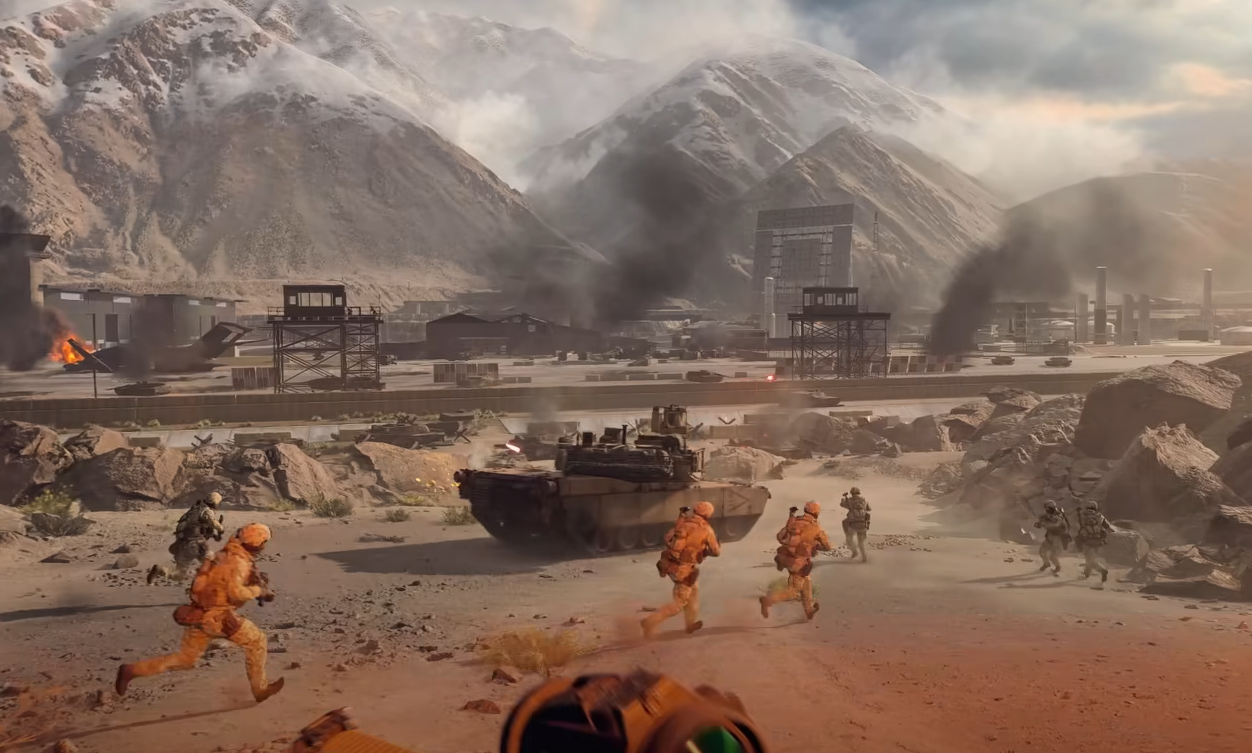
Crossplay in Battlefield 6 is turned on automatically, which means PC, Xbox, and PlayStation players can all end up in the same match. If you want to stick to your own platform, here’s how to turn it off and what that setting actually changes.
How to Turn Off Crossplay in BF6
You can disable crossplay right from the main menu before joining any server.
Open the Settings tab on the title screen.
Go to System.
At the top, change the Crossplay setting from On to Off.
You can’t switch this while matchmaking, in a squad, or after loading into a match. Make sure you back out completely before changing it.
Once it’s off, the game will only search for players on your platform. PS5 matches only connect with PS5, Xbox players with Xbox, and PC users with PC (including Steam, Epic, and EA App).
What Happens When Crossplay Is Off
Turning crossplay off means:
Matchmaking uses only your platform’s servers
You’ll face players with the same controller type
Queue times might take slightly longer during quiet hours
When it’s left on, Battlefield 6 prioritizes controller matchmaking first, then expands to include PC if needed. This helps keep queues fast without forcing you into mouse-heavy lobbies.
How to Re-Enable Crossplay
If you want to play with friends again across platforms, go back to the same System menu and turn Crossplay back to On. Make sure all players are using EA accounts linked under the same network so you can invite them through your friends list.
When You Might Want It Off
You prefer controller-only competition
You’re testing latency or packet issues
You don’t want mixed input lobbies
You just want a consistent platform experience
Crossplay is entirely optional and doesn’t affect your XP, unlocks, or rank progression.
Final Blurb
Battlefield 6 gives you full control over matchmaking. If you’d rather avoid mixed lobbies or cross-region lag, turning off crossplay keeps things local and consistent. You can always toggle it back on later to squad up with friends across platforms.
FAQ
Can you disable crossplay mid-game
No, it has to be done from the main menu before matchmaking.
Does turning off crossplay affect progression
No, it only affects who you’re matched with, not XP or unlocks.
Why is crossplay on by default
It helps reduce queue times and keeps servers full early in the game’s life cycle.
Can PS5 and Xbox players still match together
Only when crossplay is on. Disabling it separates each platform completely.
© 2025 GamerBlurb. Linking is welcome with credit to GamerBlurb.com. Copying or reproduction without permission is not allowed.
More Battlefield 6 Articles


