

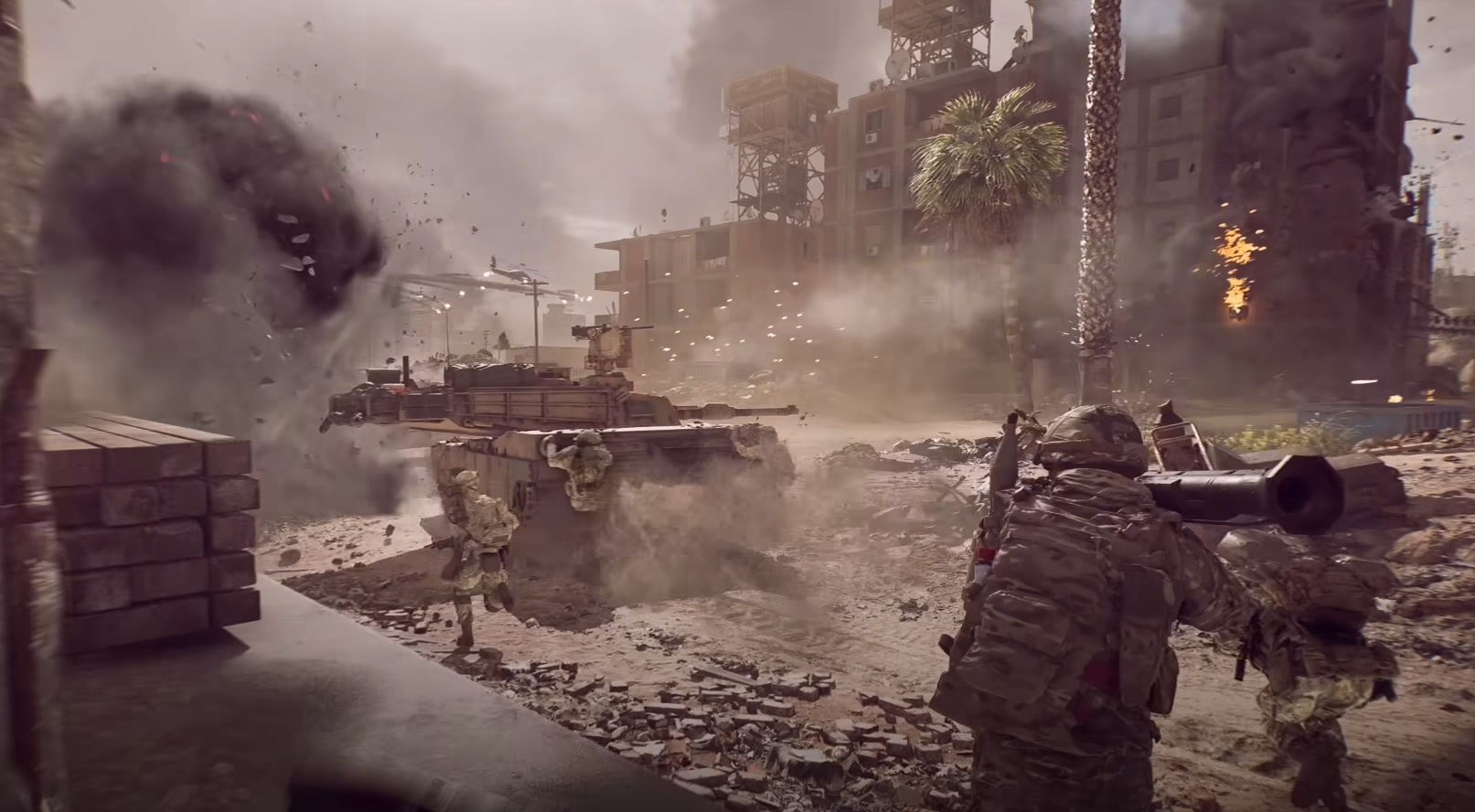
The compass in Battlefield 6 makes it much easier to respond to callouts and track enemy positions during chaotic fights. By default, it’s turned off, which can make team communication harder to follow. Turning it on is quick once you know where the option is hidden in the menus.
How to Enable the Compass in Battlefield 6
Open the in-game Settings menu.
Go to the Graphics tab.
Scroll to the Interface and HUD section.
Select Advanced HUD Settings.
Find the Infantry Compass option and turn it on.
Once activated, the compass appears at the top-center of your screen. It shows the four cardinal directions and degree values, increasing in intervals of ten. North is 0 degrees, east is 90, south is 180, and west is 270.
Why the Compass Helps
Makes verbal and ping callouts faster to understand.
Lets you quickly identify the direction of spotted enemies.
Helps coordinate pushes and defensive holds with your squad.
Using the Compass in Fights
The compass also displays the general location of enemy pings. Combined with the minimap, it gives a clearer picture of where threats are coming from, allowing you to line up shots or prepare defenses before they arrive.
Final Blurb
Turning on the compass in Battlefield 6 adds a valuable layer of awareness, letting you instantly match callouts to on-screen directions. With it active, communication becomes clearer and your reaction time to threats improves.
FAQ
Where is the compass setting in Battlefield 6?
In Settings under Graphics, inside the Advanced HUD Settings menu.
What does the compass show?
Cardinal directions, degree values, and the location of enemy pings.
Is the compass on by default?
No, it must be manually enabled in the settings.
Does the compass work in all game modes?
Yes, it appears in every mode once turned on.
More Battlefield 6 Articles


