

Battlefield 6 Crashing PC Fix: Update BIOS & Stop Freezing
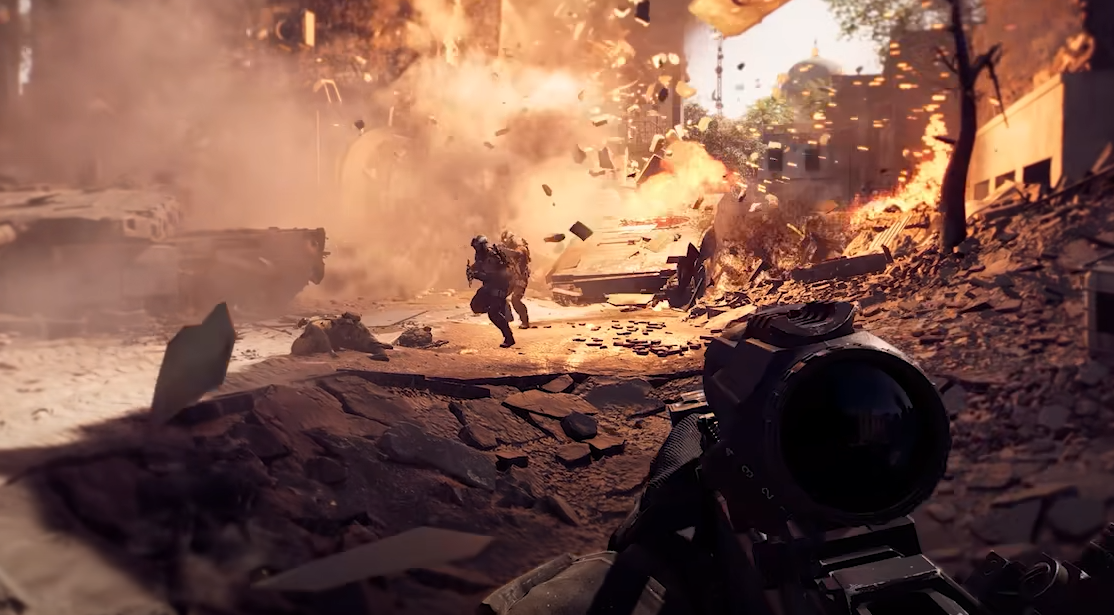
Battlefield 6 is pushing even high-end PCs to their limits. Players with 4080 Supers, Ryzen X3Ds, and i9 builds are seeing random crashes, restarts, and total freezes. If your rig runs everything else fine but Battlefield 6 keeps breaking, here’s what’s really going on and how to stop it.
Why Battlefield 6 Crashes on PC
Most crashes come from CPU voltage instability, especially with Intel 13th and 14th Gen processors. Battlefield 6 hits those CPUs harder than other games, and older BIOS versions can’t regulate power correctly. The result is full reboots, black screens, or instant shutdowns mid-match.
On AMD builds, crashes often come from DirectX 12 or memory spikes. Both platforms share one thing in common: Battlefield 6 is sensitive to unstable firmware or driver settings.
The Real Fix for the Crash Problem
Updating your BIOS is the fix that works for almost everyone. It corrects voltage handling and stabilizes performance.
To do it safely:
• Find your motherboard model inside BIOS or System Information
• Go to the manufacturer’s support page and download the latest BIOS version
• Move the update file to a flash drive and plug it in
• Restart, open BIOS, and use the built-in update tool
• Reboot after completion and let settings reset to default
Once you’ve done that, Battlefield 6 should stop rebooting or crashing a few minutes into every match.
Settings That Help Keep It Stable
You can make things smoother by adjusting a few graphics options after the BIOS update.
• Turn off Frame Generation and DLSS
• Lower overall settings from Ultra to High
• Disable V-Sync and Ambient Occlusion
• Verify game files through your launcher
• Make sure virtual memory is enabled on all drives
These steps help prevent VRAM spikes and reduce the risk of new crash loops.
What If It Still Keeps Crashing
If your game still fails after a BIOS update, reinstall your GPU drivers with DDU to remove old data. Some players also had success by disabling two HD marker packs in Steam properties.
For rare cases, switching to DX11 in launch options can keep you in matches until a proper patch arrives.
Final Blurb
Battlefield 6 crashing on PC usually comes down to outdated BIOS versions or unstable CPU voltage. Update your BIOS first, tweak your graphics settings, and skip frame gen for now. After that, the game runs fine on most rigs. It’s frustrating that a firmware update fixes what a $2000 GPU can’t, but that’s the reality of Battlefield’s launch bugs.
FAQ
Why does Battlefield 6 crash my entire PC
The game pulls more voltage than older BIOS versions can handle. That overload forces a full system reboot instead of just closing the game.
Does updating BIOS really fix it
Yes. It changes how the motherboard regulates CPU voltage under heavy load, which stops Battlefield 6 from crashing.
What about AMD users
AMD crashes usually come from DirectX 12 or VRAM overflow. Turning off Frame Gen, DLSS, and HDR can stabilize it until the next driver update.
© 2025 GamerBlurb. Linking is welcome with credit to GamerBlurb.com. Copying or reproduction without permission is not allowed.
More Battlefield 6 Articles


