

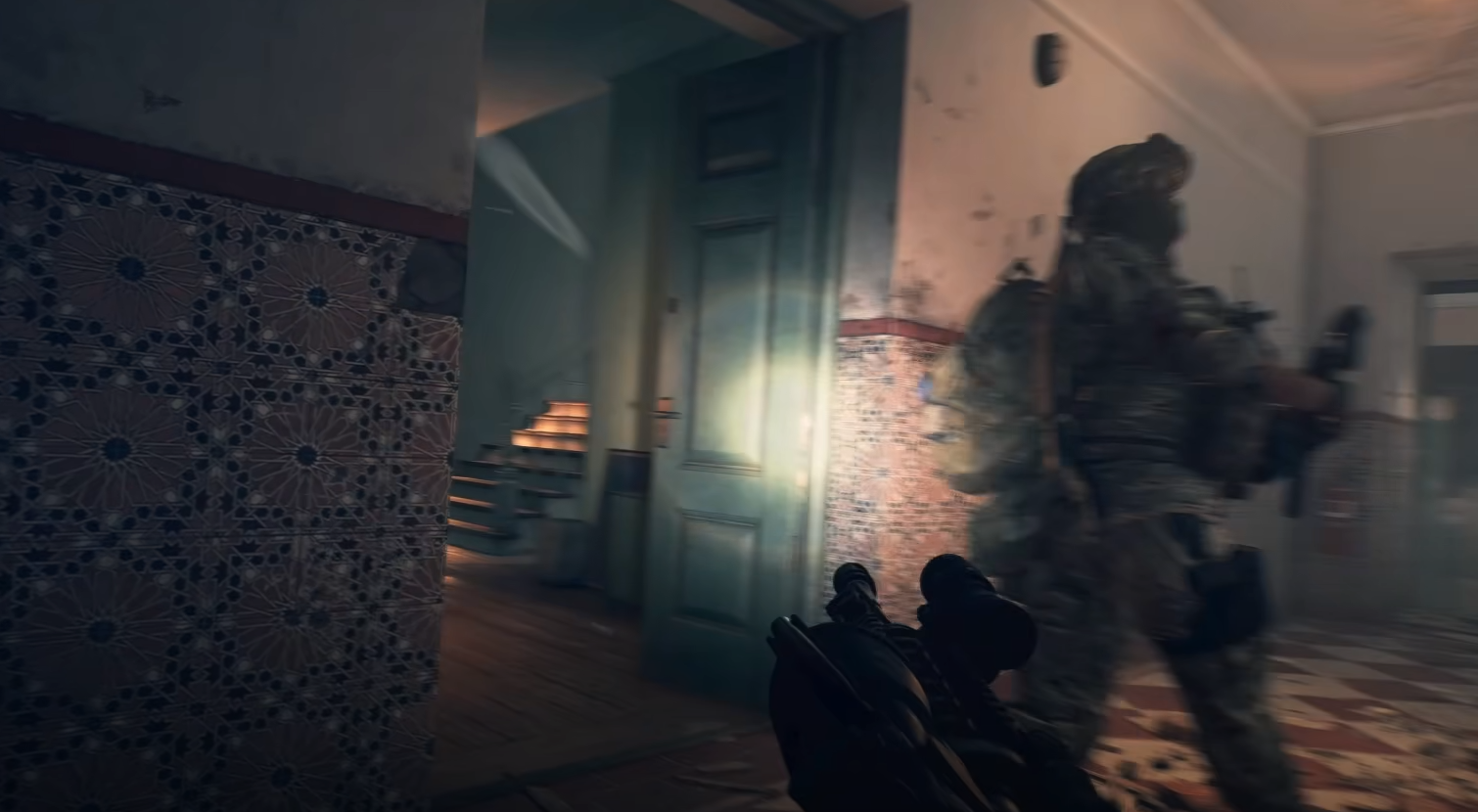
In Battlefield 6, leaning is a part of the cover system. You can peek around corners or over cover by aiming your weapon when close to the edge of an object.
There is no way to lean manually without being positioned near cover.
How Leaning Works in Battlefield 6
When you position yourself next to the edge of a wall, barrier, or other solid object, aiming down sights will automatically make your character lean or peek out.
The same applies when near low cover: aiming will make you raise your weapon slightly above the object to peek over it.
No Manual Lean
Unlike some shooters with dedicated lean keys, Battlefield 6 does not have a separate lean control (at least not as of the beta). You cannot lean freely in the open or while away from cover.
The lean action is entirely context-based and requires being close enough to a surface for the system to engage.
Leaning Tips
Stay tight to cover before aiming to ensure the lean activates.
Use the lean mechanic to minimize your visible profile while shooting.
Be aware that leaning still exposes part of your body, so avoid staying leaned too long in one spot.
This mechanic works in any class and with any weapon type.
Final Blurb
Leaning in Battlefield 6 is automatic and only works when you are positioned at the edge of cover. Aim while near a wall, barrier, or low obstacle to peek out safely, but remember there’s no free lean option away from cover.
FAQ
Can you lean without cover in Battlefield 6?
No, leaning only works when near the edge of cover.
Does leaning require a special key?
No, it happens automatically when aiming near an object’s edge.
Can all classes lean?
Yes, the mechanic is available to every class.
Does leaning make you fully hidden?
No, it reduces exposure but still leaves part of you visible.
More Battlefield 6 Articles


