

Battlefield 6 Infantry Aim Input Curve Settings Explained
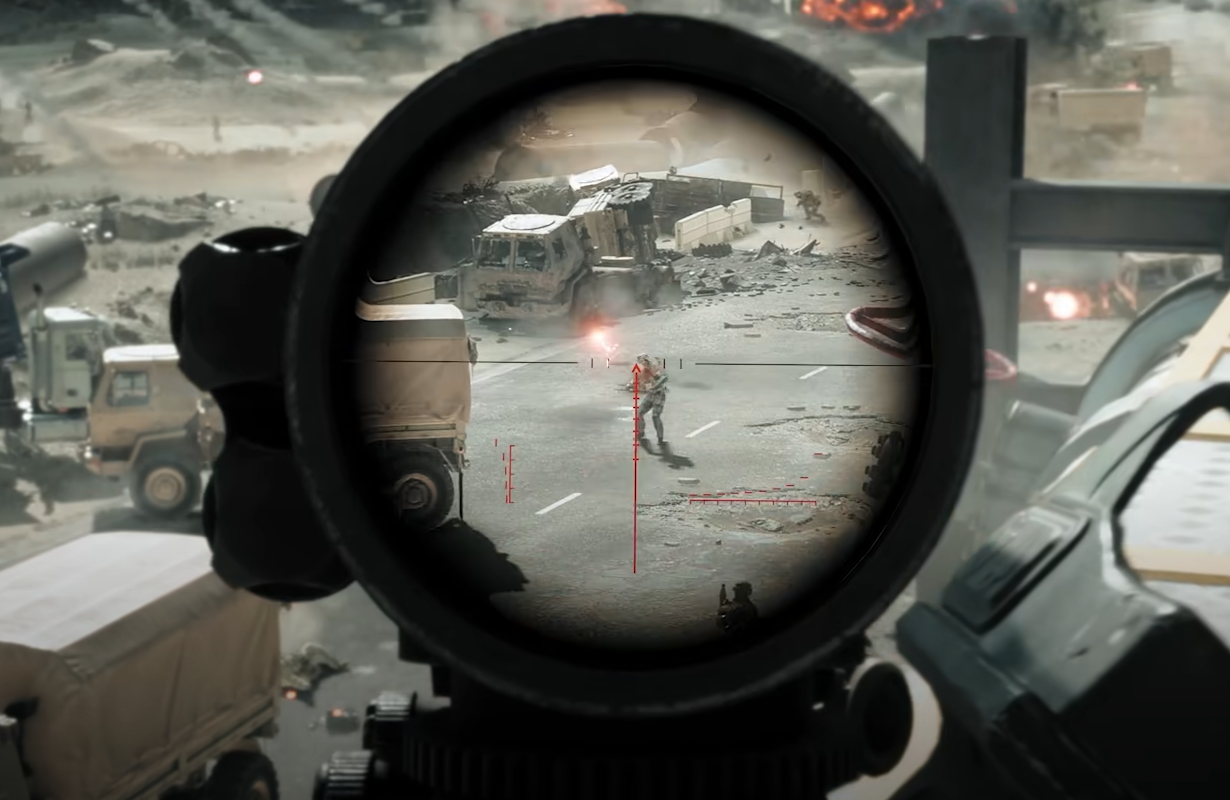
The Infantry Aim Input Curve setting changes how your aim accelerates when moving your stick or mouse. Picking the right one can completely change how precise your shots feel.
How to Change the Infantry Aim Input Curve
Open Settings from the main menu. Choose Controller or Keyboard based on what you use. Go to Infantry Settings, then scroll to the Aim section. Look for Infantry Aim Input Curve in that list.
Battlefield 6 includes three curve presets called BF4, BF1, and Standard. Each one controls how fast your aim builds speed during movement.
Understanding Each Curve Type
BF4 Curve reacts the moment you move the stick. It’s fast and direct, built for players who prefer quick, snappy movement.
BF1 Curve starts slow, then ramps up as you keep pushing. It makes it easier to fine-tune aim at mid to long range without overshooting.
Standard Curve blends both styles. It’s smooth and steady, keeping aim consistent no matter the weapon or zoom level.
How Input Curve Affects Aiming
Input curve sets the pace of your crosshair movement. A faster curve gives instant response for close combat. A slower curve adds control for distance fights.
If your aim feels twitchy or too heavy, switch curves before changing sensitivity. That adjustment alone usually fixes the problem.
Recommended Setup for Most Players
Use BF4 Curve with Uniform Aiming turned on. Keep Zoom Sensitivity Coefficient near 178 for even aim behavior across scopes.
Mouse users often stick to Standard, while controller players prefer BF1 for smoother tracking and stronger aim assist feel.
Extra Tweaks That Help
Set vertical aim ratio around 56 for balanced control
Keep deadzones small to remove drift but allow micro-movement
Keep Aim Assist Slowdown and Zoom Snap both at 100
Don’t change sensitivity mid-match to keep muscle memory consistent
Final Blurb
Testing each curve in the Firing Range is the only real way to see what fits. Once you find the curve that matches your reflexes, every weapon feels steadier, faster, and easier to control across all maps.
FAQ
What does Infantry Aim Input Curve do
It controls how fast your aim accelerates as you move your stick or mouse, shaping how sensitive your aim feels overall.
Which curve should controller players use
BF1 Curve works best for smooth, steady aiming with natural acceleration.
Does input curve affect recoil control
Yes, slightly. A slower curve can help you stay on target by reducing over-corrections when handling recoil.
© 2025 GamerBlurb. Linking is welcome with credit to GamerBlurb.com. Copying or reproduction without permission is not allowed.
More Battlefield 6 Articles


