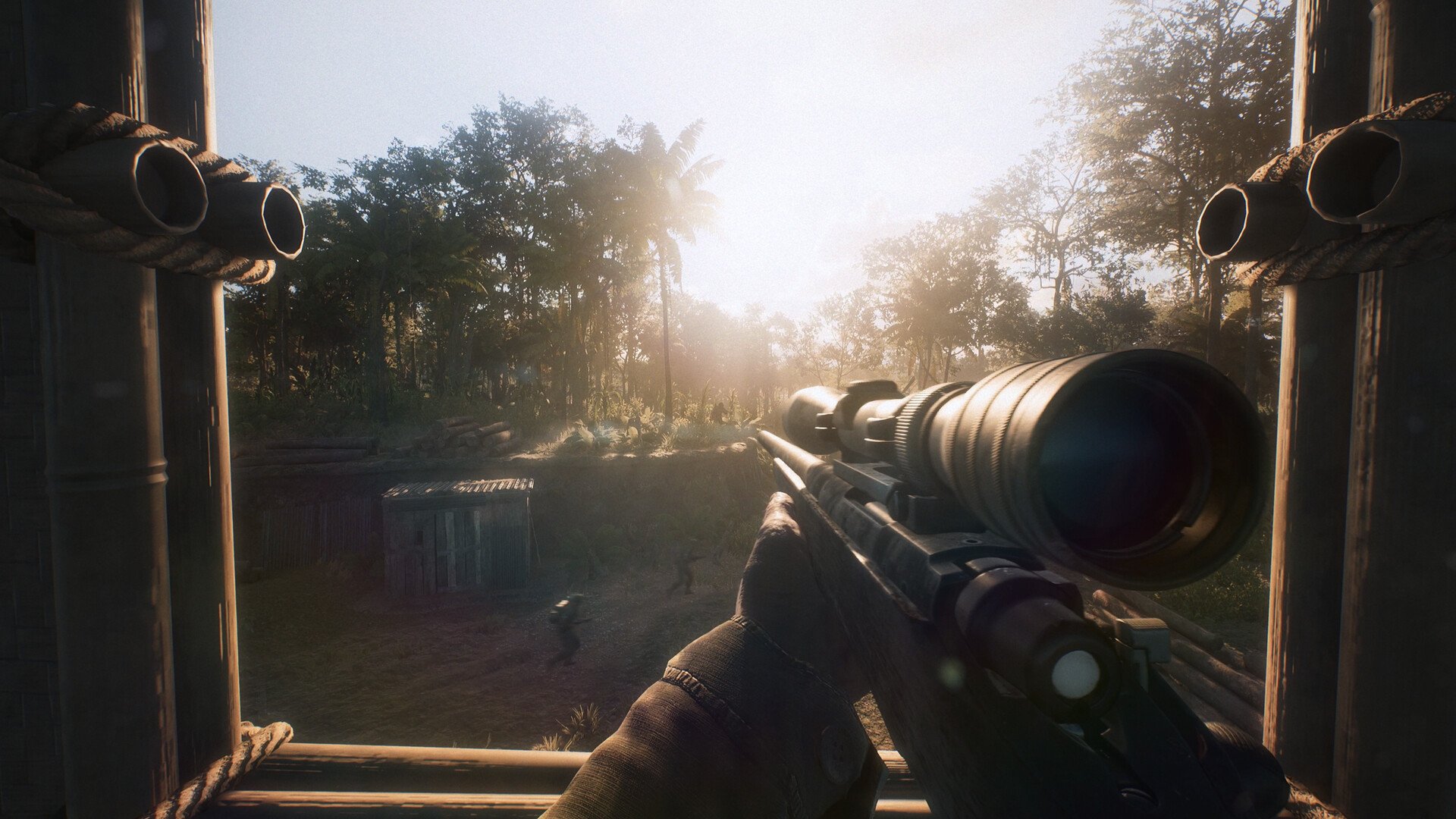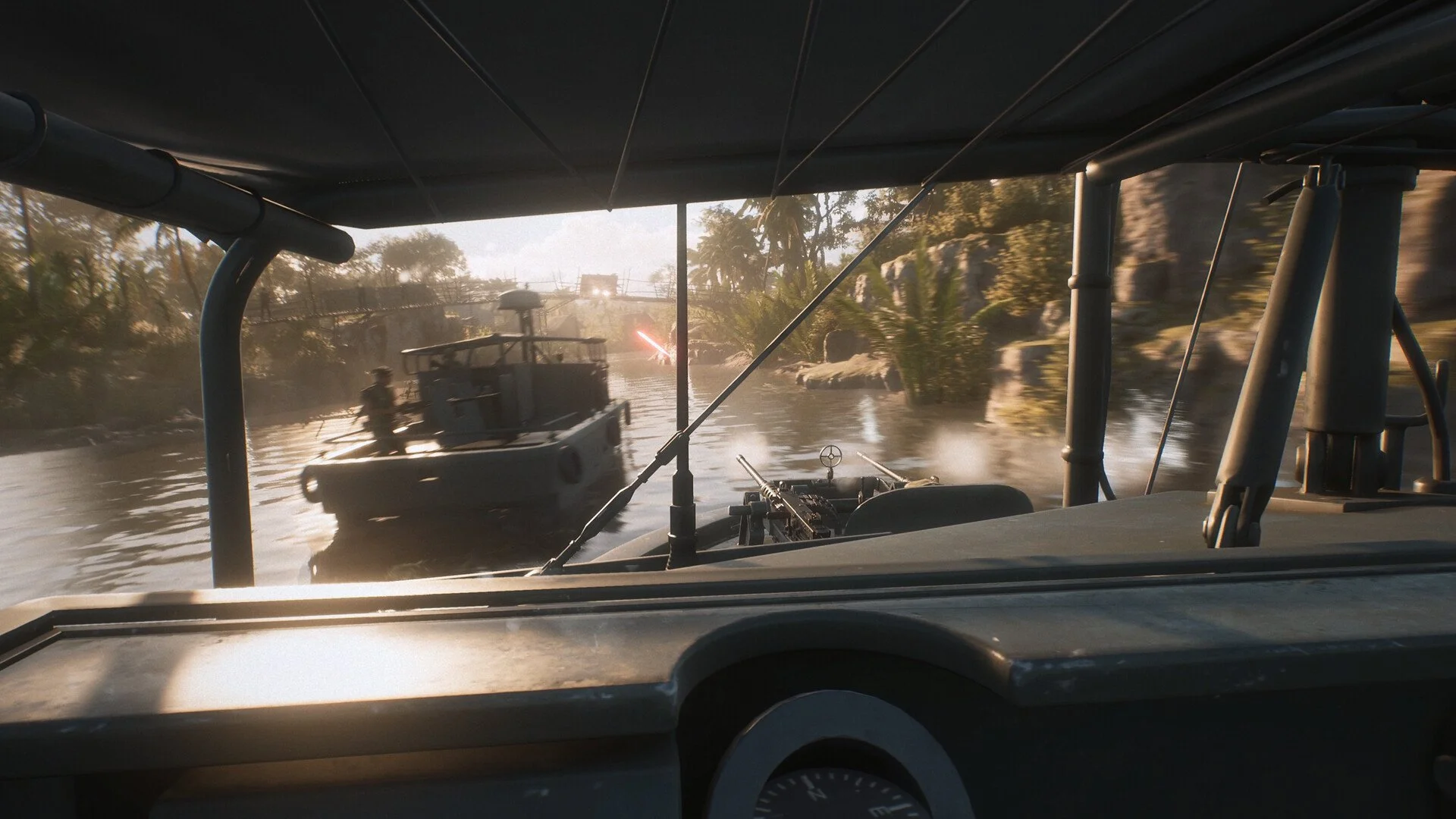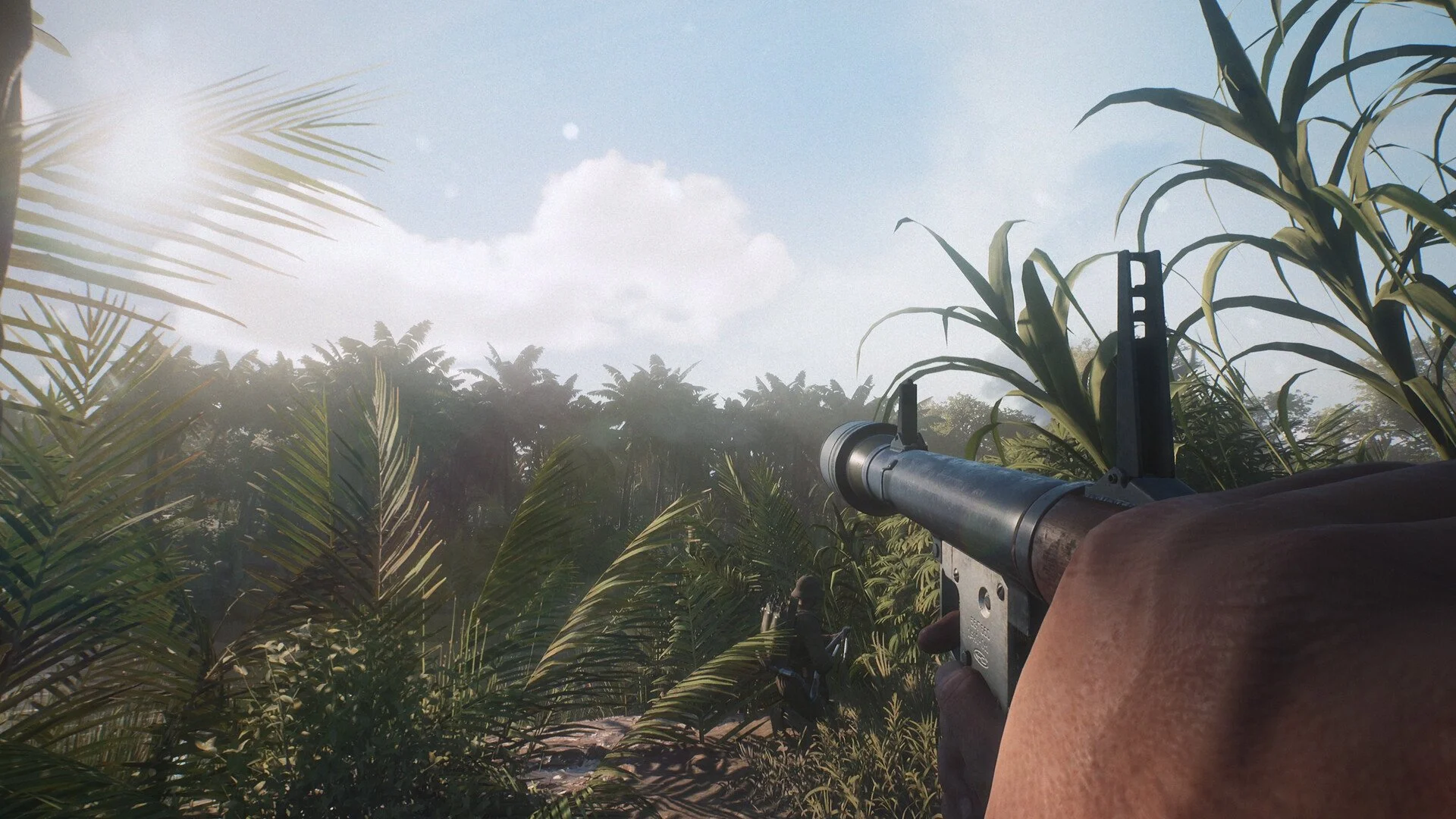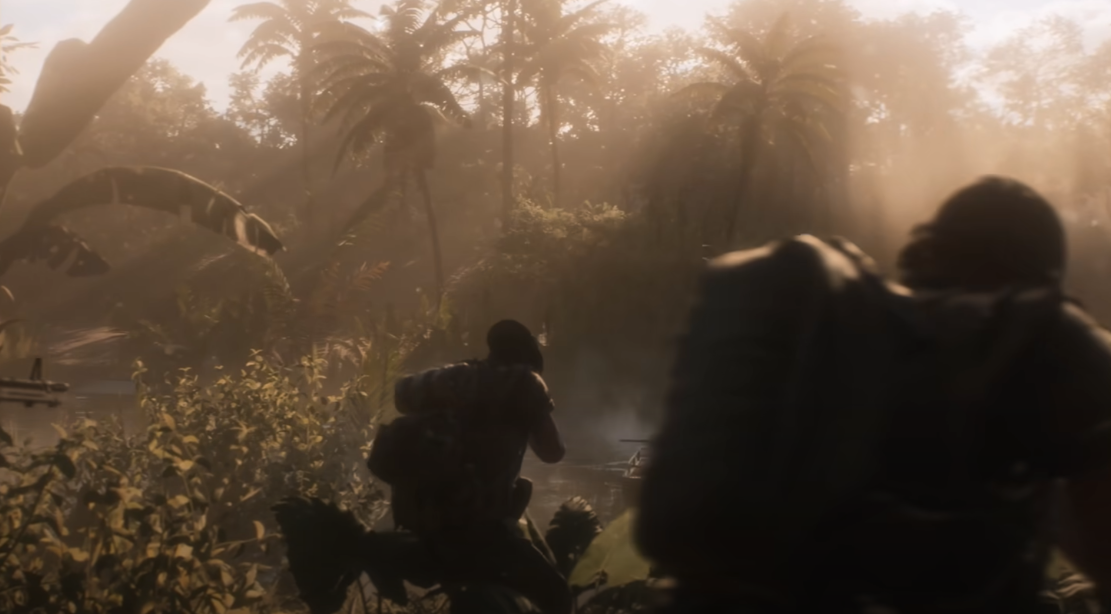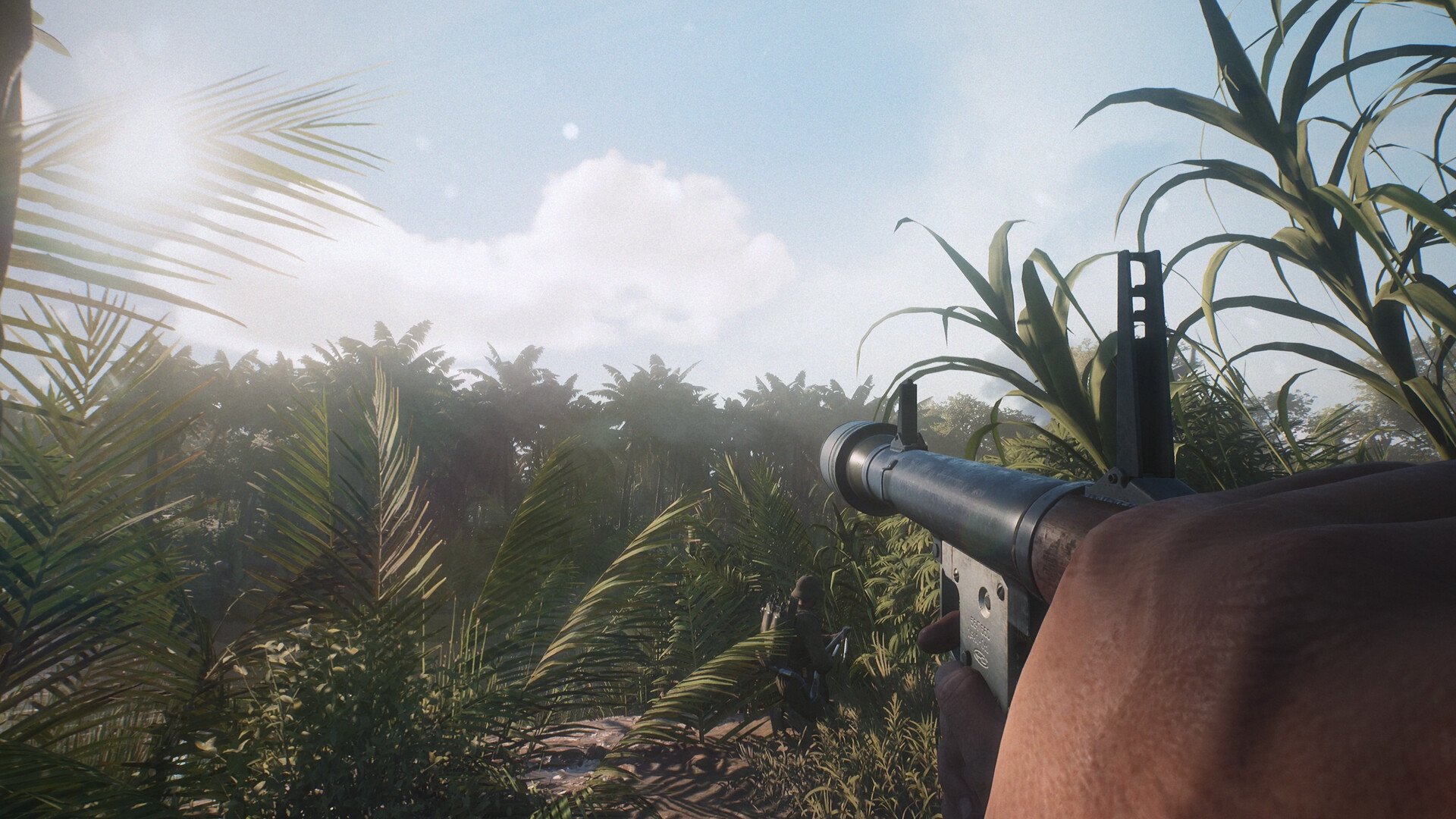
My preferred Hell Let Loose: Vietnam graphics setup keeps the resolution at 100%, lowers the expensive lighting options, and leaves enough environment detail intact that the jungle does not become a blurry green wall. I use Medium textures, foliage, landscape, and FX alongside Low illumination, shadows, reflections, and shading.
I also prioritize squad information over markers for the entire team. Shorter team and vehicle marker distances reduce screen clutter, while the longer Unit View Distance makes it easier to keep track of the five players I am actually expected to coordinate with.
Jump To Section:
Best Graphics Settings for FPS and Visibility
Why I Use Different Marker Distances
Which Graphics Settings Should Stay at Medium?
Should You Use VSync?
What Should You Lower for More FPS?
What Should You Raise for Better Graphics?
Best Hell Let Loose: Vietnam Graphics Settings for FPS and Visibility
This is the balanced preset I would use before deciding that every option needs to be dragged down to Low. It is built around a clear native image, moderate environment detail, and fewer effects competing for performance during a full match.
| Category | Setting | Recommended Option |
|---|---|---|
| Gameplay | Field of View | 95 |
| Gameplay | Field of View in ADS | 70 |
| Gameplay | Camera Motion | Off |
| Gameplay | Team View Distance | 175 |
| Gameplay | Unit View Distance | 250 |
| Gameplay | Vehicle View Distance | 200 |
| Gameplay | Team Nameplate Occlusion | On |
| Gameplay | Unit Nameplate Occlusion | Off |
| Display | Window Mode | Fullscreen |
| Display | Resolution | Native Monitor Resolution |
| Display | Resolution Scale | 100% |
| Display | Vertical Sync | Off |
| Display | Low Latency | On |
| Display | Image Reconstruction | Off |
| Image Quality | Global Illumination Quality | Low |
| Image Quality | Texture Quality | Medium |
| Image Quality | Shadow Quality | Low |
| Image Quality | Reflection Quality | Low |
| Image Quality | Shading Quality | Low |
| Image Quality | FX Quality | Medium |
| Image Quality | Landscape Quality | Medium |
| Image Quality | Foliage Quality | Medium |
| Post Processing | TSR Resolution Scale | 100 |
| Post Processing | TSR Anti-Aliasing Quality | Medium |
| Post Processing | SSAO | Off |
| Post Processing | Motion Blur | Off |
| Post Processing | Film Grain | Off |
| Post Processing | Post Process Quality | Low |
| Miscellaneous | View Distance | Medium |
| Miscellaneous | Hardware Lumen | Off |
| Miscellaneous | Master Quality | Custom |
If the menu only shows one resolution-scale option, keep that value at 100 rather than trying to apply both entries separately. I would begin with Image Reconstruction disabled so the native image becomes the baseline, then experiment with reconstruction only if the rest of the preset is not producing acceptable performance.
Why I Use Different Marker Distances
I do not think Team, Unit, and Vehicle View Distance should automatically use the same value. Unit markers belong to the squad, so I keep those visible at 250 while reducing the wider team markers to 175 and vehicle markers to 200.
That keeps the people I need to follow easier to identify without filling every distant part of the screen with markers. Hell Let Loose: Vietnam already has plenty happening across the interface, and seeing every teammate marker at the maximum distance can become more distracting than helpful.
I use Team Nameplate Occlusion but disable Unit Nameplate Occlusion for the same reason. General team markers can disappear behind terrain and structures, while squad markers remain easier to track when everyone begins splitting between trees, buildings, and different sides of an objective.
Field of View at 95 is also more moderate than pushing it beyond 100 immediately. A wider view shows more of the surroundings, but I prefer preserving a little more size on distant movement instead of making everything across the center of the screen appear smaller.
Which Graphics Settings Should Stay at Medium?
I keep Texture Quality at Medium because it is a sensible starting point across a wider range of PCs. High remains available for systems handling the game comfortably, but I would rather begin with a stable middle option than write a supposedly universal preset around hardware with plenty of graphics memory.
Landscape and Foliage Quality also stay at Medium in my setup. The jungle is the main visual identity of Hell Let Loose: Vietnam, and dropping both settings immediately feels like sacrificing too much of the environment before finding out whether the extra reduction is even necessary.
FX Quality is another setting I leave at Medium. Explosions, smoke, vehicles, and gunfire are constantly part of the battlefield, so this is one area where I prefer a compromise instead of automatically choosing the lowest option available.
I recover performance elsewhere by setting Global Illumination, Shadows, Reflections, and Shading to Low, then disabling Hardware Lumen and SSAO. That is a more deliberate trade than making every environment setting equally bad just because the word Low appears beside it.
Should You Use VSync in Hell Let Loose: Vietnam?
I leave VSync off and enable Low Latency. That is the combination I would begin with for a multiplayer shooter, then I would only turn VSync on if visible screen tearing becomes distracting during normal play.
There is no reason to enable it purely because another preset labels it competitive. The better choice depends on how the game looks and feels on the actual monitor, so I would test both if tearing is present rather than treating VSync as a guaranteed advantage.
What Should You Lower for More FPS?
If this preset still struggles, I would move Foliage Quality from Medium to Low first. The environment will lose some detail, but it allows the main preset to remain reasonably attractive for stronger systems without pretending that Medium foliage belongs on every possible PC.
FX Quality can move to Low next, followed by Landscape Quality. View Distance is already set to Medium, while Global Illumination, Shading, Shadows, Reflections, and Post Process Quality are already Low, so those parts of the preset have little room left to move.
I would keep Texture Quality at Medium unless the game is showing problems that improve when textures are lowered. Turning textures down automatically may make the environment look worse without addressing whichever setting is actually creating the performance problem.
Resolution Scale should be one of the last adjustments. Lowering it below 100 can produce more performance, but it also softens everything on screen, and I do not like trading away overall clarity until the individual quality settings have already been reduced.
What Should You Raise for Better Graphics?
If the game remains stable through full matches, I would raise Texture Quality from Medium to High first. After that, Shading Quality can move from Low to Medium, followed by Global Illumination Quality.
TSR Anti-Aliasing Quality can also move from Medium to High if the extra smoothing looks better on the monitor without creating a noticeable performance problem. I would compare it while standing in an area with thin branches and foliage, since that is where differences in the final image are easier to notice.
I would leave Motion Blur and Film Grain off regardless of the available performance. Those settings change the presentation rather than adding the kind of battlefield detail I care about, so I would spend any remaining headroom on textures, shading, or illumination instead.
This preset is meant to be a balanced starting point rather than a disguised copy of an all-Low configuration. It keeps the native image and the jungle’s basic detail, reduces the heavier lighting options, and treats squad visibility as more important than showing every friendly marker at the same distance.