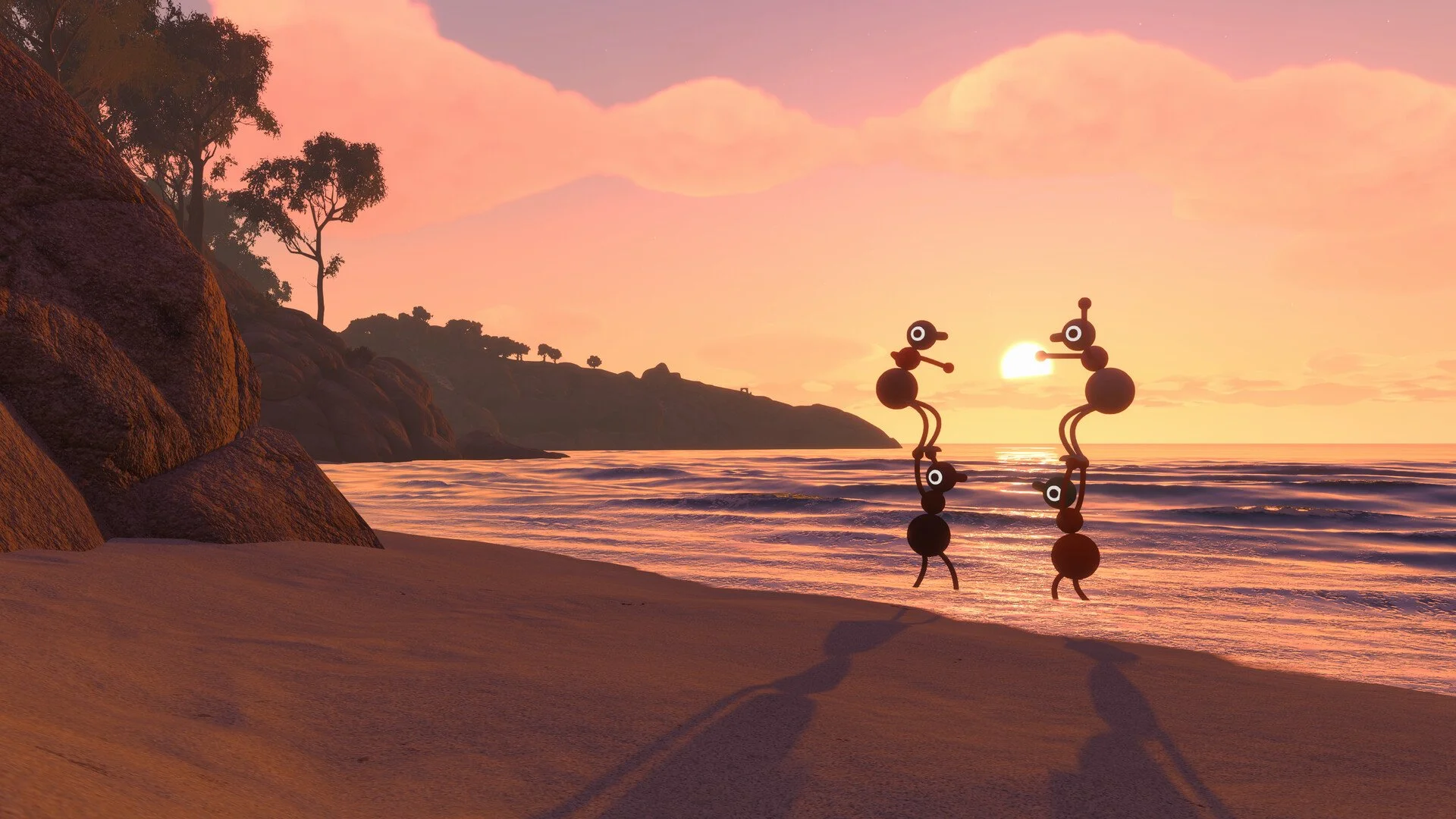
Big Walk may look like the kind of game where you can wander around alone, solve a few puzzles, and bring friends in whenever they happen to be available. However, it was built from the beginning as a cooperative multiplayer game, and trying to treat it like a single-player adventure will stop your progress fairly quickly.
You can technically start a session by yourself and explore a small part of the island, but there is no actual solo mode and many of the puzzles depend on communication or actions performed by multiple players. Big Walk requires at least two people for a normal playthrough, with support for groups of up to 12.
I would not buy Big Walk expecting to slowly work through it alone and occasionally invite someone for the harder sections. The host keeps the save, but the game itself expects a group to experience the island together across multiple sessions.
Jump To Section:
Can You Play Big Walk Solo?
What Happens If You Start Alone?
Minimum and Maximum Players
How Group Size Changes the World
Does Big Walk Have Matchmaking?
How to Join Friends
Does Big Walk Have Crossplay?
How Hosting and Saves Work
Can You Play Without a Microphone?
Is Big Walk Good With Two Players?
Should Solo Players Buy Big Walk?
Can You Play Big Walk Solo?
Big Walk does not have a single-player mode. The game is designed for two or more people, and its puzzles, communication systems, equipment, and character interactions are all built around cooperative multiplayer.
A solo player can create a session and walk around part of the world, but this does not turn the game into a complete single-player experience. You will eventually reach challenges that require another person, at which point normal progression becomes impossible.
This is not simply a case where the puzzles become more difficult alone. Some interactions fundamentally expect another character to be present. Even changing your appearance at the early paint station requires another player to hold the brush and paint you, as explained in our Big Walk color customization guide.
The same cooperative logic appears throughout the rest of the game. Players carry objects for each other, communicate across limited distances, operate different parts of puzzles, and can even pick up and carry another character when needed.
What Happens If You Start a Big Walk Game Alone?
Big Walk does allow the host to enter a session without waiting for another player to connect. This means you can look around, test the controls, adjust your settings, or explore some of the immediately available space.
You will not be able to make meaningful progress through the full adventure, though. The official description is fairly direct about this: a single player can walk around a little, but will not get very far.
Starting alone may still be useful when you want to:
- Check your graphics and performance settings.
- Adjust your field of view or motion-reduction options.
- Rebind your controls.
- Find your Join Code before inviting the rest of the group.
- Confirm that your microphone or text chat is working.
- Look around the area where your group stopped previously.
What it will not let you do is bypass the multiplayer requirement and complete the main game on your own.
Accessibility settings allow the host to enable challenge skipping, but this is intended for challenges that may be inaccessible because of hearing, speech, reading, reaction-time, or fine-motor requirements. It does not convert the rest of Big Walk into a solo campaign or remove every interaction that needs another player.
How Many Players Do You Need for Big Walk?
Big Walk supports between two and 12 players.
- Minimum players: Two
- Maximum players: 12
- Solo mode: No
- Online matchmaking: No
- Crossplay: Yes
The game does not have one officially recommended group size. A smaller group creates a more focused cooperative experience, while a session closer to the 12-player limit becomes much louder and more chaotic.
Two players are enough to play through the game normally. You do not need to assemble a full four-person group before starting, although having more people obviously gives the group more hands for carrying objects and working on separate parts of the island.
More players can also create their own problems, as communication becomes harder and people are more likely to wander away from the objective. Big Walk is already built around limited-distance communication, so a 12-player session can turn into several smaller groups having completely different adventures.
How Big Walk Changes With Different Group Sizes
The host chooses a world version whenever they begin a session. The available settings are:
- Two-player world
- Three-player world
- Four-or-more-player world
Some parts of the island change depending on which option the host selects. The setting should therefore reflect the smallest number of players who are expected to participate rather than the largest number who may briefly join.
For example, a group with four friends should not automatically select the four-player version when only two people will be available for most of the playthrough. Choosing the two-player world would make more sense because the group can still allow additional players to join later.
The world selection is a minimum-player setting, not a player cap. Choosing the two-player version does not prevent a third, fourth, or fifth person from entering the session.
This matters because Big Walk is supposed to be played across multiple sessions, and real groups rarely have every person available at exactly the same time. Selecting a lower world version keeps the game playable when part of the group misses a session.
Does Big Walk Have Online Matchmaking?
Big Walk does not include matchmaking with random players.
The game was made around long-form cooperation with the same group, rather than placing strangers together for one puzzle or a short match. You need to organize a group yourself and either join through your platform’s friends system or use a Join Code.
This means there is no menu where a solo player can queue and automatically receive a teammate. Public matchmaking is not available even though the game requires at least two players.
In reality, this is probably the biggest thing a solo buyer needs to know. The lack of a single-player mode would be less restrictive if the game could find another player for you, but Big Walk expects you to arrive with someone already willing to play.
You could still meet players through an outside community and exchange Join Codes, but the game itself does not search for teammates or place you into a public lobby.
How to Join a Friend in Big Walk
Players can connect through their platform friends list or by entering a Join Code.
If the host is already on your friends list through Steam, PlayStation, or Nintendo Switch Online, their active game should appear in the friend-game menu. The Mac App Store version does not support a Game Center friends list, so those players need to use a Join Code instead.
A Join Code is generated every time the host starts a session. The host can find it in two places:
- In the corner of the host menu before starting the game.
- Under Session Details in the in-game menu after the session begins.
The host sends that code to the other players, who can then use it to connect without being added as platform friends.
The session password can also be changed while the game is running through the Session Details menu.
Does Big Walk Support Crossplay?
Big Walk supports crossplay, allowing friends on different platforms to join the same session.
The game is available on:
- Windows PC through Steam
- Mac through Steam or the Mac App Store
- PlayStation 5
- Nintendo Switch 2
Because Join Codes work independently of platform friend lists, they are the most useful option for a group spread across several systems.
Crossplay does not change who controls the save. One person still acts as the host, and that host needs to return whenever the group wants to continue the same playthrough.
How Hosting and Save Progress Work
The host owns the Big Walk save and keeps all of the group’s progress. Saving happens automatically, so you do not need to manually save after every puzzle or major island unlock.
Once the host creates the session, everyone else can connect. When the host leaves, the session ends and the other players are disconnected.
The same host must therefore start the game again when the group wants to continue from its previous progress. Another player cannot take the existing world and continue hosting it independently.
This makes the choice of host more important than it may initially appear. I would give the save to someone who is likely to be present for most sessions rather than automatically letting the person with the fastest internet host the first night.
If the host becomes unavailable, the rest of the group cannot continue that save until they return. Someone else could begin a new world, but the group would be restarting its puzzle and island progress.
This also affects trophy and achievement hunting. Our Big Walk trophy and achievement guide covers the full completion route, but the group still needs access to the original host’s save to finish remaining puzzles and reach the full ending.
Can You Play Big Walk Without a Microphone?
You can complete Big Walk without using a microphone. The game includes text chat with the same communication behavior and intentional restrictions as its voice chat.
Text messages are affected by distance and the surrounding environment. A player who is too far away may not be able to read them, and barriers such as soundproof glass can block communication. Text chat also works with communication equipment such as walkie-talkies.
This means using text does not remove the communication puzzles or give your group unrestricted global chat. It replaces spoken communication while preserving the same gameplay rules.
Big Walk strongly encourages players to use its built-in communication instead of Discord, console parties, or another outside voice service. The game will not punish or disconnect you for using an external chat, but several puzzles are built around situations where players cannot normally hear each other.
Using unrestricted outside communication can therefore remove part of the intended challenge. It would be similar to playing a communication game while quietly giving everyone access to information they were not supposed to have.
Is Big Walk Good With Only Two Players?
Two players are enough to experience the complete game, and Big Walk includes a world version designed specifically around that group size.
A two-person session is more focused because both players remain directly involved in most decisions. There are fewer people available to carry objects or search different areas, but there is also far less confusion over where everyone went or who was supposed to bring an important puzzle item.
The official player guidance does not identify one ideal group size. Two players are not receiving an incomplete or reduced version of the intended experience; the world adapts to the number selected by the host.
A larger group will naturally create more unpredictable moments, while two players will spend more time directly cooperating with each other. Which version feels better depends on whether your group prefers focused puzzle-solving or the chaos of several friends talking and wandering at once.
Should You Buy Big Walk as a Solo Player?
You should only buy Big Walk as a solo player when you already have at least one person willing to play it with you.
There is no full solo mode, AI companion, or random matchmaking system that will fill the second player slot. Although you can enter the world alone, you cannot expect to complete the story, activate every major system, or work through the full trophy list by yourself.
Before buying, make sure you have considered:
- Whether at least one friend also owns or plans to buy the game.
- Whether your schedules overlap enough for multiple sessions.
- Who will host and control the shared save.
- Whether your group will use voice chat or the built-in text system.
- Which world size matches the number of people who will usually attend.
Crossplay makes organizing a group easier because everyone does not need to own the same system. However, crossplay does not solve the basic solo-play issue, as you still need another real person and Big Walk will not find one for you.
Once you have a group, the cooperative systems connect across nearly everything you do. Starting the railway, for example, involves shared puzzle rewards and a longer activation sequence before everyone can ride it, which our Big Walk train guide covers in full.
Big Walk is not a single-player exploration game with optional co-op added on top. Cooperation is the game, and a solo session only gives you enough freedom to look around before the island starts asking for someone else.