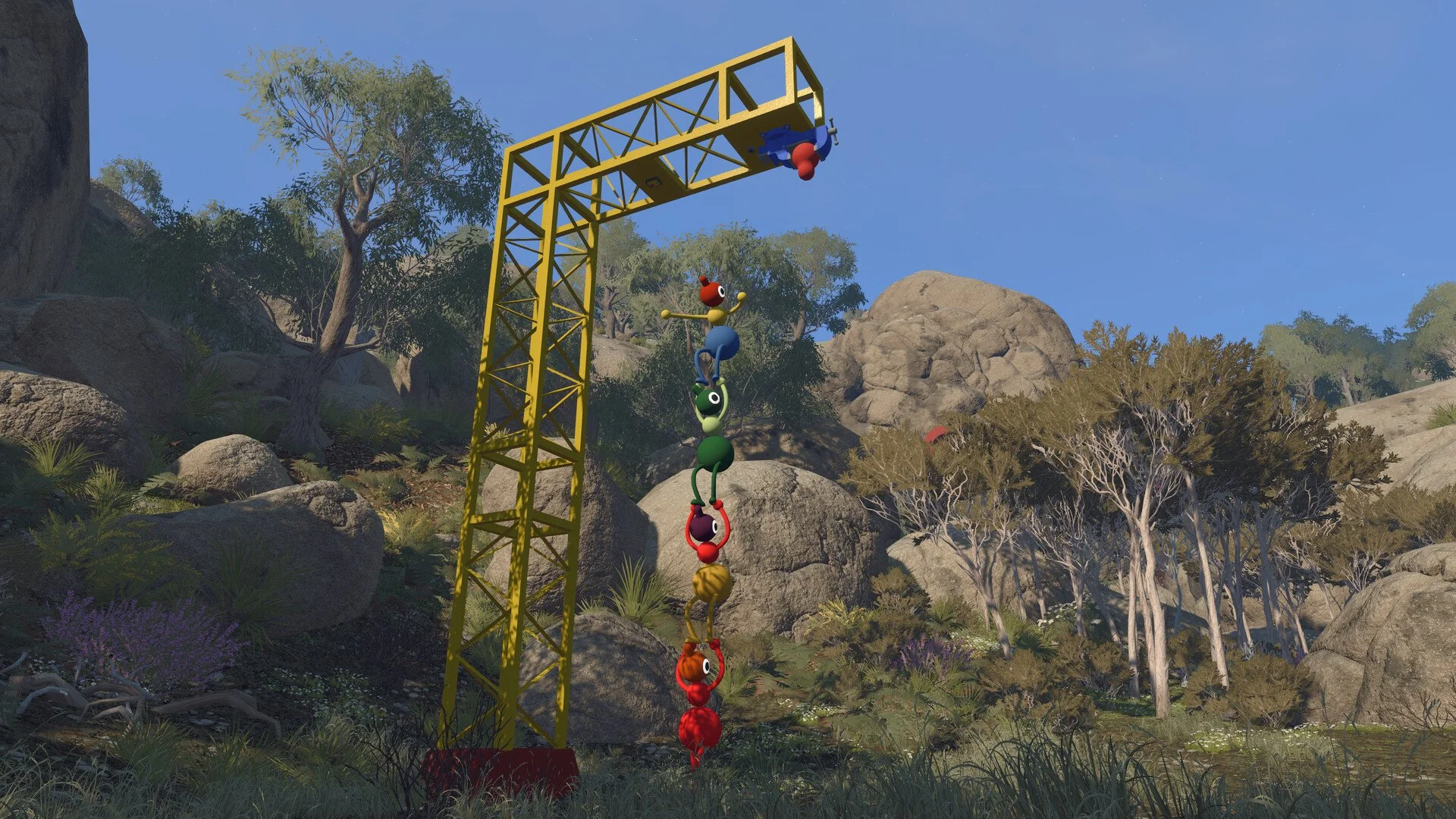
Big Walk supports crossplay between PC, Mac, PlayStation 5, and Nintendo Switch 2, so your group does not need to buy the game on the same platform. Up to 12 players can join one session, even when the group is split across several different systems.
Cross-platform players usually connect with a Join Code generated by the host. The more important decision is who hosts the world, as that person also keeps the save and must return whenever the group wants to continue the same playthrough.
Jump To Section:
Is Big Walk Crossplay?
How to Play Cross-Platform
Who Should Host?
Matchmaking, Solo Play, and Saves
Cross-Platform Voice and Text Chat
Crossplay Not Working
Is Big Walk Crossplay?
Yes. Big Walk allows players on all four supported platforms to play together:
- Windows PC through Steam
- Mac through Steam or the Mac App Store
- PlayStation 5
- Nintendo Switch 2
A PS5 player can host for someone on Steam, while Nintendo Switch 2 and Mac players can join that same world. Crossplay also works with larger groups rather than being limited to one host and one guest.
Big Walk is not available on Xbox, PlayStation 4, or the original Nintendo Switch, so those systems cannot join a session.
How to Play Big Walk With Friends on Other Platforms
One person first needs to start a hosted game. Big Walk then creates a short Join Code that can be entered by anyone else in the group, regardless of which supported platform they are using.
- Have one player start the session as host.
- Open the Join Code shown in the host menu.
- Send the code to the rest of the group.
- Enter the code through the join menu on each system.
The host can also find the current code after entering the world by opening the in-game menu and selecting Session Details.
Players using the same platform may see the session automatically through their friends list. For example, Steam friends should be able to find an active Steam host without entering a code. Join Codes are still more useful for mixed-platform groups because PlayStation, Nintendo, and Steam friend lists do not connect to one another.
The Mac App Store version does not support a Game Center friends list, so those players need to use a Join Code even when playing with another Mac user.
Choose Your Big Walk Host Carefully
The host is responsible for more than opening the lobby. Big Walk stores the world’s progress with that player, including completed puzzles, opened towers, transportation systems, and story progression.
When the host leaves, the session closes and everyone else is disconnected. The same person must host again when the group wants to continue that particular world.
For example, if a Nintendo Switch 2 player hosts for friends on PC and PS5, the other players cannot reopen that save themselves on a night when the Nintendo player is unavailable. They could start another world, but it would have separate progress.
I would make the regular host whoever is most likely to attend every session, even if someone else happened to create the first lobby faster. Big Walk is meant to be played across several sessions, and tying the save to a friend who rarely has time to play can become a bigger problem than platform compatibility.
This also matters for groups trying to complete everything. Our Big Walk trophy and achievement guide covers the full puzzle and ending requirements, but unfinished objectives remain part of the host’s world.
Matchmaking, Solo Play, and Cross-Platform Saves
Crossplay makes it easier to form a group, but Big Walk does not provide online matchmaking. There are no public lobbies or automatic queues that place you with random players.
You need to bring at least one other person and invite them through a friends list or Join Code. The game supports between two and 12 players.
There is also no proper single-player mode. A host can enter the world alone and walk around, although many puzzles and interactions require another person before meaningful progress can continue. Our Big Walk solo and single-player guide explains what can be done alone and why the game still requires at least two players.
Big Walk’s host-based saves should not be confused with cross-progression either. The official FAQ confirms that the host keeps the save and must reopen it later, but it does not describe a system for transferring that world to another player or moving a hosted save between separate platform accounts.
In other words, crossplay lets different platforms enter the same world. It does not give every participant their own copy of that world.
Does Big Walk Have Cross-Platform Voice Chat?
Big Walk includes built-in voice and text chat that works across platforms. A group containing PC, PS5, and Nintendo Switch 2 players can communicate without using a separate platform party.
You can complete the game without a microphone because text chat follows the same rules as voice chat. Messages are affected by distance, walls, and communication equipment, meaning someone far away may not be able to hear or read what you send.
This is intentional. Several puzzles are built around players losing contact or needing to communicate in another way, and walkie-talkies can help reconnect people who have moved apart.
Discord and console party chat will not cause the game to punish you, but they can bypass those restrictions and make certain puzzles less interesting. Big Walk treats communication as part of the gameplay rather than a separate convenience running in the background.
What to Do If Big Walk Crossplay Is Not Working
If another player cannot see the host’s game, stop relying on the friends list and use the current Join Code instead.
Check that:
- The host has started an active session.
- The code was copied from the current session.
- Every letter and number was entered correctly.
- The host is checking Session Details rather than using an old screenshot.
- Mac App Store players are joining with a code.
- Players using a platform friends list have actually added the host.
If everyone can connect but characters begin skipping or moving erratically, the host’s internet connection or framerate may be causing the problem. Big Walk notes that poor host performance can affect the rest of the session, so lowering graphical settings or changing who hosts may help.
With that said, switching hosts after several hours means starting another world rather than transferring the existing save. It is better to settle on a reliable host before the group has completed a large part of the island.
Big Walk crossplay works across PC, Mac, PS5, and Nintendo Switch 2 without requiring the whole group to use the same platform. Pick one regular host, share the Join Code, and everyone can join the same cooperative adventure.