

Caves of Qud: How to Go Down Stairs
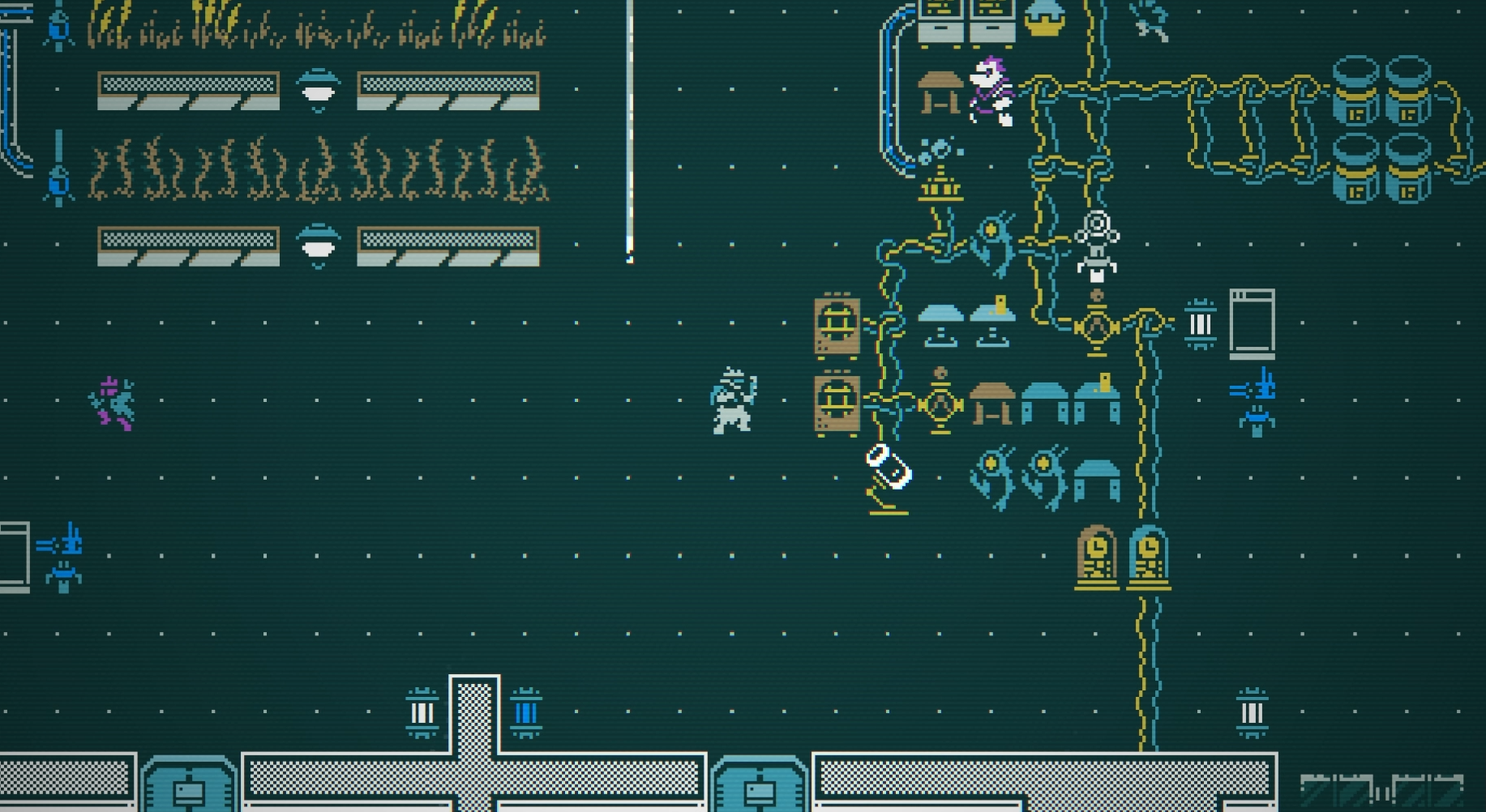
Image Credit: Caves of Qud
Getting between floors in Caves of Qud often involves using stairs or ramps. Here’s how you can go down stairs:
Step 1: Find the Stairs
Explore the area until you find a downward staircase or ramp.
Downward stairs are usually marked with a "▼" or similar symbol on the map.
Sometimes the stairs may be hidden behind doors or in less obvious locations.
Step 2: Stand on the Stairs
Move your character onto the tile with the staircase.
Step 3: Descend the Stairs
Press ">" to go down the stairs.
On most keyboards, this is the Shift + Period (.) key combination.
If you are using a custom keybinding, check your settings for the assigned key.
Notes and Tips
Be cautious when descending. Lower floors often have stronger enemies.
If you can’t go down, ensure you’re standing on the correct tile and that there are no obstacles blocking the way.
Use the local map (press Tab) to help locate stairs if you’re unsure where they are.
Best of luck exploring my friends!
More Caves of Qud


