Crimson Desert Map Crash Fix Guide
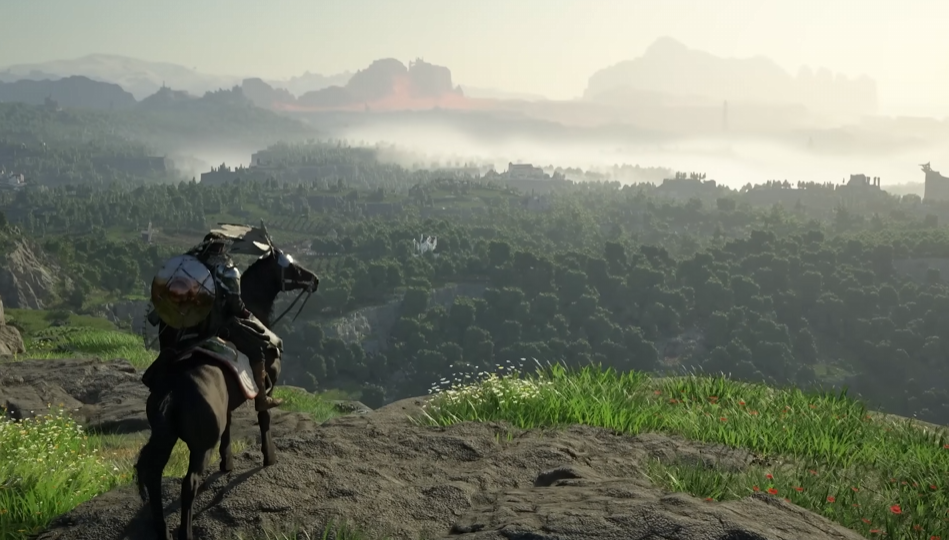
Opening the map in Crimson Desert can straight up crash your game right now… especially after recent patches. It usually happens when zooming, moving too fast, or loading too many icons at once. It feels random, but there are a few fixes that actually work.
How To Fix Map Crashing In Crimson Desert
Switch to Performance mode and reduce map load settings like HDR, VRR, and map detail to stop crashes.
That is the most consistent fix right now across PS5 and PC.
Start with these:
Switch graphics mode to Performance
Turn off HDR
Disable VRR and 120Hz in system settings
Turn off 3D map or 3D nodes
Avoid zooming out quickly on the map
For most players, just switching to Performance mode alone stops the crashing.
Why The Map Keeps Crashing
This is not just one issue, it is a stack of problems.
The map loads a lot of icons and data at once
Zooming out increases the load instantly
Higher graphics modes push the system harder
Certain settings conflict with each other
That is why it feels worse after patches or in specific areas.
Best Settings To Prevent Map Crashes
If you want the most stable setup, use this combination:
Performance mode
HDR off
VRR off
120Hz off
3D map features off
It might look slightly worse, but it makes the map usable again.
Temporary Workarounds That Help
If you do not want to change everything, these smaller fixes can still help:
Do not zoom out quickly on the map
Open the map and move slowly
Filter map icons to fewer categories
Use the mini map more instead
These reduce how much the game has to load at once.
If The Map Still Crashes
If nothing above works, try these resets:
Restart the game
Reload an earlier save
Fully restart your console or PC
Some players report certain saves or sessions trigger more crashes than others.
PS5 Specific Fix That Helps Some Players
On PS5, settings can conflict without you realizing.
Try this:
Turn off VRR and 120Hz in console settings
Disable any TV game mode features that force VRR
Keep resolution on a standard setting like 2160p
This removes conflicts that can cause crashes when opening the map.
Final Blurb
Right now the map crash issue is one of the biggest problems in Crimson Desert. The good news is you can stabilize it with a few setting changes, even if it is not perfect yet. Until a patch fixes it fully, Performance mode and lower visual settings are your best bet.
FAQ
Why does the map crash in Crimson Desert?
It is caused by high load from map data, zooming, and conflicting settings.
Does Performance mode fix map crashes?
Yes, it is the most consistent fix for many players.
Does turning off HDR help?
For some setups, yes, it reduces crashes.
Can zooming out cause crashes?
Yes, zooming out quickly is a common trigger.
Is this a bug or hardware issue?
It is a known game issue that will likely be patched.