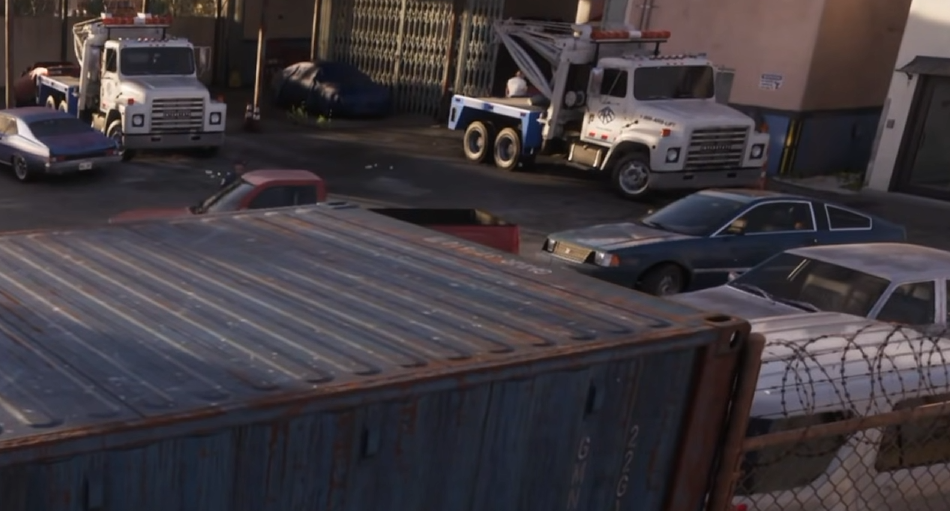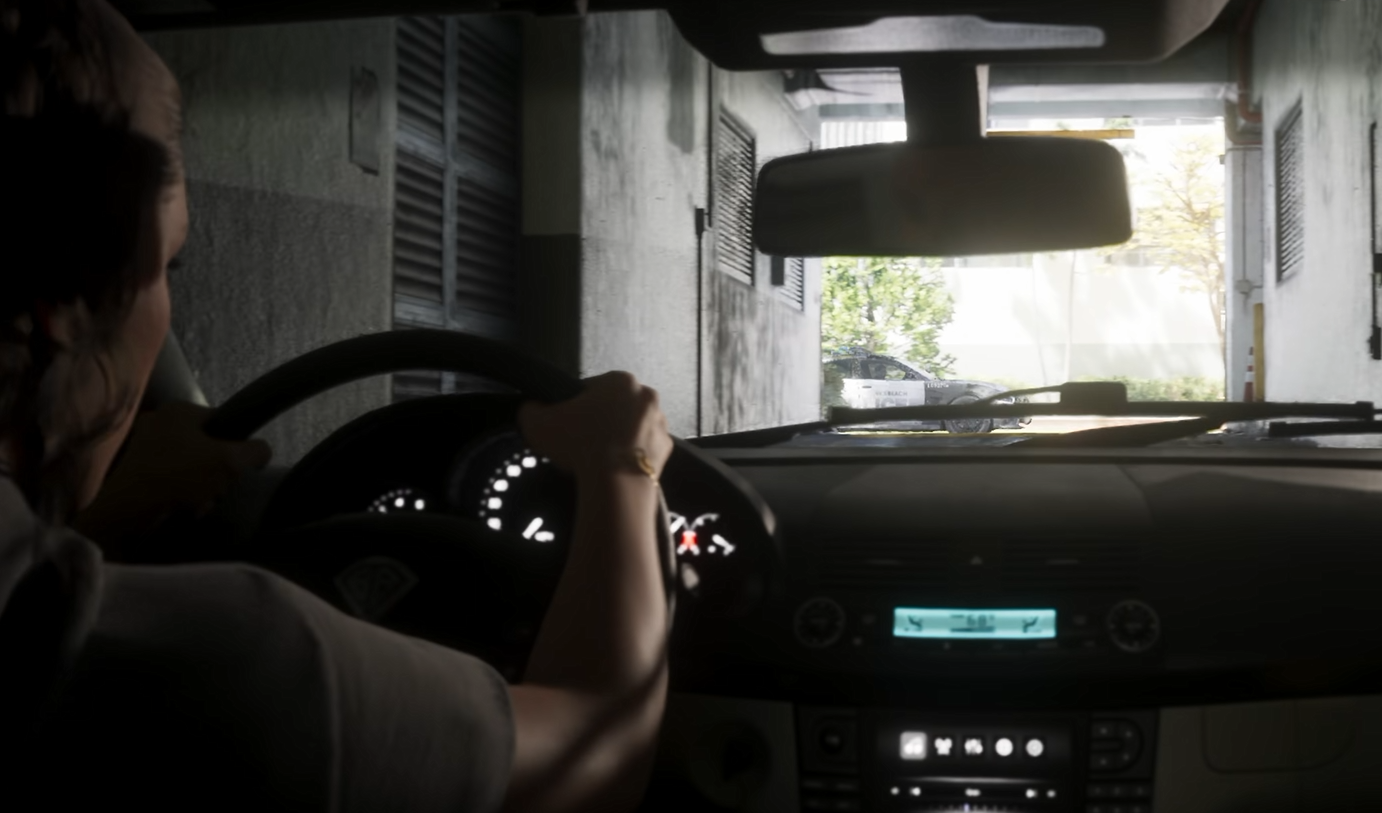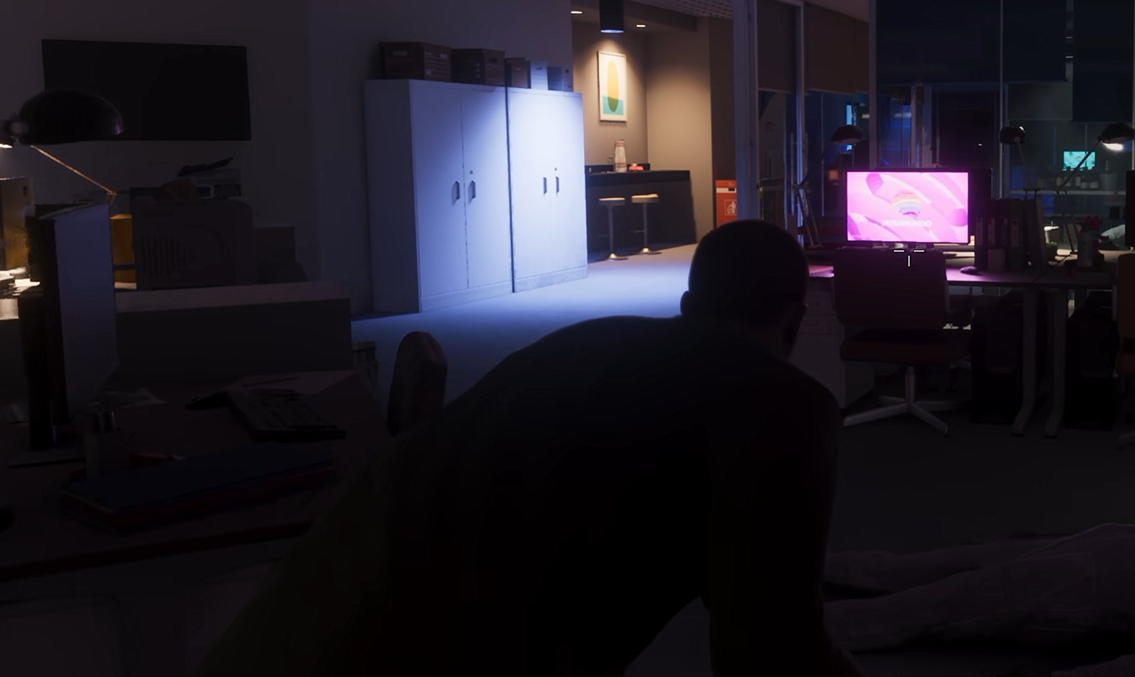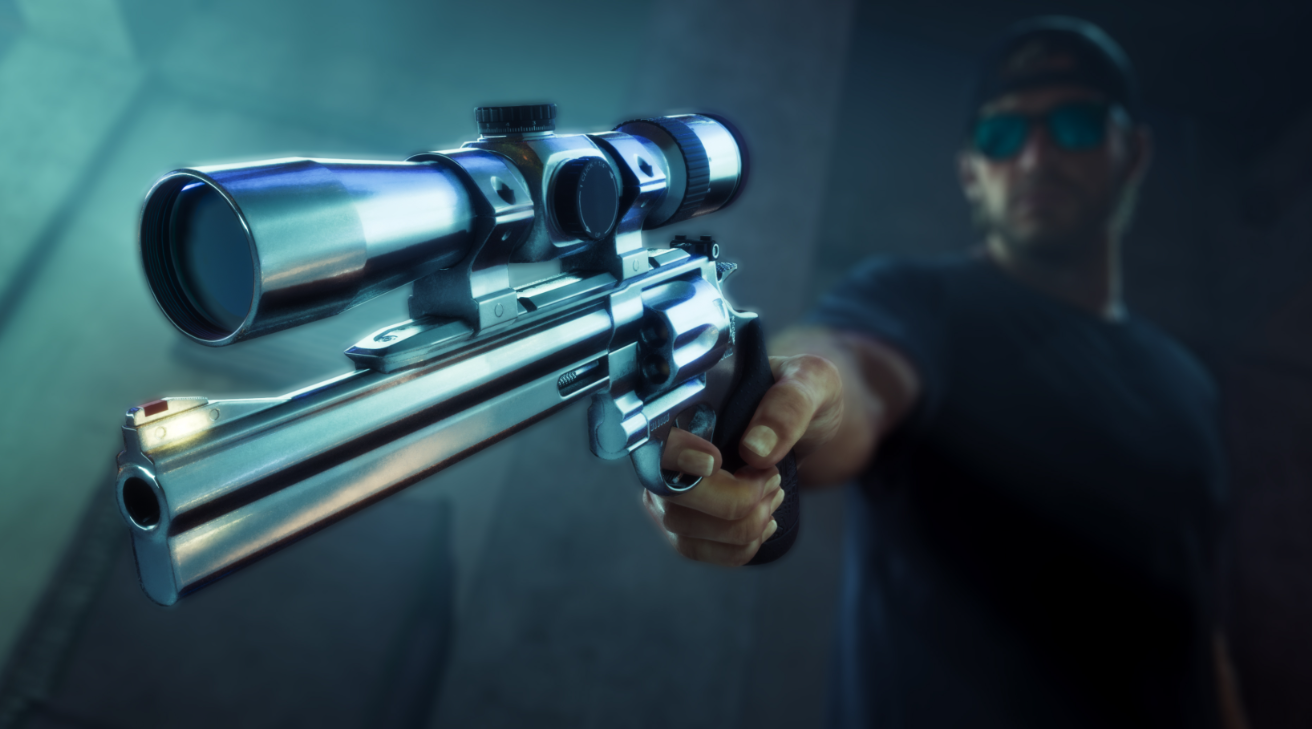
Focus Mode gives Jason and Lucia more time to react during dangerous situations in GTA 6. It also helps identify nearby objects, investigate suspicious sounds, and follow tracks. Activating it only takes one controller shortcut, but aiming while Focus is active changes how the ability uses its meter.
How to Use Focus in Combat
Using Focus While Driving
Focus Highlight Colors
How to Refill Focus
How to Activate Focus Mode in GTA 6
To activate Focus Mode in GTA 6, press L3 and R3 simultaneously on PS5, or click the Left Stick and Right Stick together on Xbox. The same shortcut works for both Jason and Lucia, whether you're exploring on foot or driving a vehicle.
You don't need to aim a weapon to activate Focus. In fact, using the ability without aiming is generally more economical because it doesn't drain your Combat Focus meter.
Outside combat, Focus can remain active for up to 30 seconds on foot. If you use the full duration, there's a two-second cooldown before you can activate it again. Ending Focus early allows you to reactivate it immediately.
How to Use Focus Mode in Combat
Focus changes when you begin aiming at enemies. This is known as Combat Focus, and unlike ordinary exploration Focus, it consumes your meter.
Activate Focus using both sticks, then aim at your target. While Combat Focus is active, time slows and colored target markers can appear on enemies, showing where different shots will have an effect.
Combat Focus can also reveal vulnerable areas on vehicles. Tires and engine blocks are potential targets on cars, while helicopters have important components such as their engines and rotors.
Because aiming consumes Focus rapidly, it's worth using the ability deliberately rather than holding it throughout an entire shootout.
How to Activate Focus While Driving
Focus works behind the wheel using the same L3 + R3 shortcut on PS5 or both stick clicks on Xbox.
Activating it slows time, giving you more opportunity to react to traffic, road hazards, or pursuing police vehicles. However, it doesn't improve the vehicle's handling or grip.
The duration also changes with speed. Focus can last up to 30 seconds while driving, but moving at high speeds reduces the available time, potentially bringing it down to around 10 seconds.
Police officers are highlighted blue while Focus is active, making them easier to identify during a wanted-level pursuit.
Driving Focus is particularly useful when you're approaching a difficult turn or trying to avoid an obstacle, but it's still up to you to steer and brake correctly.
What Do Focus Mode Highlight Colors Mean?
Focus isn't limited to slowing down combat. It highlights objects and threats around you, making it useful for exploring buildings, finding valuables, and identifying potential dangers.
| Highlight | Meaning |
|---|---|
| White | Interactive objects, doors, and consumables |
| Red | Enemies, alarms, explosives, and dropped weapons |
| Purple | Drugs and related valuables |
| Green | Cash pickups |
| Blue | Police officers while driving |
Finding Sounds and Hidden Activities
Focus can reveal visual ripples indicating the direction of nearby sounds. This helps locate events or activities that you can hear but haven't found yet.
During police searches, similar indicators can reveal the activity of pursuing police vehicles, helicopters, K9 units, and witnesses.
Tracking Vehicles and Animals
Focus also reveals trails left by vehicles and wildlife. Vehicle tracks can help during pursuit objectives, while animal scent trails identify creatures you're hunting.
When tracking wildlife, you can select a specific animal's trail and continue following it after leaving Focus Mode. This means you don't have to keep Focus activated throughout the entire search.
How to Refill Focus Mode in GTA 6
Combat Focus consumes its meter while aiming, so you need to replenish it after extended use. Smoking a cigarette is one way to refill Focus outside combat.
Your Criminal Profile also affects which actions restore Focus:
Jason and Lucia have their own Criminal Profiles, so the way each character restores Focus can differ depending on how you've played them.
For more information on those behavior classifications, see our GTA 6 Criminal Profile guide.
For ordinary exploration, use Focus freely to inspect your surroundings, locate points of interest, and track sounds. Save your meter for situations where you're actively aiming, since Combat Focus is the part of the ability that rapidly consumes it.