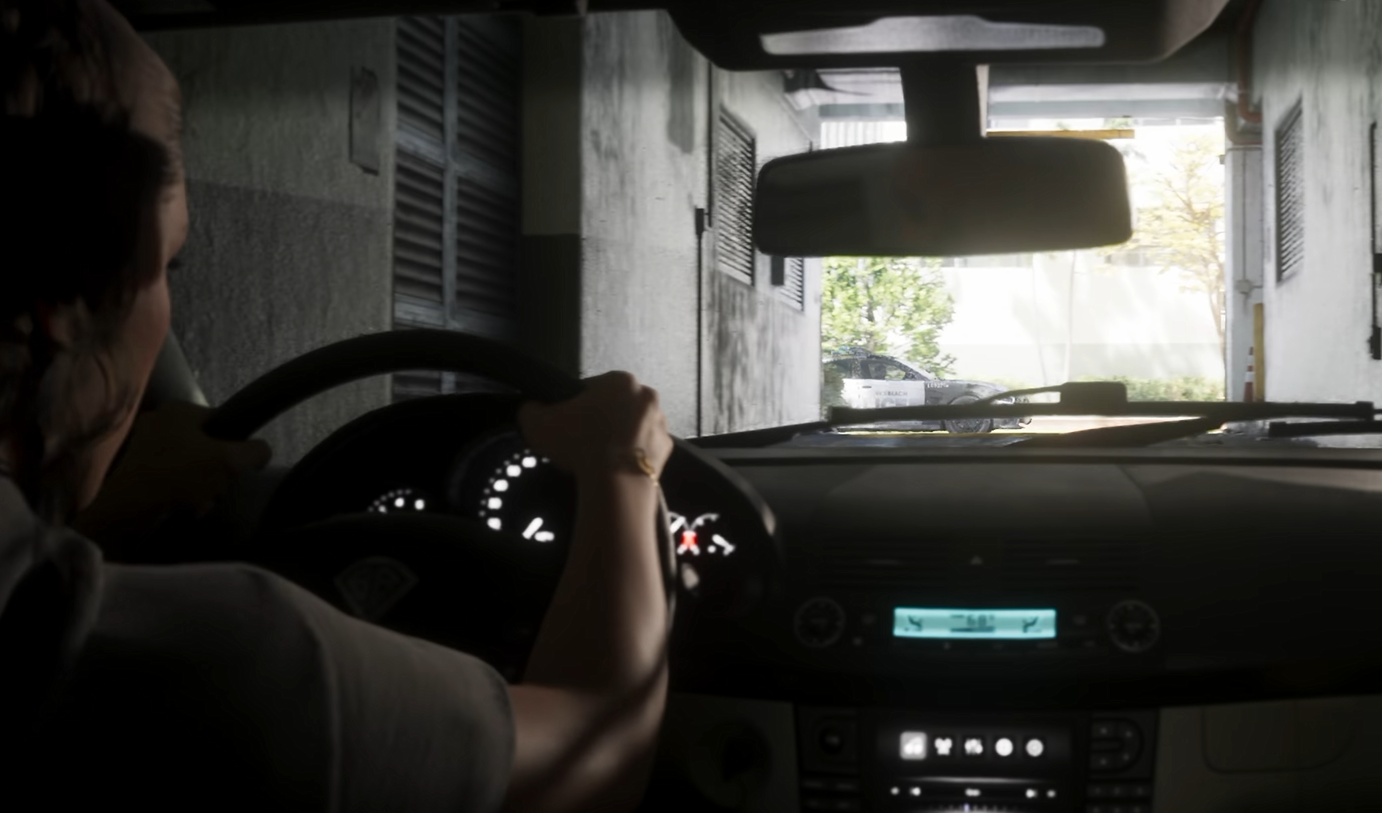
GTA 6 doesn't have the traditional first-person camera toggle found in GTA 5, but there's still a way to drive from inside your vehicle. The interior perspective is available through an unusual workaround involving your phone, although it comes with a few restrictions.
Can You Drive in First Person Normally?
Other Ways to Use First Person
How to Drive in First Person in GTA 6
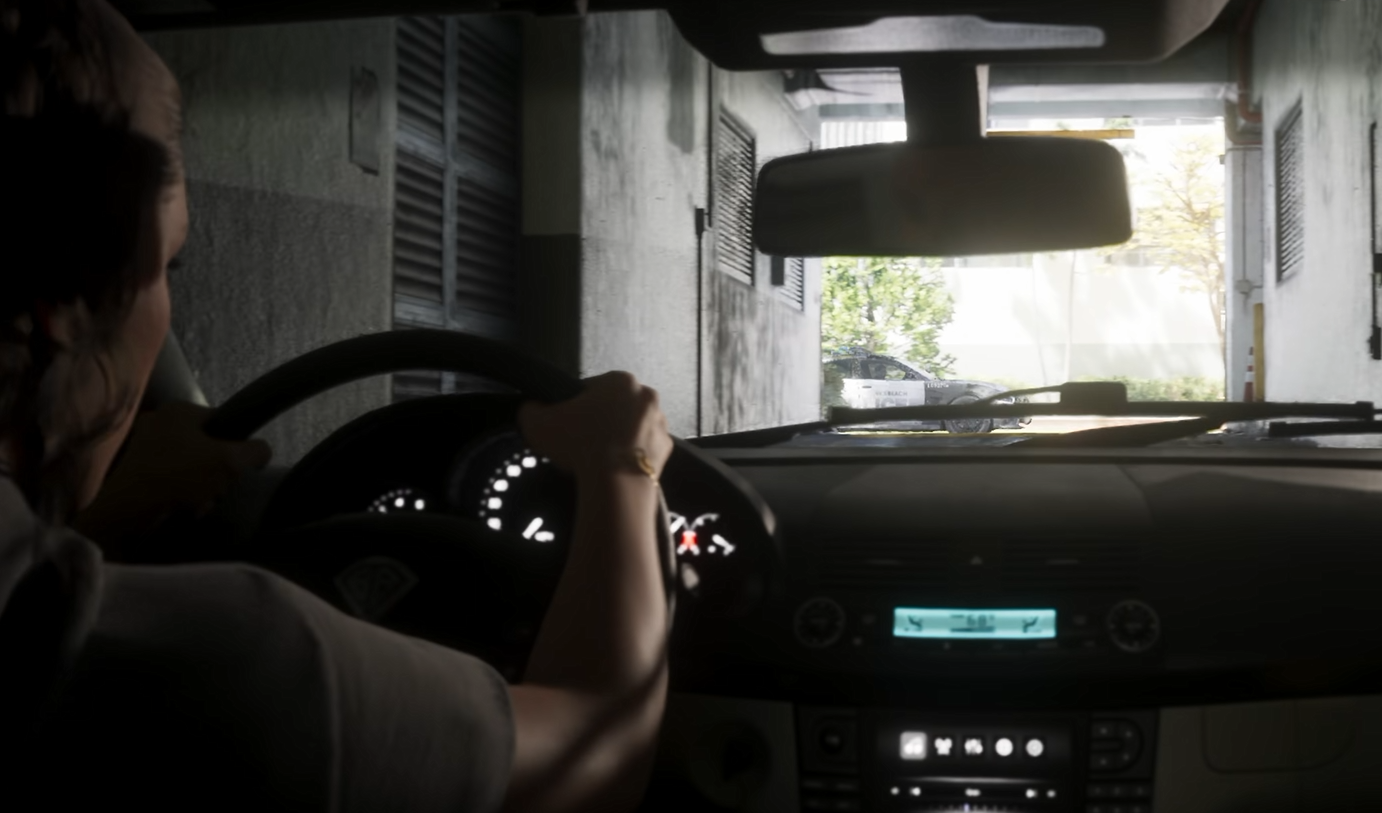
To drive in first person in GTA 6, enter a vehicle and press Up on the D-pad to open your phone. With the phone displayed, the camera switches to a first-person view from inside the vehicle. You can continue driving while using this perspective.
This isn't a permanent camera setting. The first-person driving view is tied to having your phone out, so you can't simply enable it and put the phone away.
Can You Drive in First Person Normally?
No. GTA 6 doesn't currently offer a dedicated first-person driving mode that you can select through the usual camera controls.
Unlike GTA 5, where you could freely switch between an exterior camera and a driver's-eye perspective, GTA 6 restricts its first-person view to particular actions.
The phone workaround gives you a look at the vehicle interior while you're moving, but the phone remains on-screen. If you want to drive without that obstruction, you'll need to use one of the regular third-person camera angles.
For the standard camera controls, see our GTA 6 how to change camera angle guide.
Other Ways to Use First Person in GTA 6
First-person views aren't exclusive to vehicles. GTA 6 also lets you look through your character's eyes in certain situations, although neither option provides unrestricted first-person movement.
These options are available in the launch version of GTA 6, but there is no confirmed setting for playing the entire game in first person. For driving specifically, opening your phone remains the available workaround.