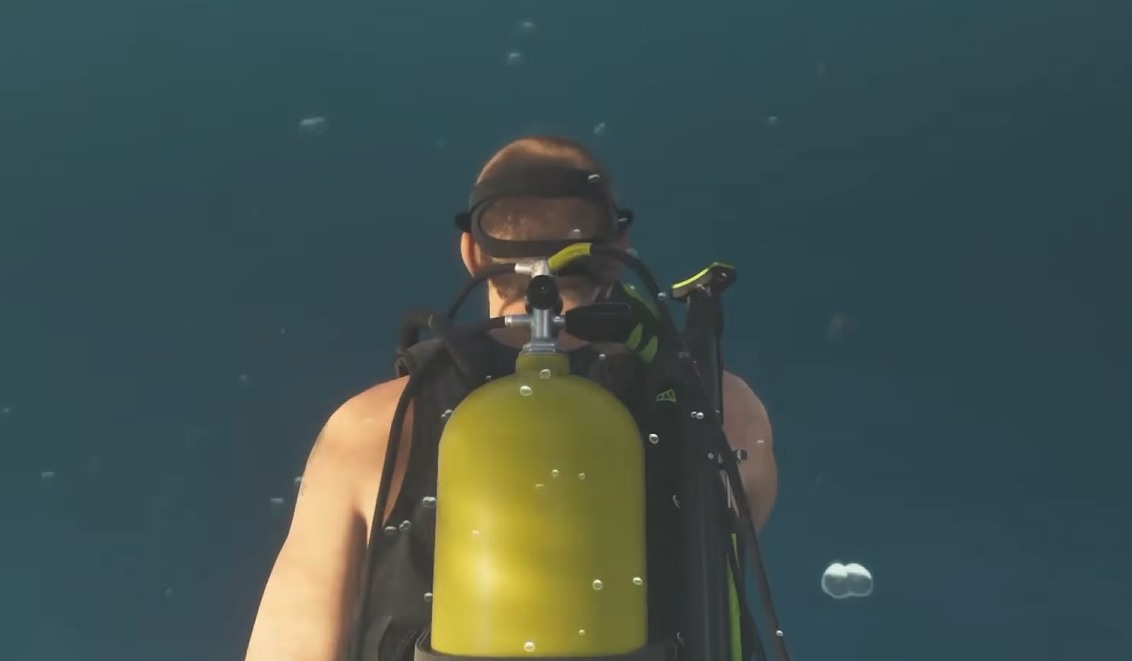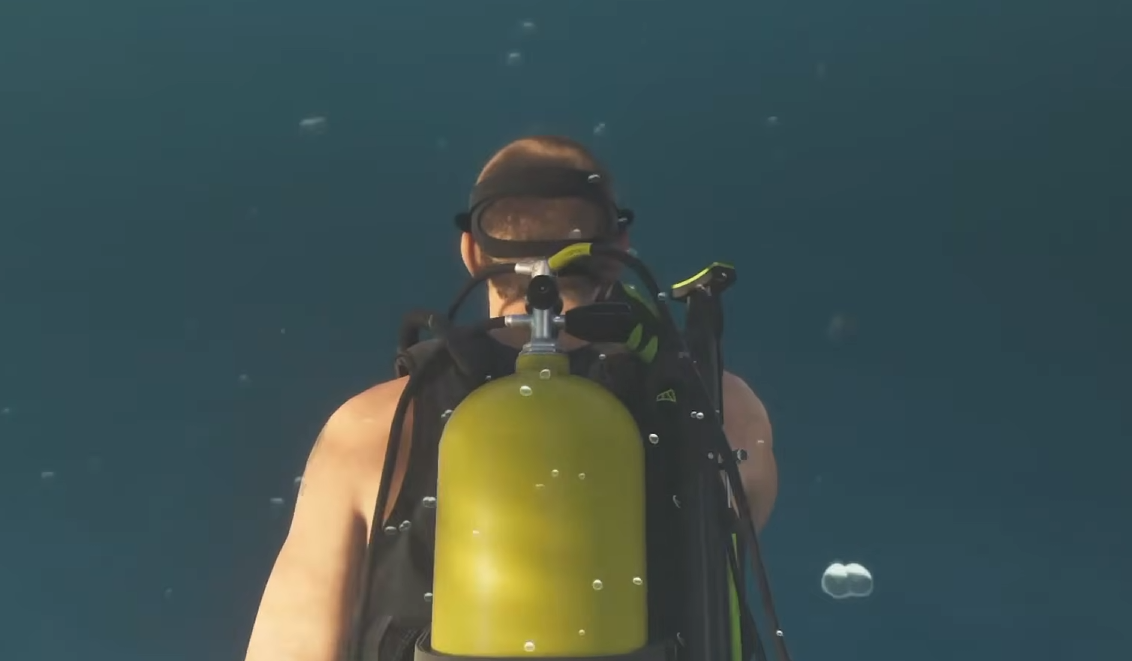
Scuba gear allows Jason to explore underwater areas and search shipwrecks for valuables in GTA 6. Unlike ordinary clothing, diving equipment is kept aboard certain boats rather than equipped through your outfit menu. You'll first encounter it during Chapter 1, but you can continue using scuba gear for underwater exploration afterward.
Where to Find Scuba Gear
Why Can't You Equip Scuba Gear?
Using Equipment Underwater
How to Equip Scuba Gear in GTA 6
To equip scuba gear in GTA 6, approach the diving equipment at the back of a boat and press Triangle on PS5 or Y on Xbox when the interaction prompt appears. Jason will change into his diving equipment, allowing you to enter the water and begin exploring.
You don't need to purchase the equipment or select it from the weapon wheel. The scuba suit is equipped directly from its storage position aboard the boat.
Where to Find Scuba Gear in GTA 6
Scuba diving is introduced during Island Dreams, a Chapter 1 mission involving Kenton and a shipwreck expedition. His boat carries the equipment needed for the dive.
Jason's boat at his Key Lento safehouse is another reliable place to obtain scuba gear. You'll find the boat at the dock near his house, allowing you to prepare for diving trips without relying on a random vessel.
After Island Dreams, Kenton also opens up additional diving opportunities. His boat remains a useful option when heading out to investigate underwater locations.
Why Can't You Equip Scuba Gear in GTA 6?
If you can't find the scuba gear, check the boat itself before searching through your clothing or equipment menus. Diving gear isn't automatically available aboard every vessel in GTA 6.
During Island Dreams, look at the rear of Kenton's boat for the yellow equipment. Move close enough for the interaction prompt to appear.
For later diving trips, use a boat known to carry scuba equipment. Jason's boat and Kenton's vessel are the safest starting points, particularly early in the campaign.
If you've just started the story, Island Dreams provides the game's introduction to scuba diving and shows you where to change into the equipment.
How to Use Equipment While Scuba Diving
Once you're underwater, you can use specialized equipment to locate treasure around shipwrecks and other diving areas.
Hold L1 on PS5 or LB on Xbox to open the inventory wheel and equip the Metal Detector. Aim it with L2 or LT and sweep the surrounding area while watching its indicator.
The detector flashes green and beeps as you search, with more frequent beeping indicating that you're getting closer to buried or submerged valuables.
When you're close enough to collect an item, press Triangle on PS5 or Y on Xbox to pick it up.
For treasure hunting, prepare your scuba gear before entering the water. You can then switch to the Metal Detector once you're submerged and begin searching the dive site.