The GTA 6 WAiNK Nearby Scan Detected notification means a scannable object or location is close to your character. It doesn't necessarily mean there's a special car nearby. To find the target, use the WAiNK scanner and look for its distinctive marker in the surrounding environment.
What Does WAiNK Nearby Scan Detected Mean in GTA 6?
When WAiNK Nearby Scan Detected appears in GTA 6, you've approached a location containing something the WAiNK app can scan. The game usually accompanies this notification with controller vibration and an audio cue.
Unlike the vehicle-scanning feature, these notifications can point you toward environmental discoveries, including landmarks, sculptures, curiosities, billboards, and unusual markings.
For example, the Wonder Whale sculpture in Key Lento and Gellhorn Fun Fair in Port Gellhorn are both scannable WAiNK locations. Depending on where you're exploring, your target might be a large structure, a roadside advertisement, or something much smaller.
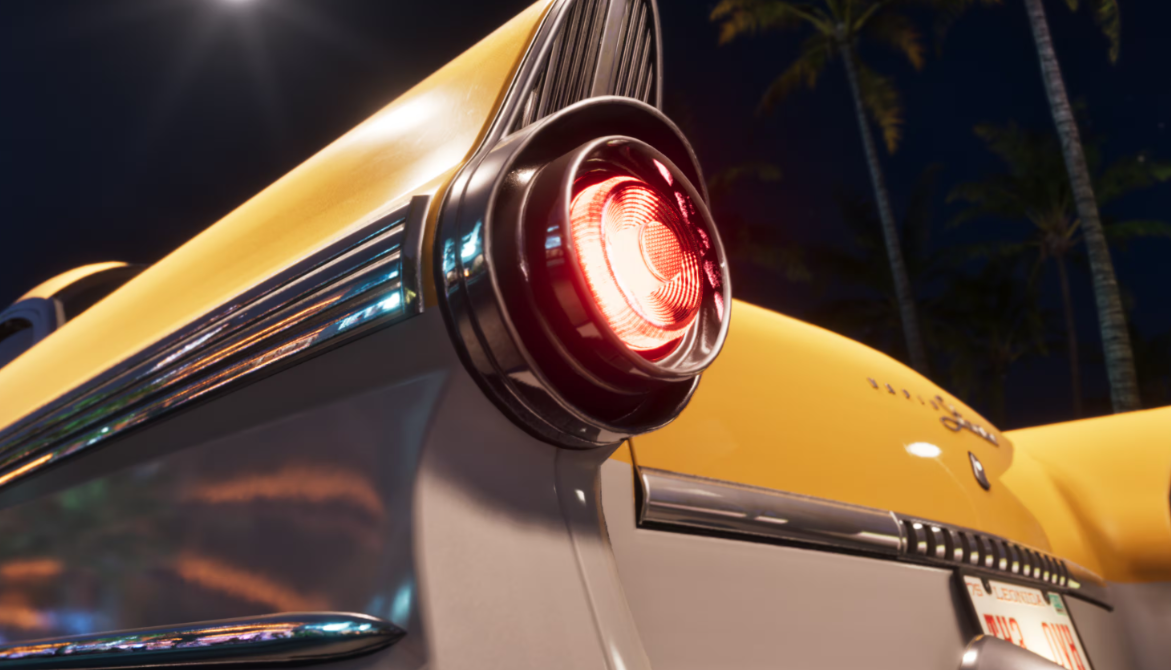
The distinction matters because WAiNK also scans cars to reveal their condition, security, and tracker information. However, the nearby discovery alert doesn't specifically mean you've encountered a rare vehicle or another car from Randy's wishlist.
Most importantly, the notification can appear before you're close enough to perform the scan. Receiving the alert is your cue to investigate the area, not confirmation that the target is already within reach.
How to Use the GTA 6 WAiNK Scanner to Find Nearby Scans
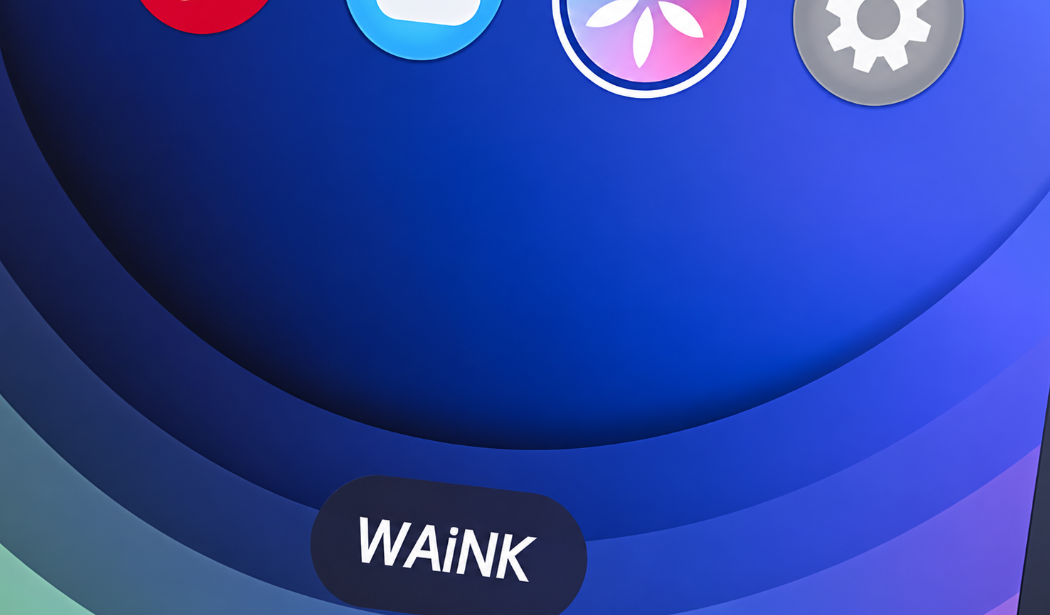
To find the target after receiving the alert, open the WAiNK scanner and search the environment for the app's starburst-shaped scan marker.
You don't need to know the discovery's name beforehand. The scanner identifies the object through its marker, even when the actual point of interest isn't immediately obvious.
After a successful location scan, check Pause > Progress > Collections > WAiNK Locations to review your collection progress.
WAiNK Nearby Scan Detected but Can't Find Anything?
If the alert appears but the WAiNK scanner doesn't show an obvious target, the problem is often where you're looking rather than which button you're pressing.
Try narrowing down the search based on your surroundings:
- Near an unusual building or landmark: Walk toward the structure and check it through the scanner. The marker may not appear until you're closer.
- Near a monument or roadside attraction: Look above ground level. Sculptures, large signs, and billboards can be the intended target.
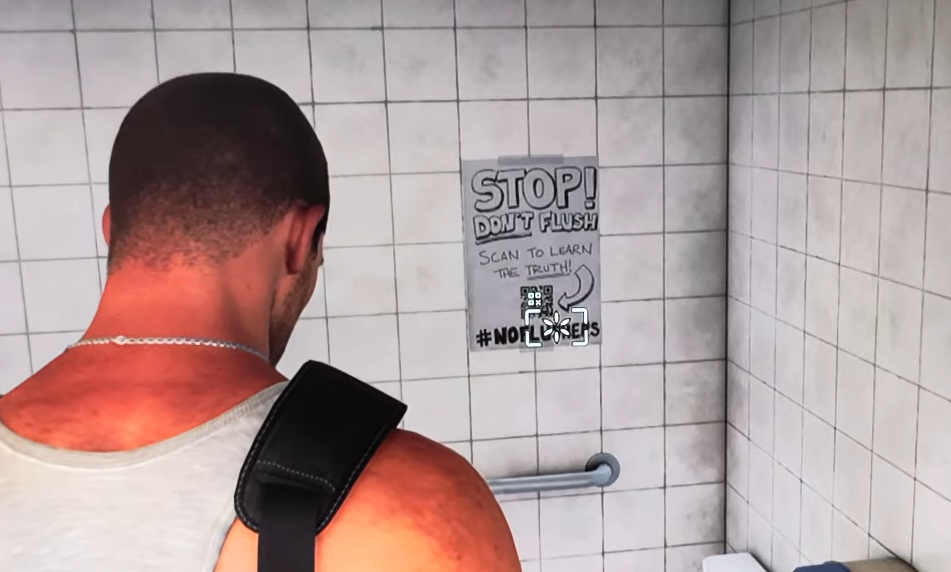
- On a city street or sidewalk: Check the ground as well as nearby walls. No Flusher tags are among the discoveries that can appear as markings on the pavement.
- While driving past parked cars: Don't assume the alert is about those vehicles. Environmental WAiNK discoveries are separate from ordinary vehicle information scans.
- When no marker appears: Walk around the immediate area with WAiNK open. The initial notification can trigger before the object enters your interaction range.
Why the Scanner Doesn't Always Show a Target Immediately
The nearby notification and the actual scanning prompt serve different purposes.
The notification tells you that something scannable is in the area. The starburst marker identifies the specific object once you've located it through WAiNK. You still need to get close enough and aim at that object to interact.
This explains why you might receive the alert while driving, stop your car, and see nothing immediately when opening the scanner. The point of interest may be farther away than expected or attached to something that isn't obvious from the road.
There is also a difference between WAiNK's various collection activities. Regular WAiNK Locations are tracked separately from collections such as AHOL Street Art. Scanning an object successfully doesn't necessarily mean it will increase the WAiNK Locations counter.
For players pursuing completion, 100 qualifying WAiNK location scans are required for the You WAiNKer! achievement and GTA 6's 100% checklist. Ordinary vehicle scans aren't a substitute for these location discoveries.
Ultimately, when GTA 6 says WAiNK Nearby Scan Detected, your next move should be to investigate the environment, not search for another stolen car. Open the WAiNK scanner, look for the starburst icon, and move closer until the scanning interaction becomes available.