How to Switch Classes in Mistfall Hunter
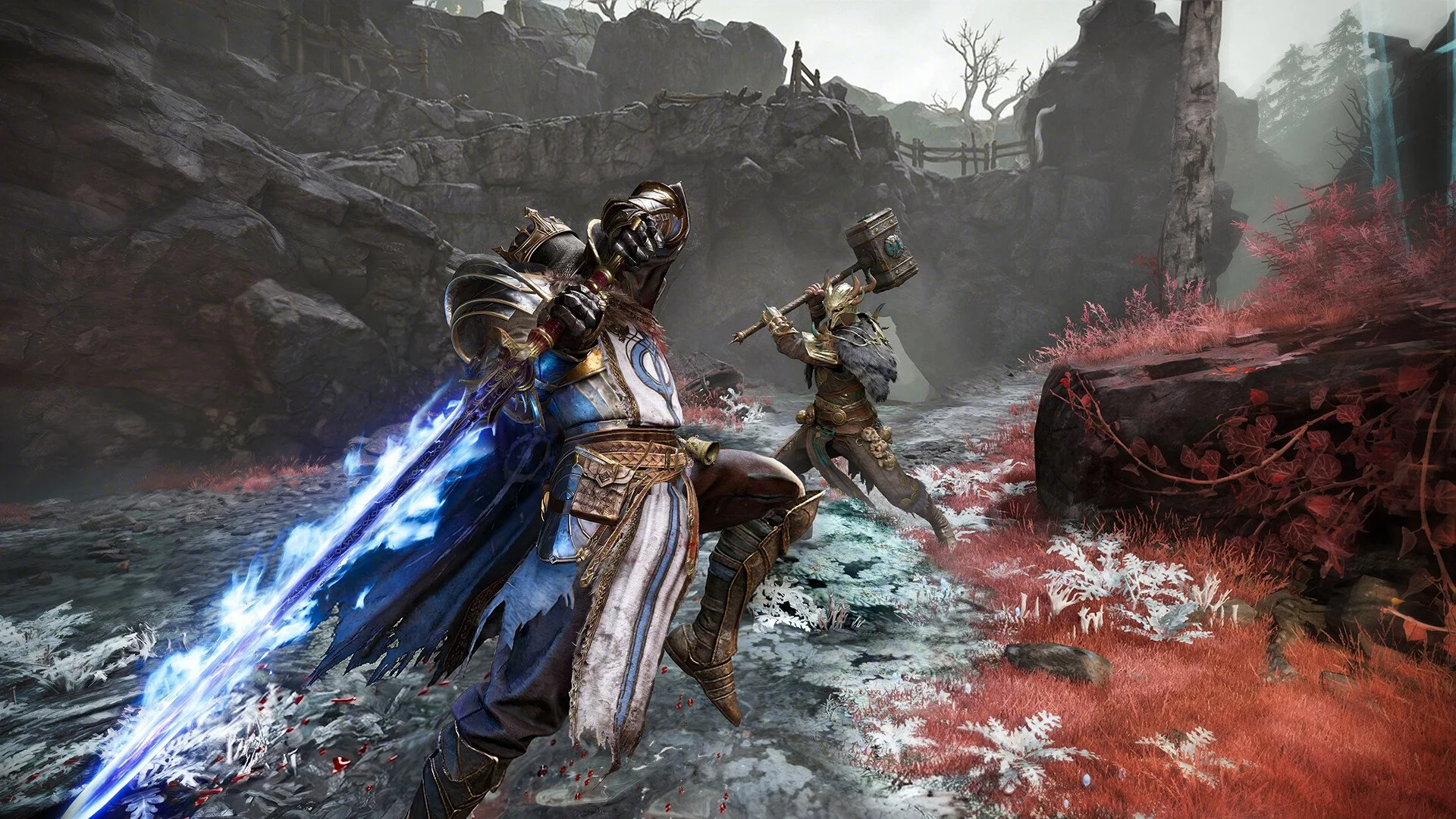
Mistfall Hunter does not make every class-related option easy to find. Changing your Seer faith, switching to another specialization, and selecting a completely different character are handled differently, which is why the usual class-switching prompt can send you in the wrong direction.
If you are trying to change the Seer from its current faith to Blasphemer, you do not need to use Dew or empty your inventory. The option is hidden on the skill-selection screen as a large highlighted control on the right side.
Jump To Section:Change Your Faith
Valuable Items Warning
Switch to Another Class
Multiple Characters
How to Change Your Faith or Specialization
Open the skill-selection screen for your current class and look at the right side of the menu. There should be a large, brightly highlighted option that allows you to change the active faith or class path.
This is the control you need when switching a Seer to Blasphemer. The placement is easy to miss because it does not look like a normal tab or small menu button, and the game does not clearly direct you toward it.
To change your Seer faith:
1. Open the skill-selection screen.
2. Look for the large highlighted control on the right.
3. Select it to view the alternate faith or specialization.
4. Choose Blasphemer and confirm the change.
If you were attempting the switch through Dew, return to the skill screen instead. Dew’s class-switching interaction appears to be intended for a different type of change.
Why Does It Say You Are Carrying Valuable Items?
Some players receive a message saying they are carrying valuable items when attempting to switch through Dew, even when the visible inventory appears empty.
If your actual goal is to change faith within the same class, the warning is irrelevant because you are using the wrong interaction. You can avoid it entirely by changing the faith from the skill-selection screen.
The supplied information does not confirm exactly which hidden, equipped, or stored items may trigger the warning during a full class change. Before assuming the message is bugged, check every equipment slot and any separate carried-item sections available to your character.
However, repeatedly clearing your normal inventory will not help when you only want to move from one Seer faith to another. Use the highlighted faith-selection option instead.
How to Switch to a Completely Different Class
Changing from Seer to Blasphemer is not necessarily the same as abandoning Seer and playing Mercenary, Shadowstrix, Sorcerer, Blackarrow, or Withered Knight. Blasphemer is selected through the current class’s skill or faith screen, while entirely different classes can be played through separate characters.
This distinction explains much of the confusion around the class menu. A player looking for a different build path may think they need a new character, while someone trying to play an entirely different class may keep searching inside the skill screen.
Before committing to another character, our Mistfall Hunter class tier list compares every available class across solo play, PvP, survivability, damage, and group utility.
Can You Make Multiple Characters?
Yes, Mistfall Hunter supports multiple characters. According to a developer response, players begin with three characters, allowing you to maintain separate characters for different classes rather than permanently replacing your original choice.
Additional characters become available as the Gylden Pool reaches the required levels. This means the number of classes you can keep ready at the same time expands as you progress.
Players have also reported that after reaching maximum level with one character, another character can be boosted using in-game currency. You can still level additional characters normally if you would rather save that currency.
Faith Changes and Class Changes Are Separate
The easiest way to avoid Mistfall Hunter’s confusing class menus is to first decide what you are actually trying to change.
Use the large control on the right side of the skill-selection screen when changing your current class’s faith or specialization, including moving a Seer to Blasphemer. Use a separate character when you want to play an entirely different base class.
If Dew gives you a valuable-items warning while your inventory appears empty, do not keep fighting with that menu when your goal is only a faith change. The option you need is already available through the skill screen.