Jurassic World Evolution 3 Bridges Guide | How to Build Bridges
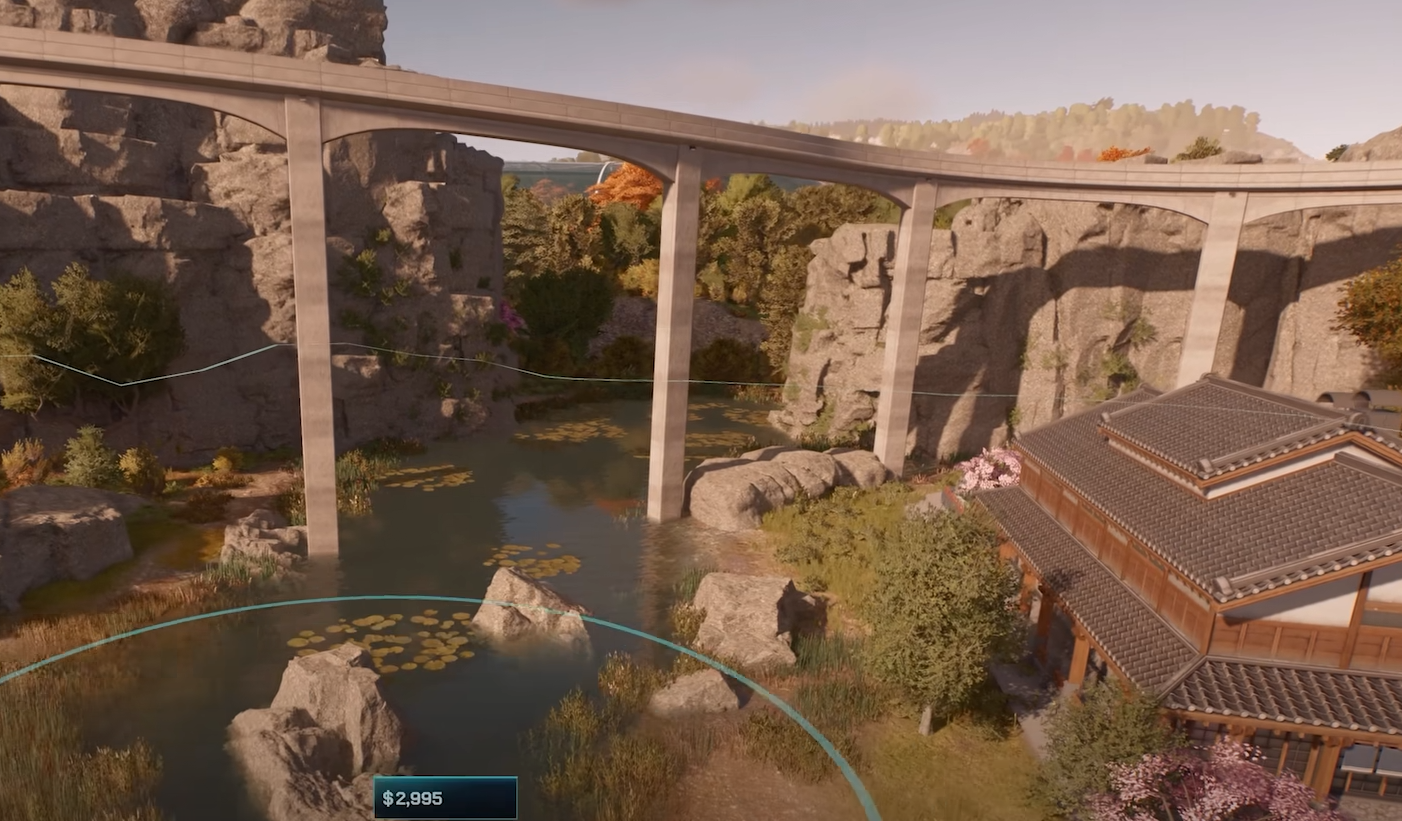
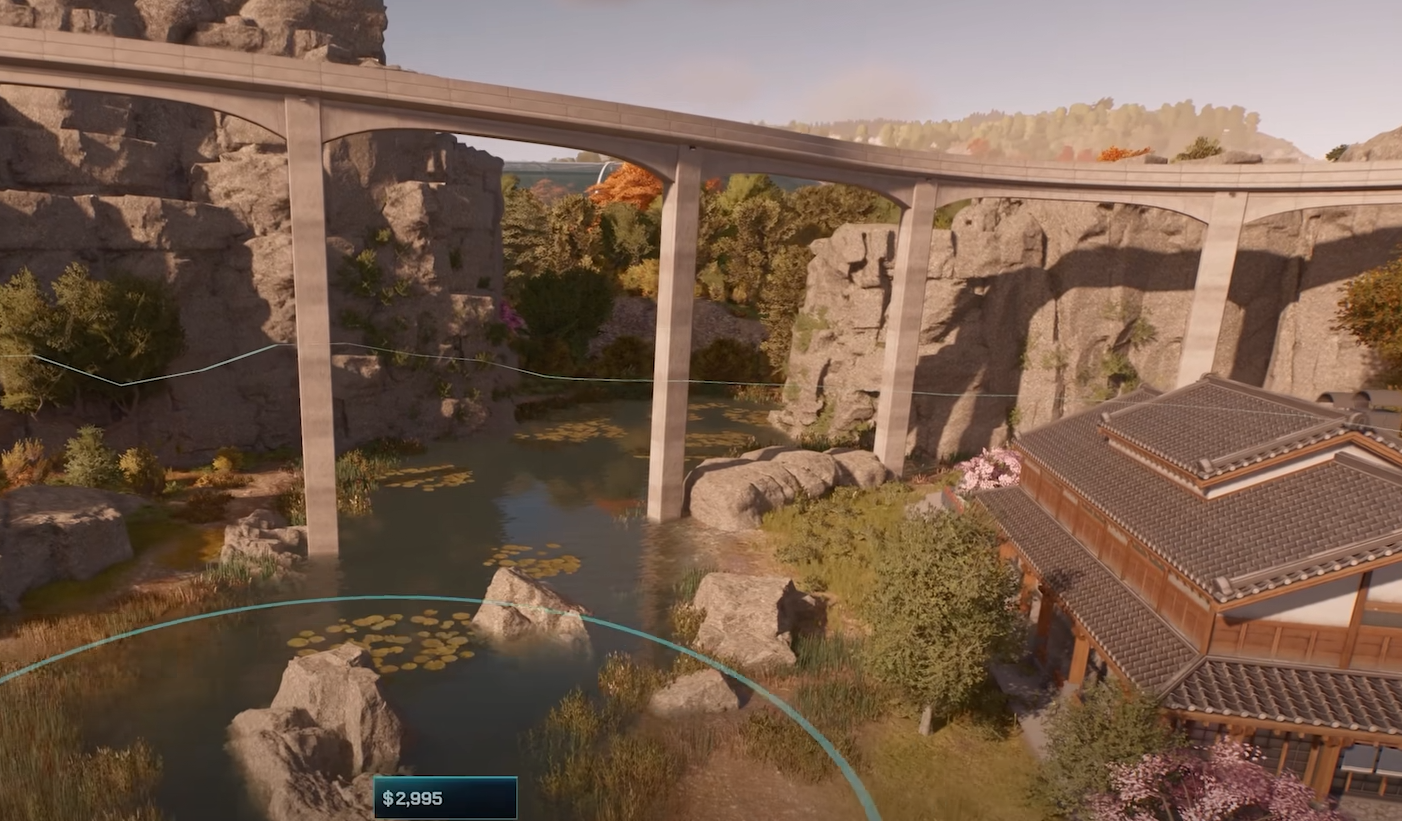
Bridges in Jurassic World Evolution 3 actually connect paths, span enclosures, and make your park look like something Hammond would’ve actually paid for... Rather than just being decoration. With the new modular building tools, you can build custom bridges of any size or style using only a few pieces.
Building the Base
Start by flattening your terrain. Use asphalt foundation pieces if you want a perfectly level base, or leave natural terrain for a more organic look. A bridge needs a steady foundation, so place a few core floor modules side by side before stacking anything on top. The flatter your start, the cleaner your alignment will be later.
Choosing the Right Pieces
Most bridge builds start with a walkway or path, but you can get creative. Use floor panels, columns, fences, or even the Jurassic Park Gates as anchors. The modular scenery menu has everything you need under the Columns and Scenery tabs. If you can’t find something, type the keyword into search, like “Jurassic” or “Glass,” to pull up the right themed parts.
For curved or elevated bridges, mix grid pieces and free-move pieces. Grid pieces lock your layout, while free-move pieces let you create smoother transitions or custom arches.
Aligning and Snapping
Precise alignment makes or breaks your bridge. Turn on position snap to stack pieces perfectly, and enable align to surface when attaching supports or decorations along the sides. Hold shift to raise or lower items, and use alt to snap them back to the ground instantly.
If you want curved bridges, start by placing two pieces across from each other, duplicate them, and rotate the group slightly. Keep repeating until you’ve built the full arc. This works best when grid snap is disabled and angle snap is set to smaller increments like 15 degrees.
Detailing Your Structure
Add rails, lights, and banners to make your bridge feel alive. Signs and pillars snap cleanly onto flat surfaces with align to surface active. You can also recolor individual pieces using the color wheel, saving your favorite tones for consistency. Use biome dynamic materials so your bridge matches the surrounding environment, whether you’re in a desert, forest, or tropical biome.
If you’re building themed bridges, combine decorative gates or fences from the Jurassic Park or Biosyn sets to frame both ends. It gives a strong park identity and helps blend your builds with official assets.
Grouping and Duplicating
Once your bridge looks the way you want, select all pieces with shift, confirm the selection, and create a group. This lets you move or duplicate the entire bridge as one structure. Groups can also be renamed, recolored, and scaled for different park locations.
To use your bridge in future parks, turn it into a blueprint. Name it, add tags, and upload it to the Workshop so other players can download it. You can also download bridges from other creators straight into your game and edit them to fit your own designs.
Final Blurb
Building bridges in Jurassic World Evolution 3 is a great way to link paths and show off the game’s modular building power. With smart snapping, solid foundations, and a few creative decorations, you can build anything from simple crossings to massive park entrances. Just make sure your dinosaurs can’t use them as shortcuts.
FAQ
How do you build a bridge in Jurassic World Evolution 3
Use modular building pieces from the Scenery tab, stack floor modules, and align them with snap tools.
Can you make curved bridges
Yes, by rotating small segments with angle snap turned on and free placement enabled.
How do you save a bridge build
Group the entire structure, then turn it into a blueprint to reuse or share on the Workshop.
Can bridges be themed
Yes, you can mix Jurassic Park, Biosyn, or generic pieces to match your park’s style.
Do bridges affect dinosaur movement
Only if collision is enabled. With collision off, dinosaurs and guests can move under them freely.
© 2025 GamerBlurb. Linking is welcome with credit to GamerBlurb.com. Copying or reproduction without permission is prohibited.
More Jurassic World Evolution 3