LEGO Batman Legacy Of The Dark Knight: How To Change Suits
Changing suits in LEGO Batman: Legacy of the Dark Knight is done from the character menu while exploring the open world. The option is easy to miss because it is not handled through a separate wardrobe room, but once the menu path is known, swapping outfits only takes a few button presses.
For more Gotham guides, suit unlocks, collectibles, traversal help, and mission coverage, check the main LEGO Batman: Legacy of the Dark Knight guide hub.
Jump To
How To Change Suits In LEGO Batman Legacy Of The Dark Knight
To change suits in LEGO Batman: Legacy of the Dark Knight, open the pause menu while in the open world, press R1 or RB to reach the Characters tab, press Square or X for Suit Options, then select any unlocked outfit.
The suit change option works instantly once the outfit is unlocked. There is no need to return to the Batcave, find a wardrobe, or visit a special station just to swap into a different look. The important part is opening the right character menu while the character is on foot.
If the current character is inside a vehicle, suit changing will not work the same way. Exit the vehicle first, then open the pause menu and move to the Characters tab. That is the cleanest way to reach Suit Options without the vehicle controls getting in the way.
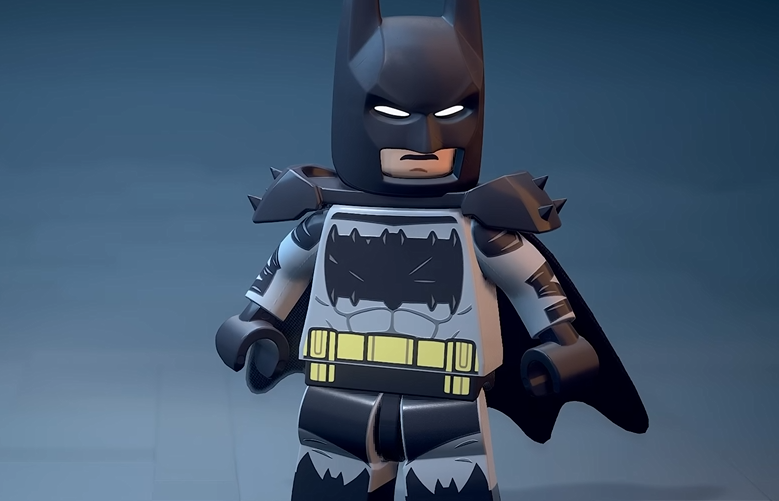
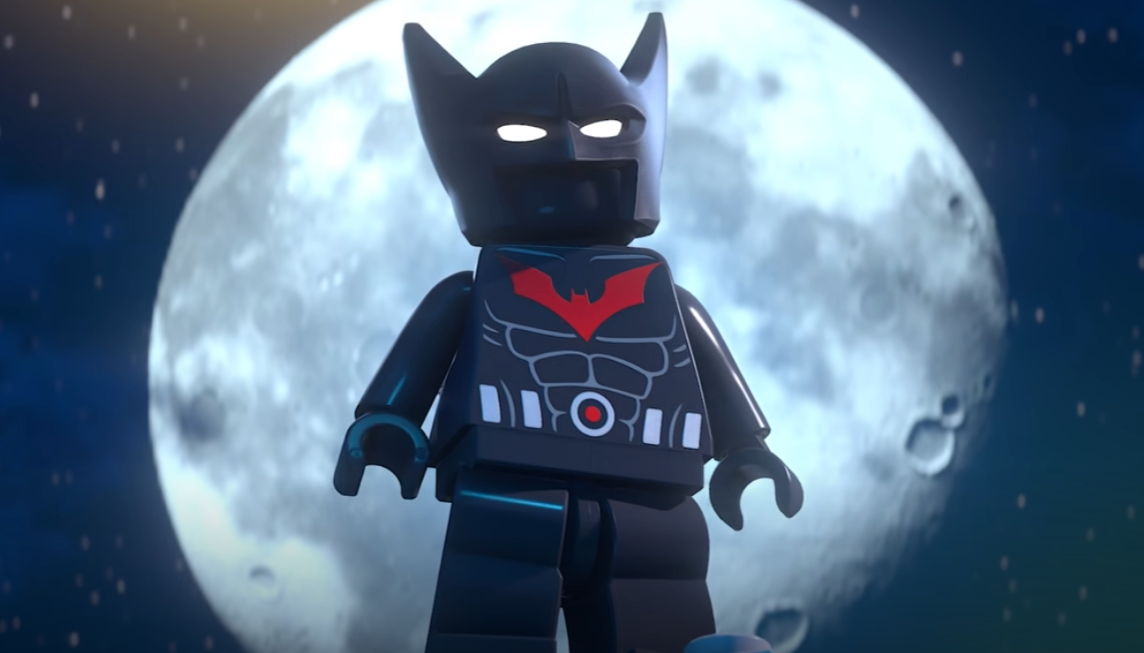
For the full outfit checklist, the LEGO Batman all suits list covers every main suit unlock across Batman, Jim Gordon, Catwoman, Robin, Batgirl, Nightwing, Talia, and DLC rewards.
Suit Change Steps And Controls
The fastest way to change suits is Start or Options, then R1 or RB, then Square or X, then choose the unlocked suit.
The menu path is short, but the wording can make it feel hidden the first time. Suit Options lives under Characters, not under a general cosmetics menu. Once that is clear, changing outfits becomes one of the easier customization systems in the game.
| Step | Controller Input | What It Does |
|---|---|---|
| 1 | Press Start or Options | Opens the pause menu. |
| 2 | Press R1 or RB | Moves to the Characters tab. |
| 3 | Press Square or X | Opens Suit Options. |
| 4 | Select a suit | Equips any unlocked outfit for that character. |
I would check Suit Options after every major chapter or cleanup milestone. The game unlocks outfits from story missions, WayneTech Caches, AR Trials, puzzles, Zoo Animals, Wanted Posters, and Stud purchases, so the suit menu fills up steadily as the save gets more complete.
Why Suit Options Are Not Showing
If Suit Options are not showing, the character may be in a vehicle, the outfit may not be unlocked yet, or the wrong menu tab may be open.
The most common issue is looking in the wrong place. Suit changing is handled through the Characters tab. Open the pause menu, press R1 or RB until the Characters tab is active, then use Square or X to open Suit Options.
The second issue is trying to equip a suit that has not been unlocked. Locked outfits will not be available as normal wearable options. Story suits, collectible suits, shop suits, and DLC suits all have different unlock conditions, so the menu only becomes useful after progress has actually been made.
Absolute Batman is a good example of this. It will not show as a wearable suit until the Escaped Zoo Animals requirement is finished. The Absolute Batman unlock guide explains when that activity opens and how many rescues are needed.
| Problem | Fix |
|---|---|
| Suit Options are not visible | Go to the Characters tab with R1 or RB. |
| Cannot change while driving | Exit the vehicle and open the menu on foot. |
| Wanted suit is missing | Unlock the outfit first through its story, activity, shop, or DLC requirement. |
| Wrong character suits appear | Switch to the correct character before checking Suit Options. |
Can Every Character Change Suits?
Every main playable character with unlocked outfits can change suits through the Suit Options menu.
Batman has the biggest outfit list, but the system also applies to Jim Gordon, Catwoman, Robin, Batgirl, Nightwing, and Talia. Each character has their own set of suits, so unlocking a Batman outfit does not mean another character gets a matching outfit automatically unless it is part of a DLC pack or shared reward set.
This is why the Characters tab matters. Suit Options are connected to the current character. Swap to the character first, then open their outfit list. It keeps the system clean, even if the actual number of suits starts looking like Bruce Wayne funded an entire fashion industry for emotional reasons.
Best Time To Change Suits
The best time to change suits is after finishing story chapters, unlocking WayneTech Cache milestones, completing puzzle sets, clearing AR Trials, buying new Stud shop outfits, or claiming DLC rewards.
These are the moments when new outfits are most likely to appear. Story progress adds several major looks, while cleanup activities add character specific suits over time. If the suit menu looks empty early, that is normal. More options appear as the game opens up.
Mission replay also helps with missed story rewards and collectible cleanup once the Batcave opens. The LEGO Batman mission replay guide explains how to return to completed missions through the Batcomputer.
| Progress Type | Why Check Suit Options Afterward |
|---|---|
| Story Chapters | Many classic character suits unlock through chapter completion. |
| WayneTech Caches | Cache milestones unlock several outfits across the roster. |
| AR Trials | Trial progress can unlock specific suits. |
| Riddler And Cluemaster Puzzles | Puzzle progress unlocks several collectible based outfits. |
| Bat-Mite’s Batcave Shop | Purchased suits become wearable after buying them with Studs. |
| DLC Rewards | Deluxe Edition, account, pre order, and bonus suits appear through reward ownership. |
Red Bricks are separate from suit swapping, but they also connect to customization because they change cosmetic colors and visual effects. The LEGO Batman Red Bricks guide covers how to equip those effects on suits and vehicles.
Final Blurb
Changing suits in LEGO Batman: Legacy of the Dark Knight is quick once the menu path is clear. Open the pause menu, go to Characters, open Suit Options, and pick any unlocked outfit for the current character.
The main thing is to unlock more suits first. Story chapters, open world activities, WayneTech Caches, AR Trials, puzzles, Stud purchases, and DLC rewards all feed the outfit list. After that, swapping suits is easy, which is good because Batman owning 30 versions of the same emotional problem would be a waste if they stayed buried in a menu.