LEGO Batman Legacy Of The Dark Knight: How To Replay Missions
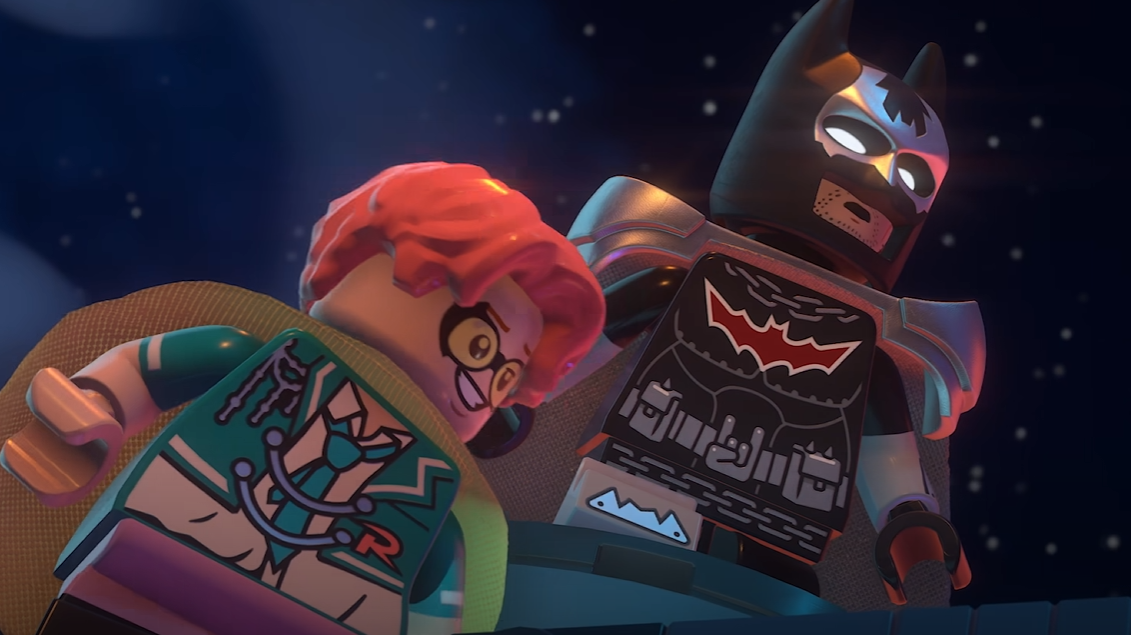
Mission replay in LEGO Batman: Legacy of the Dark Knight lets completed story missions be played again through the Batcomputer after the Batcave unlocks. The feature is mainly used for missed collectibles, mission cleanup, and replaying earlier story levels once more of Gotham is open.
For more Gotham guides, suit unlocks, collectibles, traversal help, and mission coverage, check the main LEGO Batman: Legacy of the Dark Knight guide hub.
Jump To
How To Replay Missions In LEGO Batman Legacy Of The Dark Knight
To replay missions in LEGO Batman: Legacy of the Dark Knight, reach Chapter 2, unlock the Batcave, interact with Batman’s computer, then choose a previously completed mission from the mission replay menu.
Mission replay is handled through the Batcomputer rather than the regular pause menu. Once the system is unlocked, completed missions can be selected again from the computer, making it possible to return to earlier story levels without starting a new save or replaying the whole campaign.
This is mainly useful because the story missions work like contained LEGO levels inside the larger Gotham open world. They have enemies, puzzles, collectibles, co op sections, and mission specific spaces that are easy to miss the first time through. Mission replay gives those areas a cleanup route instead of making early mistakes feel permanent.
I would not stress over grabbing everything during the first run of Chapter 1. The game opens up mission replay early enough that missed items can be cleaned up later, and that is much smoother than slowing every story mission down because one collectible might be hiding behind a wall Batman clearly should have been able to punch.
When Mission Replay Unlocks
Mission replay unlocks at the start of Chapter 2 in LEGO Batman: Legacy of the Dark Knight, after the prologue and Chapter 1 story progress give access to the Batcave.
Before that point, the game is still moving through its early setup. The prologue introduces the basics, Chapter 1 opens up the Tricorner region of Gotham, and the player starts working through main missions, crimes, collectibles, and WayneTech Caches. The replay feature is not available immediately during that opening stretch.
Once Chapter 2 begins, the Batcave becomes available with several major hub features. This includes the Batcomputer for mission replay, along with other Batcave systems like the Garage and wardrobe related features. Mission replay is one of the most important Batcave unlocks because it turns earlier missions into repeatable cleanup content.
| Mission Replay Requirement | Details |
|---|---|
| Unlock point | Start of Chapter 2 |
| Required progress | Complete the prologue and reach Chapter 2 after Chapter 1 progression. |
| Main location | Batcave |
| Replay station | Batman’s computer, also called the Batcomputer |
| Main use | Replay completed missions and clean up missed collectibles |
Reaching Chapter 2 also lines up with several other systems starting to open more clearly, including suit management. For outfit swapping once new suits are unlocked, the LEGO Batman how to change suits guide covers the menu path.
Where To Find Mission Replay In The Batcave
Mission replay is found at Batman’s computer inside the Batcave after the Batcave unlocks in Chapter 2.
Once inside the Batcave, head to the Batcomputer and interact with it. The mission replay menu lists previously completed missions and lets them be launched again. The menu also shows collectible counters for missions, which makes it much easier to see which levels still have missing items.
The collectible counters are the reason the Batcomputer is more useful than a simple replay list. Instead of guessing which mission still needs cleanup, the menu gives a clearer target. That matters in a LEGO game because 100 percent completion usually means checking old levels, using different characters or abilities, and returning after more of the game is unlocked.
| Step | What To Do |
|---|---|
| 1 | Progress the story until Chapter 2 begins. |
| 2 | Enter the Batcave after it becomes available. |
| 3 | Go to Batman’s computer. |
| 4 | Interact with the Batcomputer. |
| 5 | Select a completed mission from the replay menu. |
| 6 | Use the collectible counters to decide which mission needs cleanup first. |
Why Mission Replay Is Useful
Mission replay is useful because it lets completed missions be revisited for missed collectibles, puzzle cleanup, and story level completion without restarting the game.
LEGO Batman: Legacy of the Dark Knight has a bigger Gotham structure than older LEGO Batman games, but the main missions still work like focused story levels. That means some collectibles can be missed while pushing through objectives, fighting enemies, solving puzzles, or moving through co op sections.
The first run through a mission should usually be about finishing the level and unlocking more of the game. Replay is better for cleanup because the player has more context, more unlocked features, and a clearer view of what the mission still needs. This is the normal LEGO completion loop, just wrapped inside a larger Arkham style Gotham map.
Mission replay also helps prevent early overthinking. Chapter 1 has open world distractions like WayneTech Caches and crimes around Gotham, but not everything needs to be finished before moving on. Unlocking the Batcave gives the whole save a better cleanup structure.
Some collectibles and cosmetics are connected to mission progress, while others come from open world activities or suit unlocks. The LEGO Batman all suits list is useful when checking which rewards come from story missions, activities, or purchases.
Best Mission Replay Strategy
The best mission replay strategy is to finish Chapter 1 normally, unlock the Batcave in Chapter 2, then use the Batcomputer’s collectible counters to replay only the missions with missing rewards.
Rushing straight to Chapter 2 is the cleanest route for players who care about replay access. Once the Batcave is open, the Batcomputer becomes the main cleanup tool. From there, missions can be checked one at a time instead of replaying random levels and hoping the missing collectible is there.
For a full completion route, use story progress first and replay later. The game naturally gives more systems, characters, suits, vehicles, and open world access over time. Mission replay works best after that foundation is unlocked, because cleanup is easier when the save has more tools available.
| Goal | Best Replay Approach |
|---|---|
| Unlock mission replay fast | Focus on story progress until Chapter 2 starts. |
| Clean up collectibles | Use the Batcomputer counters to pick missions with missing items. |
| Replay favorite missions | Select completed story missions directly from Batman’s computer. |
| Work toward completion | Finish more of Gotham first, then return to mission cleanup with better unlocks. |
| Avoid wasted time | Do not replay missions blindly when the Batcomputer already shows cleanup progress. |
The main thing is not to turn every first mission run into a slow collectible hunt. Finish the early story, unlock the Batcave, then replay with a real target. It is cleaner, faster, and less likely to make Gotham feel like a giant checklist wearing a cape.
Why Mission Replay Is Not Showing
If mission replay is not showing in LEGO Batman: Legacy of the Dark Knight, the most likely reason is that Chapter 2 and the Batcave have not been unlocked yet.
The replay feature is connected to story progress. During the prologue and Chapter 1, completed missions cannot be replayed from the Batcomputer because the Batcave mission replay setup is not available yet. Progress the main story until Chapter 2 begins, then check the Batcave.
Another issue is looking in the wrong place. Mission replay is not handled from the normal open world map. It is accessed through Batman’s computer inside the Batcave. If the Batcave is unlocked but replay still feels hidden, go to the Batcomputer and check the completed mission list there.
| Problem | Fix |
|---|---|
| Mission replay is missing | Reach Chapter 2 and unlock the Batcave. |
| Cannot replay from the open world map | Use Batman’s computer inside the Batcave instead. |
| A mission is not listed | Complete the mission first before trying to replay it. |
| Collectibles are missing from old missions | Use the Batcomputer counters to find which completed missions still need cleanup. |
If replaying missions feels harder than expected because combat is slowing down cleanup, the LEGO Batman best difficulty guide explains when Classic, Caped Crusader, or Dark Knight makes the most sense.
Final Blurb
Mission replay in LEGO Batman: Legacy of the Dark Knight unlocks at the start of Chapter 2 through the Batcave. Once the Batcomputer is available, completed missions can be replayed, and the menu helps track collectible progress for each mission.
The best move is to push through the early story until the Batcave opens, then use mission replay for cleanup instead of trying to perfect every level on the first run. Gotham already has enough distractions. Let Batman’s computer do its job for once.