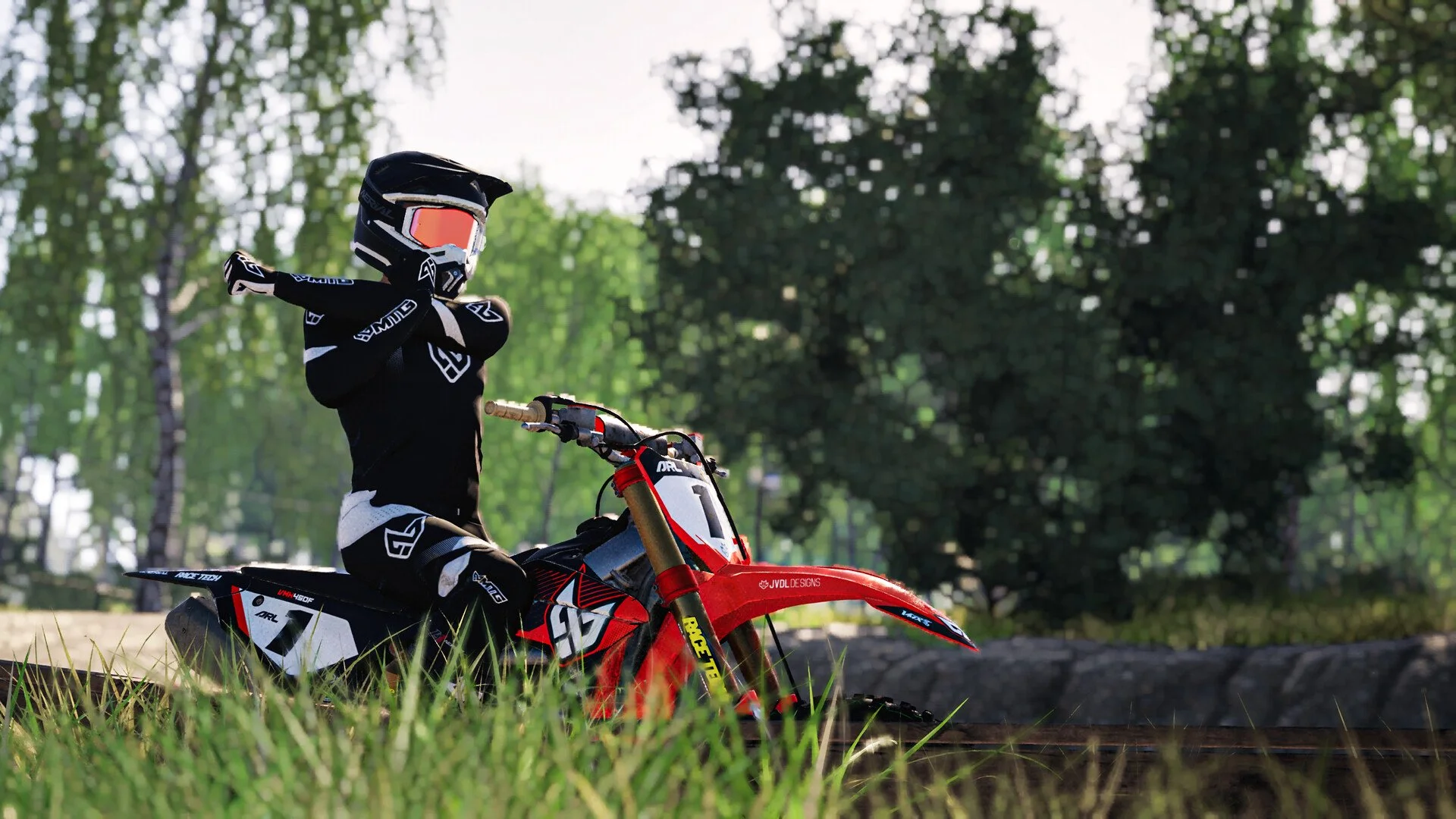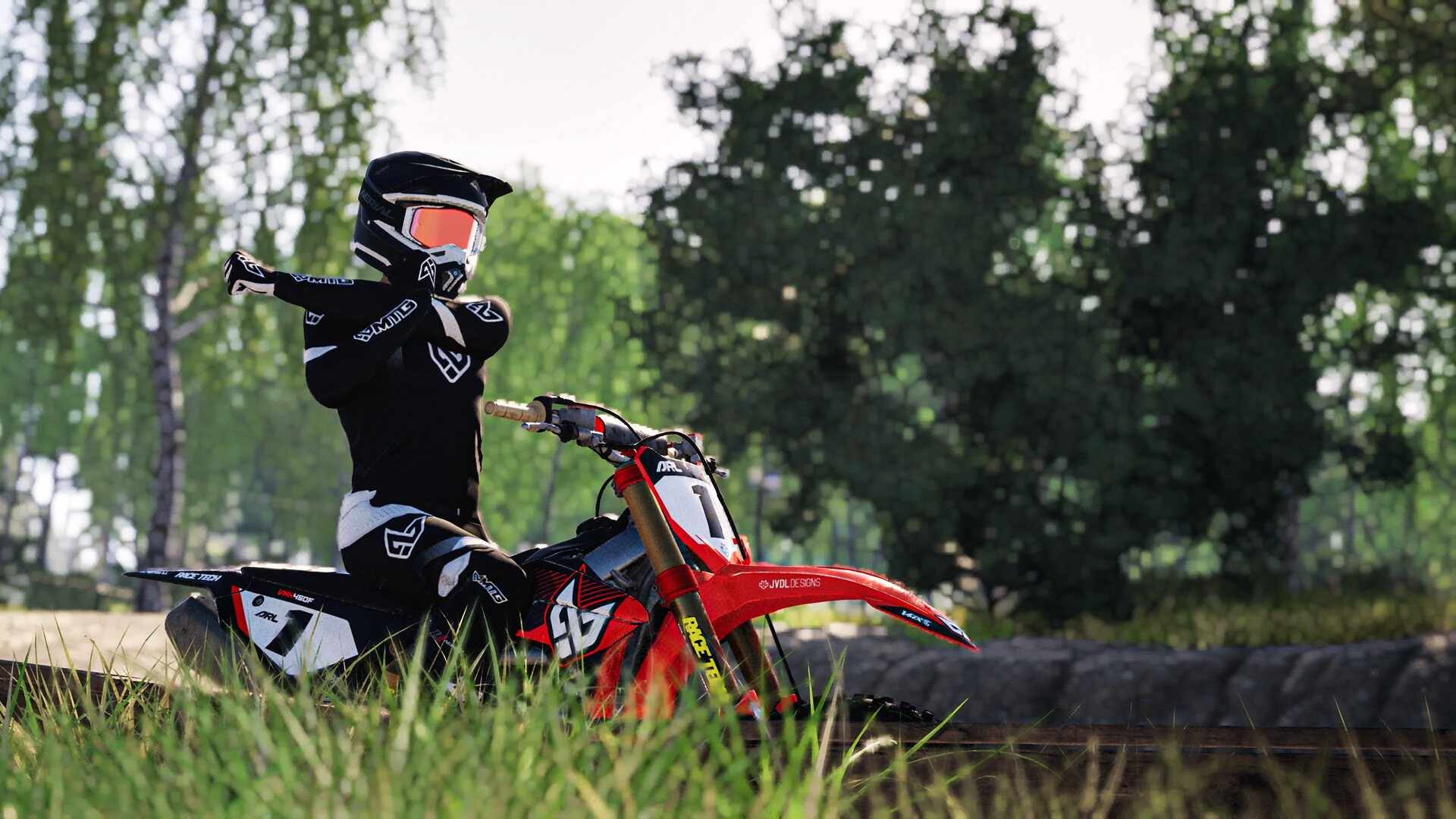
Motocross The Game demands precise steering, throttle control, and rider positioning. The default controller setup can feel overly responsive, especially through tight corners or uneven terrain. A few adjustments can make the bike easier to control without sacrificing the responsiveness needed for jumps and faster laps.
Best Controller Settings for Motocross The Game
For a balanced starting setup, lower steering sensitivity, keep linearity neutral, and use a small deadzone. These settings make small stick movements easier to manage while retaining enough steering authority for tighter sections.
| Setting | Recommended Value |
|---|---|
| Gain | 1 |
| Sensitivity | -3 (adjust between -2 and -4) |
| Linearity | 0 |
| Deadzone | 0–5, depending on controller drift |
| Camera | First Person |
| FOV | 120 |
| Rider Assists | Enabled initially |
| Sit / Stand | Hold |
Use these values as a baseline rather than treating them as a universal competitive setup. Controller wear, stick precision, and riding style can all change how the same sensitivity feels.
Start at -3 sensitivity and leave Gain and Linearity unchanged while testing. Making several adjustments simultaneously makes it harder to identify which setting improved the bike's handling.
How to Fix Oversteering and Unstable Bike Handling
One of the most common handling problems in Motocross The Game is overcorrecting through corners. A small steering input sends the bike farther than intended, leading to another correction in the opposite direction.
Rather than constantly changing the controller setup, identify when the bike becomes unstable.
Adjust Settings Based on How the Bike Responds
- Bike turns too sharply: Lower sensitivity from -3 toward -4 to make steering inputs less aggressive.
- Bike feels slow entering corners: Try -2 sensitivity to recover some responsiveness.
- Bike wanders on straights: Increase deadzone gradually until the steering remains neutral when you're not touching the stick.
- Bike feels unresponsive around the center: Check whether your deadzone is unnecessarily high before increasing sensitivity.
A larger deadzone isn't automatically better. It can prevent unwanted inputs from a worn controller, but it also creates an area where deliberate steering movements aren't registered.
Test Your Settings on the Same Corner
Use the 250F on Estrella MX as a controlled environment for adjusting the bike. The 250F offers a more manageable starting point than immediately learning the stronger 450F.
Choose a corner you can approach consistently, then make several passes at approximately the same speed.
First, concentrate on steering through the corner without abrupt corrections. Next, repeat the turn with small changes to your entry speed and rider position. Only adjust another controller setting once you've established how the previous change feels.
If the bike repeatedly loses the front wheel despite smooth steering, examine your braking and weight transfer before lowering sensitivity again. Not every crash originates from the controller configuration.
Best Camera FOV and Rider Assist Settings
First-person view with an FOV of 120 is a strong starting point for seeing the track ahead, particularly when approaching corners and jumps.
If the wider perspective makes distances difficult to judge, reduce FOV until the view feels more natural. Third-person cameras are also worth trying if you prefer seeing the motorcycle's lean angle and body movement during turns.
Camera preference doesn't change the underlying steering physics. Choose the view that allows you to judge your position on the track most consistently.
Keep Rider Assists Enabled While Learning
Motocross The Game simulates the rider and motorcycle separately. Steering alone isn't enough to maintain control when rider weight, braking, and acceleration are working against one another.
Keep rider assists enabled while getting accustomed to the physics. Once you can complete laps consistently, reduce assistance gradually instead of disabling everything immediately.
Setting Sit / Stand to Hold also gives you more deliberate control over rider posture. You can sit when needed and return to standing simply by releasing the assigned button, avoiding the need to remember which state a toggle is currently using.
For the most consistent handling, settle on a comfortable sensitivity before experimenting with more aggressive riding techniques. Smooth steering, controlled throttle input, and appropriate rider positioning will do more for lap consistency than continually changing settings between races.