PEAK Game How to Use the Backpack
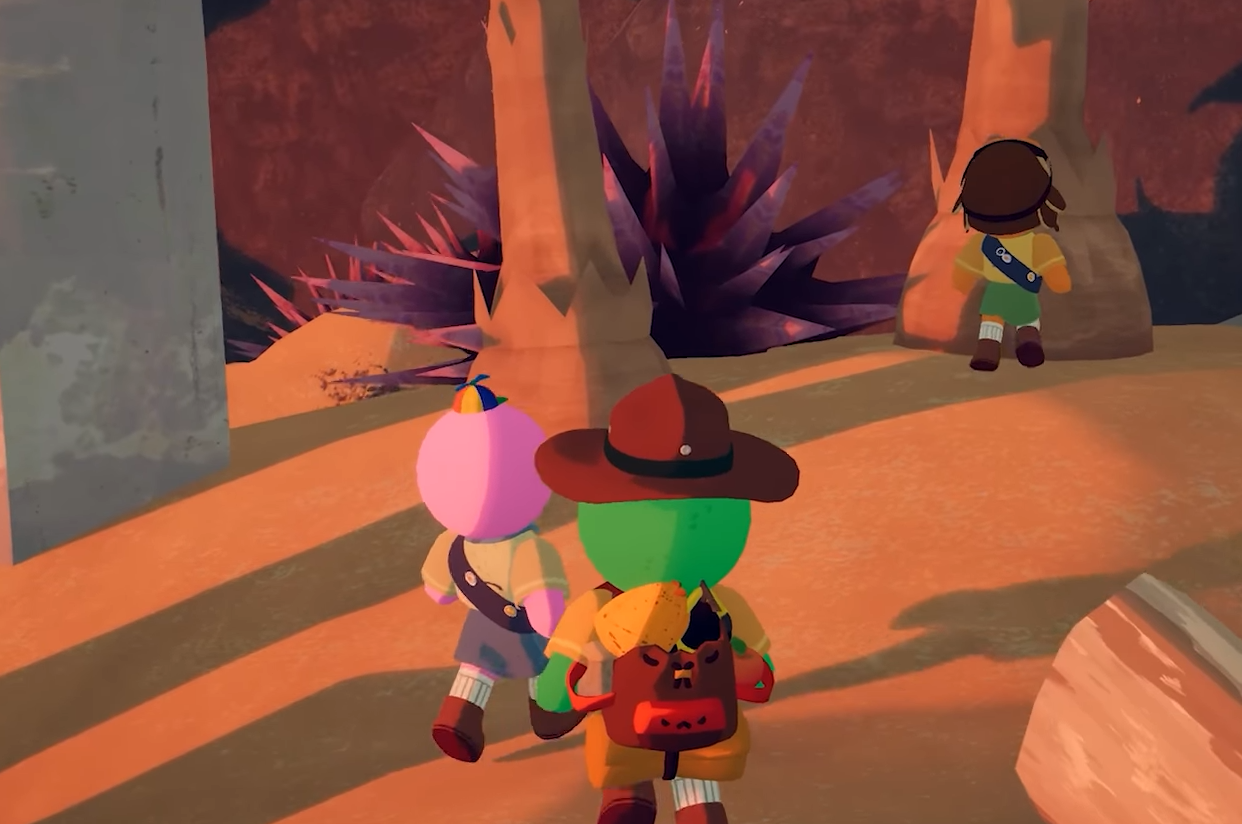
To use and put stuff in your backpack in the game PEAK, you need to drop it on the ground before you can store or remove items. You can't manage inventory while wearing it, so setting it down is always step one.
Here’s exactly how to use it.
Step-by-Step Backpack Use
1. Find the Backpack
You usually get one right after crashing on Day 1.
You can also find backpacks at base camps at the top of each biome.
2. Equip the Backpack
PC: Walk up and hold E, then select “Wear Backpack”
Xbox Controller: Press and hold X, move the left stick down, and press A to wear it
3. Drop the Backpack
PC: Press Q to drop it (hold to throw it farther)
Xbox: Press Y to drop (hold to throw)
You can’t add or remove items unless the backpack is on the ground.
4. Put Items Inside
Pick up the item you want to store
Walk up to the backpack
PC: Hold E, drag the item into a slot using your mouse
Xbox: Press X, then use the left stick to select a slot and stash the item
Repeat to add more items.
Final Blurb
To stash anything in PEAK’s backpack, drop it, interact, and move your stuff manually.
It’s not fast, but it gives you more space, and that space can save your life when you’re poisoned, starving, or dangling by a rope.
FAQ
Q: How do I open the backpack in PEAK?
Drop it on the ground, then hold the interact button to access the slots.
Q: Can I use items from the backpack while climbing?
No, you need to be on the ground with the pack open.
Q: Is the backpack worth using?
Yes, if you don’t mind lower stamina. It lets you carry extra survival items.
More PEAK Guides


Latest Gaming Guides and Articles