Resident Evil Requiem Ultrawide Fix: Cutscenes Black Bars
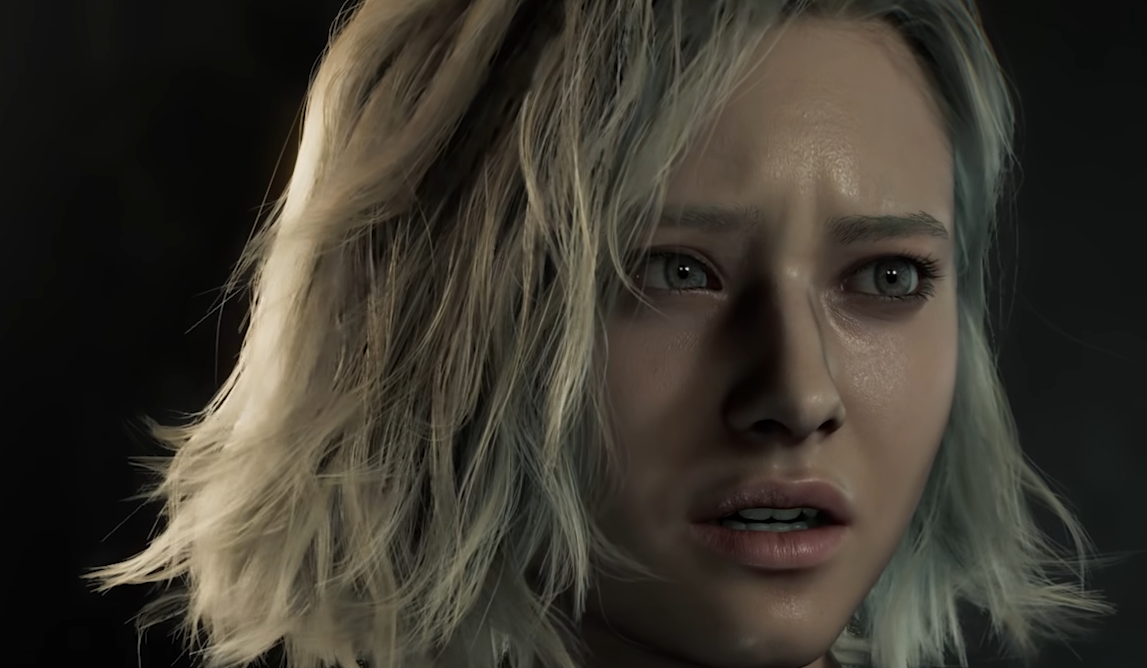
If you are playing Resident Evil Requiem on an ultrawide monitor and seeing black bars during cutscenes, nothing is broken. Gameplay supports 21:9 resolutions properly, but cutscenes are locked to 16:9 and will show pillarboxing on the sides.
This means your ultrawide works in gameplay, but cinematic scenes stay in standard aspect ratio unless you use a workaround.
Does Resident Evil Requiem Support Ultrawide
Yes. Resident Evil Requiem supports ultrawide resolutions like 2560x1080 and 3440x1440 during gameplay.
If your ultrawide resolution does not appear at first:
Fully close the game
Relaunch it
Go to Display settings
Open the Image submenu
Select Fullscreen or Borderless
Some players report their ultrawide resolution only appears after restarting the game once or twice.
Super ultrawide 32:9 can work, but behavior may vary depending on your monitor and GPU setup.
Why Cutscenes Have Black Bars On Ultrawide
Gameplay renders dynamically and fills the screen.
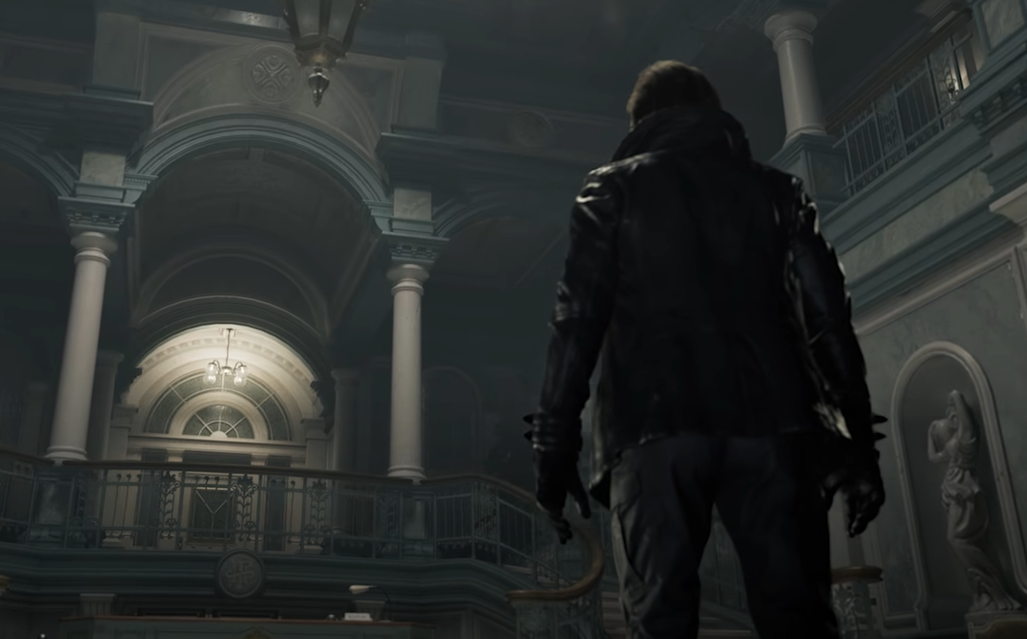
Cutscenes are framed for 16:9 presentation. Even though they use in game graphics, they are scripted with fixed cinematic framing.
That is why gameplay fills your ultrawide monitor but cutscenes suddenly show black bars on both sides.
It is not a performance issue. It is how the scenes are presented.
How To Remove Black Bars From Cutscenes
There is currently no in game setting to remove black bars from ultrawide cutscenes.
On PC Steam version, players are using REFramework to unlock full ultrawide during cutscenes.
Basic setup involves:
Installing REFramework
Launching the game
Opening the REFramework overlay
Enabling the Ultrawide or Aspect Ratio Fix option
This removes pillarboxing in most scenes.
Keep in mind that unlocking cinematic framing can sometimes expose minor visual edges at the sides of certain scenes.
Epic version compatibility may differ.
Ultrawide Not Showing As An Option
If ultrawide resolution does not appear at all:
Restart the game
Update GPU drivers
Set Windows display scaling to 100 percent
Ensure your monitor is set to native resolution in Windows
In most cases, restarting the game fixes missing ultrawide resolution options.
Final Blurb
Resident Evil Requiem supports ultrawide monitors during gameplay, but cutscenes are locked to 16:9 and display black bars by default.
If you want full ultrawide cutscenes on PC, REFramework currently provides the most reliable fix.
Gameplay works correctly in 21:9. The only limitation is cinematic framing.
FAQ
Does Resident Evil Requiem support ultrawide
Yes, gameplay supports 21:9 resolutions and many 32:9 setups.
Why are there black bars during cutscenes
Cutscenes are locked to 16:9 framing, which causes pillarboxing on ultrawide monitors.
Can you remove ultrawide black bars
There is no in game toggle, but PC players can use REFramework to unlock full aspect ratio in cutscenes.
Why is my ultrawide resolution not showing
Restart the game and check Display and Image settings. In most cases, the resolution appears after a full relaunch.