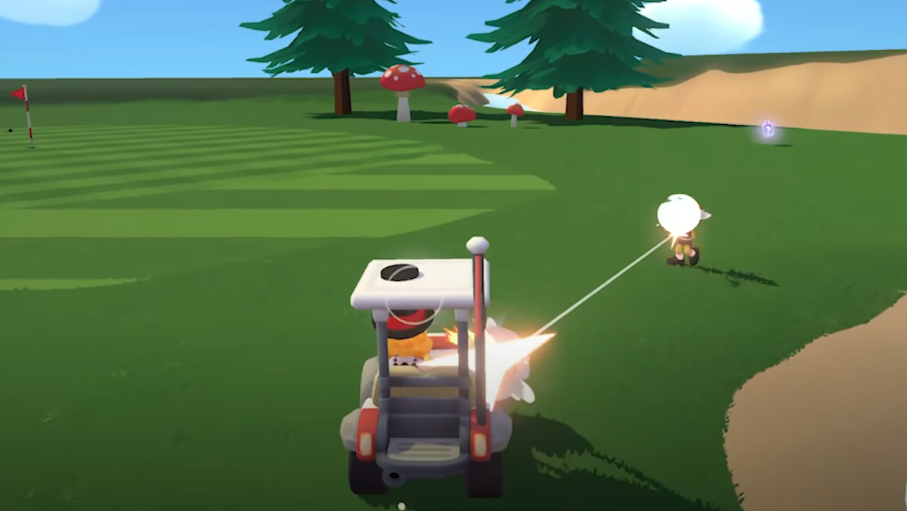
Super Battle Golf Controller Support Guide
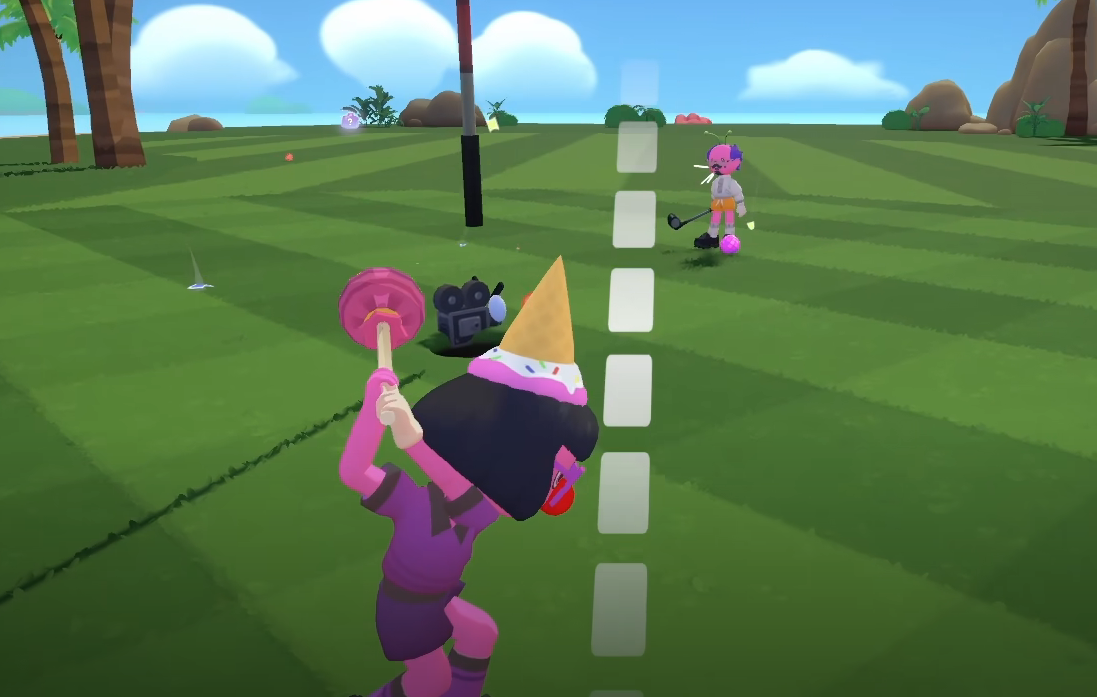
Super Battle Golf has full controller support, including Xbox controllers and PlayStation controllers. You can plug in or connect a supported controller and play without needing keyboard and mouse.
If you prefer analog movement and trigger control over keyboard inputs, controller support works smoothly and feels natural once sensitivity is tuned correctly.
Does Super Battle Golf Have Controller Support
Yes, Super Battle Golf includes full controller support.
Both Xbox and PlayStation controllers are supported. The game detects standard gamepad inputs automatically in most cases.
You do not need third party software for basic functionality.
Supported Controllers
Super Battle Golf supports modern standard controllers, including:
Xbox controllers
Xbox Series controllers
PlayStation DualShock controllers
PlayStation DualSense controllers
Most wired and Bluetooth connections work as long as your platform supports them.
On PC, controllers can be connected via USB or Bluetooth. On supported platforms, the game will auto map the buttons.
How to Set Up a Controller
Setting up controller support is simple.
Connect your controller to your device through USB or Bluetooth. Make sure your system recognizes it first.
Launch Super Battle Golf. The game should automatically switch to controller input once buttons are pressed.
If the game does not respond, check platform controller settings or restart the game.
Recommended Controller Settings
To get the best experience, adjust these areas.
Lower look sensitivity slightly for better precision
Check deadzone settings to prevent stick drift
Test vibration settings based on preference
Adjust camera speed if swings feel too fast
Small changes improve consistency, especially during chaotic matches.
Controller vs Keyboard and Mouse
Controller offers smoother analog movement and comfortable long sessions.
Keyboard and mouse may offer slightly sharper aiming for some players, especially in competitive environments.
Choose what feels natural. The game is fully playable on both input methods.
Super Battle Golf Controller Support
Super Battle Golf offers full controller support for Xbox and PlayStation controllers with automatic input detection on supported platforms.
Final Blurb
If you prefer playing from the couch or just like the feel of analog sticks, Super Battle Golf controller support has you covered. Plug in your Xbox or PlayStation controller, tweak sensitivity, and jump into matches without fighting your controls.
The chaos feels even better when you are comfortable.
FAQ
Does Super Battle Golf support Xbox controllers
Yes, Xbox controllers are fully supported.
Can I use a PlayStation controller
Yes, PlayStation DualShock and DualSense controllers work on supported platforms.
Do I need third party software for controller support
No, the game supports standard controllers without extra software.
Is controller better than keyboard and mouse
It depends on preference. Both input methods are fully supported.