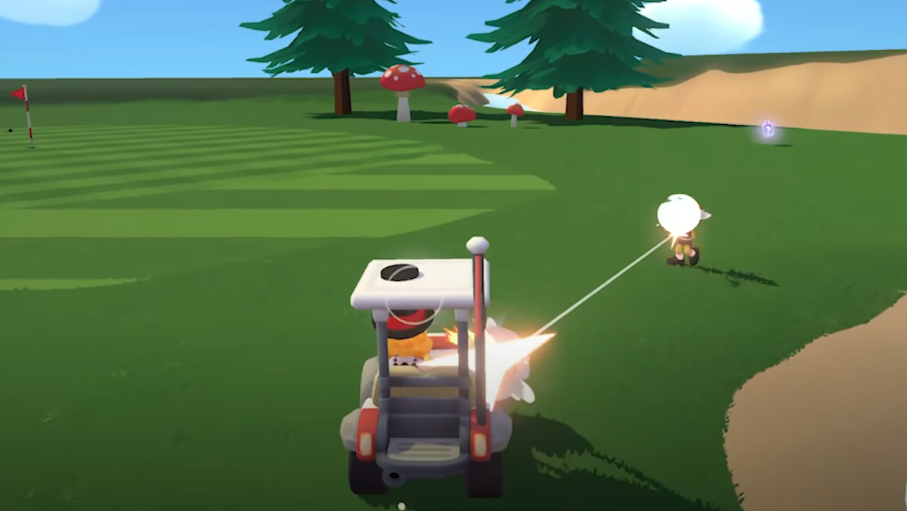
Super Battle Golf Mac Guide: Crashes, Input Fix, Setup
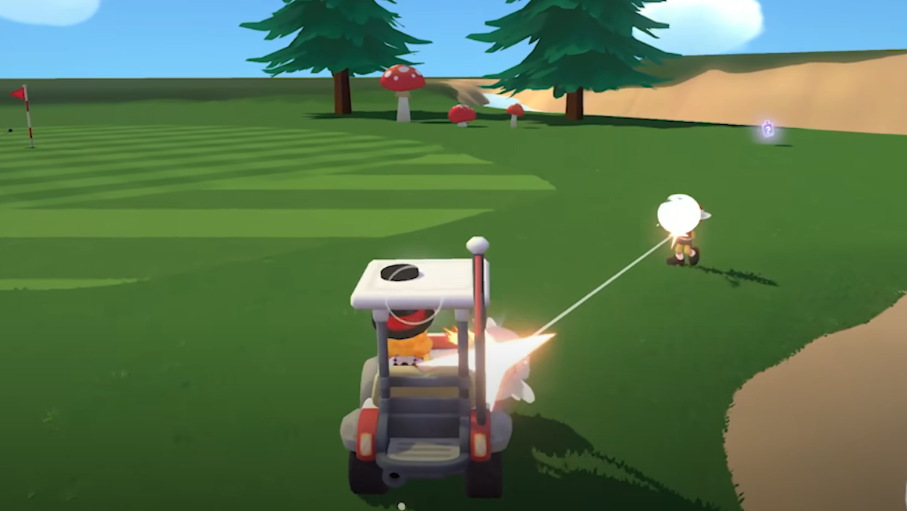
Super Battle Golf does not have a native macOS version, but you can run it on Mac using CrossOver. The game can run smoothly, but some users report crashes with an illegal instruction error or mouse clicks not registering unless using the latest CrossOver preview build.
If you are trying to play Super Battle Golf on Mac, your experience depends heavily on your CrossOver version.
Does Super Battle Golf Run on Mac
There is no official native Mac version of Super Battle Golf at this time.
Mac players are running the Windows version through CrossOver. Performance can be stable, but compatibility issues may appear depending on version and configuration.
Apple Silicon and Intel Macs may behave differently depending on translation layers.
Illegal Instruction Crash Error
Some players report this error:
Unhandled exception: illegal instruction in 64 bit code
This typically points to compatibility issues between the game engine and the CrossOver build being used.
If you see this error, try the following:
Update to the latest CrossOver version
Test the newest CrossOver preview build
Create a fresh Windows 10 or Windows 11 bottle
Reinstall Steam inside the new bottle
Older CrossOver builds have known Unity related input and compatibility bugs.
Mouse Click Not Registering Fix
One major issue reported is mouse movement working but mouse clicks not registering.
This is tied to a Unity engine input bug in older CrossOver versions.
To fix this:
Install the latest CrossOver preview build
Confirm you are running version 26.0 or newer
Enable DirectX related settings inside the bottle if available
Restart the bottle after configuration
The preview build includes fixes specifically for Unity mouse input issues.
If clicks still do not register, try switching between windowed and fullscreen modes.
Recommended CrossOver Setup for Super Battle Golf
For best stability:
Use the latest CrossOver preview build
Create a fresh Windows 10 64 bit bottle
Install Steam cleanly inside that bottle
Keep macOS fully updated
Avoid running heavy background apps
If the game runs smoothly but crashes after a while, monitor memory usage and avoid alt tabbing repeatedly during sessions.
Is Super Battle Golf Playable on Mac
Yes, Super Battle Golf is playable on Mac through CrossOver, but there is no native macOS version and some users experience crashes or input bugs depending on their CrossOver version.
Final Blurb
Running Super Battle Golf on Mac takes a little setup, but it is possible. Most issues come down to CrossOver version and Unity input bugs. If your mouse clicks are not working or you are getting illegal instruction crashes, update first before changing anything else.
Once dialed in, the game can run surprisingly smooth. Just expect occasional tinkering since it is not officially supported on macOS.
FAQ
Is Super Battle Golf available natively on Mac
No, there is currently no native macOS version.
Can you play Super Battle Golf on Mac using CrossOver
Yes, many players run it successfully through CrossOver.
How do I fix mouse clicks not working in Super Battle Golf on Mac
Install the latest CrossOver preview build which includes Unity input fixes.
What causes the illegal instruction crash
It is usually related to compatibility issues with older CrossOver versions or bottle configurations.