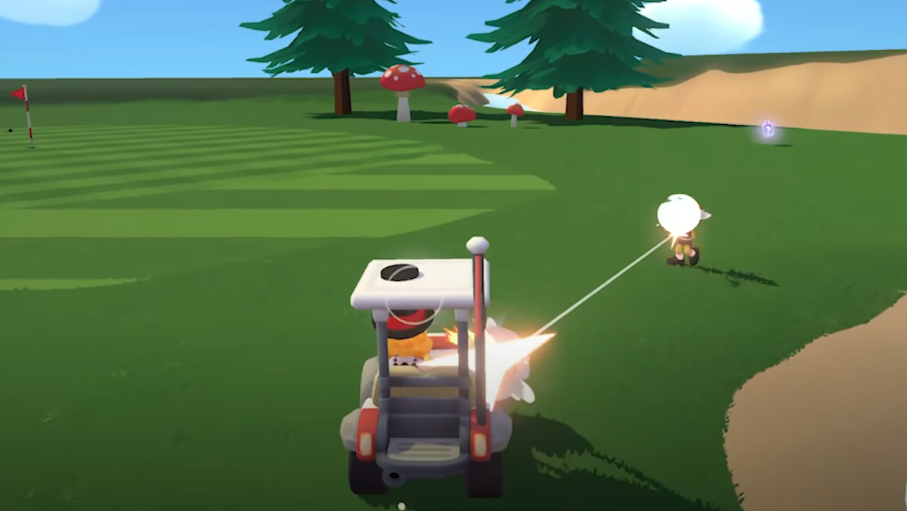
Super Battle Golf Controls Guide: Complete PC Keybinds
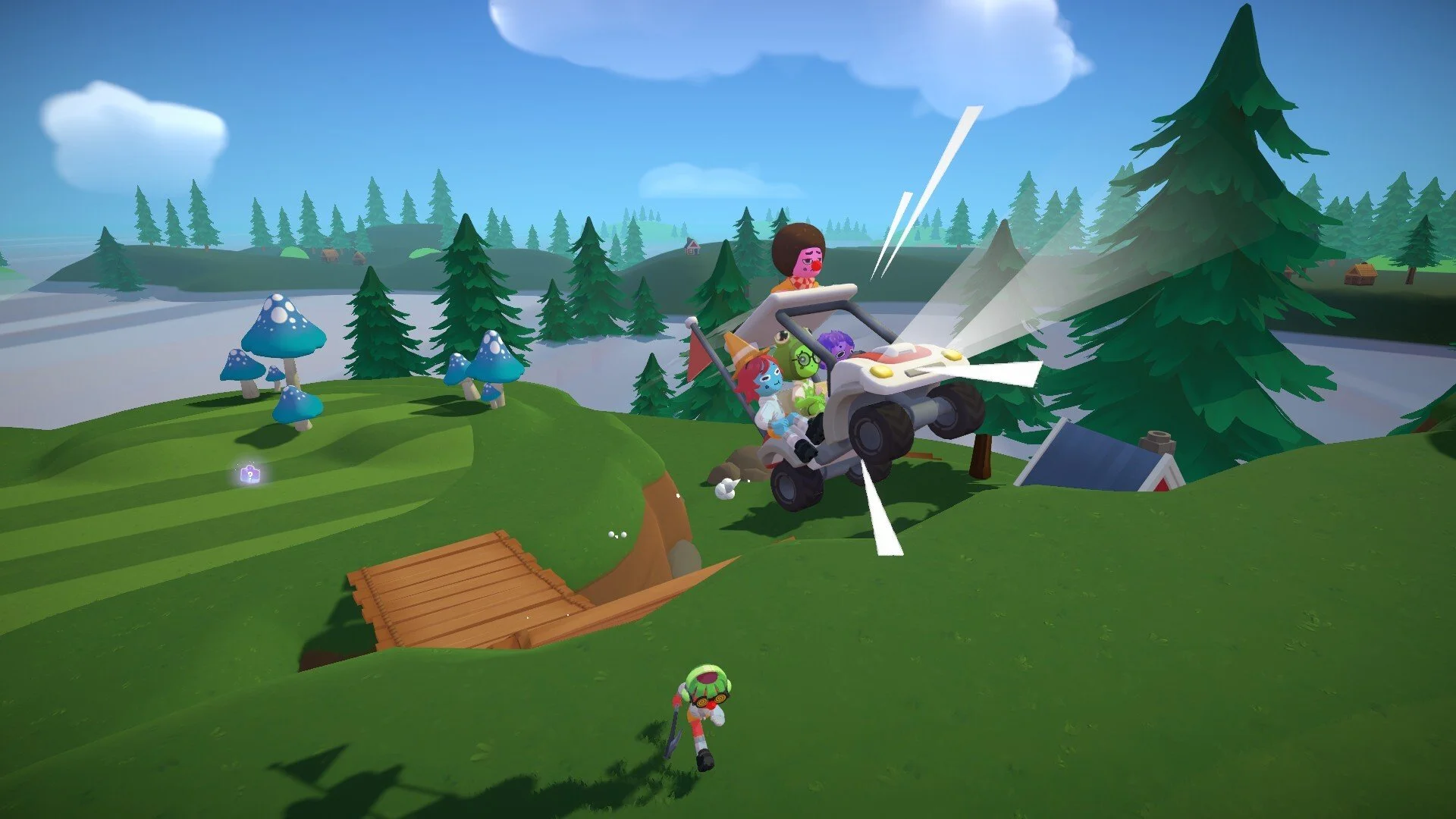
Super Battle Golf uses simple but important controls that handle aiming, swinging, dodging, and item use. If you want smoother shots and better survival in chaotic matches, you need to know every key and when to use it.
Below is the full Super Battle Golf controls list for PC, plus a few gameplay tips that actually matter.
Complete Controls List
Aim Shot – Mouse Movement
Swing Power – Hold and Release Left Click
Adjust Swing Angle – Middle Mouse Button
Use Item – Right Click
Interact or Enter Vehicle – E
Dive or Dodge – Ctrl
Drop Item – F
Creep Slow Walk – Hold Alt
Emote or Dance – T
Every action in the game builds off these basics.
How Swing Controls Work
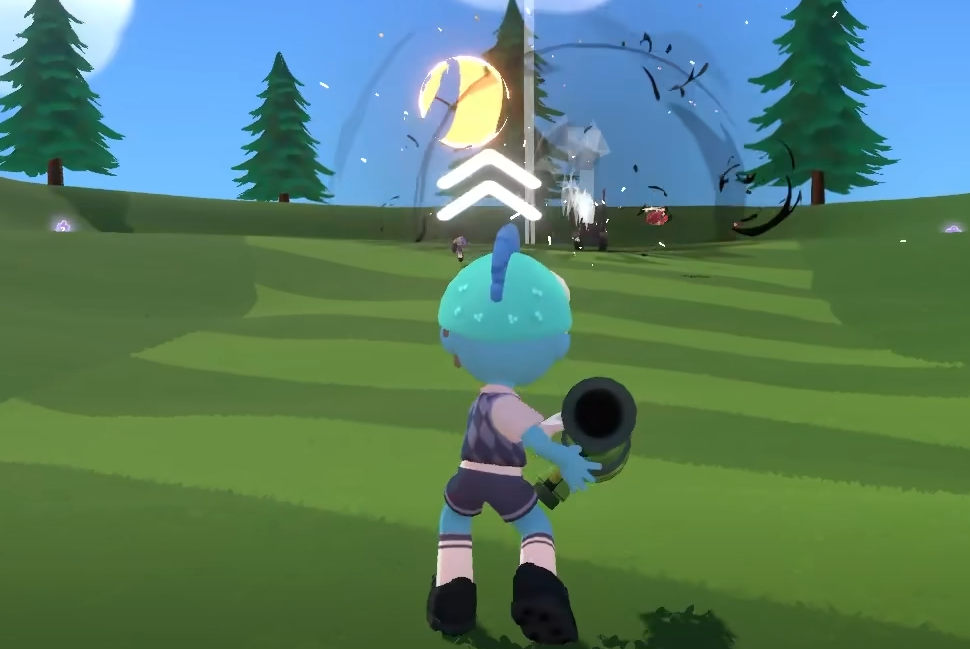
Aiming is done with mouse movement. Point your cursor where you want the ball to go.
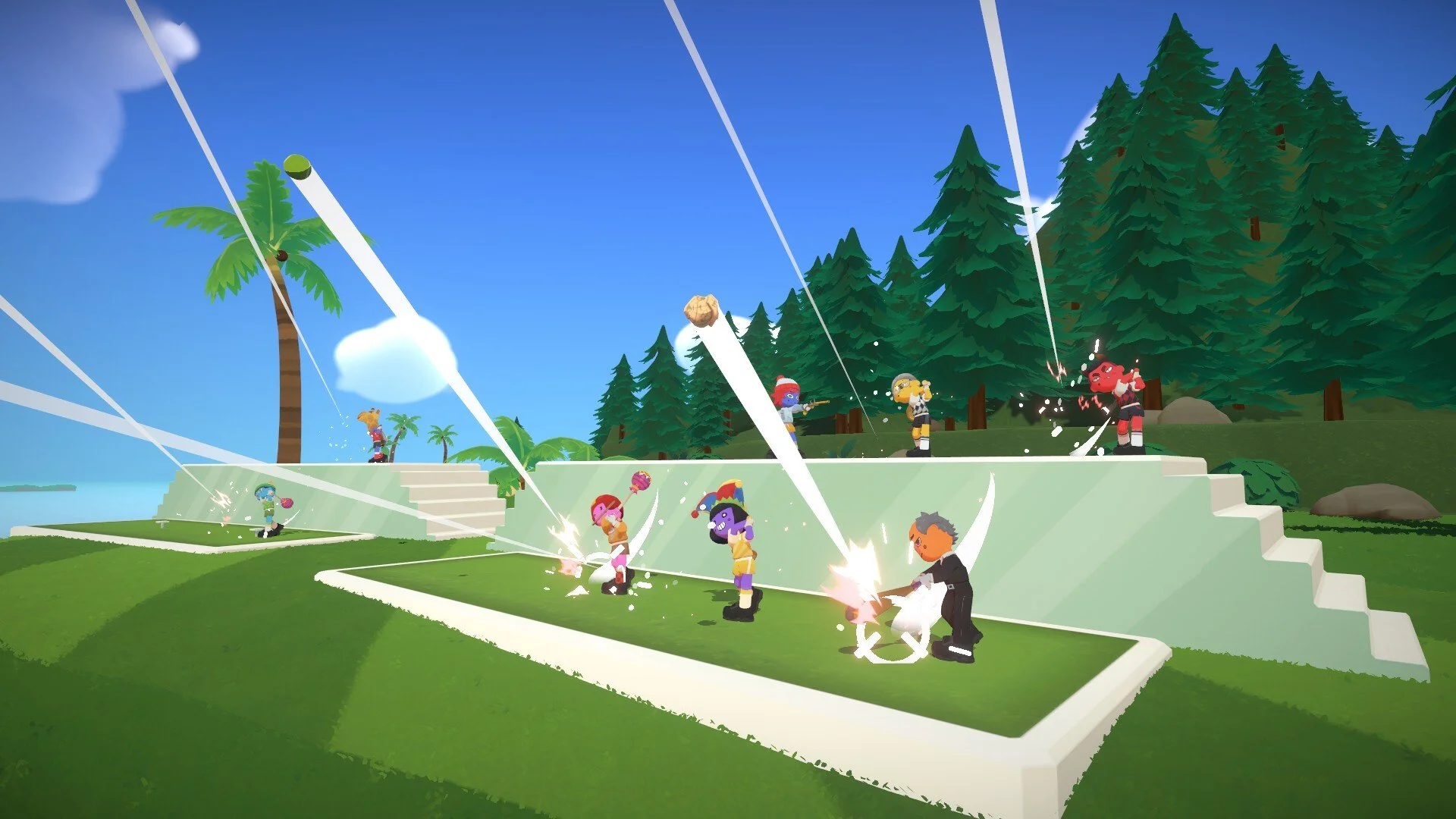
To swing, hold Left Click to build power, then release to strike. Longer hold equals stronger shot.
If you want more air or a softer arc, press the Middle Mouse Button to adjust swing angle. Higher angle gives lift, lower angle keeps the ball rolling.
Power and angle control separate clean shots from overshot disasters.
Item and Combat Controls
Right Click activates your current item. That includes weapons, gadgets, or movement boosts.
Press F to drop your item if you want to free inventory space or swap strategy mid match.
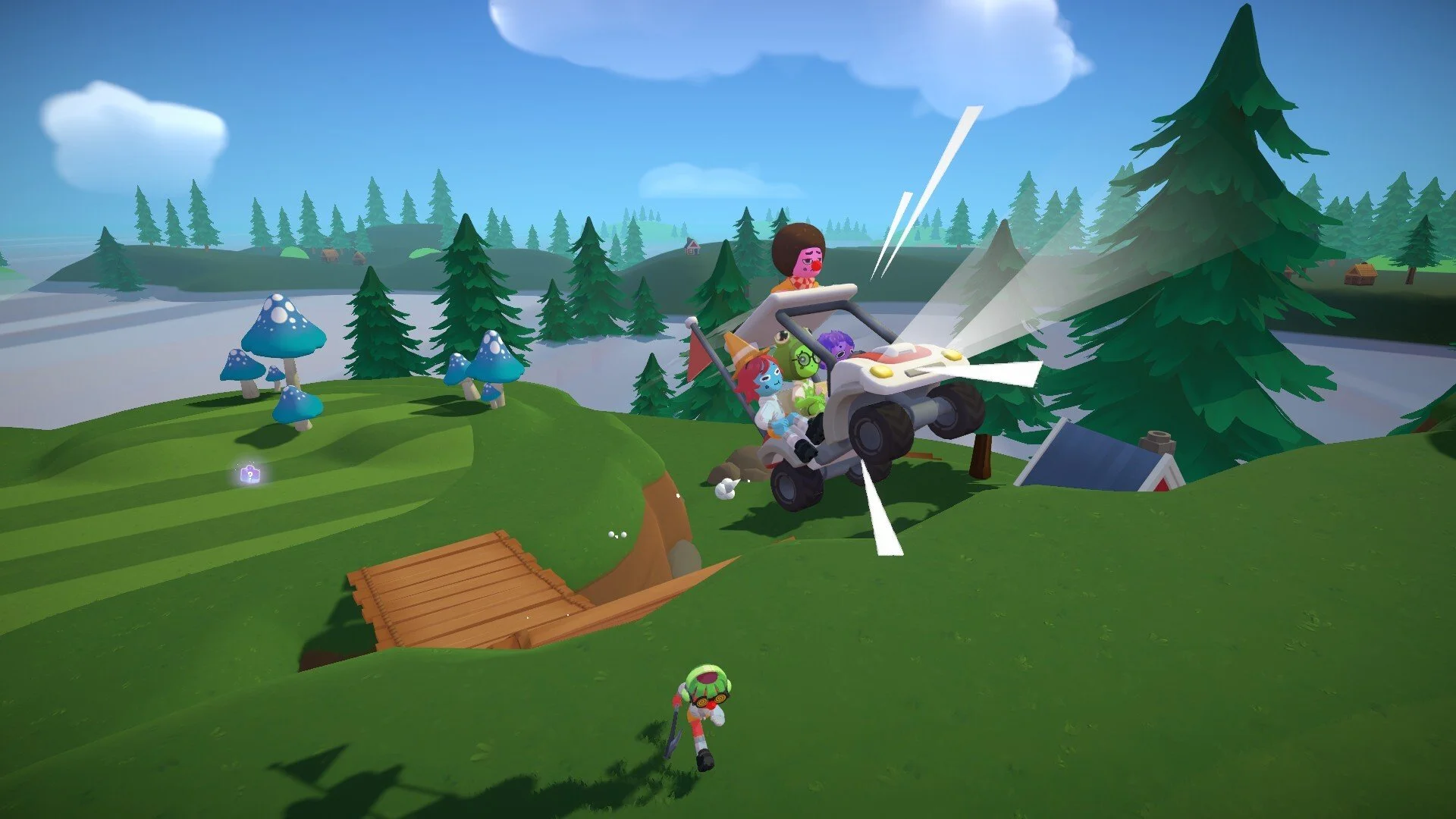
E is used to interact with objects like golf carts or landmines.
Hold Alt to creep. This is required when manually disarming landmines without triggering them.
Movement and Survival Controls
Ctrl triggers dive or dodge. This is one of the most important controls in the game.
Diving lets you:
Dodge homing rockets
Avoid orbital lasers
Reach items faster
Evade knockback
If you ignore the dive mechanic, you will get stunned a lot.
Emotes and Style
Press T to emote or dance. It does not change gameplay, but it does change morale.
Use wisely.
Final Blurb
Super Battle Golf controls are simple on paper but powerful in practice. Master swing timing, learn to adjust angles mid shot, and treat Ctrl like a survival button. The better you understand these inputs, the less the chaos controls you.
And yes, dive first, ask questions later.
FAQ
What button do you press to swing in Super Battle Golf
Hold and release Left Click to control swing power.
How do you dodge attacks
Press Ctrl to dive and avoid incoming attacks.
How do you disarm landmines
Hold Alt while creeping near an unarmed landmine.
How do you use items
Right Click activates your currently equipped item.