Vampire Crawlers Stats Guide: All Stats Explained

Stats in Vampire Crawlers quietly decide how strong a run actually feels. Cards, evolutions, and Power Ups all feed into them, but the game does not spell out how those numbers translate into real gameplay. Some stats scale damage directly, some change how your deck flows, and a few look minor until they completely carry a run.
What Stats Actually Do in a Run
Stats in Vampire Crawlers are the underlying modifiers that control damage, survivability, card flow, and progression, and the difference between a failing run and a stable one usually comes down to how these stats interact rather than raw cards.
Most runs do not fail because the deck is “bad.” They fail because the stats behind the deck are not supporting it. A strong build with weak Mana or Hand feels clunky, but a damage build without enough Might or Amount looks fine on paper but struggles to clear waves.
The game also splits stats into two broad behaviors: short term combat boosts and run long progression scaling. Knowing which is which changes how you value rewards.
Core Survival Stats That Keep Runs Alive
Outside of your character, these are the stats that decide whether a run ends early or stabilizes.
Max Health
Max Health is simple but easy to undervalue. It gives more room for mistakes and makes healing more meaningful. Low HP builds can work, but they rely on perfect play or strong defensive effects.
Recovery
Recovery heals you after combat ends. It does not help during a fight, which is why it can feel weak at first. Over multiple battles, though, it keeps your health from slowly draining down to zero.
Armor
Armor is gained at the start of your turn based on your stat. It acts as a buffer before HP is touched. This is one of the few stats that consistently reduces incoming damage every turn without relying on chance, but you’ll also want to see our guide on Disarming to avoid damage from enemy attacks as well.
Revive
Revive gives a full reset after death. Instead of ending the run, you come back at full health. It is not something to rely on, but it gives margin for error during harder fights or late stage pressure.
Damage Stats and How They Scale
Damage in Vampire Crawlers is not just one stat. It spreads across multiple modifiers that stack together.
Might
Might increases the damage your cards deal as a percentage. It scales everything at once, which makes it one of the most reliable damage stats in the game.
If a card hits for 30 damage, adding 20 percent Might pushes it to 36. That scaling applies across your entire deck, not just one card.
Amount
Amount adds additional projectiles to attacks. This is one of the strongest damage stats when used correctly because it multiplies output instead of just increasing numbers.
A single projectile hitting for 30 becomes multiple hits, which also improves multi target coverage at the same time.
Area
Area adds splash damage to attacks. Instead of hitting one target, damage spreads to nearby enemies. This becomes more noticeable in crowded fights where single target builds start falling behind.
Card Flow Stats That Change How a Deck Feels
Some stats do not directly deal damage or prevent it, but they decide how smoothly your run plays.
Hand
Hand controls how many cards you draw at the start of each turn. More cards means more options and more consistent plays. Low Hand builds often feel stuck waiting for the right card.
Mana
Mana determines how many cards you can actually play each turn. A strong hand means nothing if you cannot afford to use it. Mana and Hand work together, and ignoring one usually creates problems.
Magnet
Magnet increases draw effects. Cards that normally draw 1 will draw more with Magnet. This turns specific draw cards into much stronger tools instead of minor deck smoothing.
Progression Stats That Scale the Run
These stats do not help much in a single fight, but they define how strong the run becomes over time.
Growth
Growth increases XP gain. More XP means more levels, which leads to more upgrades and faster scaling. This is one of the quietest but most impactful stats over a full run.
Greed
Greed increases gold gain. It does not help during combat, but it builds long term progression through Power Ups.
Luck
Luck affects reward quality and options. Higher Luck increases the chance of seeing better choices and more options when selecting rewards. It is not immediate power, but it improves consistency across a run.
Curse
Curse makes enemies stronger while increasing XP rewards. It is a tradeoff. Higher Curse speeds up scaling but makes fights more dangerous. Taking it too early without a stable build usually backfires.
Temporary vs Run Long Stats
Some stats only last for the current battle, while others stick around for the entire run.
Temporary stats sit on the left side of the screen and reset after combat. These are the ones that actively shape each fight:
Run long stats stay on the right side and keep stacking as the run goes on:
Growth
Greed
Luck
Revive
This split is the reason some cards feel strong in the moment but do not help long term, while others look weak early and quietly scale the entire run.
The Two Stats That Cause the Most Confusion
Some stats look simple but behave very differently in actual play.
Amount and Why It Feels So Strong
Amount does not just increase damage. It increases hits and coverage at the same time. That means more enemies get hit and more total damage is dealt in a single play.
This is why builds with even a small Amount boost often feel dramatically stronger compared to raw damage increases.
Duration and Why It Is Not Always Good
Duration extends how long Crawlers stay active and how many times their secondary effects trigger.
That sounds good, but it depends on the Crawler.
If the Crawler gives a strong passive effect, Duration keeps it active longer
If the Crawler gives a strong on play effect, too much Duration delays drawing it again
This creates a tradeoff as more Duration is not always better. Sometimes you want Crawlers to expire faster so they cycle back into your deck.
Utility Stats That Improve Control
These stats do not directly affect combat numbers, but they control your options.
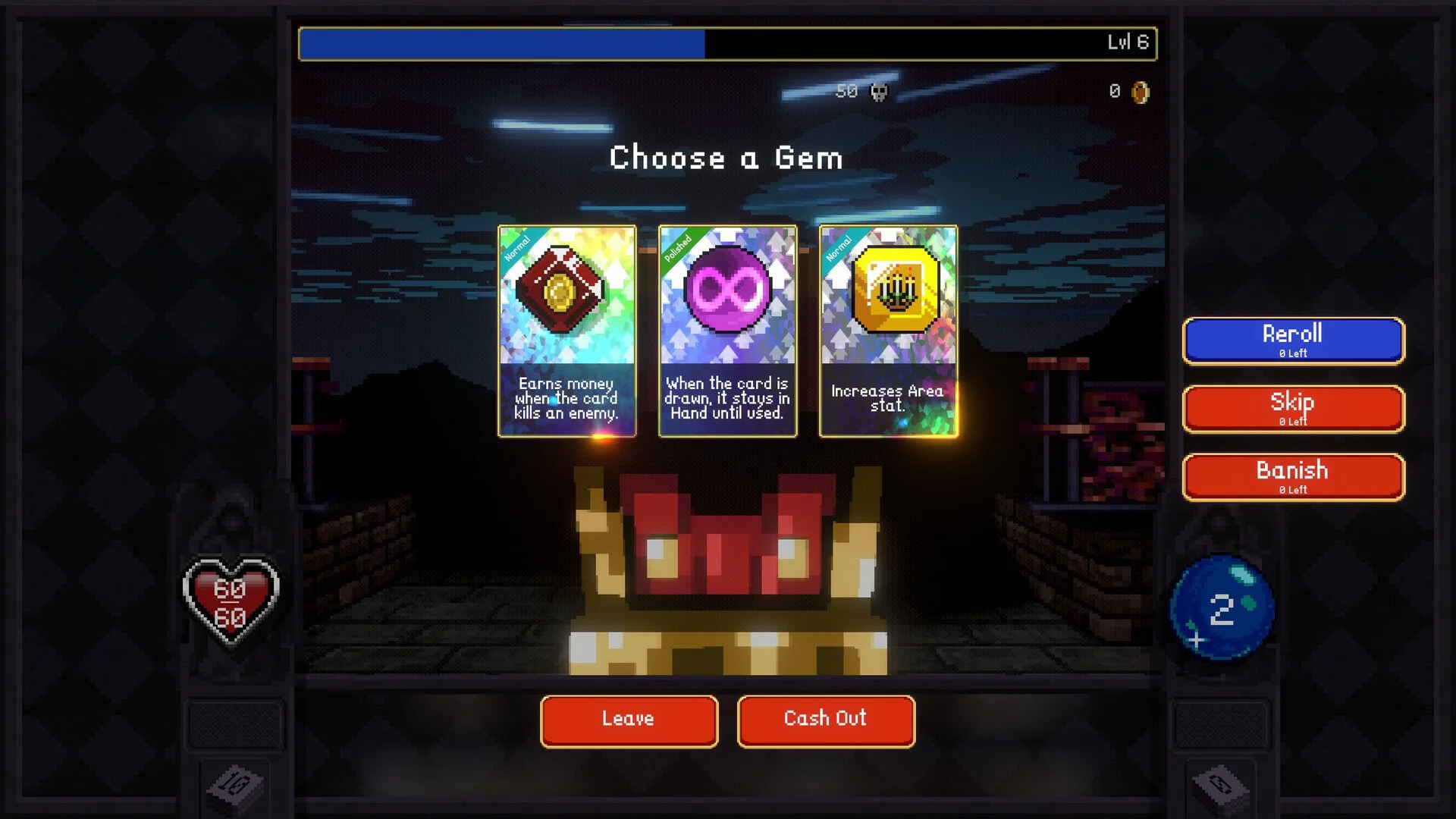
Reroll lets you refresh reward choices
Skip lets you pass on rewards for XP
Banish removes options from appearing again during the run
These become more valuable the more specific your build gets. Early on, they are flexible tools. Late game, they help refine a run into exactly what it needs.
Where to Check Your Stats
Stats can be viewed during a run through the stats screen, typically accessed with the Escape key. The same information shows up when selecting Power Ups.
Keeping an eye on this screen matters more than it seems. It shows how your build is actually scaling, not just what cards you have.
Final Blurb
Stats in Vampire Crawlers are what turn a collection of cards into a working build. Damage comes from stacking Might, Amount, and Area together, survivability comes from Armor, Recovery, and Revive, and the flow of a run is controlled by Hand, Mana, and Magnet. The runs that feel smooth are the ones where these systems line up. The runs that fall apart usually miss one of them and never recover.