Selling items in Windrose isn’t tied to a single shop, and that’s where most players get stuck early. You’ll collect a lot of loot quickly, but even when you reach the “right” place, selling doesn’t always work the way you expect. Once you understand how factions, progression, and buyers actually function, the system starts to click and your runs feel much smoother.
Windrose Selling: How To Sell Items Fast
To sell items in Windrose, you must bring them to the specific faction listed in the item description and interact with a buyer NPC, since not every vendor buys items and some buyers are unlocked through progression.
Every sellable item includes a “can be sold to” line. That tells you exactly which faction accepts it. If you go to the wrong faction, you won’t be able to sell it at all.
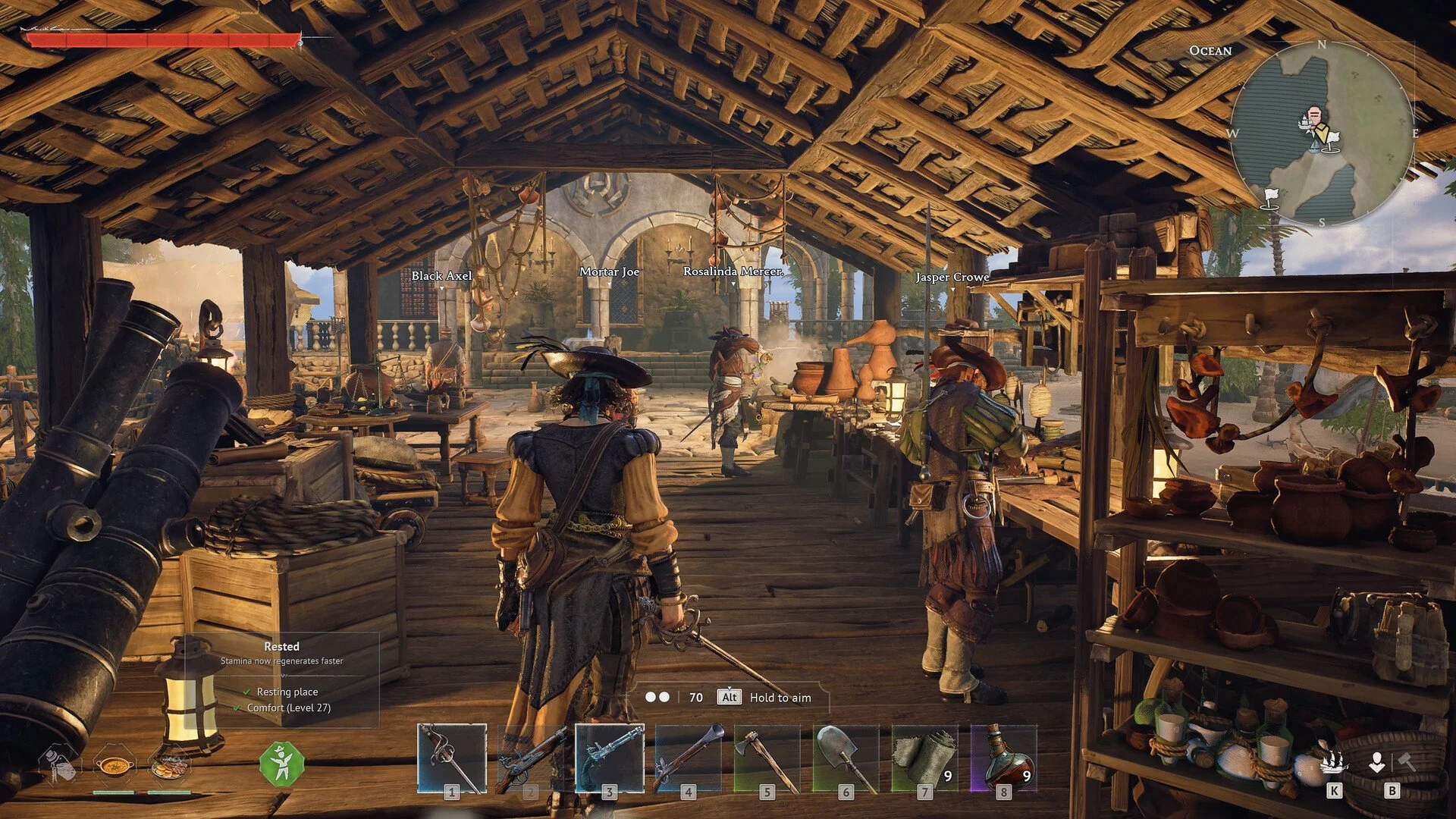
Even if you go to the correct faction, you still need the right NPC. Some characters only sell items to you, while others are dedicated buyers. If you’re talking to the wrong one, the sell option won’t appear.
Where To Sell Items Early
You won’t have access to most selling locations right away. The game expects you to unlock them through exploration and quest progression instead of giving you a central shop.
One of the earliest consistent selling routes comes from the Underground Network quest, which leads you to the Smugglers. This becomes one of your first reliable places to offload higher value loot.
Other faction locations are found by:
Exploring “?” markers across islands
Inspecting glowing clues at Points of Interest
Following faction-related quest chains
As you unlock more hubs, selling stops feeling random and starts becoming part of your route planning.
All Factions And What They Buy
Each faction focuses on specific item types, and recognizing these patterns is what makes selling efficient.
Rogue Buccaneers
This is your early game outlet for common loot.
Animal parts like boar heads, wolf heads, and crocodile heads
Crab Shells and similar creature materials
Basic sea combat loot like Spirits and Munitions
You’ll naturally build a stockpile of these while exploring, making this one of your first steady selling options.
Brethren Of The Coast
This faction is tied to ship combat and crafted support items.
Naval Supplies
Specialized Tools
Combat Repair Kits
You’ll interact with them more as you get into regular ship fights and crafting.
Smugglers Of Port Royal
This is where higher value loot starts to matter.
Contraband and Luxuries from stronger encounters
Jewelry like Silver Earrings and Buttons
Ancient relics from ruins, including gold tier items
Once unlocked, this becomes one of your main profit routes because of the higher payouts.
People Of Tortuga
This faction handles survival and shipwreck-related goods.
Provisions
Medicine
These items usually come from sinking ships or wreck loot and don’t have much use outside of selling.
Fastest Way To Sell Items Early
Early on, the easiest selling loop comes from Rogue Buccaneers since creature drops stack quickly and don’t require progression to collect.
Once Smugglers are unlocked, your focus shifts toward holding higher value items instead of selling everything immediately. Loot from ruins and stronger enemies becomes worth saving until you can cash it out for better returns.
You’ll notice that selling turns into a decision instead of a habit, especially once inventory space becomes limited.
Why You Can’t Sell Items Even In The Right Place
Even if you go to the correct faction, you might still not be able to sell items right away.
This shows up most clearly with items like Provisions and Medicine tied to the People of Tortuga. You can reach Tortuga and still have no one available to buy them.
What’s happening is that not every NPC is a buyer. Some are vendors that only sell items, while others are specific buyers tied to certain goods.
On top of that, parts of faction hubs can be locked behind quest progression. Until you advance far enough, the correct buyer simply isn’t available yet.
In gameplay, this feels like the system isn’t working, but it’s actually gated. Once you unlock the right NPC, those items immediately become sellable.
Why You Can’t Sell Some Items At All
Some items will never show a faction.
If there’s no “can be sold to” line, the item is meant for:
Crafting
Quests
Progression systems
These are not part of the selling loop, and trying to offload them anywhere won’t work.
How Selling Changes As You Progress
At the start, you’re picking up everything and hoping to sell it later.
Once you’ve unlocked multiple factions and buyers, your behavior shifts. You start recognizing item types instantly and deciding whether they’re worth carrying based on where you can sell them.
You’ll also notice that higher value items come from more dangerous areas, which creates a natural loop of pushing out, collecting loot, and choosing when to return.
Small Things That Make Selling Easier
Always check the item description before holding onto something
Don’t carry high value items too long in dangerous areas
Prioritize Smuggler items once unlocked for better payouts
Unlock faction hubs early through quests instead of wandering
These small adjustments keep your inventory clean and your runs efficient.
Final Blurb
Selling in Windrose is built around factions, buyers, and progression instead of a simple vendor system. Once you understand that not every NPC buys items and some buyers are locked behind quests, the confusion disappears.
From that point on, selling becomes part of your route planning, not something you struggle to figure out, and your inventory turns into steady currency instead of clutter.