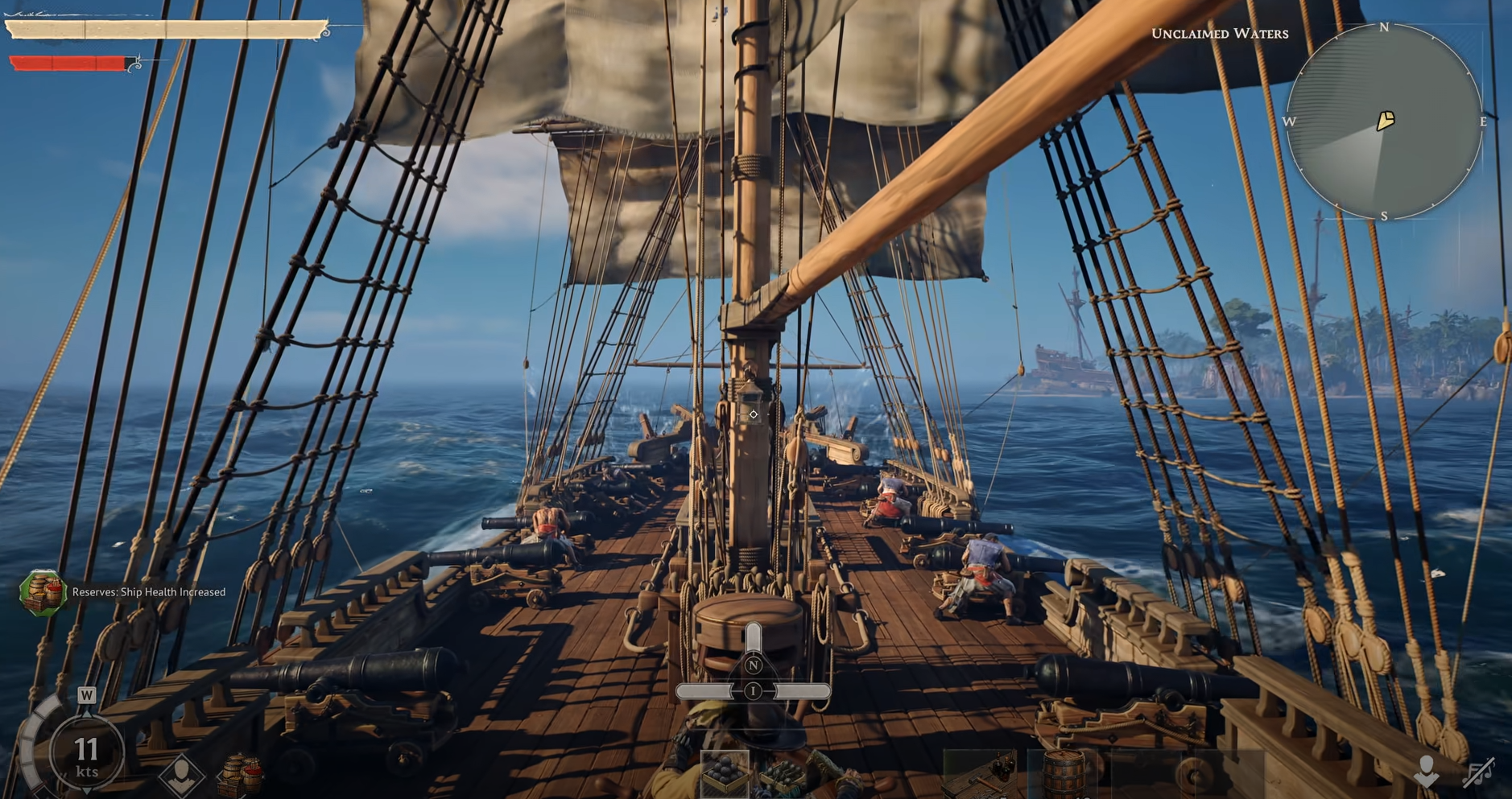
Windrose Rename Ship Guide: How To Change Ship Name
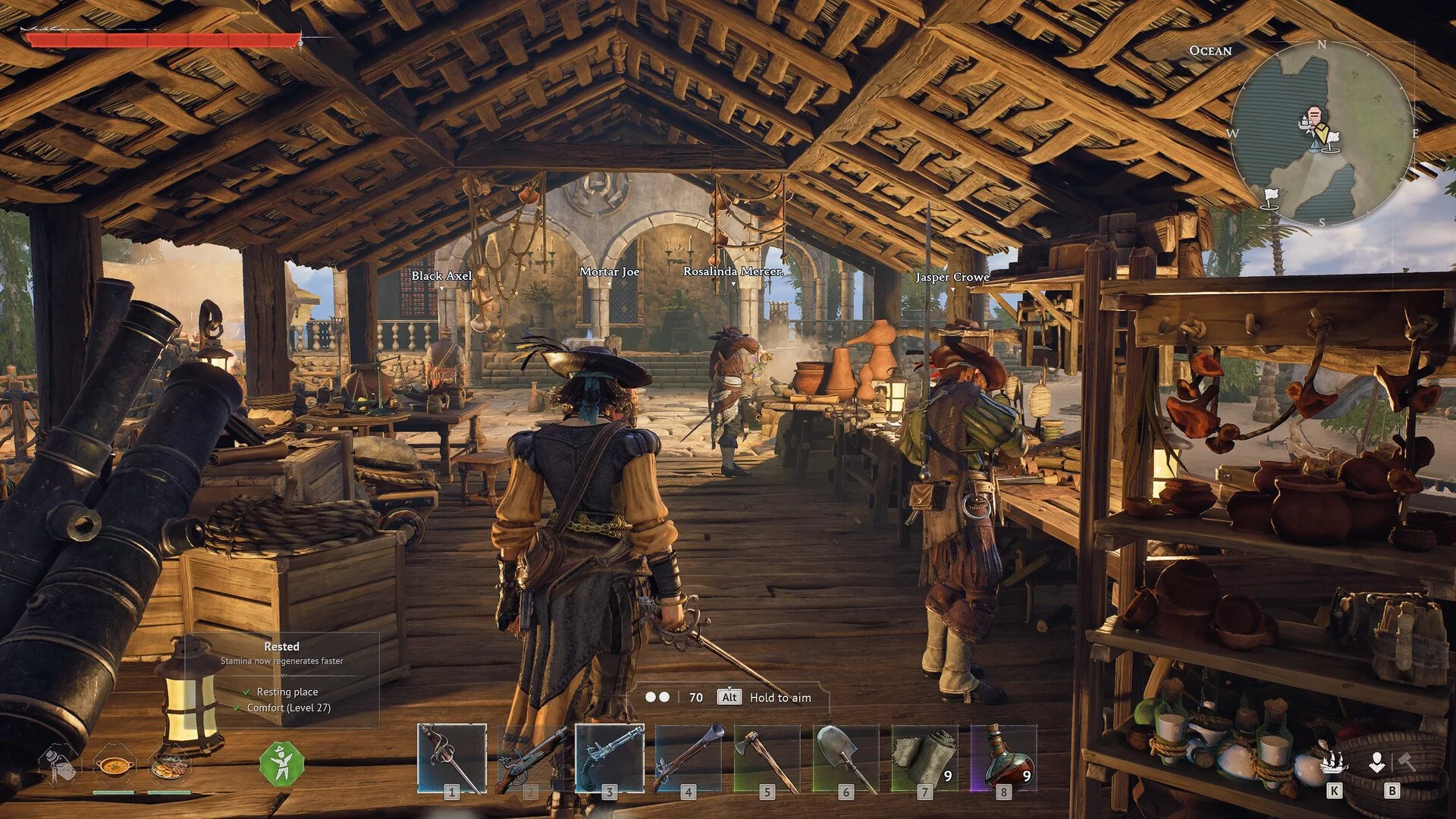
Changing your ship name in Windrose is found within a menu that does not show up until you unlock it. The option exists early, but it is easy to miss since it is not attached directly to your ship and is instead handled through a building.
Where You Actually Rename Your Ship
To rename your ship in Windrose, you must build a Wharf (see how to build a wharf here), open it, go into Manage Ship, then use the Customization tab to change the name.
The key thing is that renaming is not tied to the ship itself when you are out sailing or standing near it. You will not find the option by clicking around your ship in the world. Everything runs through the Wharf interface, which acts as the control point for ship management.
Once you open that menu, the rename option sits alongside visual customization, not as a standalone feature, which is why it gets overlooked the first time.
Why The Rename Option Feels Hidden
The game groups naming with appearance changes instead of treating it like a core interaction.
So when you first open the Wharf, you might go through menus looking for something labeled clearly like “Rename Ship” and never see it. Instead, it sits under Customization with things like hull colors and flags, which makes it easy to miss if you are not expecting it there.
What Happens If You Cannot Find It
Most of the time, the issue is not the menu, it is progression.
If you have not built the Wharf yet, the option simply does not exist anywhere else. There is no fallback menu or shortcut. The game does not give you partial access to ship management until that structure is placed.
Once the Wharf is built, the option shows up immediately, which makes it feel like it appeared out of nowhere.
What Else You Can Change At The Same Time
Renaming is just one part of the same system. When you are already inside the Customization tab, you can change how your ship looks as well. Colors, flags, and overall appearance all sit right next to the naming field, so most players end up doing both at the same time once they find it.
It turns the Wharf into more than just a utility building, since it becomes the place where your ship actually starts to feel like yours.
Final Blurb
Renaming your ship in Windrose is simple once you know it is tied entirely to the Wharf. The option feels hidden at first because it is grouped with customization instead of standing on its own, but once you find it, it becomes a quick change you can update anytime without restrictions.