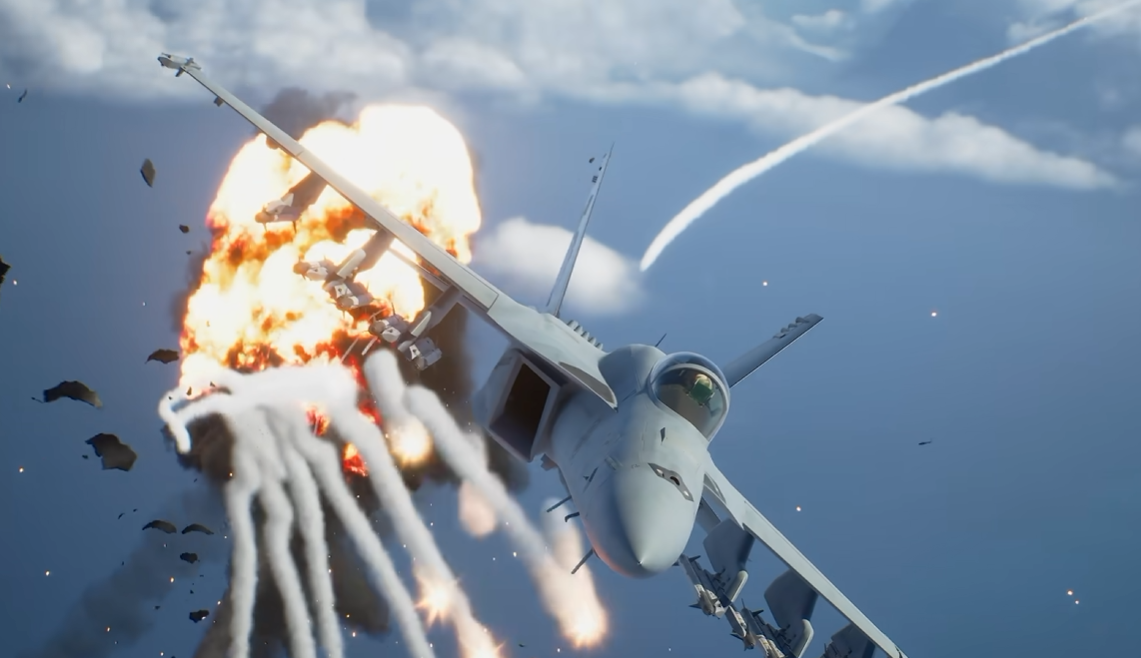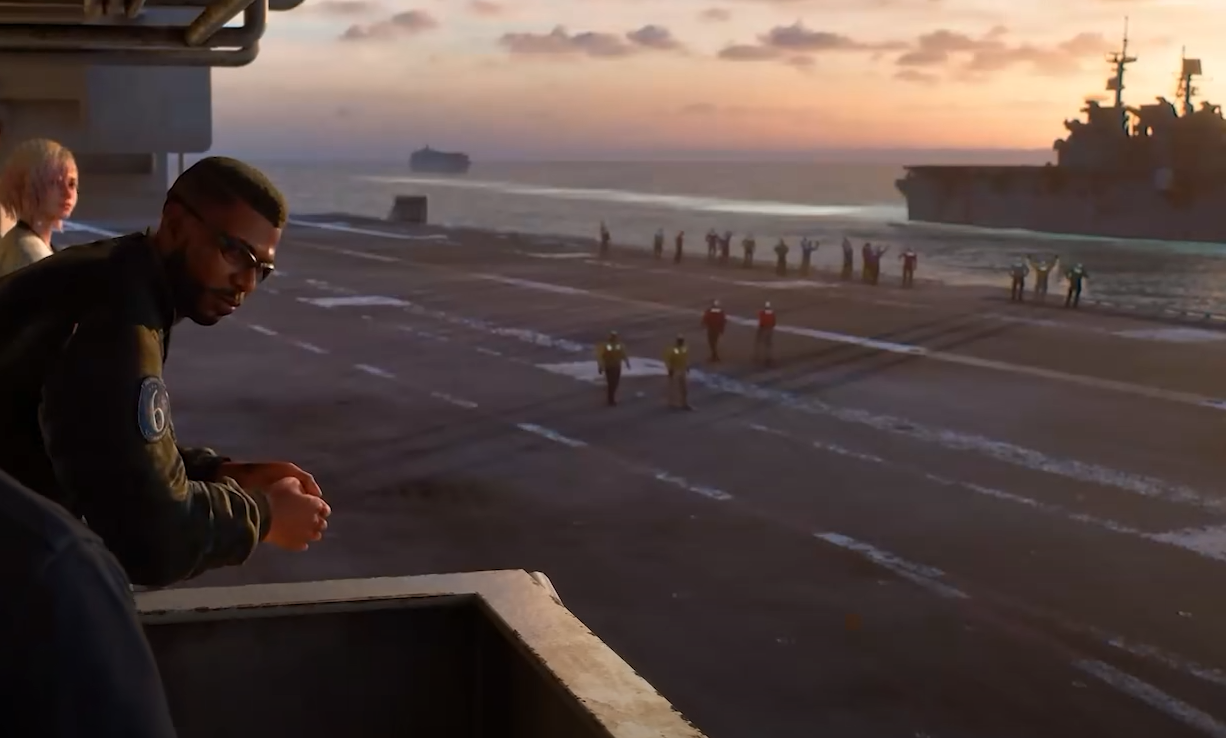
Landing in Ace Combat 8 is mostly decided before the wheels ever touch the ground. A clean approach gives you time to line up, control your speed, and descend gradually, while a bad approach usually turns into last-second corrections, a stall, or a missed runway.
Jump To Section:
How to Land
Set Up the Approach
Control Your Speed
Carrier Landings
Why Landings Fail
How to Land in Ace Combat 8
To land in Ace Combat 8, line up with the runway or carrier deck, follow the AWACS alignment instructions, then begin reducing speed gradually as you approach roughly 500 meters. Keep the aircraft centered, use small pitch corrections to descend, touch down while flying straight, then apply the air brakes once the wheels are on the surface.
Landing Order
Line up with the runway or carrier deck
Follow AWACS corrections
Begin slowing around 500 meters
Descend with small pitch adjustments
Touch down while flying straight
Use the air brakes after landing
The most important part is doing those steps in that order. Trying to fix alignment, altitude, and speed at the same time during the final few seconds makes the landing much harder than it needs to be.
Set Up the Approach Before You Start Braking
When a mission enters its landing phase, the HUD changes to help guide the approach. Use that time to get the aircraft centered with the landing area before worrying about making the plane extremely slow.
AWACS will call out corrections such as pitching up or down or moving left or right when your approach is off. These cues are most useful when treated as small adjustments rather than reasons to make a large turn.
The farther away you correct your line, the easier the rest of the landing becomes. Being slightly off-center while you still have several hundred meters available is easy to fix. Being off-center just above the runway leaves almost no room to recover.
If your aircraft keeps weaving from one side of the runway to the other, reduce the size of your corrections. Landing is much more about maintaining a stable line than rapidly chasing the center of the runway.
Control scheme can also affect how natural those corrections feel. My Ace Combat 8 Standard vs Expert Controls guide covers how turning, rolling, and pitch control differ between the two setups.
Control Your Speed Without Stalling
Once the aircraft is properly aligned, start reducing speed as you close to roughly 500 meters from the runway or deck.
Do not immediately dump as much speed as possible. The aircraft still needs enough forward momentum to remain controllable during the descent, and slowing too aggressively can cause a stall before you reach the landing area.
A better approach is to gradually bleed speed while keeping the aircraft stable. If the nose starts dropping or the plane becomes difficult to control before reaching the runway, you have probably slowed too much too early.
Approach Priorities
Farther Out → Fix alignment
Around 500 Meters → Begin reducing speed
Final Approach → Make small pitch corrections
Touchdown → Keep the aircraft straight
After Touchdown → Brake
This separation matters because slowing down does not fix a bad approach. If the aircraft is pointing away from the runway, becoming slower only gives you less control while trying to correct it.
Use Small Pitch Corrections on Final Approach
Once the aircraft is centered and slowing down, the final job is controlling the descent.
Use small pitch adjustments to bring the aircraft toward the runway rather than pointing the nose sharply downward. A smooth descent keeps the plane stable and gives you more time to respond to AWACS corrections.
Large changes in pitch or roll become increasingly dangerous as altitude disappears. A maneuver that would be harmless several hundred meters above the ground can send the aircraft beside the runway when performed moments before touchdown.
If judging the runway is difficult from your current camera, changing view can make the approach easier to read. The Ace Combat 8 change view guide covers how to cycle between the available perspectives.
Brake After the Wheels Touch Down
Once the aircraft reaches the runway, keep it pointed straight and apply the air brakes to remove the remaining speed. On PC, the default air-brake input is Ctrl.
The key distinction is when to brake heavily. You want enough speed to remain stable during the approach, then use the brakes once the aircraft has actually reached the surface.
Trying to make the plane nearly stationary while it is still airborne increases the chance of stalling short of the runway.
Depending on the mission, completing the landing can either finish the operation or move into another phase before combat continues.
How to Land on a Carrier in Ace Combat 8
Carrier landings follow the same basic process as runway landings, but the much smaller landing area leaves less room to correct mistakes.
The biggest priority is getting centered with the deck early. A small alignment error that is manageable on a full runway can become a complete miss when the target is a carrier.
Carrier Landing Priorities
Center the aircraft with the deck early
Use AWACS cues while there is still room to correct
Reduce speed gradually rather than all at once
Avoid large roll or pitch inputs near the deck
Touch down straight
Brake immediately after landing
Carrier approaches also punish excessive touchdown speed more heavily because there is less surface available afterward. If you regularly reach the deck correctly but struggle to stop, begin bleeding speed slightly earlier rather than relying entirely on braking after touchdown.
Airfield vs Carrier Landings
The mechanics are essentially the same, but the tolerance for mistakes is different.
An airfield gives you more runway width and length, so there is more room to recover from a slightly imperfect approach. Carrier landings demand better alignment and better speed control because both the touchdown area and stopping distance are more limited.
This makes airfield landings the better place to learn the basic sequence:
Get straight first, manage speed second, descend third, and brake last.
Once that sequence becomes automatic, carrier landings become much less intimidating because the process itself does not fundamentally change.
Why You Keep Failing Landings
Most failed landings can be traced back to one problem that started earlier in the approach.
Common Landing Problems
Flying past the runway → Begin reducing speed earlier
Stalling before touchdown → Keep more speed during the approach
Missing left or right → Fix alignment farther out
Constantly overcorrecting → Use smaller control inputs
Dropping too quickly → Make gentler pitch corrections
Missing carrier landings → Prioritize alignment before speed
The useful question is not simply “why did the landing fail?” but when the approach first stopped being stable.
If the aircraft only becomes uncontrollable in the final few seconds, the actual mistake may have happened hundreds of meters earlier when too much speed was lost or the runway was never properly lined up.
Use AWACS as an Approach Check
AWACS gives direct feedback during the landing phase, including distance and alignment corrections.
Instead of waiting for several instructions to stack up, correct each problem while there is still plenty of room. If you are told to move left or pitch down, make a small adjustment and stabilize the aircraft again.
This is especially valuable on carrier approaches, where allowing a small error to persist can put the plane completely outside the usable landing area by touchdown.
For more general flight habits that make approaches and other mission phases easier, the Ace Combat 8 tips and tricks guide covers the most useful mechanics to get comfortable with early.
Can You Skip Landing in Ace Combat 8?
Some landing and refueling phases can be skipped, but not every mission allows it.
If the operation requires the landing as part of the mission sequence, you will need to complete it normally. Other sequences may give you the option to bypass that phase and continue.
For the landings you do need to fly, consistency comes from keeping the steps separate. Align early, slow gradually, descend with small corrections, then brake once the aircraft is on the runway or carrier deck.