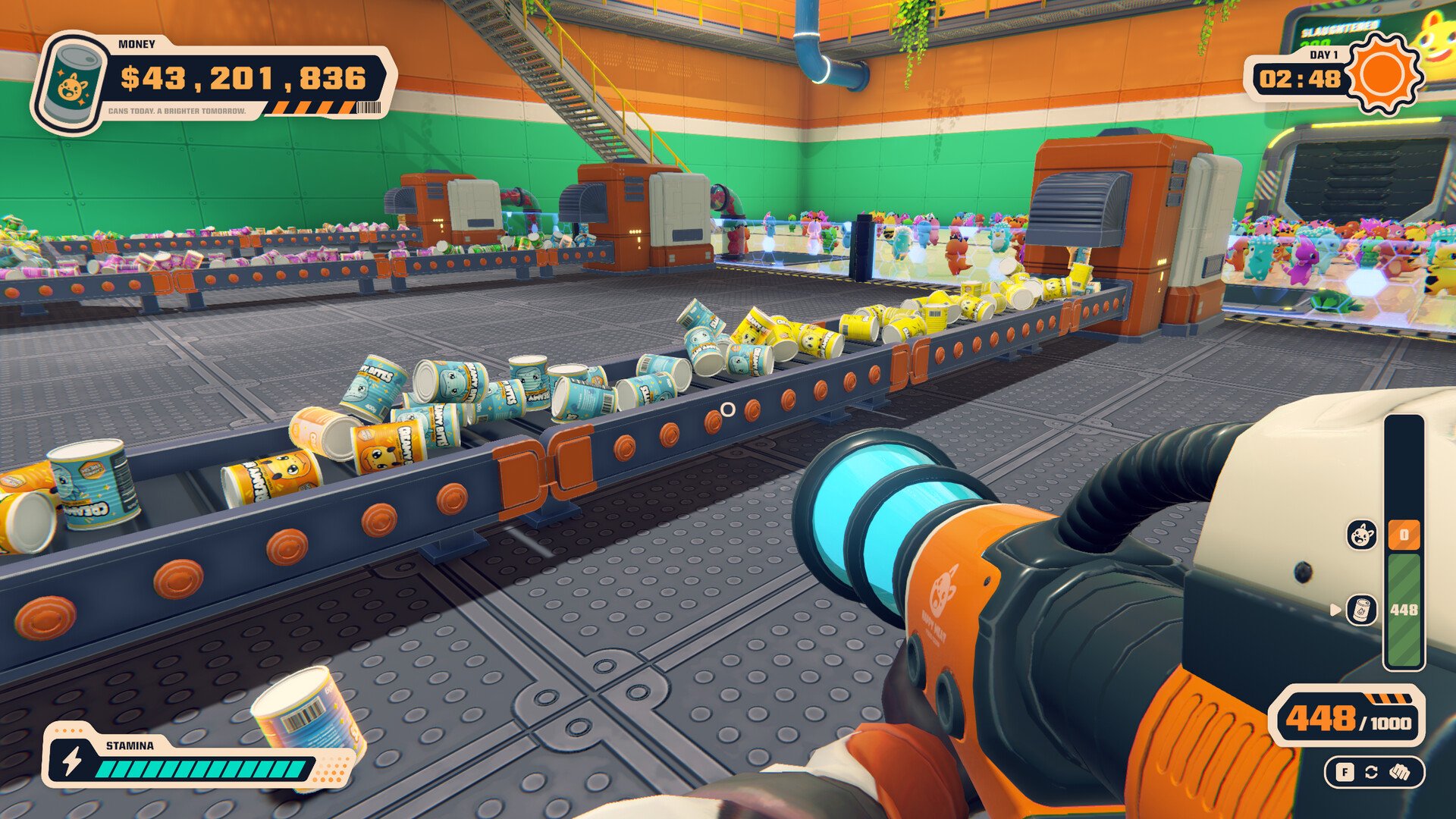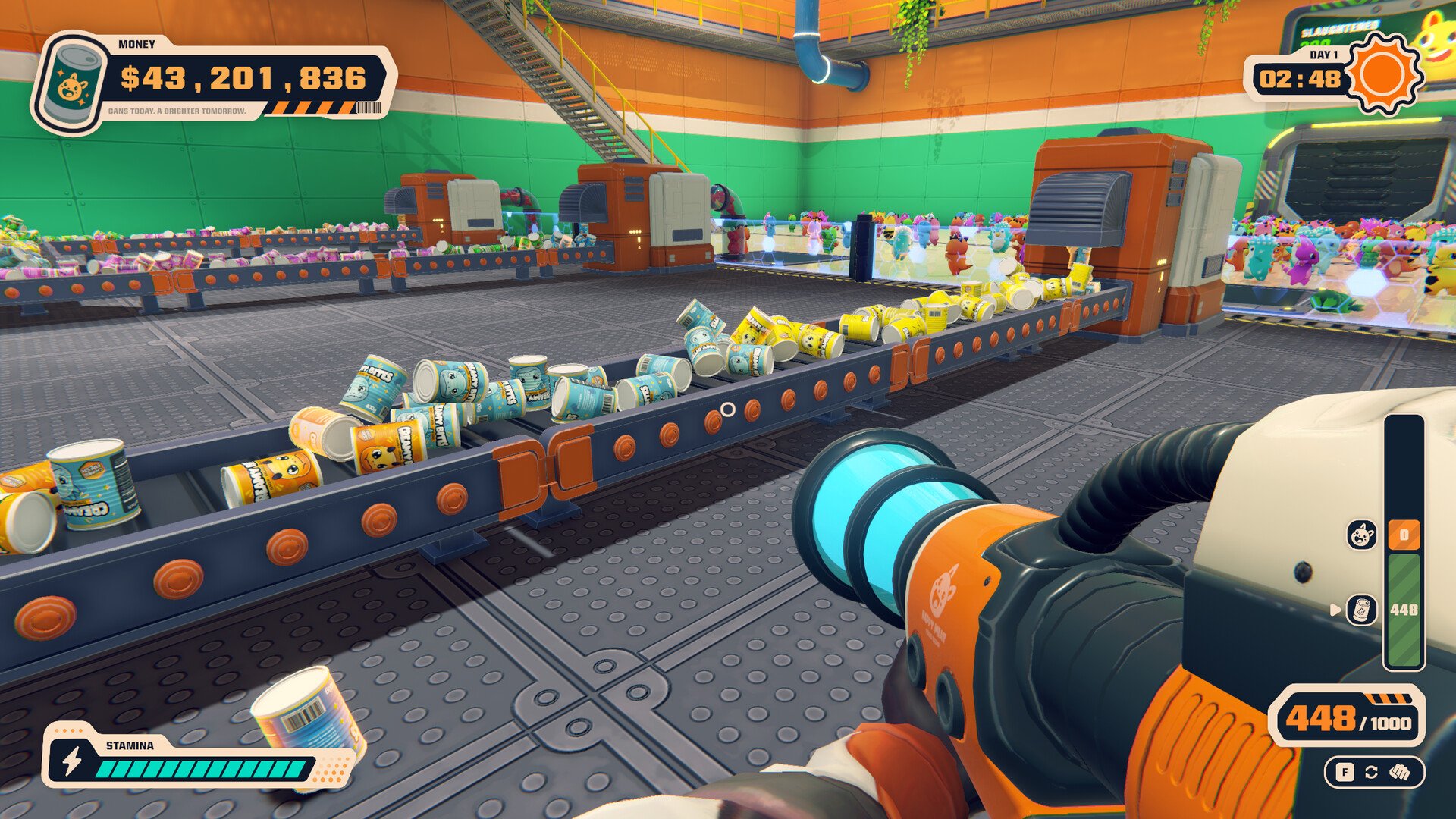
Can 'Em All gets hectic once your factory starts handling more creatures, equipment, and finished cans each day. Managing everything efficiently takes some planning, especially when you're working against a short timer. These 12 tips will help you avoid wasted upgrades, earn more from your production, and keep the factory running smoothly as it grows.
Jump To Section:
Early Game Tips
Tips for Saving Time
Choosing Better Upgrades
Advanced Factory Tips
Can 'Em All Early Game Tips
1. Make Sure Your First Creatures Actually Earn Money
During your first few shifts, concentrate on completing the entire production process rather than killing as many creatures as possible.
Defeated creatures need to be collected and placed inside the Grinder. Once they're processed, the finished cans must be delivered to the blue selling tube before you receive payment.
This distinction becomes important once your factory is busy. You might eliminate an entire group of creatures without earning anything from them if their bodies never reach the machinery.
Until you have reliable automation, I recommend processing and selling smaller batches instead of letting everything accumulate on the floor.
2. Don't Rush to Start Another Day
The end of the workday doesn't necessarily mean you've finished earning money.
In the launch version, players have been able to deposit finished cans into the selling tube after the daytime timer expires. That gives you an opportunity to finish selling your existing inventory before starting another shift.
It's particularly useful early on, when you spend a considerable amount of time moving between machines.
Before using the NEXT DAY option in the Skill Tree, check whether you still have completed cans waiting to be sold. Unused items are normally cleared between days until you've obtained the relevant permanent storage upgrade.
3. Learn What Each Factory Tool Is Actually For
The factory becomes easier to manage once you're comfortable moving objects between its different machines.
For manual handling, approach a defeated creature and press E when the grab prompt appears. While carrying it, you can use the available drop and throw controls to place it inside the Grinder.
The Basket is another useful early tool because it can hold multiple cans. Instead of making a separate selling trip for every finished product, collect several and move them together.
These tools are worth learning before investing heavily in automation. They're still useful whenever equipment leaves you with work that must be handled manually.
Can 'Em All Tips for Saving Time
4. Use the Industrial Vacuum to Cut Down on Walking
The Industrial Vacuum is a major convenience upgrade once your factory starts producing more material than you can comfortably carry.
It costs $40 to unlock and lets you collect objects without picking them up individually.
On PC, press F to equip it, hold right-click to collect cargo, and use left-click to launch whatever you've selected. The mouse wheel changes between stored cargo types.
One mistake worth avoiding is firing the wrong material into a machine. Check the white selection arrow on your cargo display before unloading. Bodies belong in the Grinder, while finished cans go to the selling tube.
5. Position Yourself Before Unloading Large Amounts of Cargo
The Vacuum saves time collecting objects, but its effectiveness also depends on where you're standing when you fire them.
Before unloading several bodies, line up a clear shot into the Grinder's opening. Test the angle with one item rather than scattering your entire collection around the machine.
The same approach works when delivering cans to the selling tube.
Getting the angle right reduces the amount of time spent recovering objects that landed outside their destination. It can also delay the need for additional firing-range upgrades if your current equipment already reaches the machines from a convenient position.
6. Pay Attention to What's Left When the Timer Runs Out
The most useful information from a workday is often what's still sitting around the factory when it ends.
If several creatures remain alive, combat is probably taking too long. If you've killed everything but bodies are still scattered across the floor, collecting and processing them deserves more attention.
If the Grinders have finished and cans remain unsold, your delivery system needs improvement.
Checking the factory at the end of each shift gives you a practical way to choose your next purchase. It also prevents you from repeatedly spending money on upgrades that don't address the problem you're experiencing.
How to Choose Better Upgrades in Can 'Em All
7. Get More Value From Your Existing Creatures
You don't always need additional enemies to increase your income. Improving what each creature produces can be just as useful.
Upgrades that increase the number of cans generated per body work well with bonuses that increase the value of those cans. Premium Cans, for example, has an initial cost of $12 and provides a substantial increase to can value.
These upgrades allow your current creature supply to generate more valuable merchandise without requiring you to fight additional enemies.
However, additional cans still need to reach the selling tube. If your delivery system is already struggling, increasing production further may simply create a larger backlog.
8. Wait Until Your Current Creatures Are Manageable Before Increasing Spawns
It's tempting to increase the number of creatures arriving at your factory whenever the option becomes available.
That can be worthwhile when you're consistently finishing each batch with time to spare. Otherwise, more arrivals may leave you with additional creatures or bodies that never contribute to your sales.
Some factory setups also require existing creatures to be cleared before another group arrives. If you're wondering why new enemies aren't appearing, check for survivors before assuming something is wrong.
My preference would be to increase arrivals only when the current workload is no longer keeping the factory busy.
9. Don't Automatically Buy a Stronger Weapon
Weapon upgrades are most useful when defeating creatures is slowing the rest of your operation.
If you're struggling to clear incoming groups, stronger attacks, improved ammunition, or an additional weapon can free up time for processing and selling.
However, buying more firepower won't solve a factory filled with unprocessed bodies.
Automatic Turrets become particularly valuable when you need to keep creatures under control while operating other equipment. Rather than treating them solely as another damage upgrade, consider how much time they could free up for collecting cargo and keeping the Grinders supplied.
Advanced Can 'Em All Factory Tips
10. Test Your Conveyor System Before Buying More Speed
Conveyors can eventually handle much of your finished-can transportation, but the route needs to connect properly.
After installing new sections, watch a few cans travel through the system. If they stop before reaching the selling area, another connection may be necessary.
Increasing belt speed won't fix a missing section.
Once your conveyors are delivering cans successfully, speed upgrades become more useful when several machines are producing enough output to overwhelm the existing belts.
It's worth checking every production line separately. A working conveyor on one Grinder doesn't guarantee that your other machines have a complete delivery route.
11. Let Your Factory's Workload Determine When to Extend the Day
Increasing the length of your workday gives you more time to handle incoming creatures and complete production. However, the extra seconds are only valuable when there's useful work remaining.
If your factory regularly finishes its available workload early, a longer shift may accomplish very little.
If the timer expires while enemies remain alive or machines are still waiting for bodies, additional time becomes more attractive.
Remember that finished cans may still be sold after daylight ends in the launch version. You don't necessarily need a time extension just because you're making several trips to the selling tube.
12. Know When Your Factory Is Ready for More Automation
Later upgrades introduce additional Grinders, Corpse Roombas, automated defenses, and more elaborate production systems.
These improvements are useful once your existing factory is producing enough work to keep them occupied.
For example, a Corpse Roomba can help collect scattered bodies, but moving them faster provides limited benefit if every Grinder is already busy. Similarly, purchasing another Grinder won't improve production much when your current one regularly sits idle.
The same principle applies to expensive late-game purchases. Before committing your money, consider whether the upgrade will allow you to process more creatures, deliver more cans, or increase the value of completed sales.
Once your production is running consistently, you can begin considering the game's longer-term progression options, including selling your factory for permanent upgrades.
For the most reliable progress, pay attention to which tasks are taking up your time during each shift. Small improvements to your existing workflow can make expensive factory upgrades much more useful when you eventually unlock them.