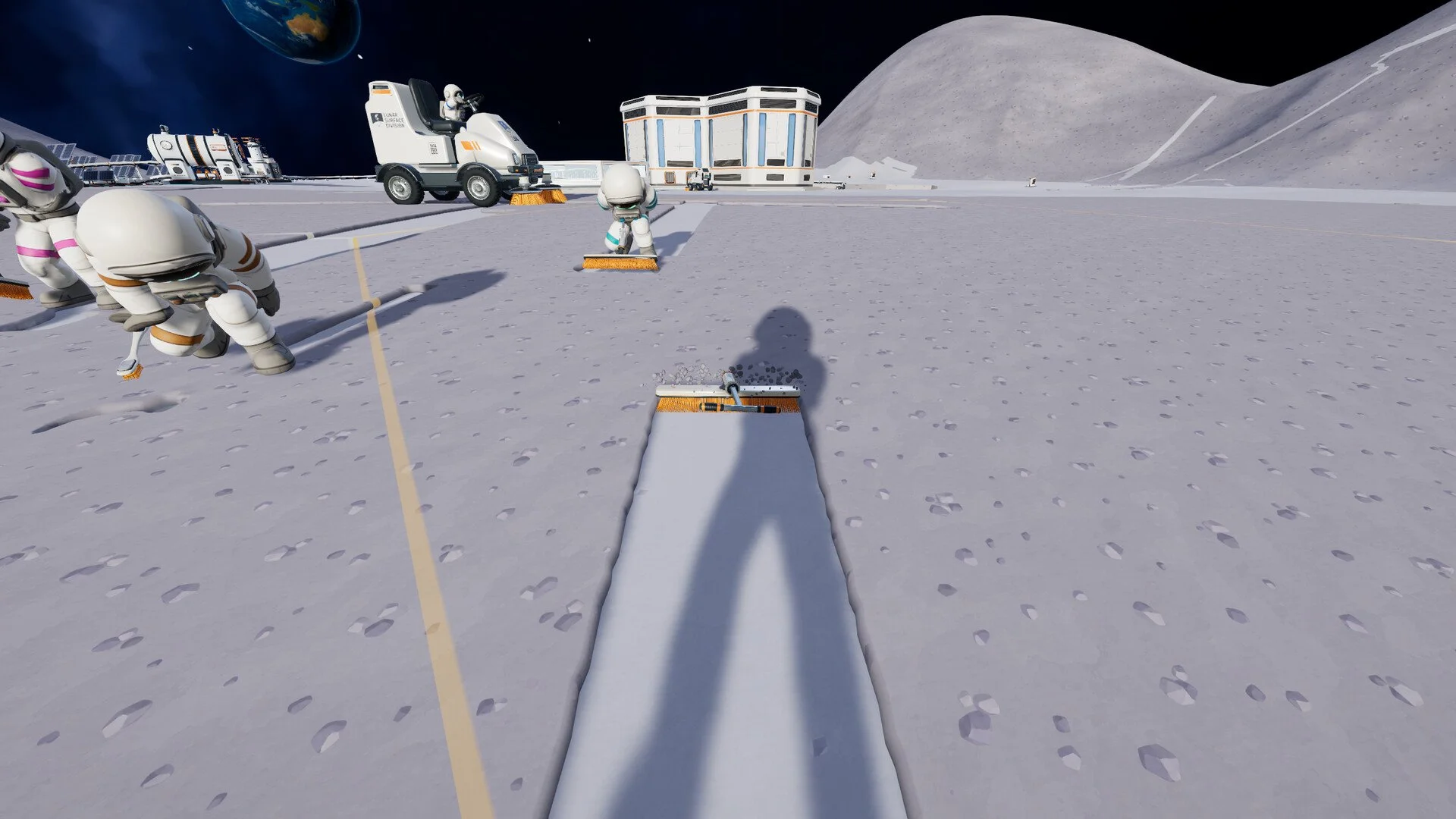
Running back to the station every time you've collected more lunar dust gets old pretty quickly in Moon Sweepers. It's manageable with a Toothbrush, but once you're clearing larger areas or filling vehicle hoppers, those trips start taking up time you could spend cleaning. Setting up automatic selling changes that routine considerably, and you don't need an elaborate factory to get started. Here's how to build a working selling route and make sure your dust is actually earning money.
Jump To Section:
How to Auto Sell Dust
Best Auto Selling Setup
Where to Connect Conveyors
Auto Selling Not Working?
Expanding Your Selling System
How to Auto Sell Dust in Moon Sweepers
To sell dust automatically in Moon Sweepers, connect a Conveyor from a building that outputs dust capsules to the station's intake. Once the capsules reach the intake, they're sold and the money is added to your balance.
You don't need to carry those capsules inside the station or manually launch another shipment. The conveyor delivery completes the sale for you.
The easiest way to get started is with a Packager, although Robot Vacuums and garage unloading systems can also feed dust directly into a selling route.
- Purchase the Building Tool if you haven't already. It costs $50.
- Place a Packager or another building capable of sending dust capsules onto a Conveyor.
- Find the capsule output on that building and connect a Conveyor to it.
- Extend the Conveyor toward the station, making sure each section carries materials in the correct direction.
- Connect the final section to the station's intake.
- Deposit a small amount of dust into your Packager or allow your automated cleaner to produce a capsule.
- Watch the capsule travel into the intake and confirm that your money increases.
I'd test the route with a single small load before extending it across a large cleaning area. It's much easier to fix one misplaced connection than troubleshoot an entire network of conveyors after you've finished building it.
Conveyors cost $0.50 per meter and can be constructed in sections up to 30 meters long, so you can extend the route as far as your cleaning operation needs.
What's the Best Auto Selling Setup in Moon Sweepers?
There are several ways to feed dust into an automatic selling system. The best choice depends on whether you're still cleaning by hand, driving vehicles, or building a fully automated operation.
| Equipment | Cost | What You Still Do |
|---|---|---|
| Packager | $100 | Collect and deposit dust |
| Robot Vacuum Mk I | $250 | Nothing within its cleaning area |
| Garage Silo | Included with Garage ($200) | Drive and position your vehicle for unloading |
| Capsule Catcher | $1,500 | Receives capsules from JOONAS |
Packager: Best for Manual Cleaning
If you're still collecting dust with handheld tools, the Packager is a practical place to start.
Place it near the area you're cleaning, deposit your collected dust into it, and let the connected Conveyor transport the resulting capsules back to the station.
This doesn't make cleaning automatic, but it eliminates the need to personally carry every load all the way back to the selling point.
For a closer look at its placement and connections, check our Moon Sweepers Packager guide.
Robot Vacuum: Best for Fully Automatic Dust Sales
If you want dust collected and sold while you're doing something else, the Robot Vacuum Mk I is a better option.
It cleans the surrounding area, returns to its dock, and sends packed dust onto a connected Conveyor. As long as that Conveyor reaches the station intake, the entire process can operate without you manually depositing each load.
The limitation is its cleaning range. Once the nearby sectors have been cleared, the dock won't keep producing dust from already cleaned ground.
Place it where plenty of dirty terrain remains instead of wasting its coverage on areas you've already finished.
Garage: Best for Selling Vehicle Loads
Once you're using cleaning vehicles, the Garage provides a convenient way to unload substantial amounts of dust.
Position your vehicle on the garage's collector pad beneath the unloading equipment. The dust transfers into the silo, which can send capsules through its Conveyor outputs.
Connect one of those outputs to the station intake, and you won't need to manually carry the vehicle's entire load inside.
My preference is to finish this connection before taking a vehicle out for a major cleaning run. Otherwise, you can return with a full hopper only to discover that the dust has nowhere to go after unloading.
Where Do You Connect Conveyors for Auto Selling?
The destination for automatic selling is the station's external intake, not the indoor selling machine.
Look for the opening along the station wall with rubber flaps. That's where your final Conveyor section needs to deliver its capsules.
Make sure the belt actually enters the intake rather than stopping beside the building. A Conveyor can look close enough to be connected while still leaving capsules sitting outside.
It's also worth checking the arrows when placing each section. If a belt faces the wrong direction, your dust can end up traveling away from the station instead of toward it.
Once everything is connected correctly, dust arriving at the intake is sold automatically. You won't need to find that same dust inside the station and manually sell it again.
This is one of the more useful changes to the selling system introduced with Patch 1.0.3, which corrected conveyor deliveries and their payouts. Dust and stone arriving through the intake are credited as they're received.
How to Fix Auto Selling Not Working in Moon Sweepers
If your automatic selling setup isn't generating money, start by finding out where the dust stops moving.
There's no reason to rebuild an entire Conveyor route when the problem could be one disconnected section or a machine that hasn't produced anything yet.
Dust Isn't Leaving the Packager or Silo
Check the building's capsule output and the first Conveyor section attached to it.
The Packager sends dust through its rear output, while the garage silo has output connections for releasing stored material. If those connections aren't properly lined up, your dust won't enter the transport system.
Make sure the Conveyor points away from the source and toward the station.
Capsules Reach the Station but Nothing Sells
Check the final Conveyor section first. Capsules need to enter the station's intake, not simply arrive somewhere near its exterior wall.
If they're piling up at the end of the belt, adjust that connection and test another capsule.
You also don't need to look for a new pile of dust inside the station after delivery. The money should be credited when the material reaches the intake.
Your Robot Vacuum Stopped Sending Dust
A Robot Vacuum only cleans the sectors within its assigned area. Once those sectors are clear, it has nothing left to collect.
Check the surrounding ground before assuming the selling system has broken. You may simply need to start another cleaning setup somewhere that still has dust.
The Conveyor Works but Processed Materials Stop Moving
If you've added a Pressure Chamber or Stone Press between your dust source and the station, the problem might be with processing rather than selling.
Both machines need electricity, the correct incoming materials, and a clear outgoing route.
Solar-powered production can also stop at night once stored battery energy runs out. In that situation, the Conveyor itself may be fine while the machine supplying it is no longer producing anything.
Check where the first backlog appears, then work on that part of the system rather than adding more machinery.
How to Expand Your Auto Selling System
Once your first Conveyor route is working, you can begin connecting additional collection points without building a completely separate line back to the station for every machine.
A Merger lets you combine material coming from multiple Conveyor routes into one outgoing belt. This is useful when you've got several Robot Vacuums working in different areas or multiple sources feeding the same selling system.
However, I wouldn't expand too quickly. Let your first setup run long enough to see whether the station is receiving everything properly before connecting more equipment.
As you move farther from your original cleaning area, you can also extend the Conveyor network toward fresh terrain and place collection equipment closer to where you're working.
Later, JOONAS can contribute to the same setup by launching collected dust capsules toward the nearest Capsule Catcher. Connect the Catcher's output to your existing transport network, and those loads can travel back toward the station without you manually collecting them.
Once you're making regular sales, consider improving the value of those deliveries with the Market Contracts upgrade.
Automatic selling is most useful when it removes work from your routine rather than adding more equipment to manage. Start with one dust source, one correctly directed Conveyor route, and a working station intake. Once you've confirmed that the money arrives, you can build outward and spend more of your time cleaning the Moon instead of carrying dust back and forth.