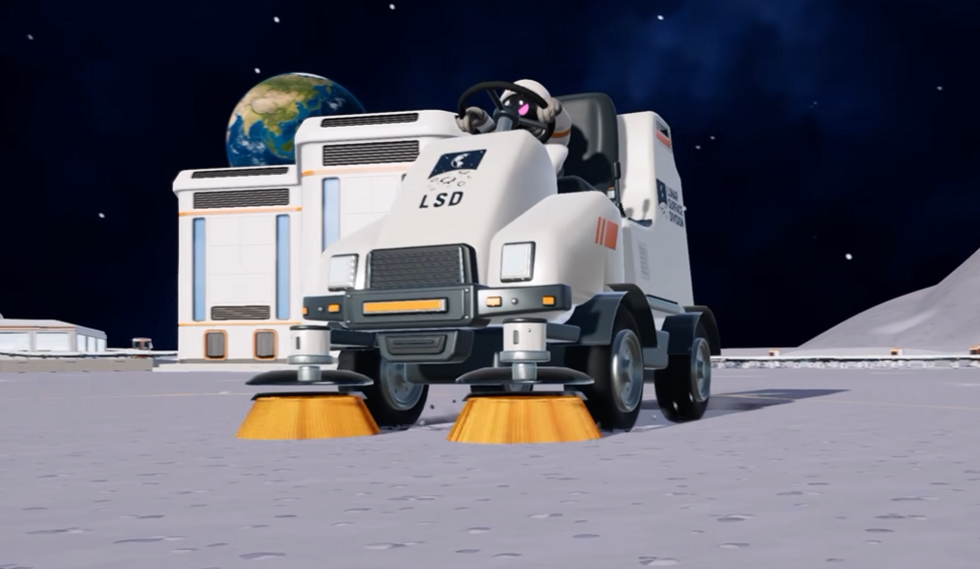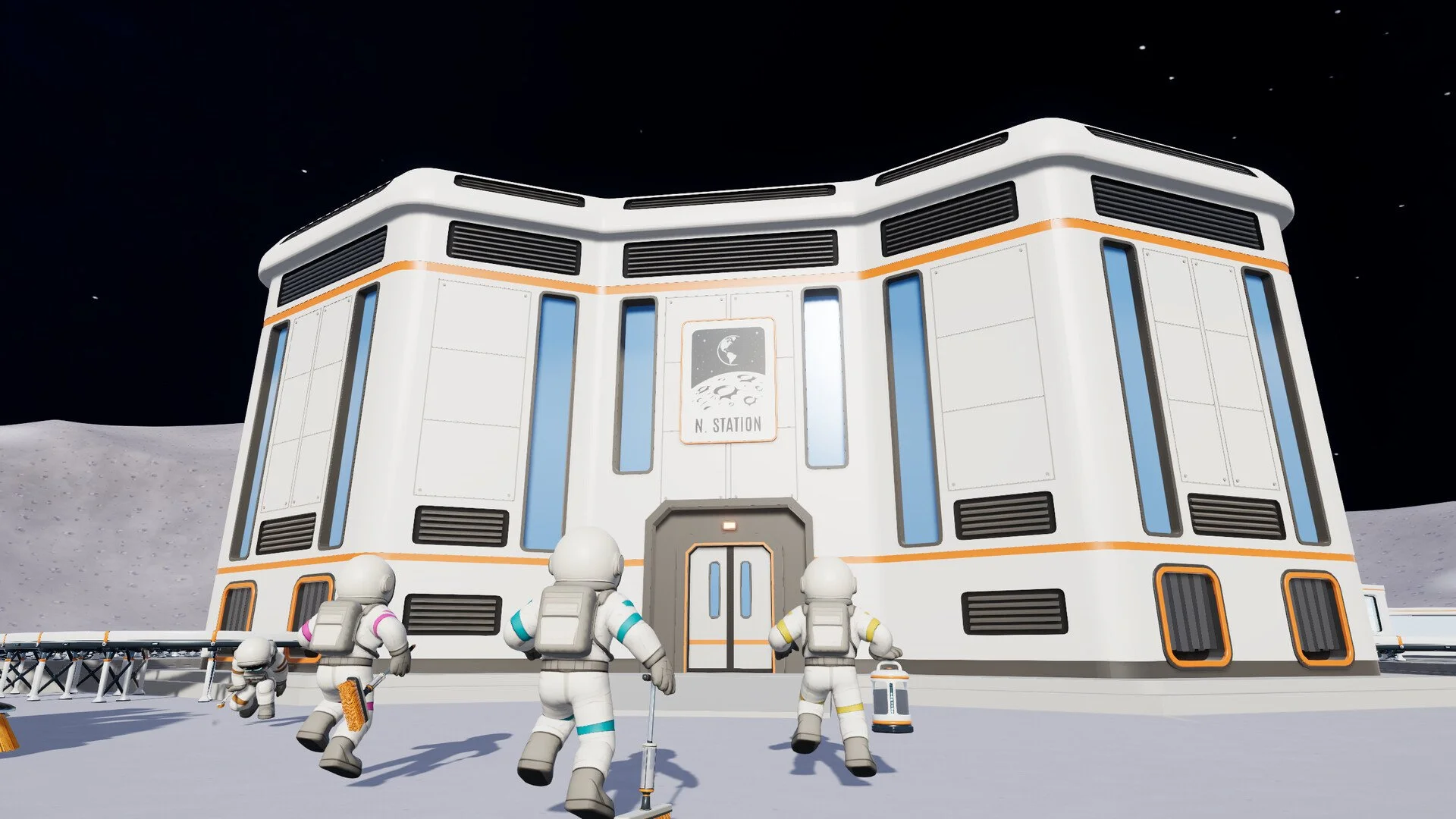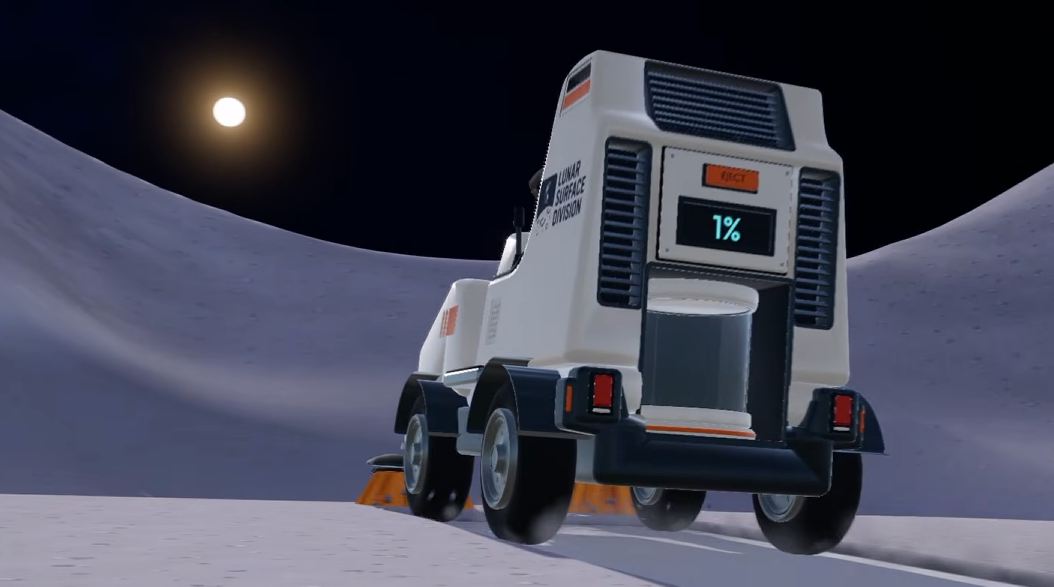
The Garage is where Moon Sweepers starts getting serious about vehicles. It's where you purchase sweepers, manage the ones you own, and unload the enormous amounts of dust they collect. At $200, the building itself is relatively affordable, but there's more to setting up a useful Garage than placing one on the Moon and buying a vehicle. Its position, unloading area, and connections all matter once you start bringing full hoppers back from cleaning runs.
Jump To Section:
How to Build a Garage
How to Use the Garage
How to Unload Vehicle Dust
Vehicle Storage and Upgrades
Garage Troubleshooting
How to Build a Garage in Moon Sweepers
The Garage costs $200 and is constructed using the Building Tool, which you can purchase for $50 from the Supply Wall.
If you haven't unlocked construction yet, you'll need both purchases before getting access to vehicles.
- Purchase the Building Tool for $50 at the Supply Wall.
- Equip the Building Tool and open the construction options.
- Select the Garage, which costs $200.
- Find a suitable area with enough room for vehicles to approach and leave.
- Position the Garage so its unloading area and rear conveyor connections remain accessible.
- Place the building and use its vehicle menu to purchase your first sweeper.
I'd pay particular attention to step five. The Garage isn't just somewhere to purchase vehicles. You'll eventually want to use its unloading system regularly, and that becomes more awkward if you've squeezed the structure between other buildings.
Leave a clear approach to the collector pad and enough room behind the Garage for conveyors.
Buildings also can't simply be picked up and repositioned afterward. Demolishing a placed structure returns 75% of its cost, meaning rebuilding a $200 Garage would leave you $50 out of pocket.
Choosing a sensible location the first time is cheaper than moving everything once your vehicles are already running.
How to Use the Garage in Moon Sweepers
Interact with the Garage to access its vehicle menu. This is where you purchase cleaning vehicles and install upgrades on vehicles you already own.
The available vehicles serve different purposes, from the inexpensive Push Sweeper to larger machines designed for covering extensive stretches of lunar terrain.
| Vehicle | Price | Dust Capacity |
|---|---|---|
| Push Sweeper | $300 | 100 kg |
| Ride-on Sweeper | $1,000 | 500 kg |
| Crew Transport Van | $2,000 | Transport only |
| Lunar Sweeper | $2,500 | 1,200 kg |
| Mega Vacuum Rover | $6,000 | 3,000 kg |
The cheapest complete vehicle setup costs $550: $50 for the Building Tool, $200 for the Garage, and $300 for the Push Sweeper.
That's before adding conveyors, but it gives you a useful target if you're saving for your first Garage.
There's also a limit worth remembering when purchasing vehicles. The Garage handles one selected vehicle in its bay at a time. If another vehicle is already occupying that space, move it out or manage it through the Garage before deploying another.
How to Unload Vehicles at the Garage
The Garage has a built-in system for transferring collected dust out of vehicles. You don't need to package every kilogram by hand after returning from a cleaning run.
Look for the collector pad beneath the Garage's hood. When you position a vehicle on that pad, its collected dust empties into the Garage's silo.
The silo stores the incoming material and releases it as capsules through two ports at the back of the Garage.
This creates a useful separation between collecting dust and sending it away. Your vehicle can return to cleaning while the Garage handles the material you just unloaded.
Connecting the Garage to a Conveyor
To move the unloaded dust toward your station, connect a Conveyor to one of the Garage's rear silo outputs.
The simplest arrangement is:
Vehicle → Garage collector pad → Silo → Conveyor → Station intake.
When the vehicle arrives on the collector pad, the dust moves into storage. Capsules then leave through the rear output and travel along your Conveyor.
Make sure the belt is pointing away from the Garage and toward the station. A Conveyor that looks connected but runs in the wrong direction won't deliver your capsules where they need to go.
My preferred setup would be to establish a short, working delivery route before bringing back a completely full sweeper. That way, you can verify the Garage's output and station connection with a smaller load instead of discovering a problem after collecting hundreds of kilograms.
For longer routes, conveyors cost $0.50 per meter and can be constructed in sections up to 30 meters long.
If you're building a larger transport network, our Moon Sweepers Auto Selling Guide
Does the Garage Automatically Sell Dust?
Not by itself.
The Garage automatically handles vehicle unloading and capsule output, but the dust still needs to reach a selling destination.
If you've emptied your vehicle and your money hasn't increased, that doesn't necessarily mean the Garage failed. The dust may be sitting in the silo or moving through the Conveyor network.
Check whether capsules are leaving the rear ports and arriving at the station intake before assuming something is wrong with the vehicle.
Vehicle Storage, Recall, and Upgrades
The Garage also functions as your vehicle management point. You can purchase improvements for your owned vehicles and manage their storage through its menu.
Patch 1.0.3 made an especially useful change: owned vehicles can now be recalled, stored, and upgraded through any Garage.
You no longer need to return to the exact Garage originally associated with a vehicle to manage it.
That's helpful once your cleaning operation stretches across multiple locations, since a more convenient Garage can handle the same vehicle.
Which Vehicle Upgrades Are Available?
The Garage offers several improvements that change how your vehicles perform:
- Suction Control: Adjusts cleaning coverage, with wider suction trading away some driving speed.
- Big Hopper: Increases how much dust the vehicle can carry before unloading.
- Quick Release: Improves unloading speed.
- Tuned Motors: Improves vehicle movement speed.
- Turbo Kit: Provides another way to improve vehicle speed.
I'd look at Quick Release once the Garage becomes a regular stop between cleaning runs. More hopper capacity is useful, but it's less attractive when the unloading process is already taking longer than you'd like.
For a comparison of the other upgrades available in the game, including those outside the Garage, see our Moon Sweepers All Upgrades Guide.
Moon Sweepers Garage Not Working? Common Problems
Garage problems usually involve the vehicle bay, collector pad, or outgoing dust connection. Which one you should check depends on what isn't happening.
Can't Deploy Another Vehicle
Check whether a vehicle is already occupying the Garage's bay.
The Garage manages one selected vehicle in that space at a time, so move or store the current one as appropriate before trying to bring out another.
Vehicle Isn't Unloading Dust
Make sure the vehicle is positioned on the collector pad beneath the hood, rather than simply parked somewhere alongside the building.
The pad is the receiving point for the unloading system. Parking near the Garage isn't the same as positioning the vehicle where its collected dust can be transferred.
Dust Unloads but No Money Appears
Look behind the Garage at the silo outputs.
If there's no Conveyor connected, your unloaded dust won't have a route to the station. If one is connected, follow the capsules and check that every section carries them toward the station intake.
Also look for a backup at the end of the belt. A pile of capsules beside the station usually means the delivery connection needs attention, not the Garage itself.
Can't Find Your Vehicle at Another Garage
Make sure you're running a version that includes the vehicle management changes introduced in Patch 1.0.3.
Those changes allow owned vehicles to be recalled, stored, and upgraded through any Garage, so an older version can behave differently.
Once you've set up the Garage properly, it becomes much more than a vehicle shop. It's your main point for bringing sweepers into service, managing their upgrades, and transferring large dust loads into a transport network. I'd build the first one with enough space for both vehicles and conveyors, then make sure unloading works before spending heavily on larger machines. A well-placed $200 Garage can remain useful long after you've replaced your first Push Sweeper.