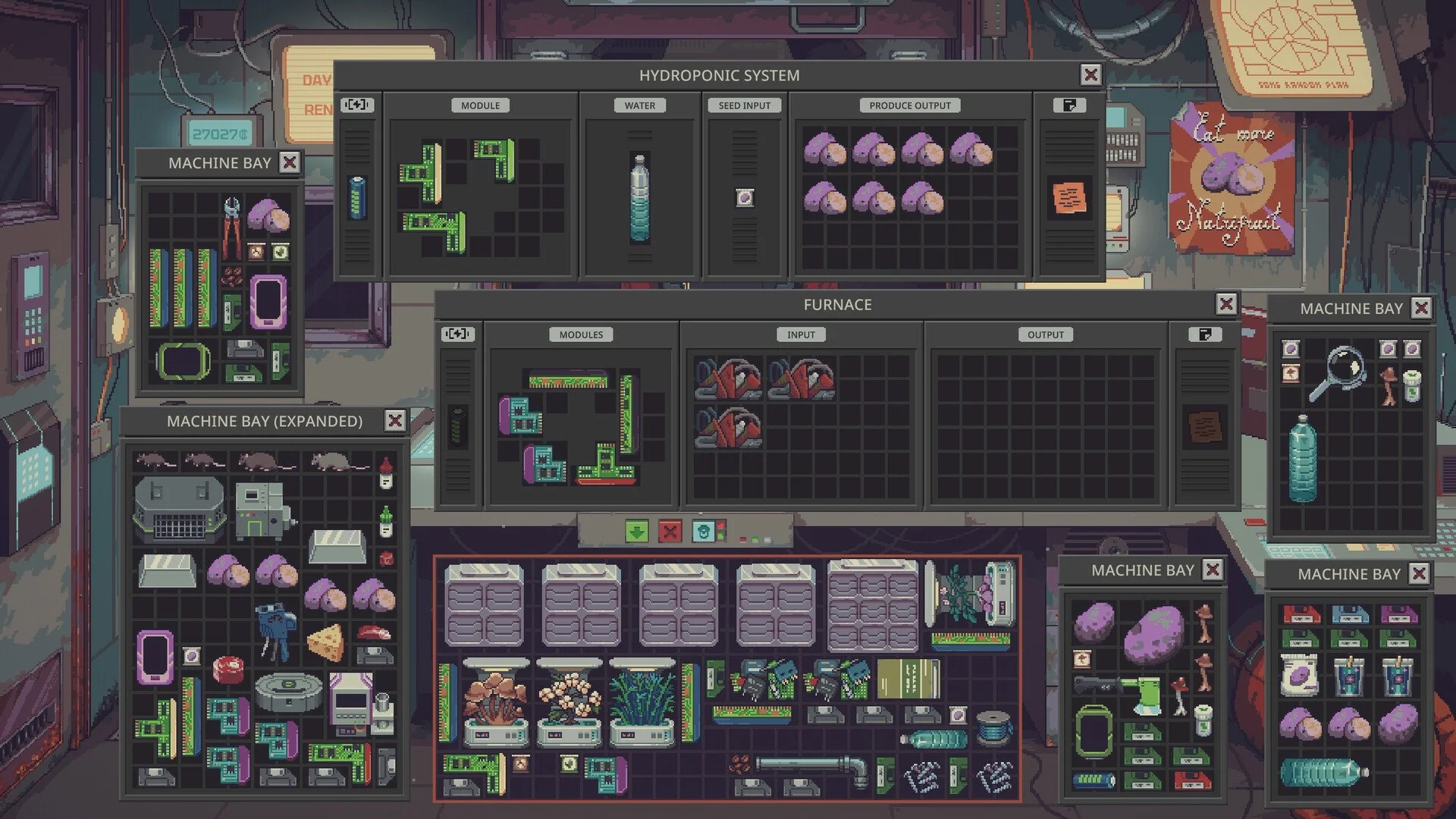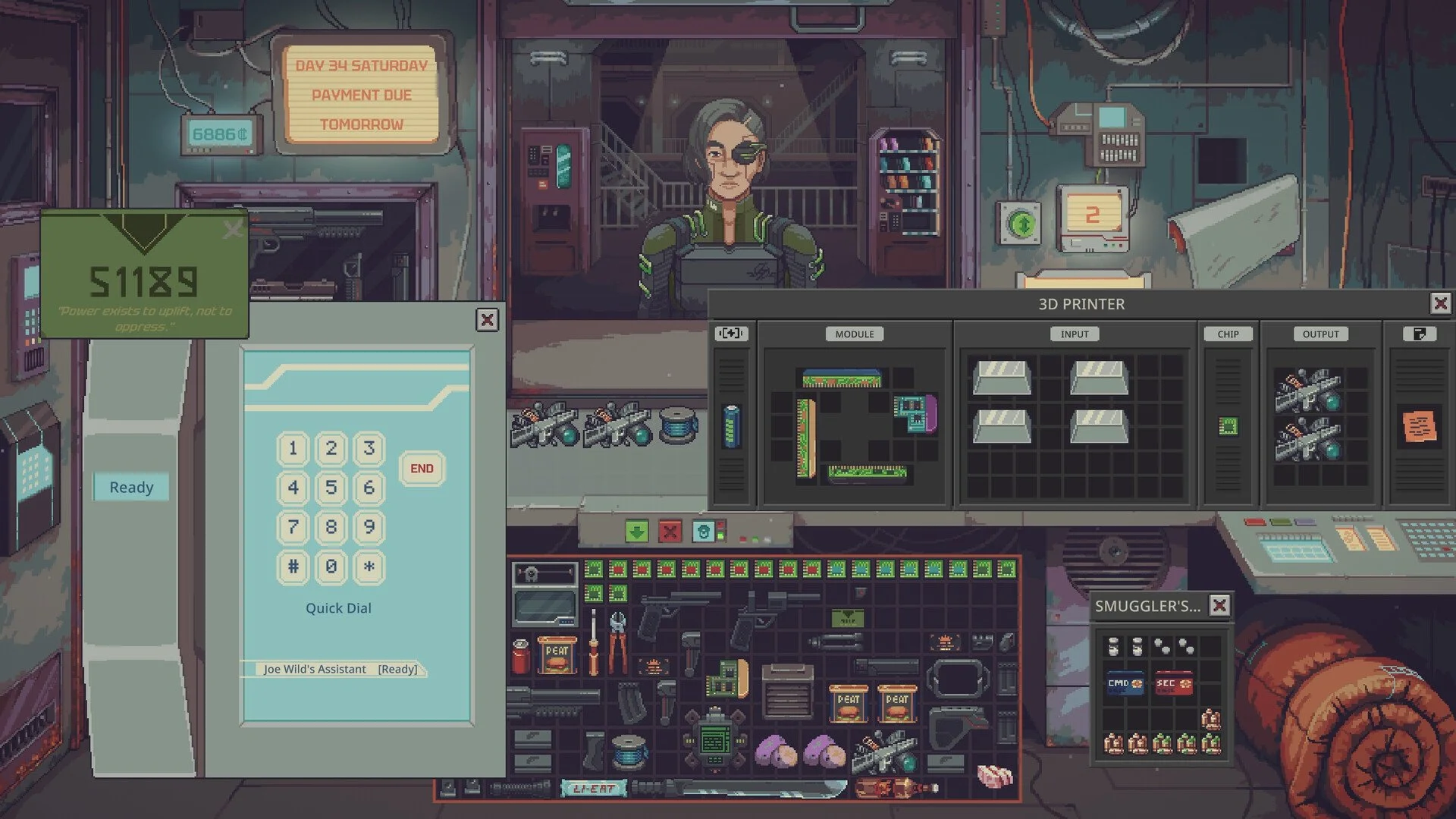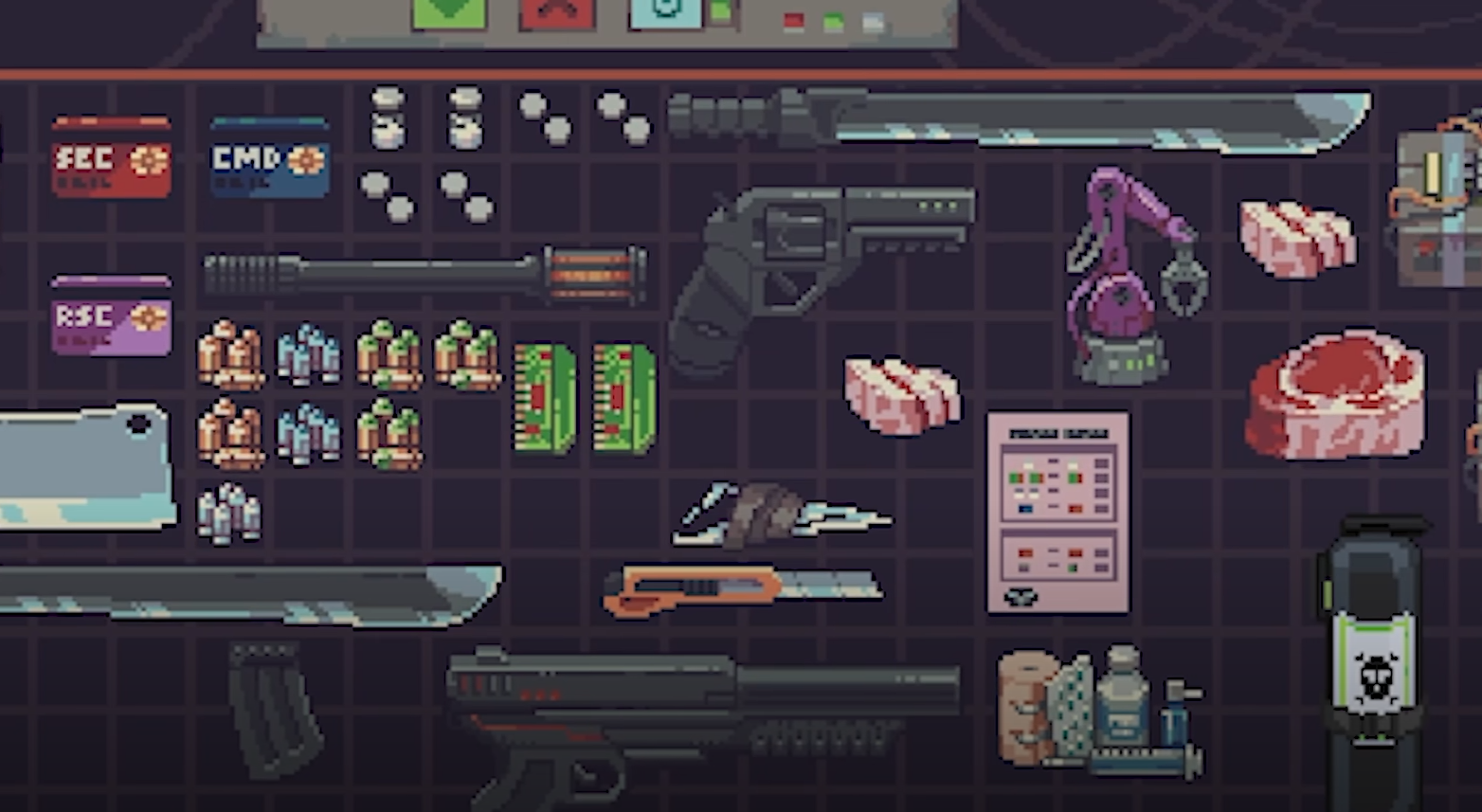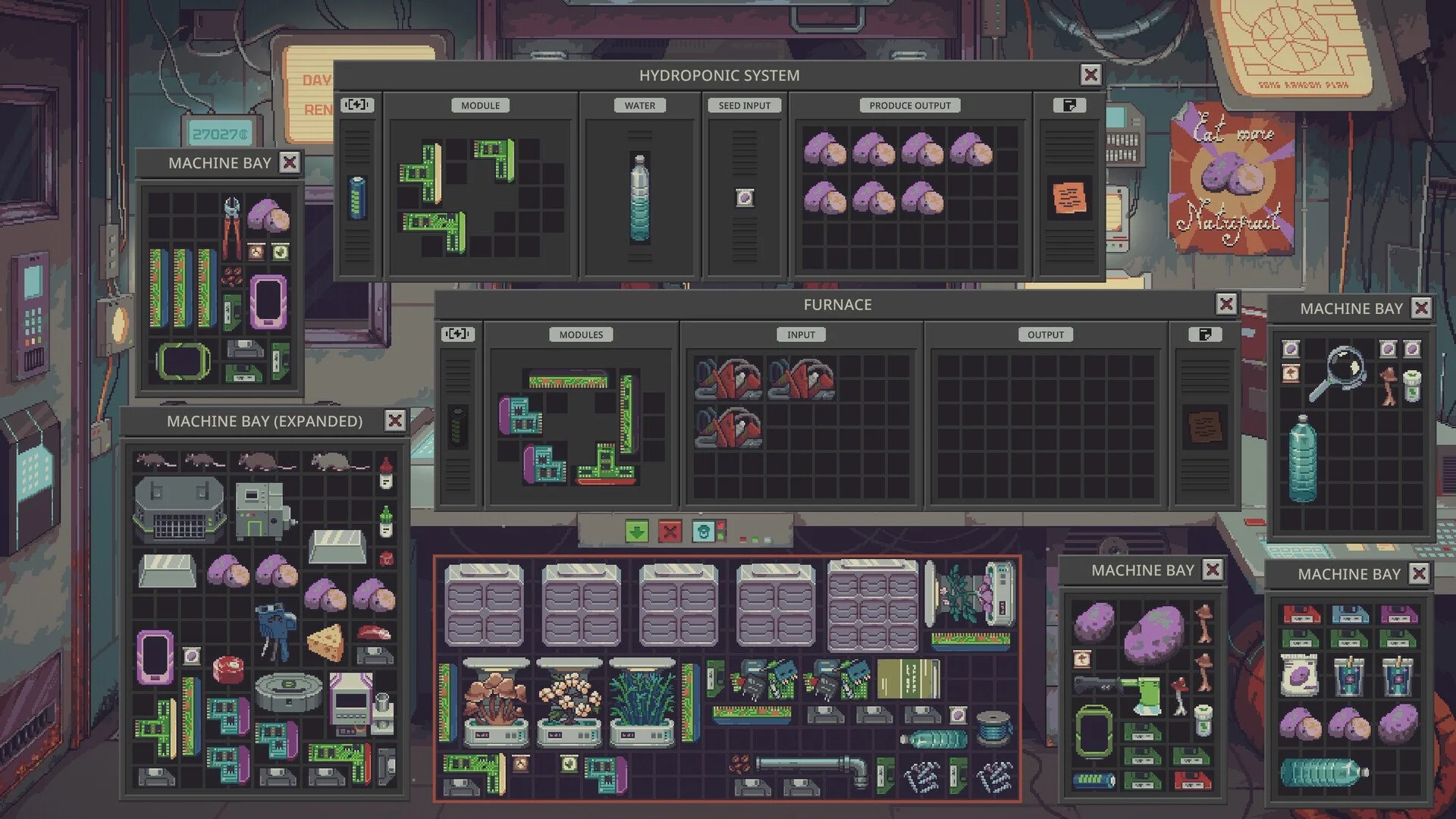
Running out of storage space in Probably Stolen can become frustrating, especially when you're collecting merchandise, machinery, and materials for different projects. Buying another Storage Bay is one option, but certain bays can also hold additional inventory tabs. The important part is understanding which bays support expansions and whether upgrading your existing storage is worth the Credits.
How to Get More Storage Bay Tabs
Which Storage Bays Can Be Expanded?
Where to Get Expansion Kits
Are Extra Tabs Worth Buying?
Why Can't You Add More Tabs?
How to Get More Storage Bay Tabs in Probably Stolen
To get more Storage Bay tabs in Probably Stolen, purchase a Storage Bay Expansion Kit from Dr. Jackson and use it on a compatible Storage Bay. The kit costs 1,063 Credits and adds two tabs to a regular Storage Bay, Gunsmith Storage Bay, or Chemist Storage Bay. Extended Storage Bays receive one additional tab instead.
Each compatible bay can have a maximum of five tabs.
Here's what you need to do:
- Visit Dr. Jackson and check whether he has a Storage Bay Expansion Kit available.
- Purchase the kit for its listed price of 1,063 Credits.
- Return to your store and locate the Storage Bay you want to expand.
- Use the Expansion Kit on that compatible bay to add storage tabs.
- Repeat with additional kits if you need more space, up to the five-tab limit.
Be careful about which bay you're upgrading. Not every storage container supports the Expansion Kit, and the number of additional tabs depends on the bay type.
Which Storage Bays Can Be Expanded?
Four Storage Bay types are documented as compatible with the Expansion Kit.
| Storage Bay | Grid Per Tab | Tabs Added Per Kit |
|---|---|---|
| Storage Bay | 10 × 10 | 2 |
| Gunsmith Storage Bay | 17 × 10 | 2 |
| Chemist Storage Bay | 17 × 10 | 2 |
| Storage Bay (Extended) | 17 × 10 | 1 |
The distinction becomes important when you're deciding where to spend your Expansion Kits.
Gunsmith and Chemist Storage Bays provide larger individual grids than ordinary Storage Bays while still receiving two tabs per kit.
Extended Storage Bays also have larger grids, but they only receive one tab per kit.
Can You Expand Machine Bays or Smuggler's Bays?
The documented Expansion Kit compatibility list doesn't include Machine Bays, Expanded Machine Bays, Smuggler's Bays, or Hypertech Storage Bays.
These storage types have their own layouts and purposes. For example, Machine Bays are intended for machinery and cannot hold backpacks, while Smuggler's Bays protect their contents from repossession.
The Hypertech Storage Bay already provides two separate 16 × 30 tabs, but it isn't listed among the bays that accept the standard Expansion Kit.
If you're trying to add tabs to one of these specialized bays, don't assume the regular kit will work.
Where to Get Storage Bay Expansion Kits
Dr. Jackson sells the Storage Bay Expansion Kit, although it isn't guaranteed to appear in his inventory during every visit.
The documented stock chances are:
| Upgrade Status | Stock Chance Per Visit |
|---|---|
| Without Jackson Investment | 15% |
| Jackson Investment I | 45% |
| Jackson Investment II | 75% |
These percentages represent the chance of finding the kit during a visit, not a guarantee that it will appear after a particular number of visits.
If you're frequently expanding storage, Jackson Investment upgrades can make the kits substantially more likely to appear.
However, the supplied information doesn't establish the cost of those investments. Without that figure, there's no reliable way to calculate whether purchasing an investment solely for Expansion Kits will save you Credits overall.
Are Extra Storage Bay Tabs Worth Buying?
The Expansion Kit increases storage capacity without requiring you to purchase a completely separate bay.
However, not all upgrades provide the same amount of extra space for your 1,063 Credits.
How Much Storage Space Does One Kit Add?
We can compare the actual inventory cells added by each supported bay.
| Bay Type | Extra Cells Per Kit | Credits Per Added Cell |
|---|---|---|
| Regular Storage Bay | 200 | 5.32 |
| Gunsmith Storage Bay | 340 | 3.13 |
| Chemist Storage Bay | 340 | 3.13 |
| Extended Storage Bay | 170 | 6.25 |
These calculations assume you receive the full number of tabs and aren't already close to the five-tab limit.
Gunsmith and Chemist Storage Bays provide the most extra inventory cells per Expansion Kit among the documented compatible options.
For someone who already owns one of these bays, upgrading it can be a more efficient use of the kit than applying the same item to an ordinary Storage Bay.
Is It Cheaper to Buy Another Storage Bay?
Interestingly, an Expansion Kit isn't necessarily the cheapest way to increase your total storage capacity.
A regular Storage Bay costs 300 Credits and provides a 10 × 10 grid, or 100 inventory cells.
Two additional regular Storage Bays would therefore provide 200 cells for a combined listed price of 600 Credits.
By comparison, a single Expansion Kit costs 1,063 Credits and adds 200 cells to an ordinary Storage Bay.
That makes buying separate regular bays cheaper in terms of listed Credits per inventory cell.
However, there are practical differences. Separate bays require additional back-room placement, while an Expansion Kit increases the capacity of a bay you already own.
Availability also matters. Dr. Jackson always stocks a regular Storage Bay while you own none, but the documented chance drops to 25% per visit after you already own one.
My recommendation is to consider separate bays when you simply need affordable total storage. Expansion Kits make more sense when you specifically want to increase capacity within an existing bay.
How Much Can You Store With Five Tabs?
At the documented five-tab maximum, the total grid capacity depends on the Storage Bay type.
| Bay Type | Total Cells Across 5 Tabs |
|---|---|
| Regular Storage Bay | 500 |
| Gunsmith Storage Bay | 850 |
| Chemist Storage Bay | 850 |
| Extended Storage Bay | 850 |
These figures represent total grid cells across every tab. The number of actual items you can store depends on how much space each item occupies.
Why Can't You Add More Storage Bay Tabs?
If you're having trouble expanding a Storage Bay, there are three important things to check.
1. Your Bay Might Not Support Expansion Kits
The kit is documented for regular Storage Bays, Gunsmith Storage Bays, Chemist Storage Bays, and Extended Storage Bays.
Other specialized bays aren't included in its compatibility list.
2. You Might Have Reached the Maximum Tabs
A compatible Storage Bay can hold a maximum of five tabs.
If your bay is already at that limit, another kit cannot increase its tab count beyond the cap.
Check how many tabs are currently available before purchasing another expensive upgrade.
3. Extended Bays Only Gain One Tab
A regular Storage Bay gains two tabs per kit, but an Extended Storage Bay only gains one.
This is intentional according to the documented item description, not necessarily a bug.
The Extended Storage Bay already has a larger grid per tab, which changes how much storage each expansion provides.
For players trying to get the most space from each Expansion Kit, the best value among the supported options comes from an existing Gunsmith or Chemist Storage Bay. If your goal is simply affordable inventory space, compare the cost of another regular Storage Bay before spending 1,063 Credits on an expansion.