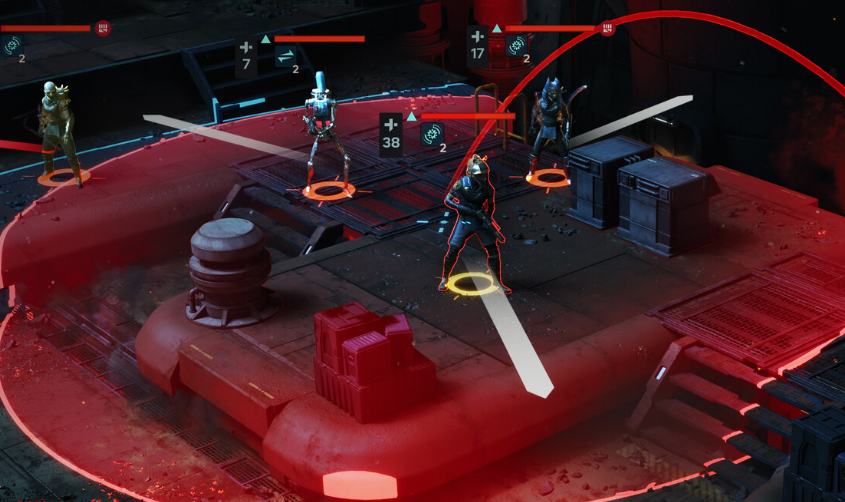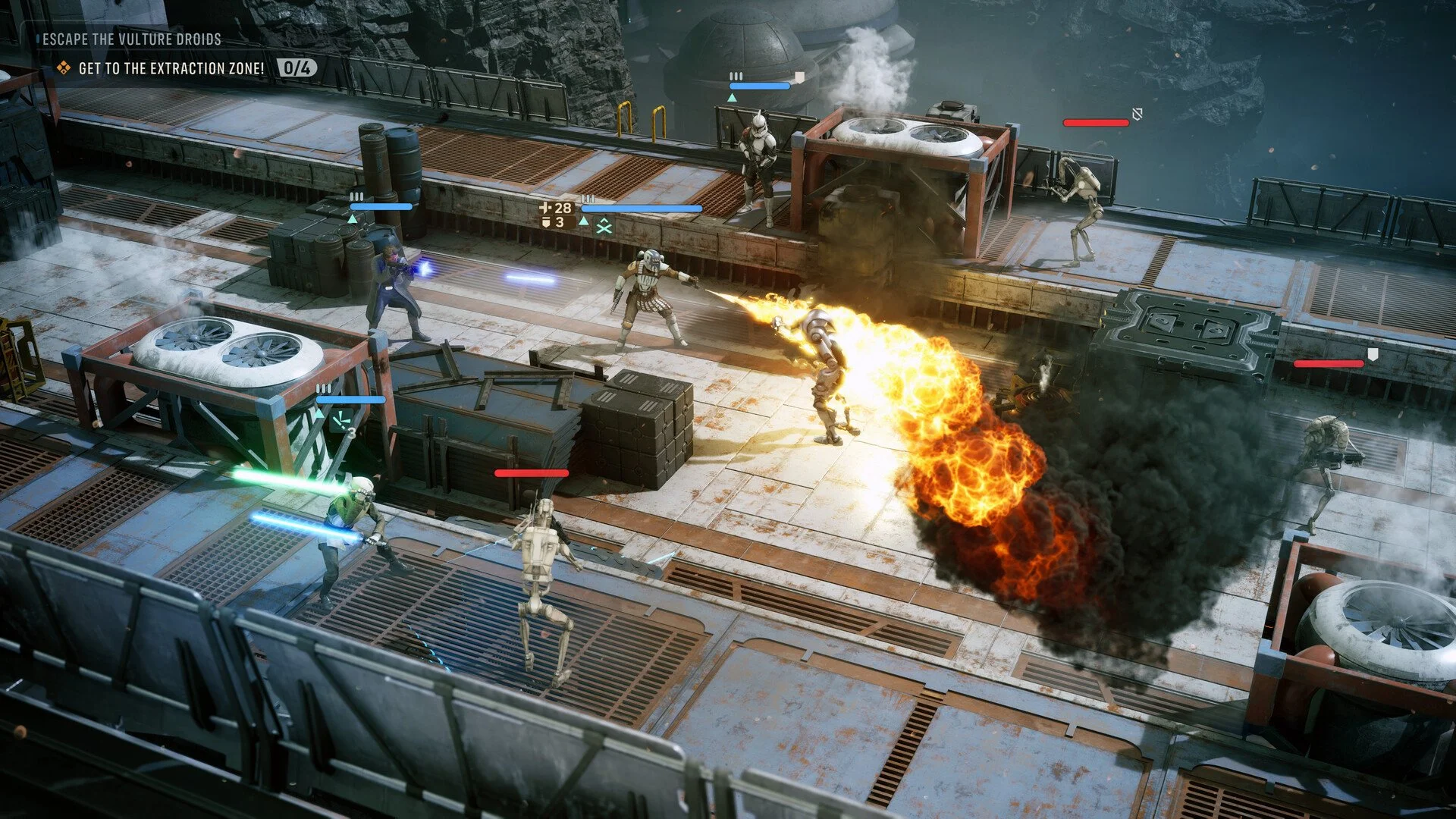
To zoom out in Star Wars Zero Company, hold Shift on PC, LT on Xbox, or L2 on PlayStation while you're in the overhead tactical view. The game defaults to a relatively close camera and sets Zoom Out to Hold, so releasing the button immediately returns you to the normal camera distance. You can change this to Toggle in the Gameplay Options if you want the wider view to stay active.
Jump To Section:
How to Zoom Out
How to Stay Zoomed Out
PC Camera Controls
View Distance Doesn't Change Zoom
How to Zoom Out in Star Wars Zero Company
The Zoom Out control depends on your platform:
PC — Hold Shift
Xbox — Hold LT
PlayStation — Hold L2
This works during the overhead tactical view used in combat. Instead of using the mouse wheel like you might expect from another strategy game, Zero Company has a dedicated Zoom Out input that temporarily pulls the tactical camera farther away from your selected Operator.
That unusual control is probably why the camera can initially feel stuck. Scrolling around looking for another zoom level won't solve it; you need to use the dedicated Zoom Out command.
How to Keep the Camera Zoomed Out
By default, Zoom Out uses a Hold setting. The camera pulls back while you're holding Shift, LT, or L2, then returns to its normal distance when you release the input.
If you prefer playing from the wider tactical view, open the Gameplay Options and change Zoom Out from Hold to Toggle. After doing this, press your Zoom Out button once to pull the camera back. It should remain at the wider zoom level until you use Zoom Out again rather than requiring you to hold the button continuously.
I would switch this to Toggle almost immediately if you prefer the more traditional pulled-back tactics-game camera. Holding Shift through large portions of a mission gets old quickly, and the extra battlefield visibility makes it easier to judge cover, enemy locations, and where the rest of your squad is positioned.
You Can Also Change the Zoom Out Key on PC
Shift is the default PC key, but Zoom Out is included in the game's Overhead keybinds and can be reassigned.
Open Options, go to Controls, select Keyboard and Mouse, and find Zoom Out under the Overhead controls. From there, assign another key if Shift feels awkward.
The other useful default overhead camera controls are WASD to move the camera and Q or E to rotate it. Combined with the wider zoom, those controls give you much more freedom to inspect the battlefield before committing an Operator's Action Points.
View Distance Does Not Let You Zoom Out Further
Don't confuse the game's View Distance graphics option with camera distance.
View Distance changes how far away object detail is rendered. Lowering or increasing it can affect how the environment looks, but it doesn't move the tactical camera farther away from your squad.
If your problem is that Zero Company feels almost like an over-the-shoulder game because the camera sits too close, the solution is the dedicated Zoom Out control and, ideally, switching its behavior from Hold to Toggle.
Why Does the Camera Keep Zooming Back In?
If the camera immediately moves back toward your Operator when you stop pressing the button, that's normal with the default settings. Zoom Out starts in Hold mode, so the wider camera only lasts for as long as you're holding the input.
Switching it to Toggle is the main fix for that behavior.
There have also been early player complaints about the game pulling the camera back toward its normal framing during turns or camera transitions. That's separate from simply releasing the Zoom Out button, and there doesn't currently appear to be a setting that permanently increases Zero Company's maximum default camera distance.
So the best setup right now is to change Zoom Out to Toggle and use Shift on PC, LT on Xbox, or L2 on PlayStation whenever the game returns you to the closer view.
If you're still getting your bearings with Zero Company's combat systems after fixing the camera, I've also ranked every standard class in my Star Wars Zero Company best specializations tier list.