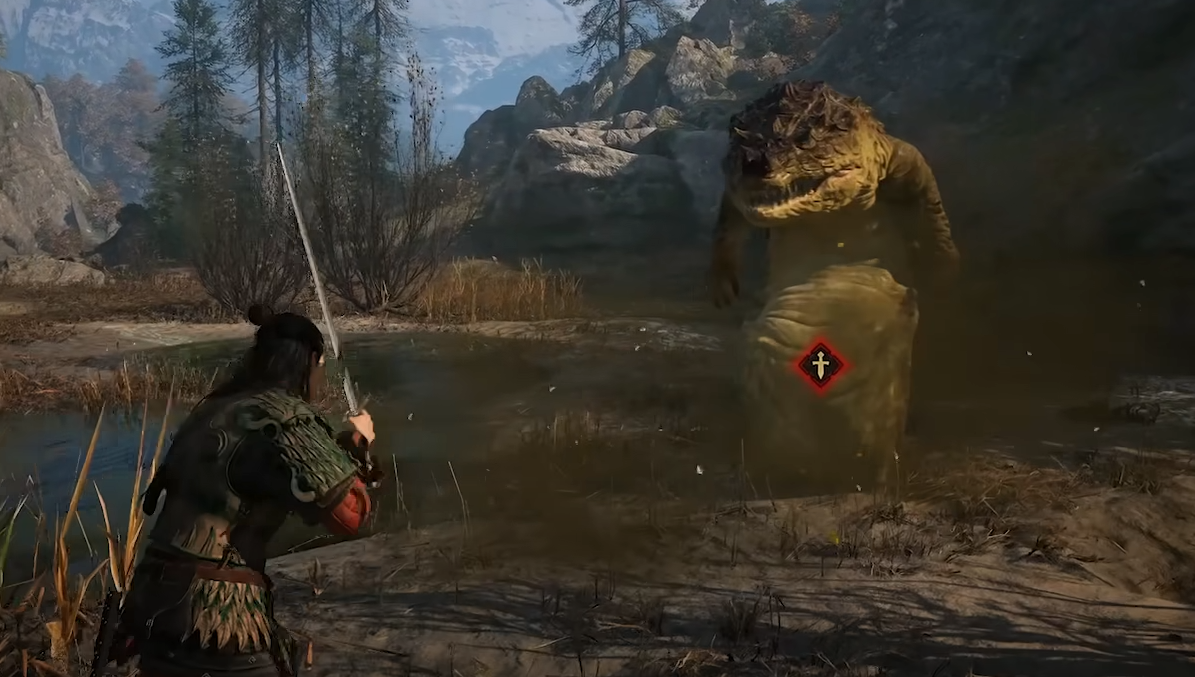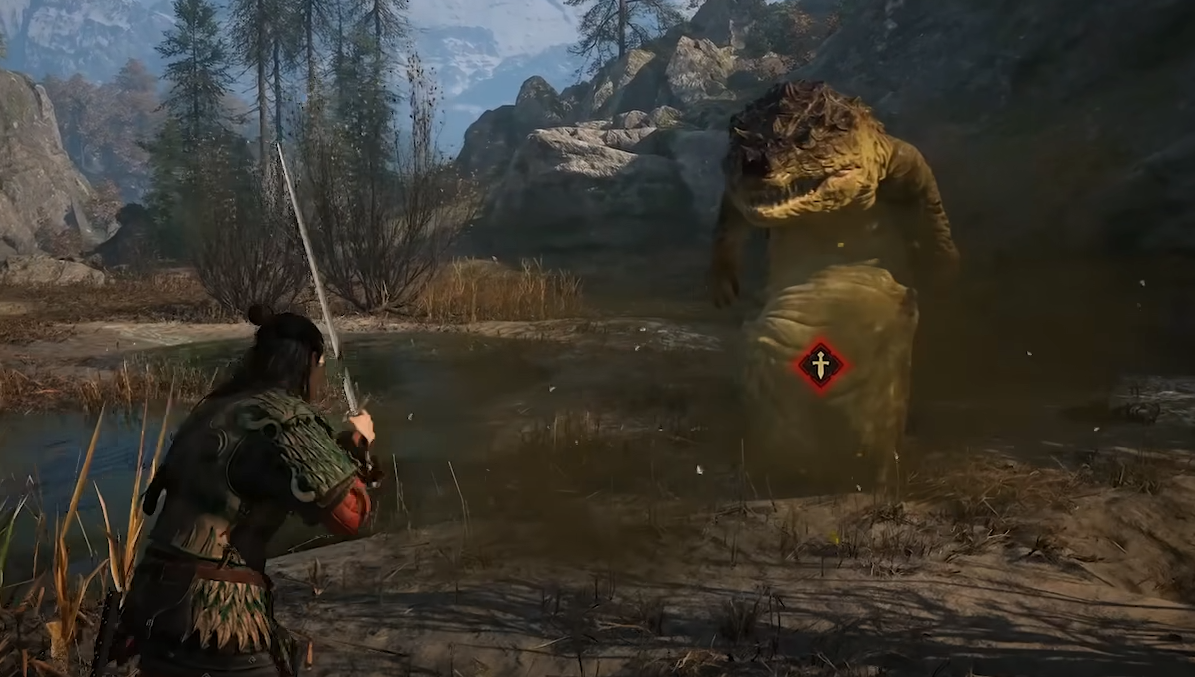
Using Coen’s claws in The Blood of Dawnwalker can be strangely confusing the first time you try it. Even at night, Coen may immediately draw his sword when combat starts, which makes it seem like there’s a separate menu option or requirement for switching to his claws.
There isn’t much setup involved, but the control is easy to overlook, especially if you’ve changed from the default control scheme.
Jump To Section:
How to Use Claws
Alternative Controls
Why Claws Aren’t Working
How to Use Claws in The Blood of Dawnwalker
To use claws, enter combat and press the weapon-switch input. On PS5 with the default control scheme, press Square. On PC, press F.
Coen will switch away from his current weapon and begin fighting with his claws instead. You do not need to unequip your sword beforehand or change anything through the inventory.
The control is also tied to the same button used for interaction, which is part of why it’s so easy to miss. If you’re expecting a dedicated claw ability or a separate weapon slot, you can end up searching through menus for something that isn’t there.
I’d learn the switch early, since it’s one of those basic combat controls that becomes much more natural once you know where it is. If you’re still getting used to everything else, our Blood of Dawnwalker best start guide covers more early-game mechanics and decisions worth understanding.
How to Use Claws With Alternative Controls
If Square isn’t switching to your claws on PS5, check which control scheme you’re using. The alternative layout changes the weapon-switch input from Square to X.
The confirmed claw controls are:
PS5 default controls: Square
PS5 alternative controls: X
PC: F
This is particularly easy to miss if you changed the controls early and then looked up instructions written for the default layout. In that case, the advice to press Square is technically correct but won’t match your current setup.
Why You Can’t Switch From Your Sword to Claws
If Coen keeps drawing his sword when combat starts, that doesn’t mean claws are unavailable. You also don’t need to find an option to manually put the sword away first.
Start combat normally, then use the weapon-switch input to change over to claws. On PS5, that means Square with the default controls or X with the alternative layout. On PC, use F.
If nothing happens, the control scheme is the first thing I’d check. The difference between Square and X on PS5 is enough to make the mechanic seem broken when you’re simply using instructions for the wrong layout.
Once you’re more comfortable switching between Coen’s combat options, our best skills and perks in The Blood of Dawnwalker can help with your broader build, while our best difficulty to choose is worth checking if combat itself feels tougher than expected.
You can also browse our The Blood of Dawnwalker guides for more help with combat, quests, choices, and progression.