

Battlefield 6 Audio Bug Fix Guide
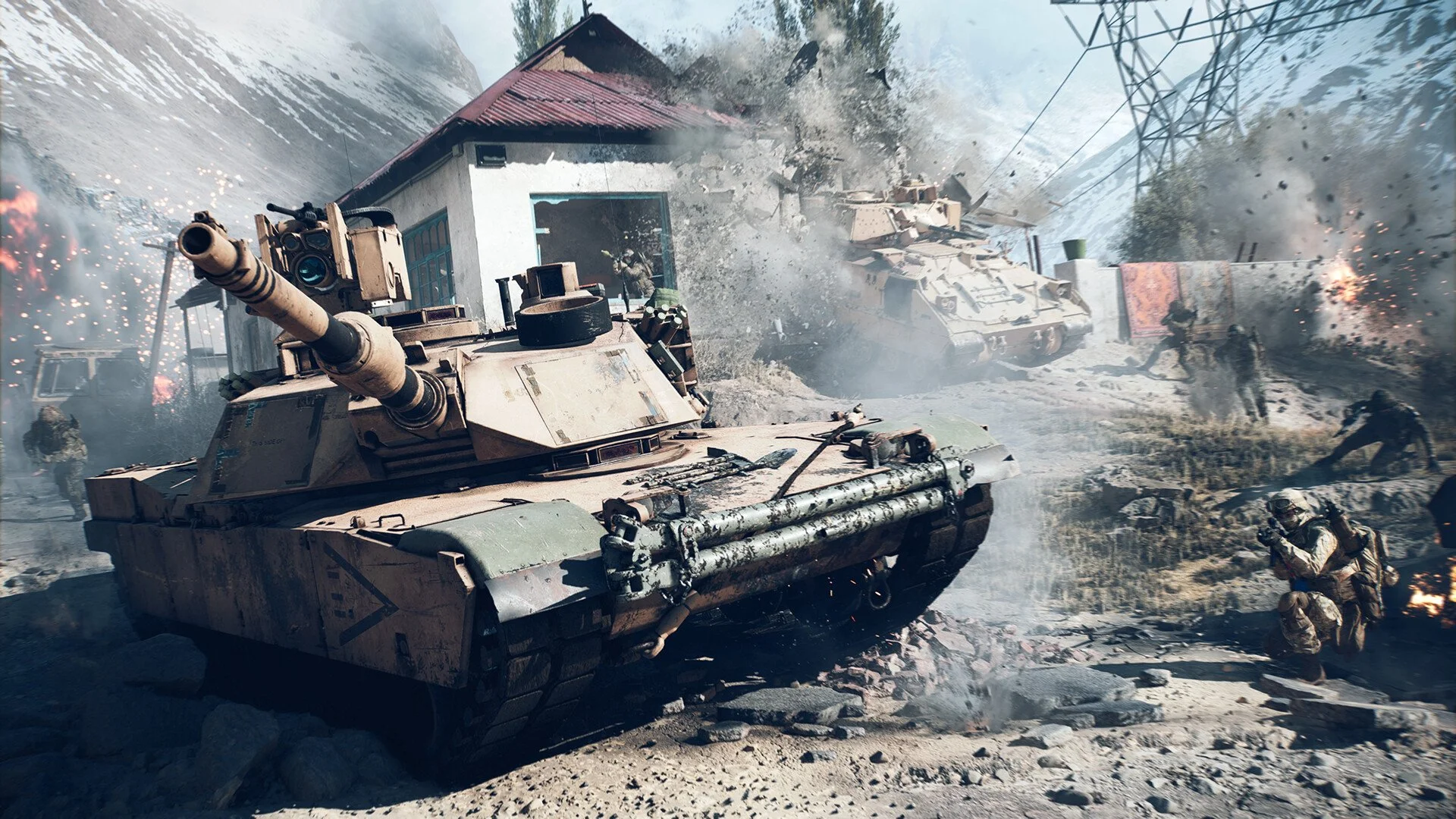
In Battlefield 6, players sometimes experience no sound or sudden muffled, missing, or low-volume audio during matches. This can affect footsteps, weapon fire, vehicle sounds, and ambient effects. The problem is caused by an in-game audio glitch and can be fixed without replacing or adjusting hardware.
Join a New Match to Fix Battlefield 6 Audio Bug
Leaving the current match and joining another is the fastest way to restore normal sound. This forces the game to reload its audio system without a restart.
Switch Game Modes to Restore Battlefield 6 Sound
Changing to a different multiplayer mode can refresh the audio. After switching, return to your preferred mode to keep playing with normal sound levels.
Change Battlefield 6 Audio Settings for a Quick Reset
Open the audio settings and select a different sound profile. Switching to Wartapes V.A.L. or another option can reset the game’s sound channels. You can switch back after the fix takes effect.
Restart Battlefield 6 or Your System to Clear Audio Issues
If quick fixes fail, fully close Battlefield 6 and restart it. On console, a complete reboot can also clear the glitch. On PC, confirm your default output device is correct and no background program is controlling audio.
Reduce the Chance of Battlefield 6 No Sound Bug Returning
This bug often appears when moving directly from one match into another. Backing out to the main menu between rounds can lower the chance of it happening again until a patch is released.
Final Blurb
The Battlefield 6 audio bug is frustrating but quick to fix. Joining a new match, switching modes, changing audio settings, or restarting the game will restore sound in most cases. Keep these steps in mind so you can get back to full-volume gameplay without delay.
FAQ
Why does the sound become muffled or silent in Battlefield 6?
It is caused by an in-game audio glitch, not by your hardware.
Can I fix it without restarting the game?
Yes. Joining a new match or switching game modes often restores sound immediately.
Does changing audio profiles help?
Yes. Switching profiles forces the game to reload audio channels and can restore missing or muffled sound.
Is this damaging my headset?
No. If other games sound normal, the issue is software-related and not harming your equipment.
More Battlefield 6 Articles


