

Battlefield 6 - How to Slide on PC and Controller
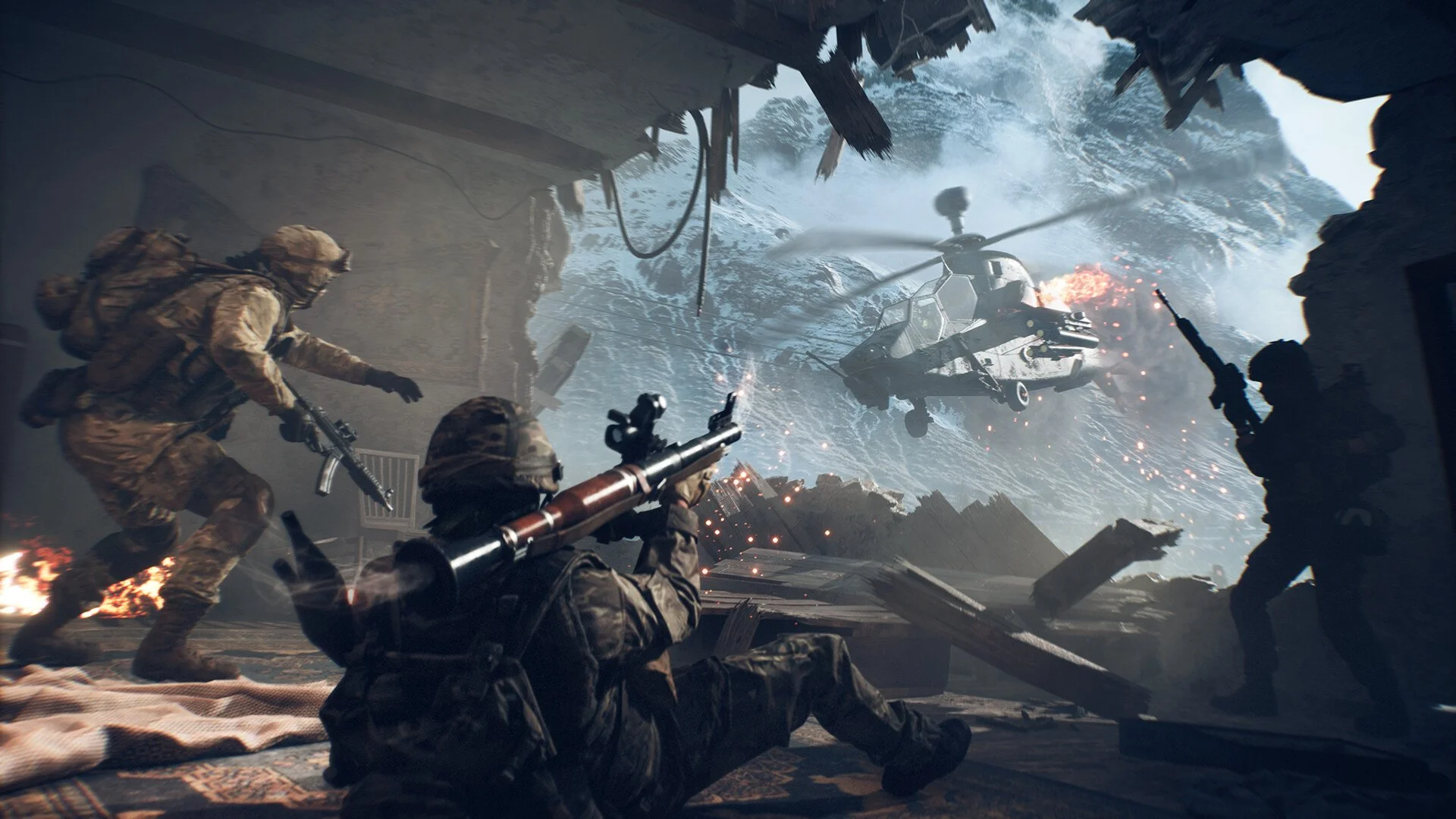
To slide in Battlefield 6, double-tap your crouch key while sprinting on PC, or press LB + Y on controller. Sliding only works during a sprint, and it's tied to the crouch input, not a separate slide button.
This mechanic is currently contextual and cannot be rebound independently. You must use the default input method unless settings are updated in the full release.
How to Slide on Controller
Default input: LB + Y while sprinting
You must be at full sprint for the slide to activate
Slide is not on a dedicated button and cannot be remapped separately in the beta
How to Slide on PC
Double-tap your crouch key while sprinting
Default crouch keys:
C (toggle crouch)
Left Control (hold crouch)
The slide will only trigger if you're sprinting and tap the crouch key twice quickly
Can You Change Slide Behavior?
As of the current beta:
Slide is tied to crouch
You cannot bind it separately
You must double-tap crouch to slide
There is no option yet for hold-to-slide instead of double-tap
Players have requested the ability to switch it, but it’s not in the settings
The settings menu currently contains a typo in the crouch description, spelling it as "Crouh (Hold)". This doesn't affect gameplay, but makes the menu unclear.
Final Blurb
Sliding in Battlefield 6 works by double-tapping your crouch input while sprinting. It’s fast, effective, and works the same on both PC and controller. You can’t change it to a hold input yet, but the option may be added after launch.
Until then, get used to the double-tap timing to slide smoothly through firefights.
FAQ
How do you slide on PC in Battlefield 6?
Double-tap your crouch key (C or Left Control) while sprinting.
What is the slide button on controller?
LB + Y while sprinting.
Can I make slide work on hold instead of double-tap?
No. The beta only supports double-tap crouch to slide.
Why doesn’t sliding work?
You must be sprinting, and you need to double-tap the crouch key quickly. It won’t work while walking or aiming.
Is there a dedicated slide key?
No. Slide is tied to the crouch function and cannot be split in settings (yet).
More Battlefield 6 Articles


