

Battlefield 6 - How to Use the Rangefinder
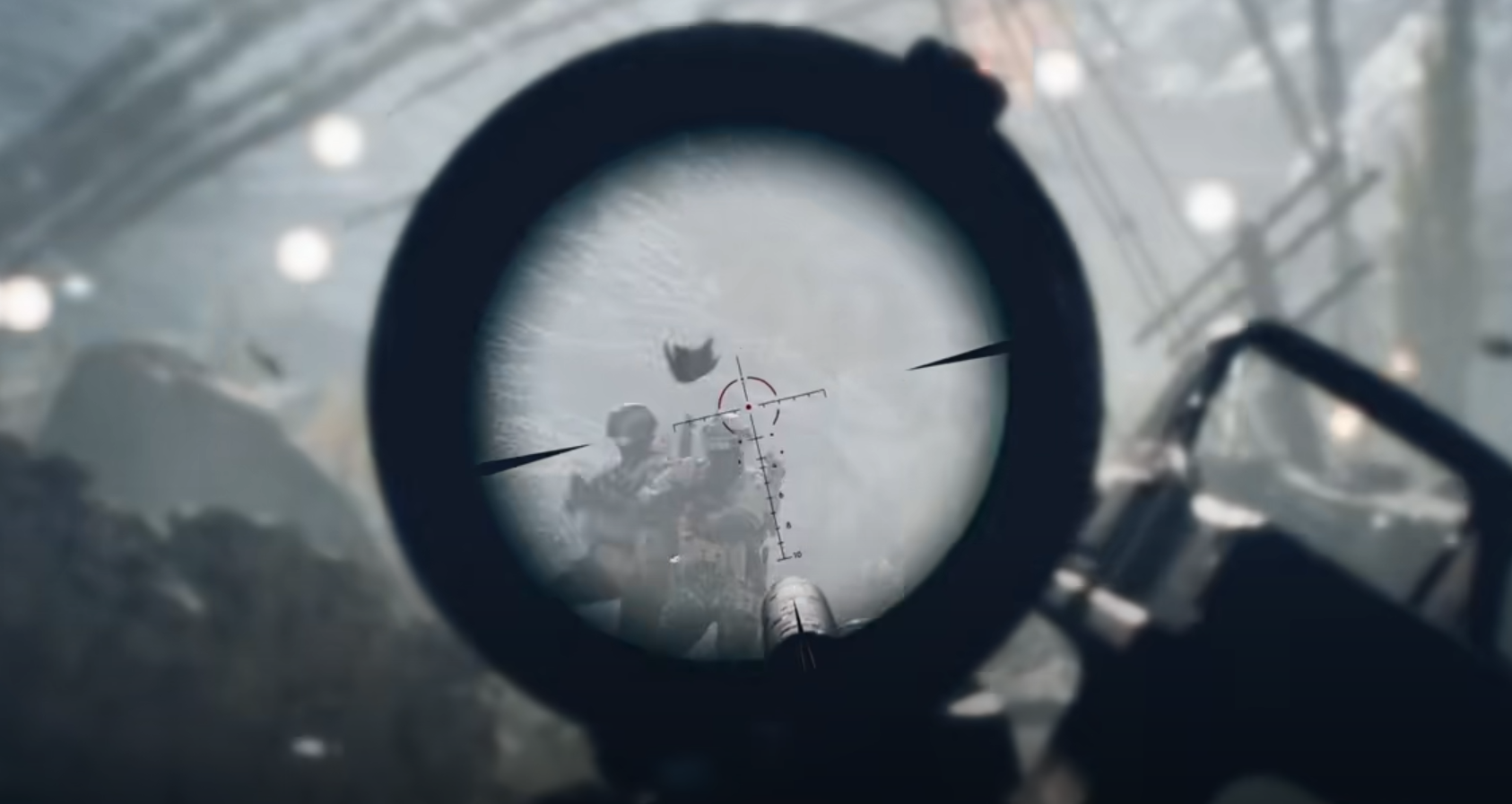
To use the rangefinder in Battlefield 6, aim down sights with your sniper rifle and press B on keyboard or hold down on the D-Pad on controller. The range finder activates while scoped in and slightly adjusts your aim to match the target's distance, helping with long-range accuracy and weapon zeroing.
This attachment fits in the right accessory slot of compatible sniper rifles. It does not auto-zero or aim for you, but it does reduce the need to manually compensate for bullet drop over distance.
How to Use Range Finder on PC
Equip a sniper rifle with the Range Finder in the loadout screen
Aim through your scope at a target
Press B on keyboard while aiming
The tool will read the distance and subtly adjust your point of aim
The feature is subtle. It won’t dramatically snap your aim, but it helps you land hits more consistently at longer ranges.
How to Use Range Finder on Controller
Equip the range finder on a sniper rifle
Aim down sights
Hold Down on the D-Pad while scoped in
Your aim will slightly adjust based on target distance
This is especially useful for controller players who can’t fine-tune long-range shots as easily as mouse users.
What the Range Finder Actually Does
It reads target distance while scoped
It nudges your crosshair slightly to align with expected bullet drop
It improves hit consistency, especially on moving or far targets
It’s not a cheat or auto-aim
Works best on open, long-range maps where manual zeroing is difficult
Tips for Using the Range Finder
Best used with bolt-action sniper rifles
Ideal for static defense or slow, methodical play
Don’t rely on it for quick-scoping or close-range sniping
Use it during recon work to tag or suppress distant threats
Pair it with high-magnification optics for best results
Final Blurb
The range finder in Battlefield 6 is a subtle but effective accessory for sniper rifles. It helps zero your shots more accurately across long distances by adjusting your aim slightly.
Once you learn when and how to trigger it, it becomes a valuable tool in any long-range loadout.
FAQ
How do I activate the range finder on PC?
Aim down sights with a sniper rifle and press B.
How do I use the range finder on controller?
Hold Down on the D-Pad while aiming through the scope.
Does the range finder auto-aim or mark targets?
No. It gently adjusts your aim based on distance but does not lock on or highlight targets.
Is the range finder useful in close range?
Not really. It’s meant for long-range precision. Use other attachments for short-range play.
Can I use the range finder with every sniper rifle?
Only rifles that support the right accessory slot can equip it. Check loadout compatibility.
More Battlefield 6 Articles


