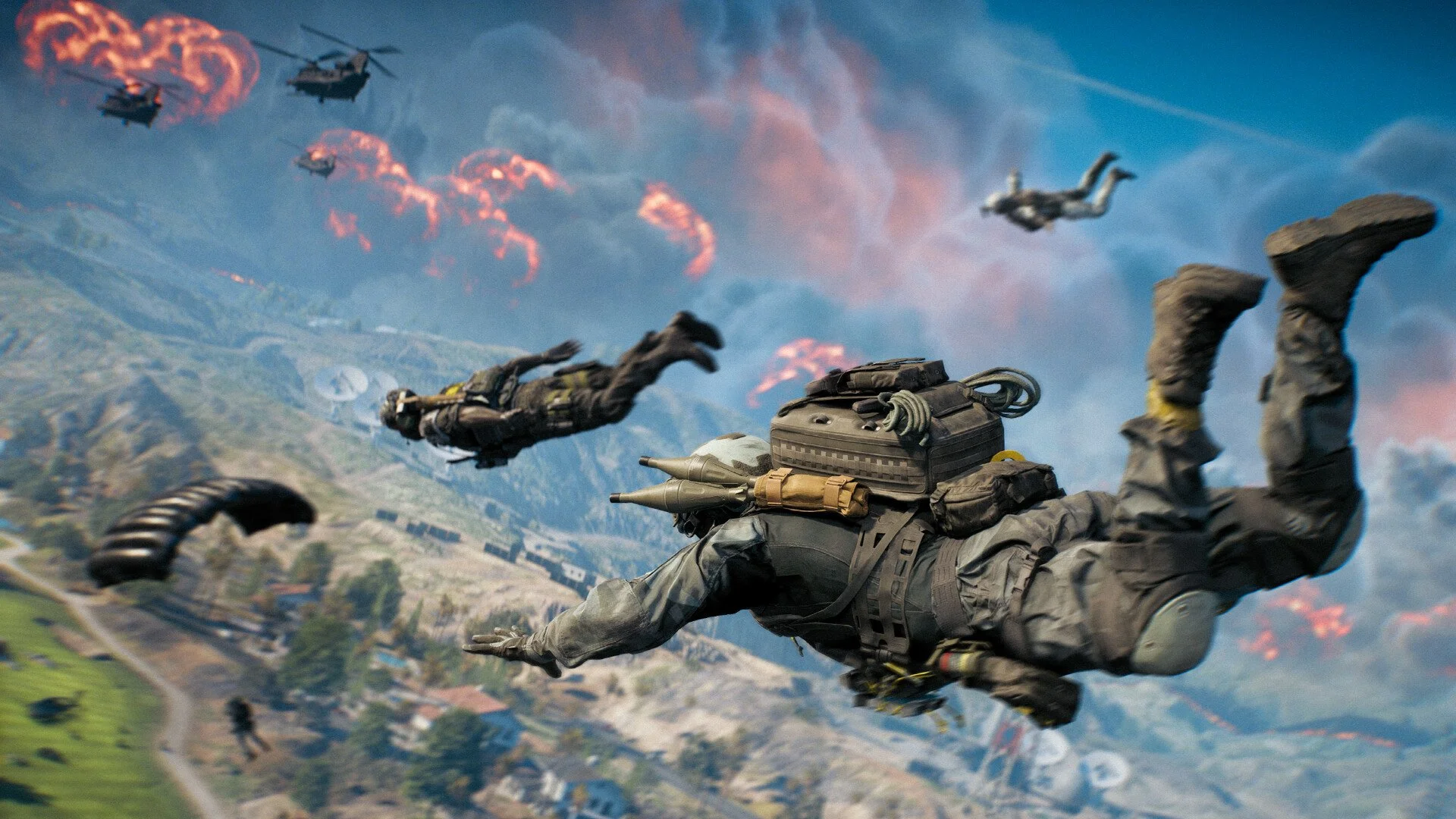
Battlefield REDSEC Won’t Download or Install Fix Guide
If Battlefield REDSEC refuses to download or shows no progress after hitting install, the issue usually comes from broken EA App cache, anti-cheat sync errors, or missing DLC registration inside Steam. Here’s how to get the install working without reinstalling everything.
How to Fix Battlefield REDSEC Not Installing
The main reason REDSEC won’t install is because Battlefield 6 and the EA App sometimes fail to link DLC data correctly. Follow these steps in order until the install starts.
Verify Your Game Files
Start simple first. Open Steam and check for any corrupted files.
Right-click Battlefield 6 in your Steam Library
Select Properties, then Installed Files
Choose Verify Integrity of Game Files
Wait until it finishes, then restart Steam and check again
If the install still doesn’t move, go to the next fix.
Repair EA Anti-Cheat
The EA Anti-Cheat service can block the install when it’s outdated or corrupted.
Download the EA Anti-Cheat repair tool from EA’s support site
Launch it and pick Battlefield 6 from the list
Select Repair and wait until it updates the files
Reopen Steam and try installing REDSEC again
If you see an account restricted error, this usually fixes it.
Clear EA App Cache
The EA App often keeps bad cache data that prevents REDSEC from registering.
In the EA App, go to Help and select App Recovery
Click Clear Cache and let the client restart
Once it reopens, go to Manage Add-ons and check if REDSEC is visible
If it still says Installing with no progress, keep going.
Use the Manage Files Menu
You can force a reinstall directly from inside the game menu.
Launch Battlefield 6 and open Settings
Go to Manage Files
Select REDSEC, then press Install and leave it for several minutes
If it doesn’t move, close the game and reopen it again
Uninstalling optional texture packs sometimes helps clear space for this step.
Run Steam and EA App as Administrator
Sometimes both launchers need elevated access to sync DLC properly.
Close both apps completely
Right-click Steam and select Run as Administrator
Do the same for the EA App
Launch Battlefield 6 through Steam again
If REDSEC still refuses to install, try launching the game from the store page instead of your library.
Launch From the Store Page
Several players report that starting from the store page triggers the install correctly.
Go to the Battlefield 6 page in Steam
Scroll to the REDSEC section
Press Play from there instead of your Library
It should start downloading REDSEC immediately.
Linux Users Note
If you’re running Proton on Linux, Battlefield REDSEC will not install or launch. EA Anti-Cheat blocks Proton completely for now. The only current workaround is dual booting into Windows.
Final Blurb
Battlefield REDSEC’s install bug can be annoying, but most fixes are quick. Clearing cache, repairing anti-cheat, and restarting both launchers solve it for nearly everyone. Once the install finally completes, you can get back to doing what matters most, like actually surviving the first ring instead of fighting your download bar.
FAQ
Why won’t REDSEC install through Steam
The game files can desync with EA’s launcher. Verifying files and repairing anti-cheat usually fix it.
What does account restricted mean
It means your EA login session expired. Sign out of the EA App and back in.
Should I reinstall Battlefield 6
Only if the above steps fail. Reinstalling should be your last option.
Why is the install stuck at 0 percent
Clear the EA App cache and restart both clients. That usually resets the progress tracker.
Can REDSEC run on Linux
Not yet. EA Anti-Cheat blocks Proton support until official compatibility is added.
© 2025 GamerBlurb. Linking is welcome with credit to GamerBlurb.com. Copying or reproduction without permission is prohibited.
More Battlefield REDSEC