

How to Change Spray in Strinova
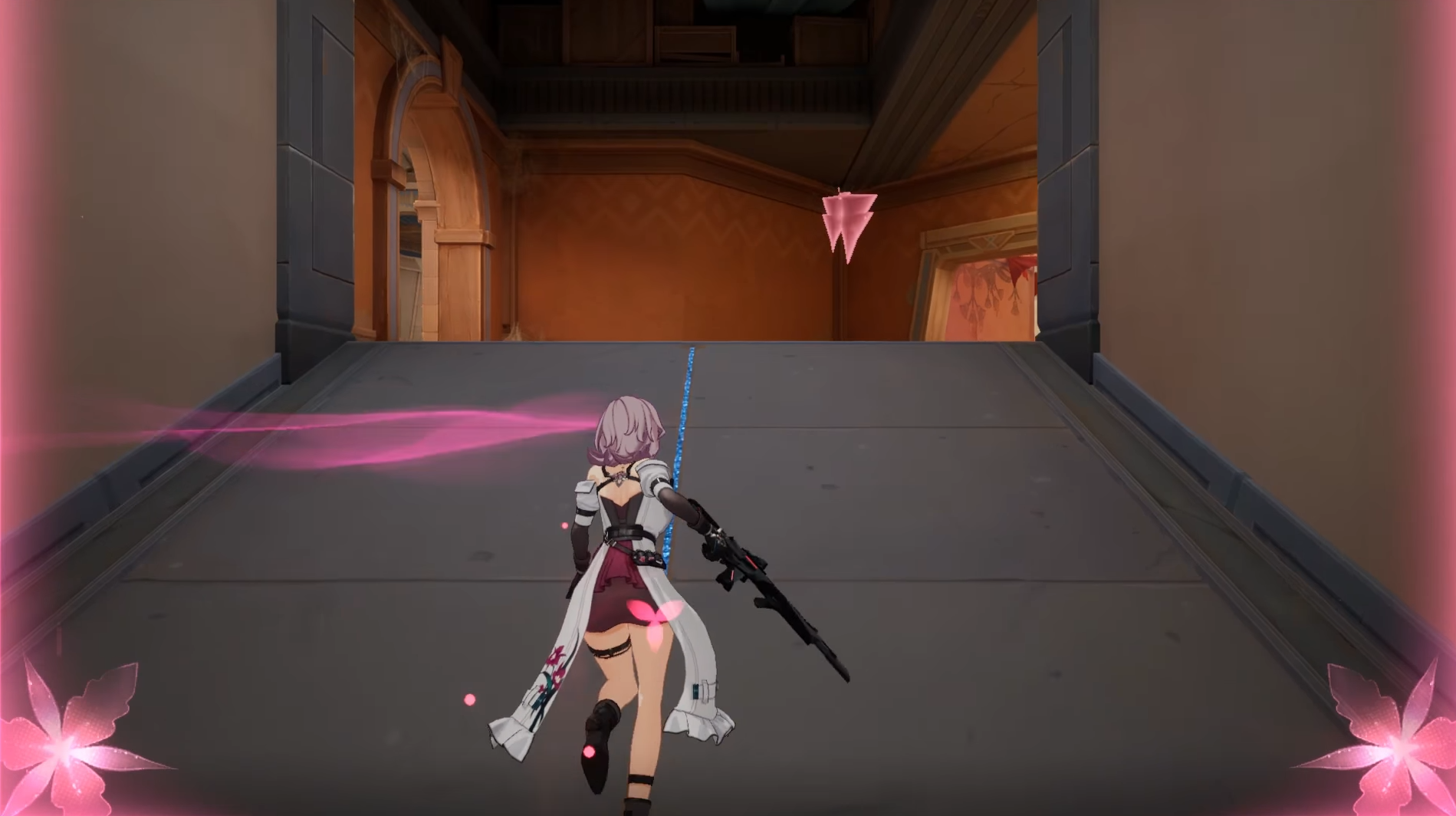
Image Credit: iDreamSky, Strinova
To change your spray in Strinova, follow these steps:
Open the Game: Start Strinova and go to the main menu.
Go to Agents: Click on the "Agents" option.
Customize Agent: Select the agent you want to customize and click "Customize."
Access Sprays: In the customization menu, look at the top left corner for the sprays option.
Choose a Spray: Pick the spray you want to use from your collection.
Equip the Spray: Drag the chosen spray to the designated slot on the right side of the screen.
Save Changes: Confirm and save your changes.
More Strinova
Featured


