How to Flatten Land in Farm Together 2
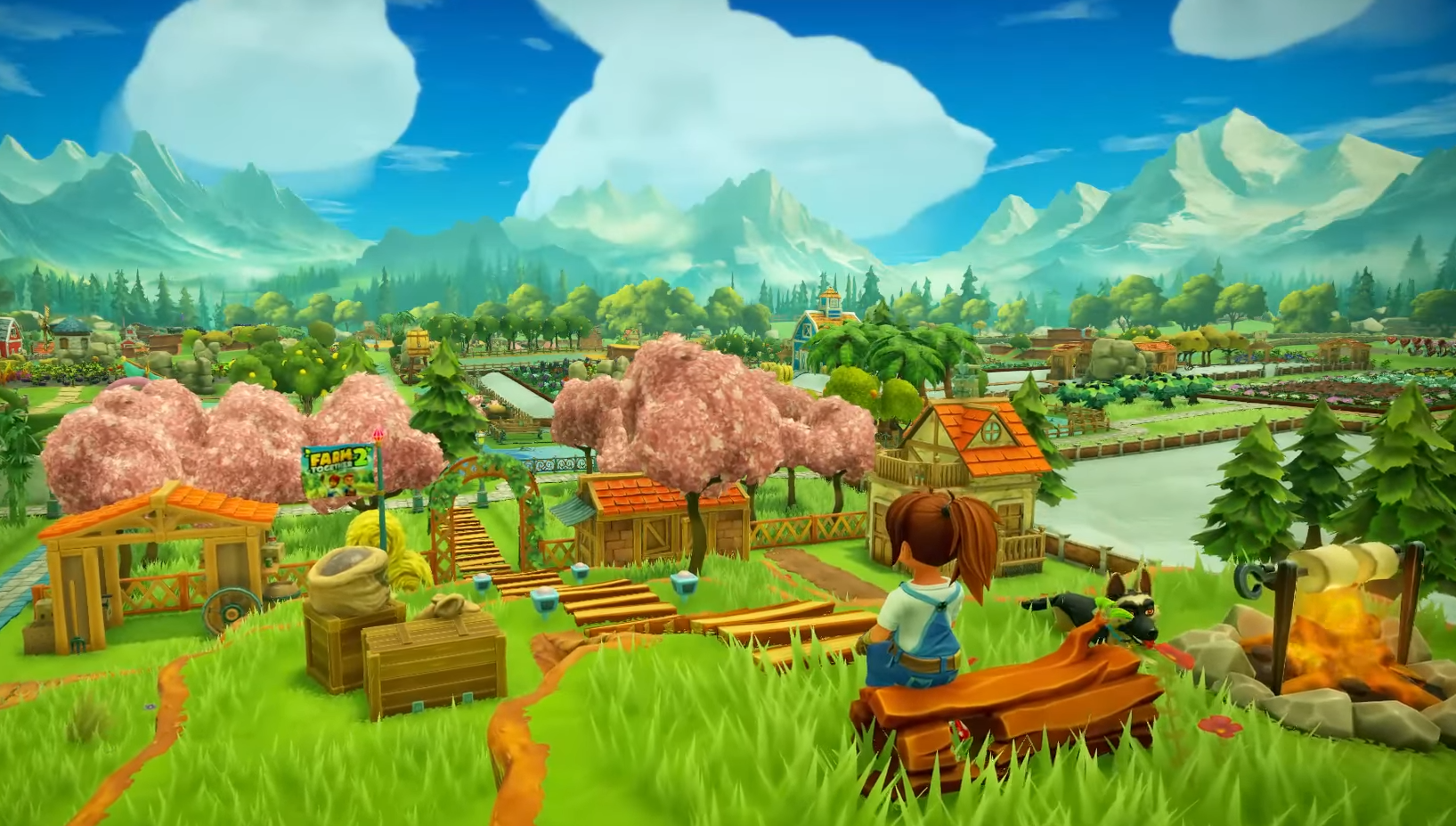
Image Credits: Milkstone Studios
Yes, you can flatten land in Farm Together 2... but the tools can be a little fussy. You’ll need to use the drone and understand how to switch between hill, slope, and flat modes.
There’s also a full map flattening option, but it comes with trade-offs.
Here’s how to do it without bulldozing your whole vibe.
Using the Drone to Flatten Land
Head to your Terraforming Station, then hop into your drone.
By default, you might be in Hill mode, which will just keep raising the ground instead of leveling it. Press the mode-change button (shown on-screen) to cycle until you're in Slope mode or Flat mode.
Slope mode lets you smooth terrain between high and low points. Flat mode lets you stamp one height across an area.
Tips for Drone Flattening
Stand over the land you want to copy the height from.
Use Flat mode to stamp that height across the area.
If it’s not working, make sure the drone has enough space to operate.
You don’t need to remove crops or buildings, but make sure they’re not in the way of the area you're flattening.
It takes a bit of trial and error. Don’t worry if it feels weird at first.
What About the Flatten Farm Button?
If you want to flatten the entire unlocked area, go to the Landscaping Agency in town.
Use the “Flatten Farm” option. It will:
Flatten all currently unlocked areas
Not destroy your crops, trees, buildings, or decorations
Not affect terrain type (like grass or snow)
This is a great option early in your farm's life when it’s still a mess and you’re not too attached to the bumps and lumps.
Can I Flatten Just One Area?
Not automatically. Once you unlock more of the map, all land becomes one big space. The drone is your only option for doing selective flattening.
So if you like your little hills and just want one flat spot for crops or animals... you're going to have to drone it manually.
Final Blurb
Flattening land in Farm Together 2 is possible, but it’s not one-click easy unless you want to flatten everything. Use the drone with the right mode selected to handle just part of your land, or hit the big red “Flatten Farm” button in town if you’re ready for a clean slate.
Either way, your bumpy farm problems have a fix... it just might take some patience.
FAQ
Q: Can I flatten just one area of my farm?
Yes, but only using the drone with slope or flat mode. There’s no automatic option for single areas.
Q: Where do I go to flatten the whole farm?
Visit the Landscaping Agency in town and select “Flatten Farm.”
Q: Will flattening remove my crops or buildings?
No, your stuff stays in place, even if the terrain changes around it.
Q: Why isn’t the drone flattening properly?
Make sure you’re in the right mode, and that the drone has enough space to operate.
Q: Is it better to flatten everything early on?
Yes, if you’re still planning your layout. It saves time and diamonds.
Q: Can I undo flattening?
Not exactly. You can manually re-raise land with the drone, but there’s no true undo.
Recommended Farm Together 2 Guides


Latest Gaming Guides and Articles