Mistfall Hunter FOV: Can You Change the Field of View?
Mistfall Hunter does not currently have an FOV slider despite the relentless fov120 memes. The game uses a fixed third-person camera, and there is no official option for increasing the field of view, pulling the camera farther away, or switching between preset camera distances.
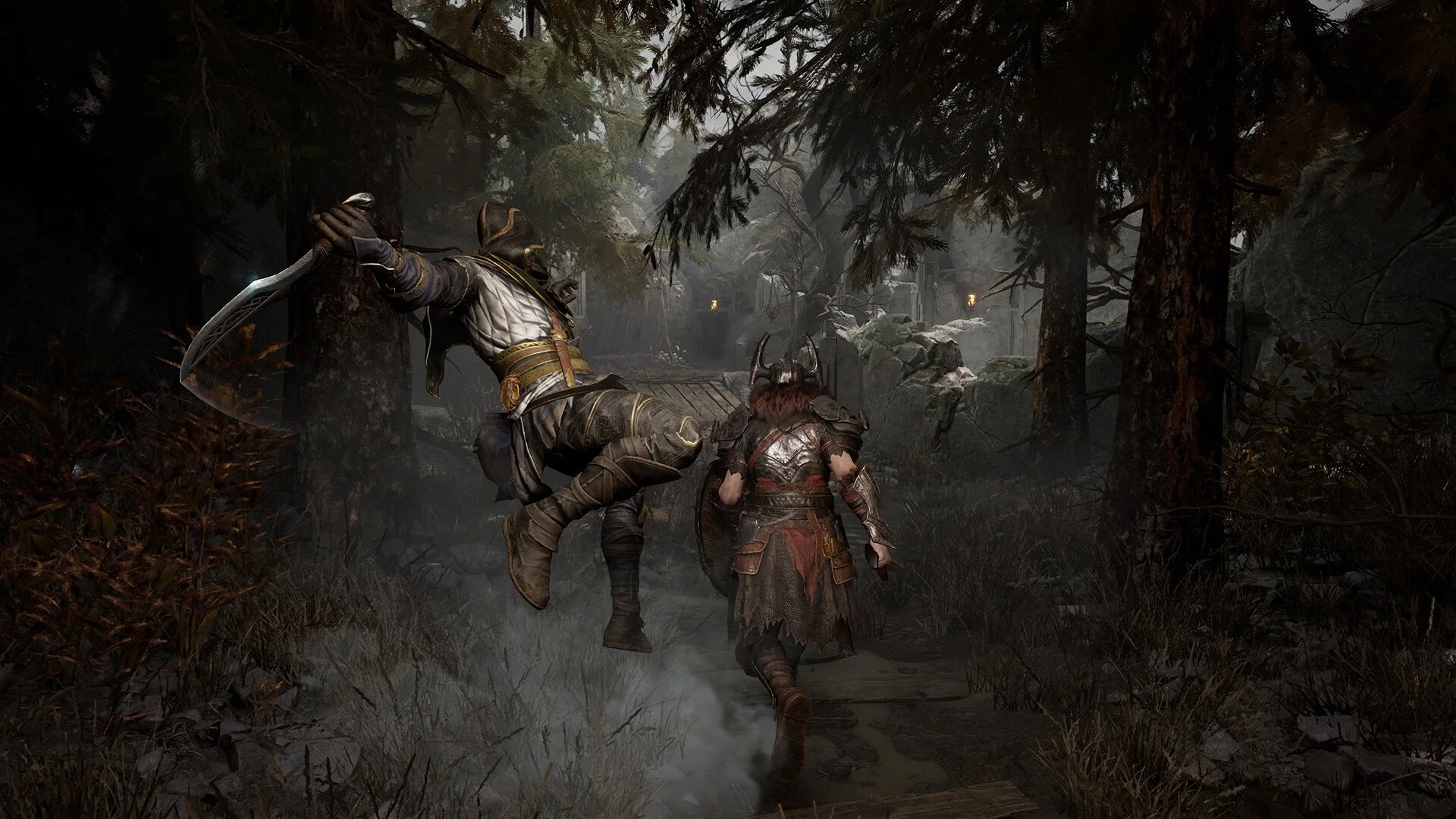
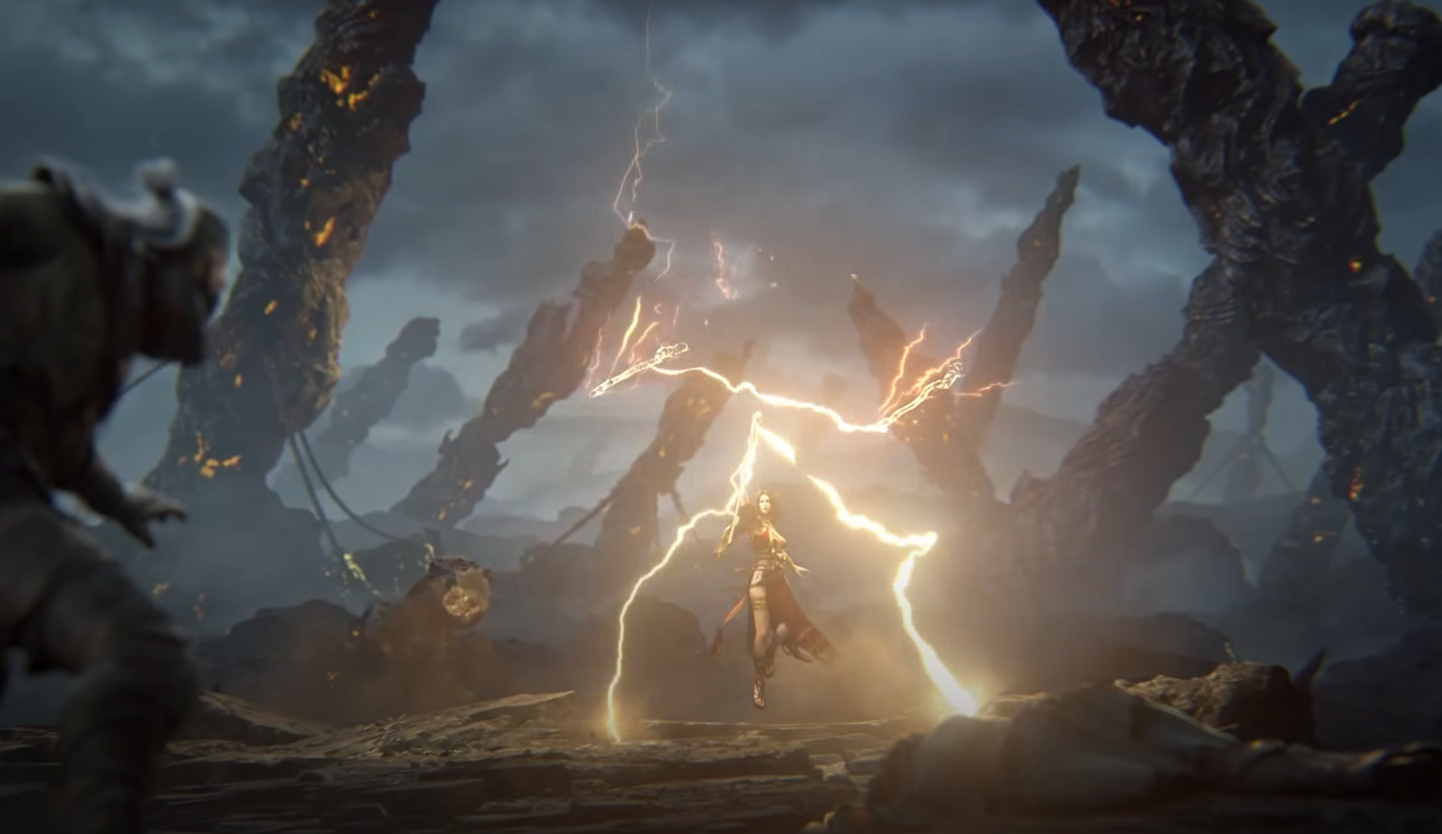
That can make the default perspective feel unusually close, especially during fights where several enemies, spell effects, and environmental objects are competing for space on the screen. Unfortunately, changing the standard graphics settings will not meaningfully widen your view.
Can You Change the FOV in Mistfall Hunter?
No, you cannot change the FOV through Mistfall Hunter’s in-game settings. The video and graphics menus include common options such as display mode, brightness, resolution scaling, and FSR, but they do not include an FOV slider or camera distance control.
This means every player currently uses roughly the same fixed camera perspective. Raising your resolution, changing the window mode, or adjusting FSR may improve image clarity, but none of those settings increase how much of the area around your character is visible.
Why the Mistfall Hunter Camera Feels So Close
Mistfall Hunter combines third-person action combat with extraction mechanics, so situational awareness matters more than it does in a straightforward single-player action RPG. A relatively tight camera can feel restrictive when enemies approach from the sides, when larger character models fill the center of the screen, or when combat effects obscure nearby threats.
The darker environments also make the limited peripheral view more noticeable. You are not only trying to read enemy animations directly in front of you. You also need to watch doorways, corners, loot locations, and possible escape routes. A wider FOV would give players more visual information without requiring them to rotate the camera as aggressively.
Some players may still prefer the current perspective because it keeps characters and attack animations easy to read. The problem is the lack of choice. Even a modest slider would let players balance visibility against the more focused, cinematic look of the default camera.
Settings That Can Improve Visibility
Although you cannot expand the FOV, you can make the existing view easier to read. Start by adjusting brightness until dark areas remain atmospheric without hiding important floor details or enemy silhouettes. Increasing brightness too far can flatten the image, so the goal is visibility rather than making every shadow disappear.
FSR can also affect how clear the game looks during movement. More aggressive upscaling modes may improve performance, but they can make distant objects, foliage, and moving enemies appear softer. If your hardware can handle it, use the highest-quality FSR preset that maintains a stable frame rate.
A consistent frame rate is particularly important with a close third-person camera. Camera movement can feel more uncomfortable or disorienting when performance fluctuates, and dropped frames make it harder to track enemies near the edges of the screen. Lowering demanding graphics options may therefore improve the experience more than pushing every setting to its maximum.
These adjustments can make Mistfall Hunter easier to see and control, but they are not replacements for a real FOV setting. They improve the image presented by the fixed camera rather than changing the camera itself.
Could Mistfall Hunter Add an FOV Slider?
An FOV slider has already been requested by players. In response to a Steam discussion asking for an option reaching 120 FOV, a Mistfall Hunter developer thanked the player for the feedback and said the team would seriously consider it while continuing to improve the game.
That is not confirmation that an FOV slider is in development, and it does not guarantee the feature will be added. It does show that the developers are aware of the request, however, rather than the missing option necessarily being an overlooked menu setting.
A future implementation would not need to support an extremely wide 120-degree view to be useful. A controlled adjustment range, or even a few camera-distance presets, would address most of the complaints while allowing the developers to preserve the intended combat presentation.
Are There Any FOV Workarounds?
There is currently no confirmed official workaround for changing the Mistfall Hunter FOV. The setting is not exposed through the game menus, and players should be cautious about relying on unverified config edits, launch commands, or third-party camera tools.
This is especially relevant for an online extraction game. External modifications may cause visual problems, stop working after an update, or potentially conflict with the game’s online systems. Unless a method is documented or approved by the developers, the safest option is to use the standard camera and adjust the available visibility settings instead.
The Current State of Mistfall Hunter FOV
For now, Mistfall Hunter is locked to its default third-person perspective. There is no FOV slider, camera-distance option, or graphics setting that produces a genuinely wider view.
The developer response gives players some reason to keep asking for the feature, but it should be treated as an acknowledgment rather than an announcement. Until the settings menu is expanded, improving brightness, image clarity, and frame-rate stability is the best way to make the fixed camera more comfortable.