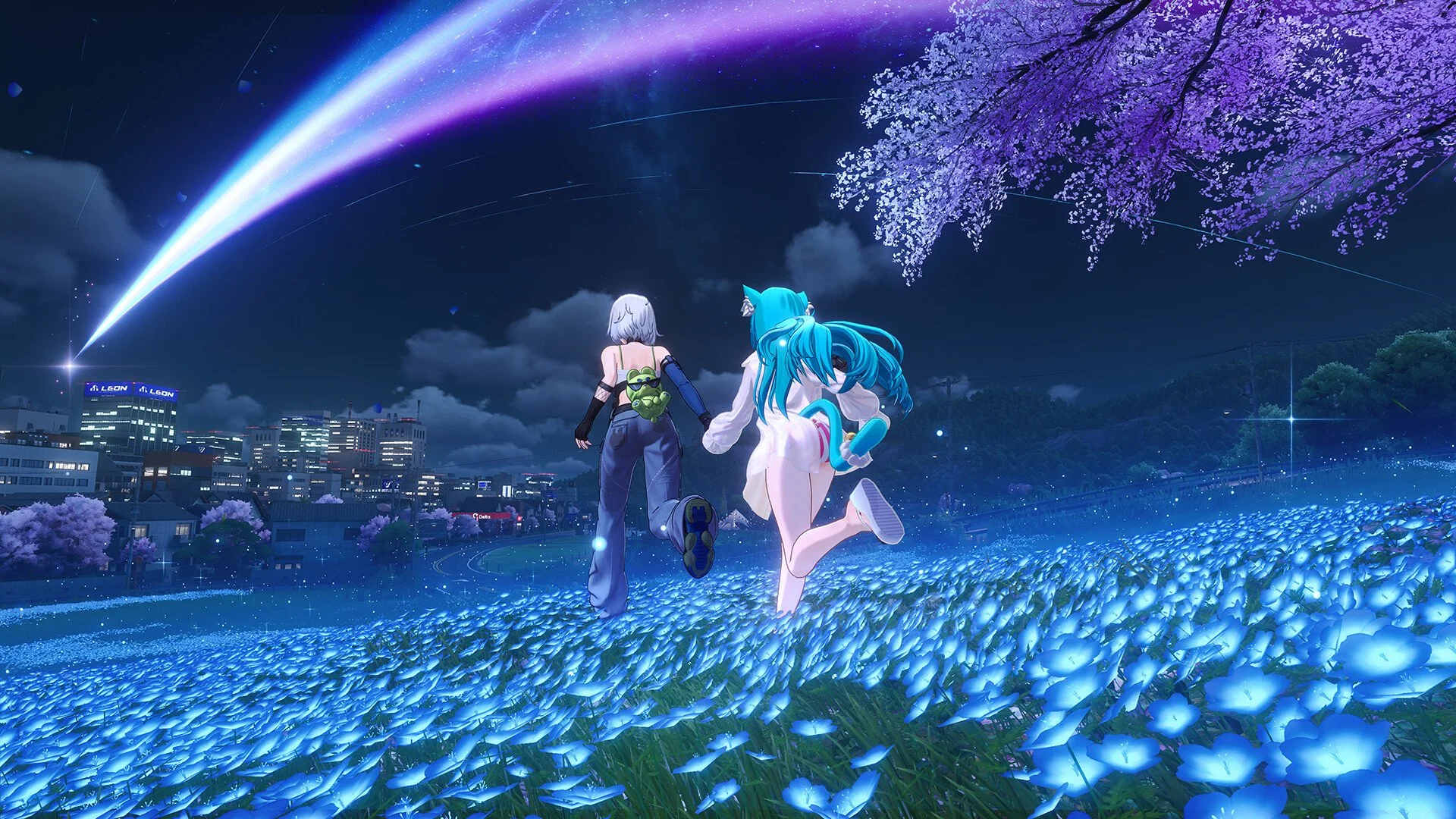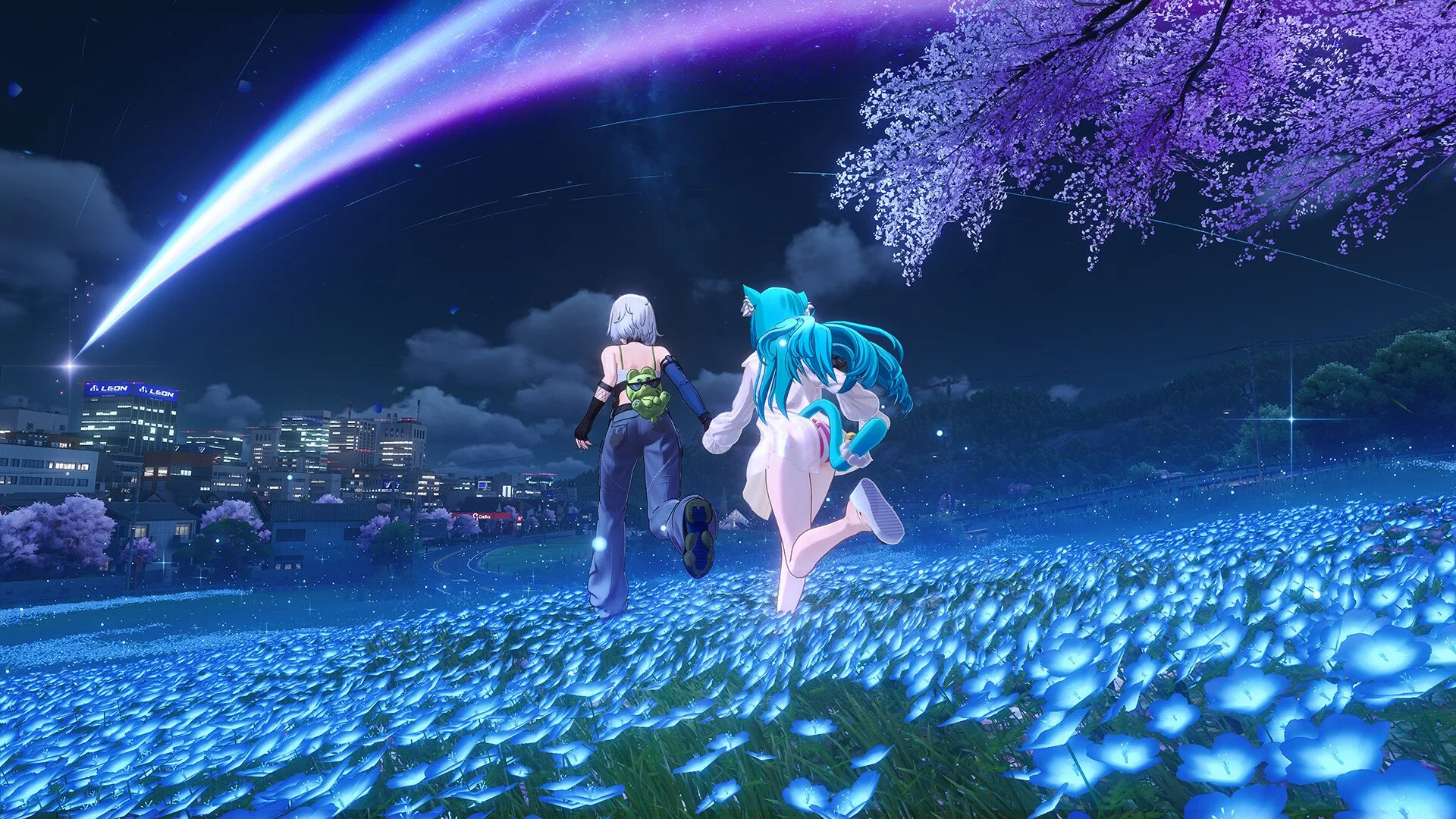
Multiplayer in Neverness to Everness does not unlock the moment you load into Hethereau, but it also does not make you wait through half the game before letting you play with friends. Co-op becomes available after the opening tutorial and early progression, around Hunter Level 8, once the Multiplayer option appears on your in-game phone.
The part worth knowing before you plan your entire friend group schedule around it is that Neverness to Everness co-op is not full story co-op. You can play certain activities together, explore parts of the world, visit homes, take on multiplayer-friendly challenges, and mess around in the city, but the main story still stays solo. It is more “bring your friends into your world for activities” than “turn the whole RPG into a four-player campaign.” So, no, it is not GTA Online with anomalies. Probably for the best, honestly.
If you are planning to use Shinku in co-op combat content, our Neverness to Everness Shinku build guide covers her best Arc, Cartridge, Modules, and team setup.
Jump To
When Does Multiplayer Unlock In Neverness To Everness?
Multiplayer unlocks in Neverness to Everness after you finish the opening tutorial and progress through the early game, usually around Hunter Level 8. Some players have reported seeing the co-op option slightly earlier, but the safest expectation is that you need to clear the first stretch of main quests, raise your Hunter Level, and wait for the Multiplayer menu to appear on your in-game phone.
In normal play, this should not take very long. If you are moving through the tutorial, completing early quests, and not spending thirty minutes admiring every traffic cone like it is part of a museum exhibit, you should reach the multiplayer unlock fairly early.
| Requirement | What It Means | What To Do |
|---|---|---|
| Finish the tutorial | Co-op is locked during the opening onboarding section. | Follow the early main objectives until the game opens up. |
| Raise Hunter Level | Multiplayer appears around the early Hunter Level 8 range. | Complete quests and early activities to gain Hunter EXP. |
| Open the phone menu | The Multiplayer option is accessed through the in-game phone. | Check the phone once the early systems start unlocking. |
| Add or search friends | You need your friend’s UID or invite access to join each other. | Use the Multiplayer menu to search and invite players. |
The game does not frame multiplayer as the first thing you do. It makes you get through the basic systems first, which is annoying if you downloaded the game just to play with a friend, but also understandable. Nobody needs four confused players standing in the tutorial asking where the buttons are. We have enough public suffering already.
How Do You Unlock Co-Op Faster?
To unlock co-op faster in Neverness to Everness, stay focused on main quests and early Hunter Level progression until the Multiplayer option appears. Do not drift too far into random exploration before the feature unlocks unless you are fine delaying co-op for the noble cause of opening every menu and pretending it was research.
The fastest path is simple: clear the tutorial, follow the main quest markers, complete any early activities the game pushes toward Hunter EXP, and check your phone menu once your Hunter Level climbs. If multiplayer is not visible yet, you probably have not reached the required progression point.
| Priority | Activity | Why It Helps |
|---|---|---|
| 1 | Main quests | Pushes early progression and unlocks core systems. |
| 2 | Tutorial objectives | Required before multiplayer becomes available. |
| 3 | Early side activities | Helps raise Hunter Level if you need more EXP. |
| 4 | Phone menu checks | Lets you see when Multiplayer has appeared. |
I would not overthink this part. If your goal is playing with friends, play the opening like someone trying to unlock a feature, not someone trying to solve the entire city’s urban planning situation before breakfast.
How Do You Invite Friends?
Once multiplayer is unlocked, open the in-game phone and look for the Multiplayer option. From there, you can search for another player using their UID, send an invite, or accept an invite from someone else. Your UID is the unique player number attached to your account, so that is usually the cleanest way to find the right person without guessing names like it is 2009 Xbox Live.
The host player’s world usually controls what is available. If your friend joins you, your progression and unlocked activities matter. If you join them, their world state matters instead. That becomes important if one player is further ahead and the other is still trapped in early-game chores, which is the natural state of every co-op friend group.
| Step | What To Do | What It Does |
|---|---|---|
| 1 | Open the in-game phone | Accesses the menu where multiplayer appears. |
| 2 | Select Multiplayer | Opens the co-op menu. |
| 3 | Search your friend’s UID | Finds the correct player account. |
| 4 | Send or accept an invite | Lets one player join the other’s world. |
| 5 | Choose an activity | Starts the part where co-op is actually useful. |
If your friend does not appear, double-check the UID first. After that, make sure both players are on compatible servers, have multiplayer unlocked, and are not currently inside a restricted mode or story sequence.
What Can You Do In Multiplayer?
Neverness to Everness multiplayer supports several shared activities, including exploration, combat challenges, racing, mini-games, and home visits. The exact amount of meaningful co-op depends on what you have unlocked and what activity you are trying to run, but the feature is clearly more than just standing next to someone for a screenshot and calling it social content. A low bar, somehow still worth clearing.
| Activity | Co-Op Support | Notes |
|---|---|---|
| Exploration | Yes | You can explore with friends where multiplayer is supported. |
| Combat challenges | Yes | One of the better uses for co-op, especially with stronger teams. |
| Racing | Yes | Good for quick multiplayer sessions. |
| Mini-games | Yes | More casual co-op content. |
| Home visits | Yes | Social feature for visiting another player’s space. |
| Main story | No | Story progression remains single-player. |
The best use of multiplayer early is to treat it like a shared activity layer, not the main campaign. Jump into combat content, test teams, race around, visit each other’s homes, and use co-op where the game actually supports it. If you go in expecting every quest, cutscene, and story beat to become four-player content, you are setting yourself up for the kind of disappointment usually reserved for patch notes that say “minor adjustments.”
Can You Play Story Missions In Co-Op?
No, main story missions in Neverness to Everness are not full co-op. Multiplayer is mainly for supported activities outside the core story, so you should expect to progress the main narrative alone and then group up with friends for the content that allows it.
That is the biggest limitation to understand before trying to play the game like a traditional co-op RPG. You and a friend can still spend time together in multiplayer, but the game is not built around both of you clearing every main quest side by side. The story is still your story. Your friend can visit, help with supported content, and judge your home design choices from a safe distance.
This is also why one player may feel like co-op is unlocked but still limited. The Multiplayer menu can be available while certain quests, areas, or modes remain restricted. Unlocking co-op does not mean every part of the game immediately becomes open season for party play.
Why Is Multiplayer Not Working?
If multiplayer is not working in Neverness to Everness, the most likely reasons are that one player has not unlocked co-op yet, the UID was entered incorrectly, the players are not in a compatible search range or server, or one player is currently in a restricted story sequence or special mode.
| Problem | Likely Cause | What To Try |
|---|---|---|
| Multiplayer button is missing | You have not unlocked co-op yet. | Continue the tutorial and early Hunter Level progression. |
| Player not found | Wrong UID, server issue, or search restriction. | Recheck the UID and make sure both players are on compatible servers. |
| Cannot join friend | One player may be in restricted content. | Have both players leave story missions, special modes, or menus and try again. |
| Invite fails | Progression or mode mismatch. | Let the lower-progress player unlock more early systems first. |
| Activities are limited | The host has not unlocked enough content. | Use the player with more progression as host if possible. |
The “special mode” message usually means the player is doing something the game does not allow co-op joining during. Finish the current sequence, return to normal exploration, and try the invite again. It is not always explained clearly in-game, because apparently “please leave the thing you are currently inside” was too direct for modern UI design.
If the issue is “Player not found,” start with the boring fixes first. Confirm the UID, confirm the server or region, make sure both players are online, and check that both accounts have actually unlocked multiplayer. Co-op problems are often less mysterious than they feel. The game just enjoys making them look official.
Best Things To Do First In Co-Op
The best things to do first in Neverness to Everness co-op are combat challenges, racing, exploration, and home visits. Combat content is the most useful if you want multiplayer to feel like it matters, while racing and mini-games are better if you just want something quick to do with friends without turning the session into a spreadsheet.
| Activity | Best For | Why It Works Early |
|---|---|---|
| Combat challenges | Testing teams and damage | Lets multiple players contribute instead of just wandering around. |
| Exploration | Casual co-op | Good for learning the city together once multiplayer is available. |
| Racing | Quick sessions | Easy to jump into without much setup. |
| Mini-games | Low-pressure multiplayer | Works when you want co-op without committing to harder content. |
| Home visits | Social play | Useful if you care about housing and showing off your space. |
If you are playing with a friend who just unlocked multiplayer, start with something simple before trying to optimize everything. Make sure invites work, confirm both players can load into the same world, and test a few activities. Once that is stable, then worry about faster boss clears, better team setups, and whether your friend has built their characters or simply equipped whatever looked emotionally supportive.
Is Co-Op Worth Playing?
Co-op is worth using in Neverness to Everness if you want to run supported activities with friends, test combat setups, explore together, or spend time in the game outside the main story. It is not worth expecting a fully shared campaign, because that is not how the multiplayer system is currently built.
The best way to approach it is with realistic expectations. Multiplayer is a useful layer on top of the solo RPG, not a replacement for the solo RPG. If the game expands co-op over time, it could become a much bigger part of the experience, but at launch and in the early version of the game, the main value is in supported side activities rather than full narrative progression.
For now, unlock multiplayer by pushing through the tutorial and early Hunter Level progression, use the phone menu to invite friends by UID, and focus on the activities that actually support co-op. It is not the deepest multiplayer system in the world, but it gives you enough to play together once the feature opens up. More importantly, it lets everyone stop asking when co-op unlocks and start asking the more traditional multiplayer question: why is someone always still in a menu?
For more builds, unlock guides, and character coverage, check the Neverness to Everness guide hub.