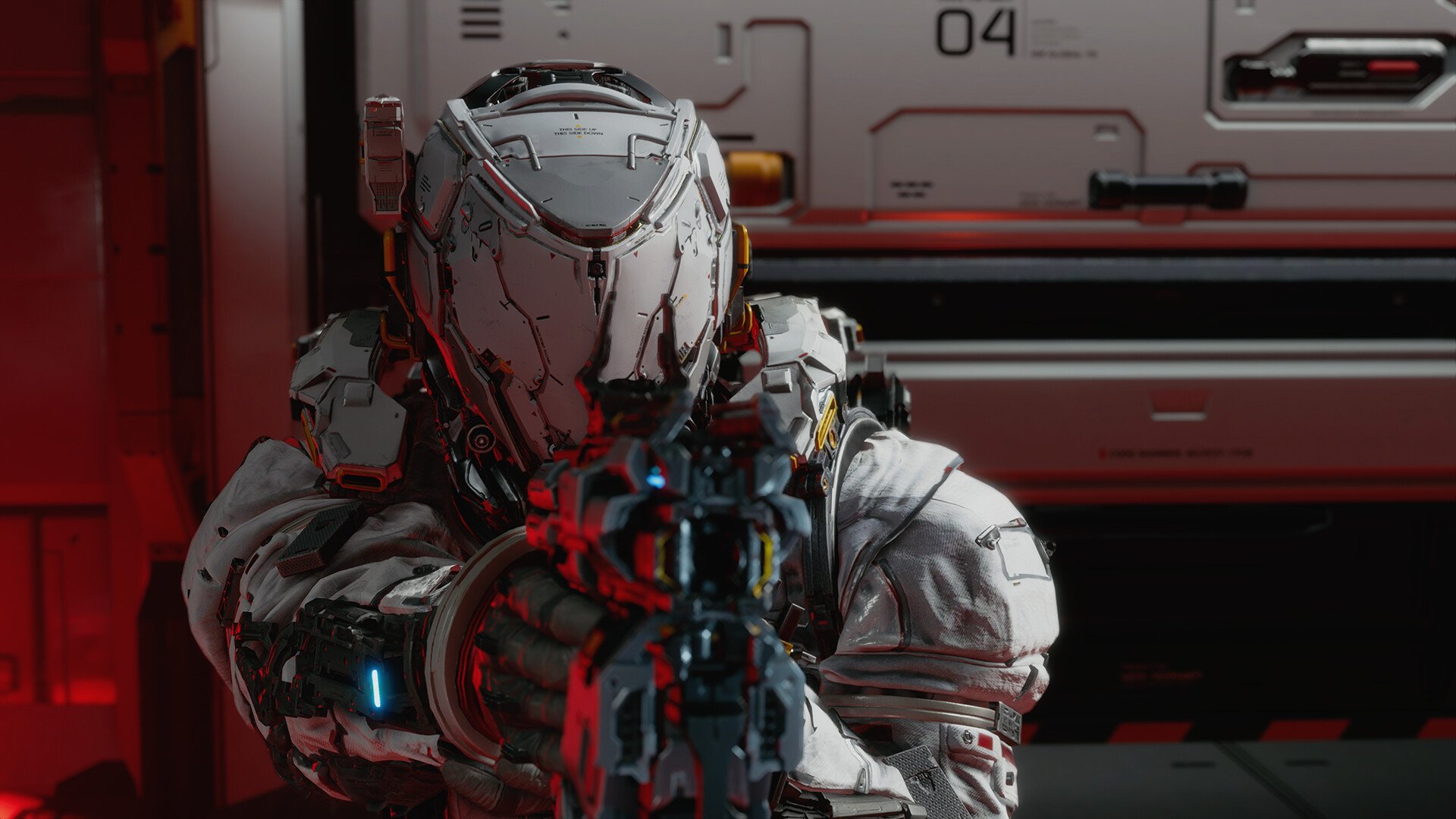
Pragmata: How to Equip Mods and Unlock Mod Slots
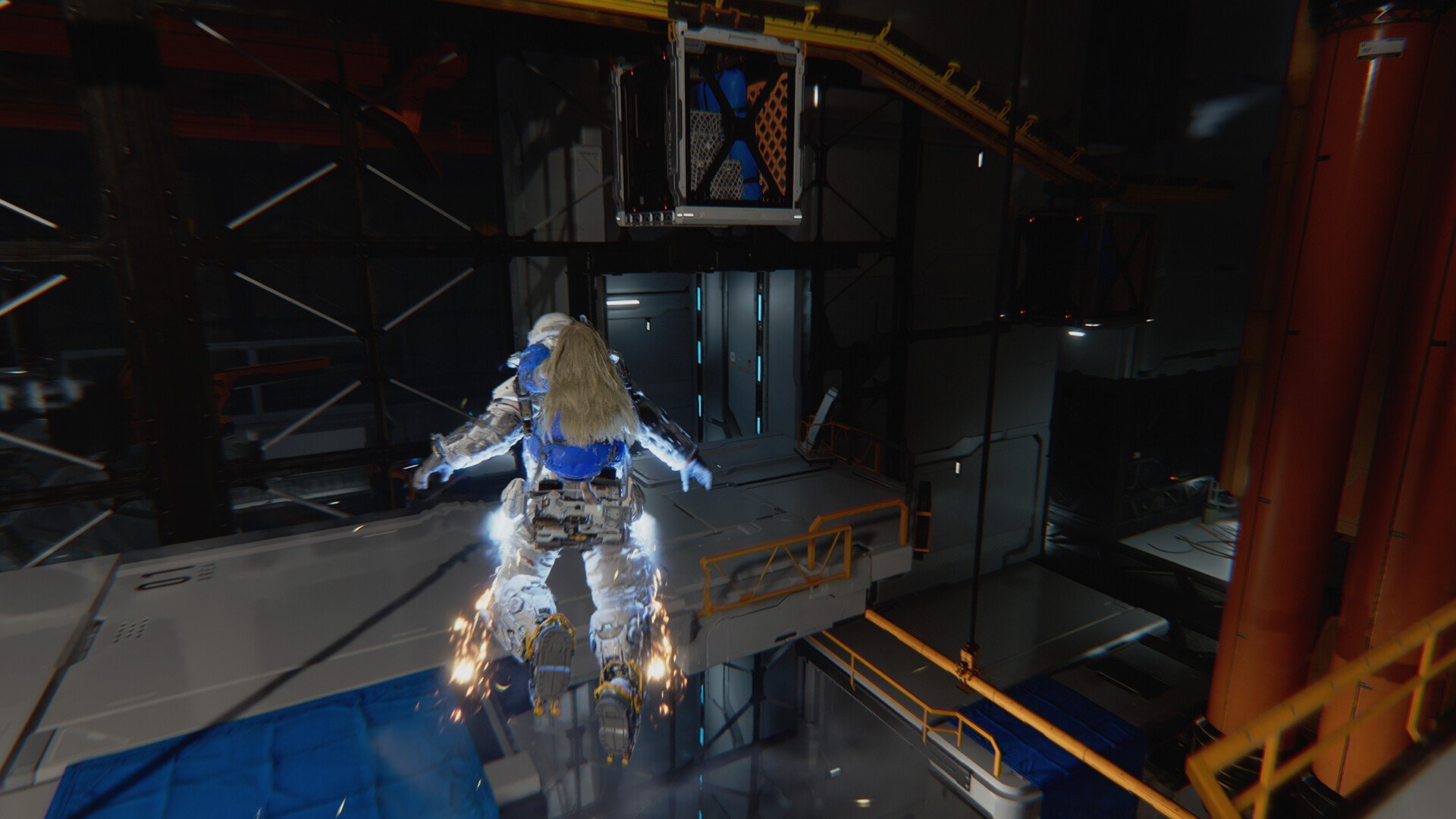
Mods in Pragmata are where your build actually starts to come together, but it was frustrating me trying to figure it out cause the game doesn’t specifically tell you where to equip them or why nothing changes when you first pick one up. The system only clicks once you start using the Shelter properly.
How Mods Are Equipped in Pragmata
To equip mods in Pragmata, go to the Shelter, open your loadout, and assign mods into your available mod slots before entering a sector.
Mods do not auto-equip when you find them. I had one sitting in my inventory for a while thinking it was active, but nothing changed until I actually went into the Shelter and slotted it manually.
Once it is equipped, the effect is always active during gameplay. There is no activation or trigger. It just becomes part of your build the moment you leave the Shelter.
Early on, you only get one slot, which makes every choice feel more important. You are basically deciding your entire build around a single bonus.
How to Unlock More Mod Slots
This is where the system really opens up.
You increase your mod slots through the Unit Printer inside the Shelter. Under the upgrade section, there is a Mod Slot upgrade that you can invest resources into. Each upgrade gives you one additional slot.
At the start, you are stuck with one mod, but as you progress through more sectors and upgrade the Shelter, you can stack multiple mods at once. That is when builds actually start to feel powerful, because you are no longer choosing between damage, defense, or hacking, you are combining them.
The difference between running one mod and running several is huge. It changes how fights play out completely.
Where Mods Come From
Mods are not tied to one system. You pick them up from multiple places while playing.
Most of them come from exploration. If you go off the main path, check side rooms, or open optional chests, you will start finding them naturally.
They also show up through:
optional combat encounters like Red Zones
Cabin Boards and reward tracks
hidden areas that are easy to miss
Diana will sometimes point things out nearby, and if you upgrade her scan, finding mods becomes much easier over time.
Why Mods Sometimes Feel Like They Are Not Working
It is easy to think mods are bugged early on.
Most of the time, the issue is:
the mod is not equipped in the loadout
you only have one slot active
the bonus is subtle without stacking
A single mod usually feels small on its own. The system is designed around combining multiple effects, so once you unlock more slots, the impact becomes much more noticeable.
How Mods Affect Your Build
Mods are passive bonuses, but stacking them is where the real impact shows.
They fall into four types:
attack mods improve damage and weapon behavior
hacking mods improve Diana’s hacking output
defense mods increase survivability
support mods add utility or resource bonuses
Running a single mod feels minor. Running multiple at once changes your entire approach. Extending hack windows, increasing damage, and reducing incoming damage at the same time makes encounters much more controlled.
Best Early Mods to Equip First
Early on, you are limited to one slot, so picking the right mod matters more than later when you can stack multiple.
A simple rule that worked well early:
damage-focused mod if fights feel slow
hacking mod if you struggle to finish hack sequences
defensive mod if you are taking too much damage
You are not building a perfect setup yet, you are just picking what fixes your biggest problem right now. Once you unlock more slots, this shifts into combining strengths instead of patching weaknesses.
Quick Steps to Equip Mods
unlock the Shelter
collect a mod through exploration or rewards
open the loadout menu in the Shelter
assign the mod to a slot
upgrade mod slots at the Unit Printer to equip more
When You Should Swap Mods
Mods are meantt to be swapped, not locked in.
Every time you return to the Shelter, you can adjust your loadout before heading back out. This becomes important once fights start getting harder.
If something feels off, changing mods can fix it immediately. More damage speeds things up, while defensive setups give you more room to recover.
Final Blurb
Equipping mods in Pragmata is simple once you know it is tied to the Shelter, but the real depth comes from expanding your mod slots and stacking effects together. Early on, it feels limited, but once you unlock more slots, your build starts to take shape and combat becomes much more flexible depending on how you set things up.